Top OpenClaw Workflows for AI Video Dubbing and Lip Sync
The AI video translation market hit $2.68 billion in 2024 and is growing at 28.7% annually, yet most dubbing guides stop at recommending a single tool. This guide covers how to chain OpenClaw skills into a full dubbing pipeline, from transcription through lip-synced output, and how to manage the large video files that result from batch processing.

Why AI Dubbing Pipelines Need Orchestration
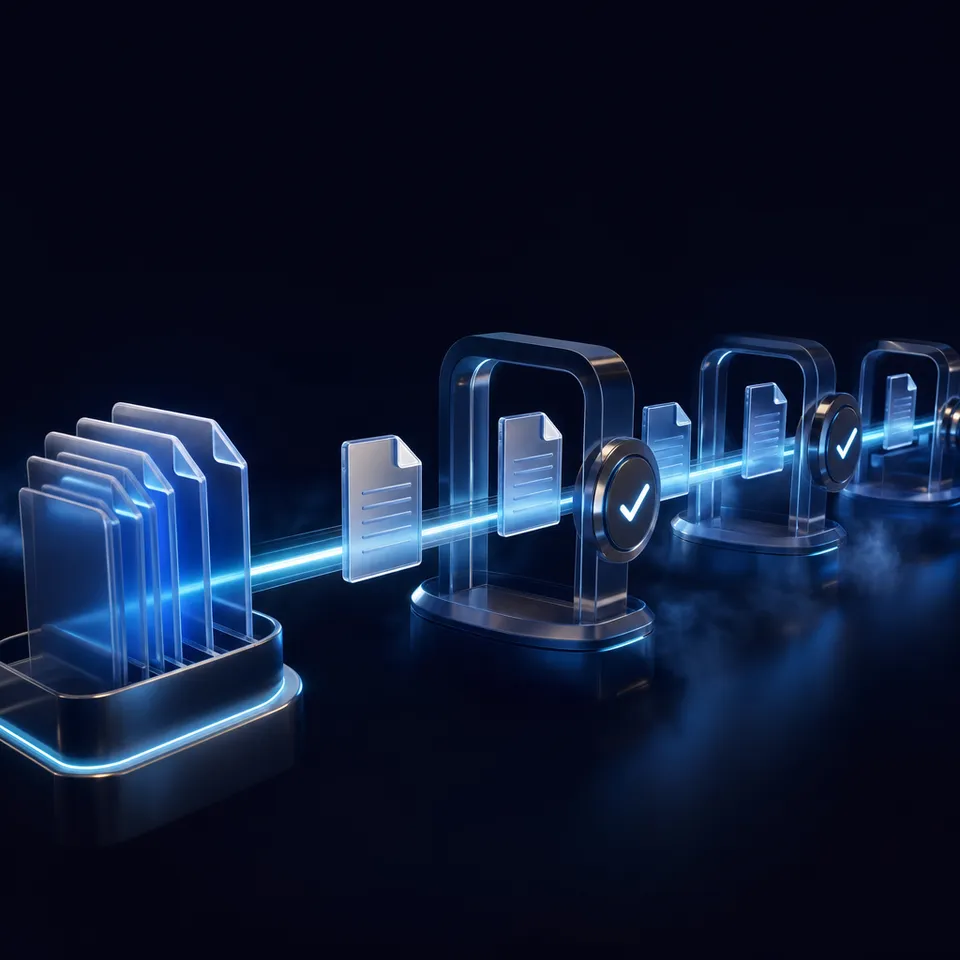
The AI video translation market reached $2.68 billion in 2024 and is growing at a 28.7% compound annual rate, according to Market.us. That growth is driven by a simple problem: dubbing a single video into five languages used to cost thousands of dollars and take weeks. AI tools have compressed the cost and timeline, but the workflow still involves multiple steps that need to talk to each other.
A typical dubbing job requires transcription, translation, text-to-speech synthesis, lip sync generation, and subtitle burning. Each step uses a different model and produces different file types. Most lip sync tool roundups cover the last step and ignore everything before it.
OpenClaw solves this by letting you chain skills together in a single agent session. Each skill handles one stage of the pipeline. The agent passes output from one skill to the next, keeping the workflow automated without requiring you to manually download, rename, and re-upload files between tools.
The gap in existing guides is exactly here: they compare lip sync tools in isolation, but nobody shows how to wire them into a pipeline that takes a raw video in English and produces a dubbed version in Japanese with synchronized lip movements.
Related guides
- How to Automate Video Review Workflows with Manus AIWhile AI-driven automation can slash initial video editing and rough-cut assembly times by up to 80%, creative teams...
- How to Integrate an AI Video Editor in Clay GTM SequencesIntegrating an AI video editor API into Clay Go-To-Market (GTM) sequences automates personalized video creation for...
- Best OpenClaw Workflows for AI Music Video and Lyric Video CreationOpenClaw 2026.4.5 shipped music_generate and video_generate as built-in tools, but most guides cover them in isolation....
- Best OpenClaw Workflows for AI Product Demo Video and Walkthrough CreationOpenClaw's ecosystem includes a dedicated demo-video skill that records browser walkthroughs through CDP screencast, a...
- Top OpenClaw Workflows for AI Image-to-Video ConversionOpenClaw's video_generate tool supports 13 providers for image-to-video conversion, each with different strengths. Some...
- Top OpenClaw Workflows for AI Text-to-Video GenerationOpenClaw agents can generate video directly from text prompts, but the right workflow depends on what you are building....
More on this subject: OpenClaw Workflows and Integrations (69 guides)
How to Extract and Translate Dialogue for Dubbing
Every dubbing pipeline starts with getting the source dialogue into text. OpenClaw has several skills for this, and the right choice depends on where your source video lives.
Transcription options:
- faster-whisper: Runs Whisper locally for speech-to-text. No API key needed. Handles most languages well and works on standard hardware. Best for teams that want to keep processing local
- assemblyai-transcribe: Cloud-based transcription that handles audio and video files. Good accuracy on accented speech and noisy recordings
- elevenlabs-transcribe: Another cloud option through ElevenLabs. Useful if you already have an ElevenLabs API key for the TTS stage
For YouTube source material specifically, the subtitles skill pulls existing transcripts directly, which saves processing time when the original creator already uploaded captions.
Once you have the transcript, translation happens through general-purpose LLM capabilities in your OpenClaw session. The agent reads the SRT or JSON transcript, translates each segment while preserving timestamps, and writes a new subtitle file. The subtitle-translate-skill automates this by accepting SRT files and outputting translated versions through LLM APIs.
One practical detail most guides skip: translated text is rarely the same length as the original. Japanese and German sentences are often longer than English equivalents. If you plan to use text-to-speech in the next stage, you need the translated segments to stay within the original timing windows. Have the agent compress translations that exceed the source segment duration by more than 15%, or flag them for manual review.
Stage 2: Generate Dubbed Audio with Voice Cloning
With translated text in hand, the next stage converts it to speech that sounds like the original speaker. This is where the quality gap between a good dubbing pipeline and a bad one becomes obvious.
Text-to-speech skills on ClawHub:
- elevenlabs-tts: The most popular TTS integration for OpenClaw. Supports voice cloning from audio samples, 29+ languages, and fine-grained control over speed and emotion. You upload a voice sample from the original speaker, create a cloned voice profile, and the skill generates dubbed audio that matches the original timbre
- kokoro-tts: Runs locally without an API key. Lower quality than ElevenLabs but useful for prototyping and budget-sensitive projects
- deepdub-tts: Generates audio attachments with dubbing-specific optimizations
- siliconflow-tts-gen: Uses the CosyVoice2 API for Chinese-language dubbing projects
The voice cloning step matters because dubbed audio that sounds like a generic robot breaks immersion. ElevenLabs lets you create custom voices by uploading samples of the original speaker. The cloned voice handles the target language with the original speaker's vocal characteristics, which is far more natural than a stock voice reading translated text.
For batch processing, the agent can iterate over translated segments and generate individual audio clips per subtitle block. This segment-level approach gives you precise timing control and lets you re-generate individual lines without re-processing the entire video.



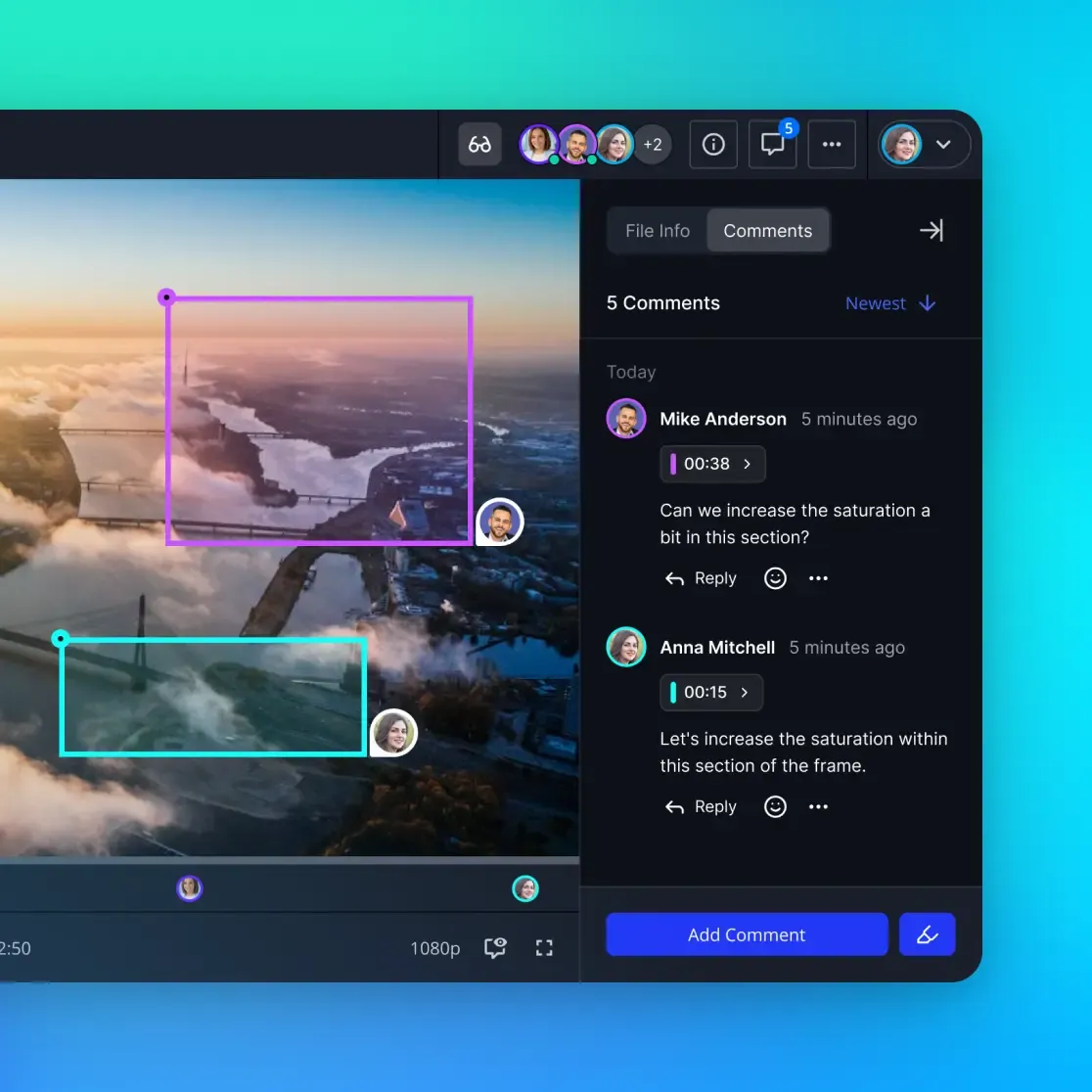
Store and deliver dubbed video files without the folder chaos
Workspaces for your dubbing pipeline output. Upload from OpenClaw agents via MCP, share with clients through branded links, and stream previews with HLS.
Stage 3: Apply Lip Sync to the Dubbed Video
This is the stage that gets the most attention, and for good reason. A Magic Hour Research benchmark from April 2026 tested four major tools across 20 video clips and five stress scenarios. The top scorer, Magic Hour, hit 89 out of 100 on a rubric weighting accuracy (30%), naturalness (20%), consistency (15%), audio handling (15%), automation (10%), and UX (10%). Higgsfield scored 88, Sync.so scored 83, and Hedra scored 81.
The benchmark confirmed what practitioners already knew: lip sync works well on frontal shots with moderate head movement, but quality drops on profile angles, fast motion, and scenes where hands cross the face.
OpenClaw skills for lip sync:
- eachlabs-video-edit: The most relevant skill for dubbing workflows. Listed on ClawHub as "Edit videos with lip sync, translation, subtitles," it accesses 25+ AI models through the EachLabs Predictions API, including the sync-lipsync model family from Sync Labs. The agent submits the dubbed audio and source video, polls for completion, and receives the lip-synced output
- ai-avatar-video: Generates talking-head videos by combining portrait images with audio. Supports multiple models including OmniHuman 1.5 for multi-character scenes, Fabric 1.0 for image-based talking heads, and PixVerse Lipsync. Better suited for avatar-style content than real-footage dubbing
For real footage dubbing, the eachlabs-video-edit skill is the practical choice. It handles the Sync Labs API calls, manages prediction polling, and returns downloadable video URLs. The agent can process multiple videos sequentially or run parallel predictions if your API plan supports it.
One important limitation: lip sync models process video segments independently, so cuts between shots can produce inconsistent mouth movements. Break long videos into scene-level segments before processing, then reassemble with the ffmpeg-video-editor skill.
Stage 4: Add Subtitles and Final Assembly
Even with lip sync applied, most localized videos still need subtitles. Viewers in some markets prefer subtitles alongside dubbed audio, and subtitles serve as a fallback when lip sync quality drops in difficult scenes.
The video-subtitles skill generates and burns subtitles into the final video. For more control, use the ffmpeg-video-editor skill, which accepts natural language instructions and generates FFmpeg commands for subtitle overlay, audio mixing, and format conversion.
A complete assembly workflow looks like this:
- Take the lip-synced video from Stage 3
- Overlay translated subtitles using the timing data from Stage 1
- Mix the dubbed audio at full volume with the original background music track at reduced volume
- Export in the target format (MP4 with H.264 for web, ProRes for broadcast)
For batch workflows processing the same video into multiple languages, the agent can loop through language targets and run Stages 2 through 4 for each one. The source video and transcription from Stage 1 stay the same. Only the translation, TTS, and lip sync steps repeat per language.
How to Manage Dubbed Video Files at Scale
A single dubbed video in 1080p runs 1 to 3 GB depending on length and codec. Multiply that by five target languages and you have 5 to 15 GB of output from one source video. Batch processing ten videos creates 50 to 150 GB of intermediate and final files. This is where most ad-hoc dubbing setups fall apart.
Local storage fills up fast. Cloud object stores like S3 work but require manual organization. Google Drive and Dropbox cap uploads and lack the metadata structure to track which version of which video is in which language.
Fastio handles this by giving agents a workspace where they can upload, organize, and share video files directly. Teams can get started with a 14-day Business Trial (card required; see pricing). Agents access the workspace through the MCP server, which provides tools for uploading chunked files, creating folder structures per language, and setting permissions on finished deliverables.
The practical workflow: your OpenClaw agent processes a dubbing job, uploads each language version to a Fastio workspace organized by language code (en/, ja/, de/, es/, pt/), and creates a branded share link for the client. The client reviews all versions in one place with HLS streaming previews, without downloading anything. When the client approves, ownership transfers to their account.
For teams doing regular localization work, once Intelligence Mode is enabled for the workspace, uploaded video metadata and files are indexed for semantic search. You can ask "which videos have been dubbed into Japanese?" and get answers from the workspace's AI layer, with citations pointing to specific files.
Alternatives like local NAS storage or S3 buckets work for raw file storage, but they lack the review, sharing, and handoff features that make the dubbing delivery workflow smooth. Fastio sits between the agent's output and the client's inbox, handling the collaboration layer that raw storage misses.
Sources
References used to verify factual claims in this guide.
-
The AI video translation market reached $2.68 billion in 2024 and is growing at a 28.7% CAGR
-
Magic Hour scored 89/100, Higgsfield 88/100, Sync.so 83/100, and Hedra 81/100 in the April 2026 lip sync benchmark
-
eachlabs-video-edit skill supports lip sync, translation, and subtitles via 25+ AI models
Frequently Asked Questions
How do you dub a video with AI?
AI dubbing follows a four-stage pipeline. First, transcribe the source dialogue using speech-to-text (Whisper or AssemblyAI). Second, translate the transcript into your target language. Third, generate dubbed audio using text-to-speech with voice cloning to match the original speaker. Fourth, apply lip sync to match mouth movements to the new audio. OpenClaw skills can chain these stages together in a single automated session.
What is AI lip sync technology?
AI lip sync analyzes the phonemes in dubbed audio and modifies the speaker's mouth movements in the video to match. Modern models like Sync Labs' sync-lipsync use neural networks trained on face-speech pairs to predict realistic mouth shapes for each sound. Quality is highest on frontal faces with moderate head movement and drops on profile angles or fast motion.
Can OpenClaw automate video translation?
Yes. OpenClaw can run a full translation pipeline by chaining skills for transcription (faster-whisper, assemblyai-transcribe), translation (via the agent's LLM capabilities or subtitle-translate-skill), text-to-speech (elevenlabs-tts, kokoro-tts), and lip sync (eachlabs-video-edit). The agent manages file handoff between stages automatically.
What are the best AI dubbing tools in 2026?
Based on the April 2026 Magic Hour Research benchmark, top lip sync tools include Magic Hour (89/100), Higgsfield (88/100), Sync.so (83/100), and Hedra (81/100). For full dubbing pipelines, HeyGen offers an all-in-one platform with 175+ languages, while Sync Labs provides API access that integrates well with OpenClaw through the eachlabs-video-edit skill.
How much does AI video dubbing cost?
Costs vary by tool and volume. Sync.so charges $0.04 to $0.05 per second of processed video. HeyGen starts at $24/month for limited videos. Magic Hour offers a free tier with 400 credits. For the OpenClaw pipeline approach, the main costs are the ElevenLabs TTS API (voice cloning requires a paid plan) and the EachLabs API for lip sync processing.
Related Resources

Store and deliver dubbed video files without the folder chaos
Workspaces for your dubbing pipeline output. Upload from OpenClaw agents via MCP, share with clients through branded links, and stream previews with HLS.