
Install the Fastio plugin
Fastio's plugin is listed on the Cursor Marketplace. Install it there, or add the MCP config yourself below.
-
Step 1: Add the Fastio plugin
Open Fastio on the Cursor Marketplace and add it, or run this command in Cursor's chat.
Fastio on the Cursor Marketplace (opens in a new tab)/add-plugin fast-io -
Step 2: Ask Cursor to use Fastio
The plugin brings the Fastio MCP server and the Fastio agent guide, a skill that tells Cursor's agent how to use it. The first time the agent uses Fastio, Cursor signs in to Fastio in your browser.
-
Step 3: Choose what it can reach
On Fastio's Review Permissions screen, choose Read Only or Read & Write, and which organizations and workspaces the connection can reach.
Or add the MCP config yourself
Connect Fastio to Cursor by adding a custom MCP config.
Open Cursor settings
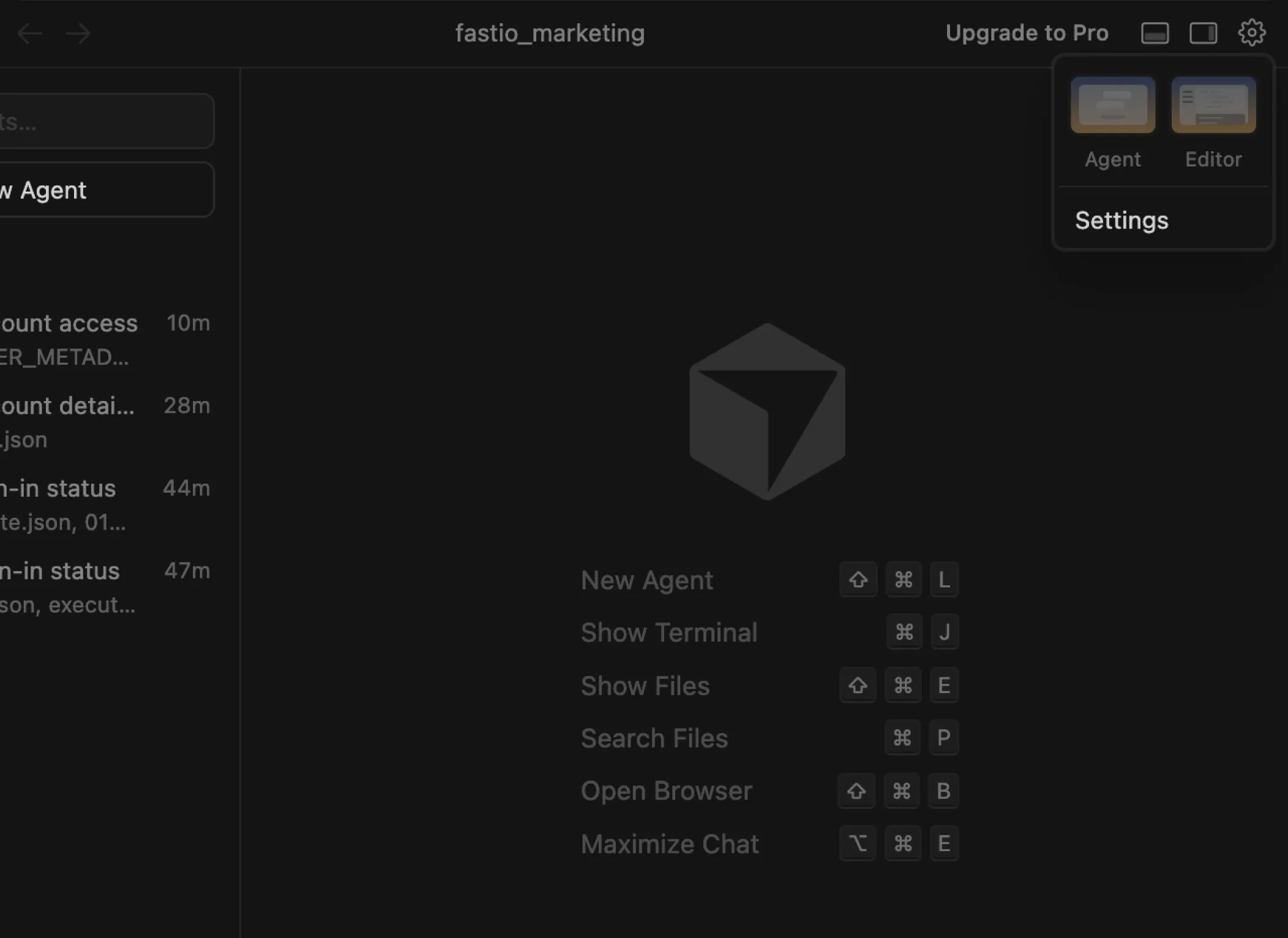
Click the gear icon in the top-right corner of the Cursor window, then click Settings in the dropdown menu.
Open MCP settings
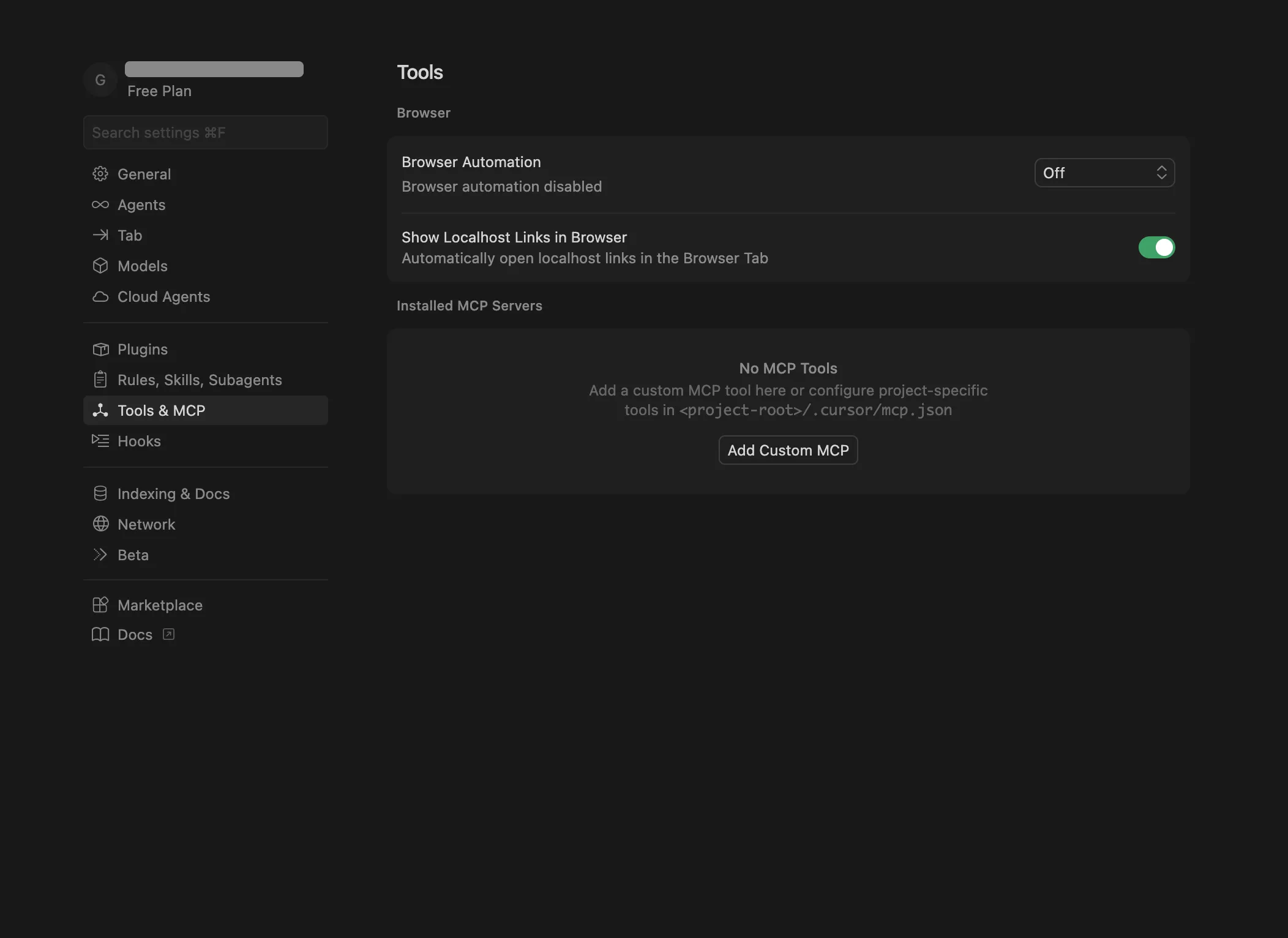
Click Tools & MCP in the left sidebar, then click Add Custom MCP.
Add the Fastio MCP config
Paste the following JSON into the MCP config editor.
{
  "mcpServers": {
    "fastio": {
      "url": "https://mcp.fast.io/mcp/code"
    }
  }
} Sign in to Fastio
Cursor connects to the server and asks you to sign in. A Fastio sign-in page opens in your browser. Sign in, then on the Review Permissions screen choose Read Only or Read & Write and which workspaces Cursor can reach. There is no API key to create or paste.
Ask Cursor about your account
Open the Cursor chat and paste the prompt below to verify the connection.
can you see your fast.io account? 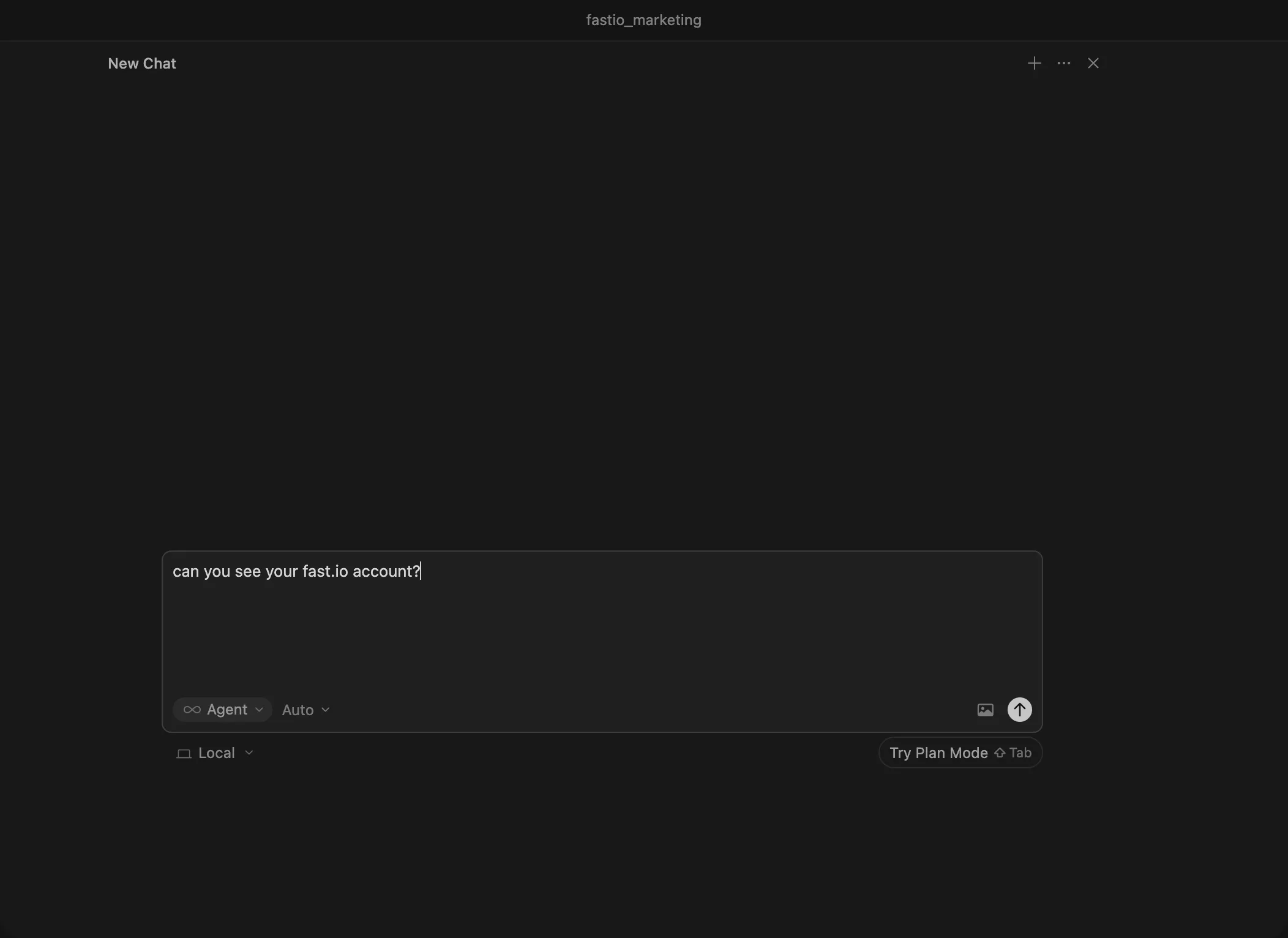
You're all set
Cursor can now access your Fastio account. You'll see your account details, workspaces, and storage information in the chat response.
Try these prompts
Copy and paste these into Cursor to see Fastio in action.
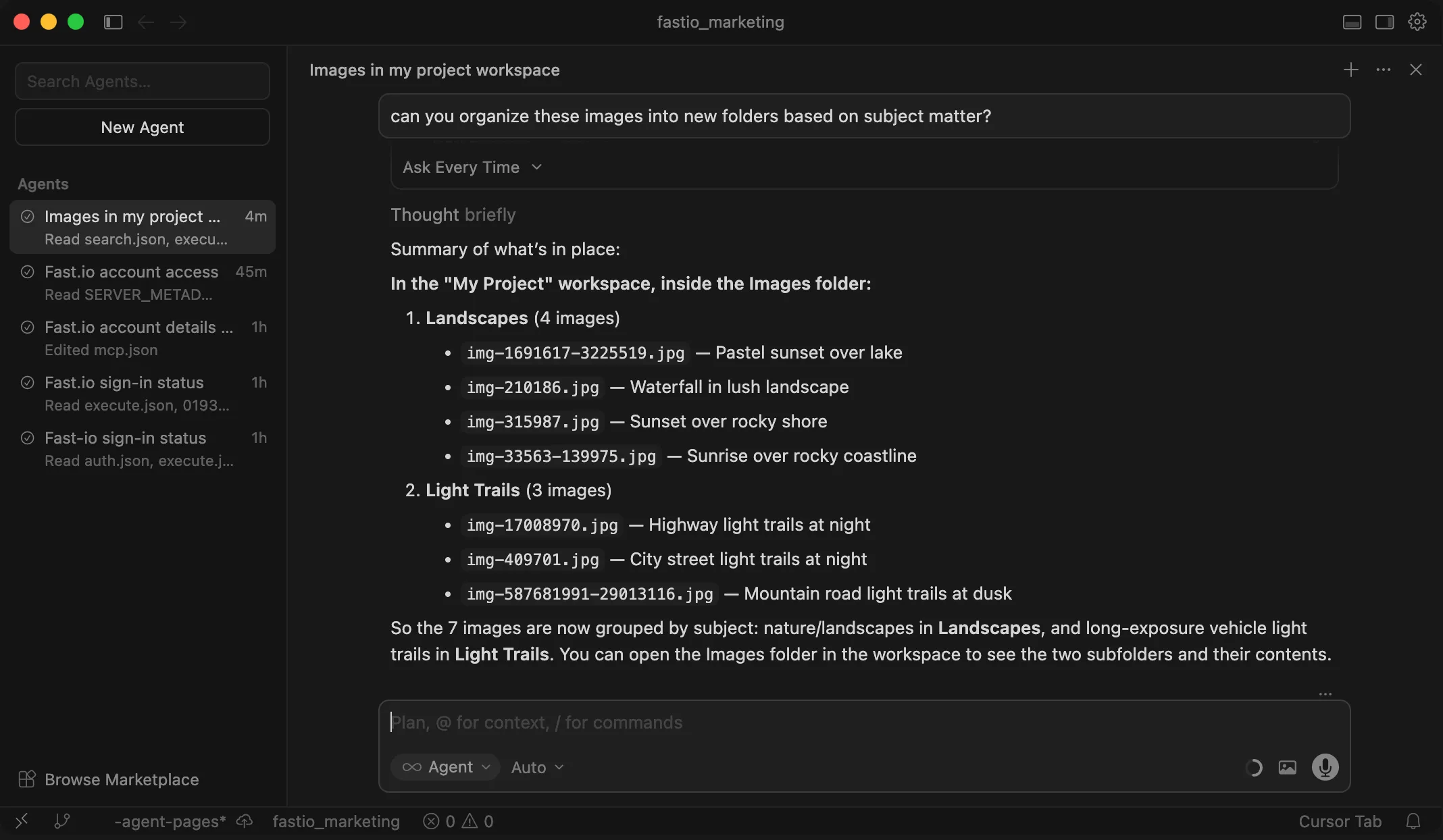
List all workspaces in this account Create a new folder named "Images" Give me a link to this newly created
folder $9.99/mo ($99/year). 14-day Business Trial first.
Monthly usage covers storage, bandwidth, and AI operations. Resets every 30 days.
Once Cursor is connected
Connecting is the first step. Here is what the workspace behind it does.
Works with Your Agent
A consolidated MCP toolset, persistent files, and somewhere for your agent to put its output.
Ripley AI
Search everything stored, chat with documents, and get summaries without opening a file.
Secure Workspaces
Org-owned shared spaces with granular permissions and per-file version history.
Cloud Import
Bring existing files in from Google Drive, Dropbox, OneDrive, Box, or any public URL.
Customizable Shares
Hand finished work to clients through links or branded portals. No account needed to open one.
Company Brain
Cited answers drawn from the documents your organization already has.
FAQ
Is Fastio on the Cursor Marketplace?
Yes. The Fastio plugin is on the Cursor Marketplace. Add it there, or run /add-plugin fast-io in Cursor's chat. It brings the Fastio MCP server and the Fastio agent guide, a skill that tells Cursor's agent how to use it.
What is the Fastio MCP server?
It's a server that provides Cursor with a consolidated set of workspace tools. By adding it to your project config, Cursor can upload files, create share links, and query documents using RAG.
How does authentication work?
Cursor signs in to Fastio in your browser the first time it connects. On the Review Permissions screen you choose Read Only or Read & Write and which workspaces Cursor can reach, so there is no API key to create or store.
Can I see what Cursor uploads?
Yes. Everything Cursor stores is accessible at go.fast.io. You can browse, preview, comment on, and download files from any device.
Is this per-project or global?
The MCP config lives in .cursor/mcp.json in your project root, so each project can have its own setup. You can also share the config across projects by copying the file.
What are the usage limits on the plans?
Fastio starts with a 14-day Business Trial. Our Starter plan ($9.99/mo) includes 250 GB storage and 100,000 credits/mo. Business ($49.99/mo) includes 5 TB storage and 600,000 credits/mo. Enterprise ($199.99/mo) includes 25 TB storage and 3,000,000 credits/mo. Existing files and share links always remain accessible.
Can Cursor share files with people who don't use Cursor?
Yes. Share links are regular web URLs. Recipients open them in a browser and get previews, downloads, and commenting features without needing an account.
Cursor's integrated terminal can run fastio commands directly.
The Fastio CLI gives you the same workspace tools — upload,
search, share — as a standalone command. It also includes a
built-in MCP server via fastio mcp.
npm install --global @vividengine/fastio-cli
Learn more

Give Cursor a professional workspace
Enable the consolidated MCP toolset for Cursor in minutes. Built-in shared workspaces, RAG search, and file sharing.