

 PDF
PDF Campaign Brief.pdf
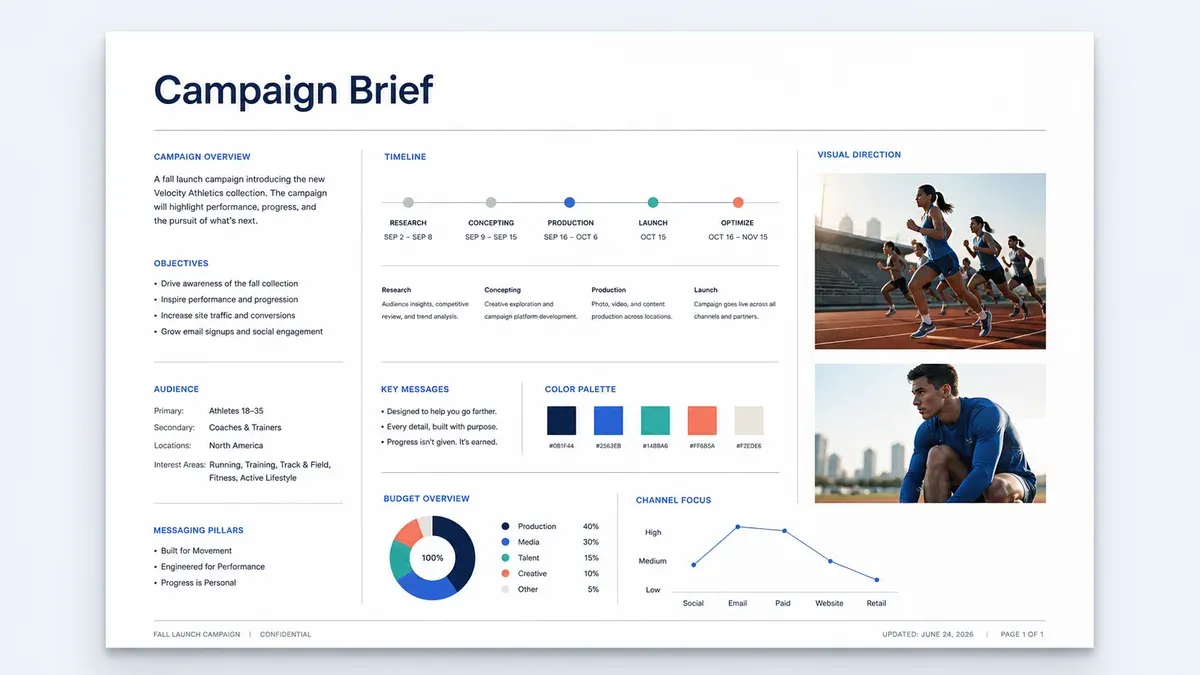
Your logo, your colors, your style. Every portal and shared folder looks like it was built in-house.
 PDF
PDF  PDF
PDF  JPG
JPG  JPG
JPG  MP4
MP4  JPG
JPG 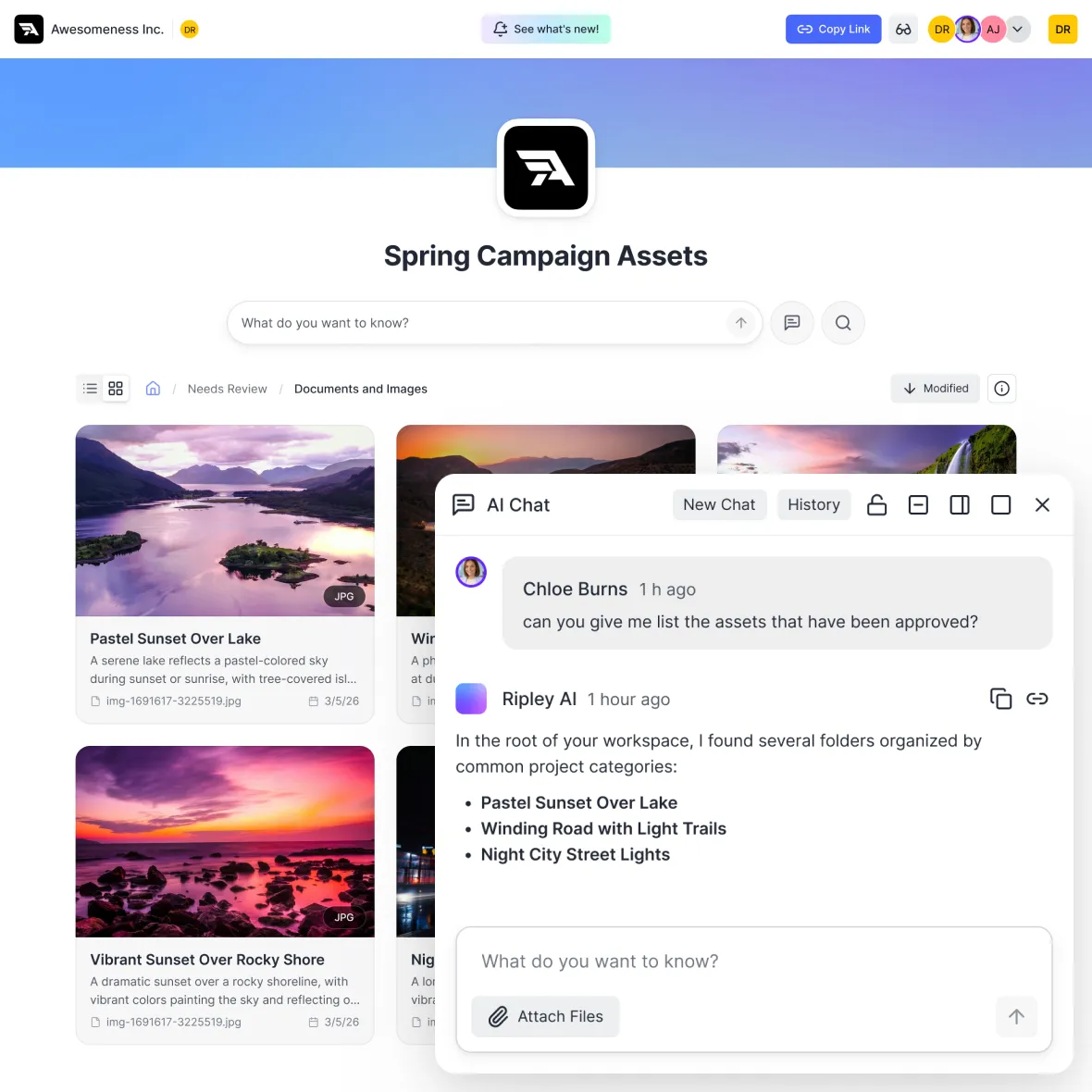
Set a portal logo or use an initials badge, choose header colors, and pick a default gradient or custom banner background. Add a title and description so clients know what they are looking at from the moment they arrive.
Every shared folder can carry your colours, a custom header, and a title and description, so a project handoff and a campaign drop never look like the same generic link.
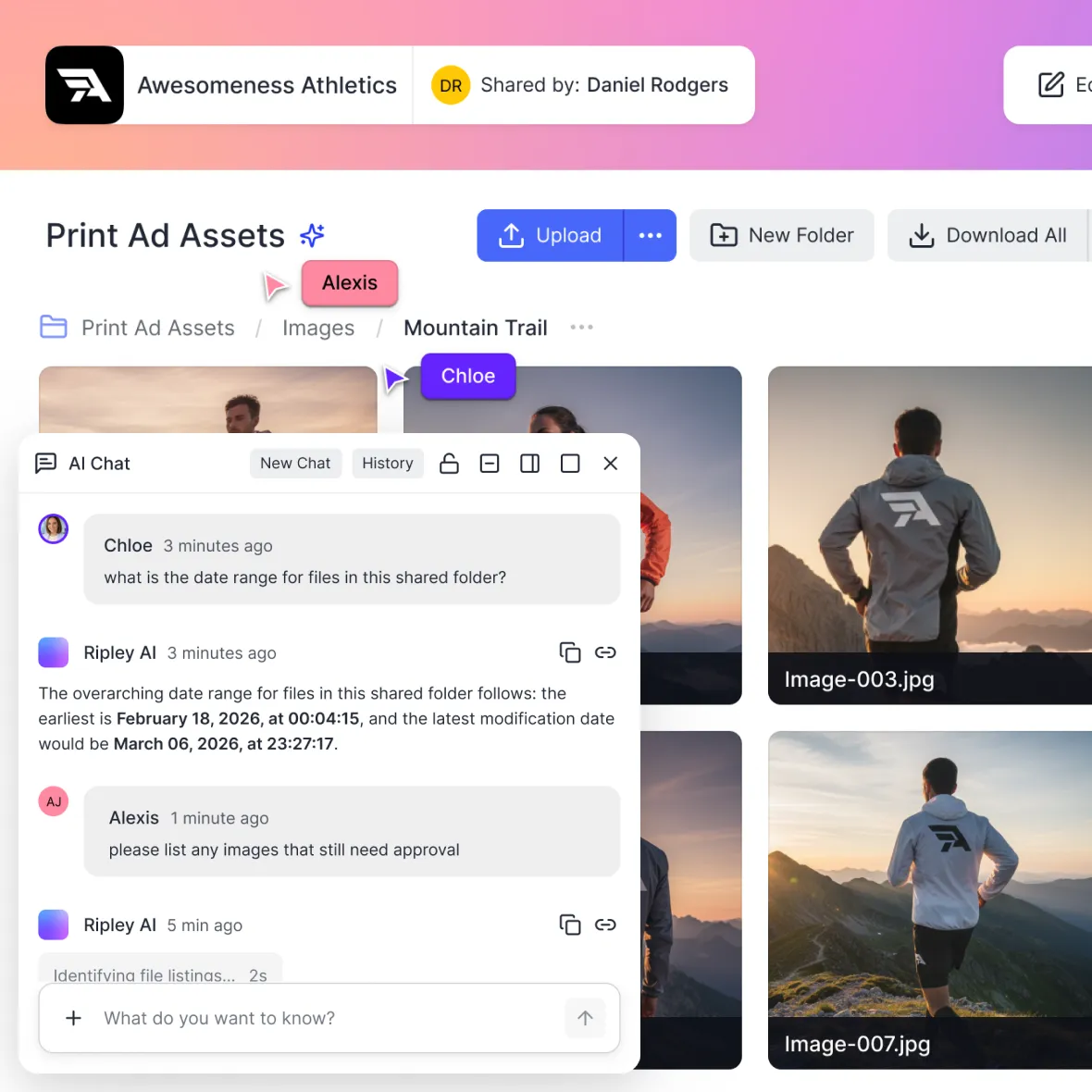
Choose the link people receive, decide whether it needs a password, and manage access settings before anything leaves the workspace. Recipients get a straightforward link, while your team controls who can open it.
Set it up in the interface, or drive the whole thing through the API when portals are created for you.
Use a custom logo or initials badge, then choose colors and a banner background for public pages.
Give every portal and shared folder a custom title and description so recipients know exactly what they're looking at.
Your customizations automatically scale perfectly across desktop, tablet, and mobile devices.
Automate portal creation with complete branding intact using our REST API. Perfect for programmatic workflows or client onboarding.
Add password protection to any portal or shared folder. Control exactly who can access your content while keeping the branded experience intact.
Give each share a readable URL and the right access settings, so recipients know what they're opening and your team stays in control.
Stop sending your clients to generic cloud storage folders. Build a branded portal in seconds.