Guides & How-tos
Practical guides to help you share files, collaborate with your team, build AI agent workflows, and get the most out of your agentic workspace.
All resources
Resource results

Windsurf File Size Limits in Devin Desktop: Indexing Caps and Rules
Cognition renamed Windsurf to Devin Desktop on 2026-06-02, transitioning the Cascade assistant into Devin Local while maintaining file boundaries. The Windsurf file size limit represents the threshold where the editor bypasses deep indexing or restricts direct file attachments to maintain IDE responsiveness. Understanding indexing caps, context rules, and remote MCP workspaces prevents editor degradation across complex repositories.

Trae Context Window: Token Limits, Builder Mode Context, and Codebase Indexing
The Trae context window defines the working token capacity ByteDance's AI IDE allocates for prompts, active files, and conversation history across models like Claude 3.5 Sonnet and GPT-4o. While Builder Mode dynamically selects code snippets and compacts session logs, large codebases can saturate active memory. Offloading external documentation and cross-repository context to an MCP-connected workspace prevents token exhaustion during complex development tasks.

How to Sync SharePoint to MCP: Enterprise Agent Document Access
Syncing SharePoint to MCP bridges enterprise Microsoft 365 document libraries with autonomous AI agents by synchronizing files into an indexed remote workspace that exposes targeted search tools over the Model Context Protocol. Rather than writing custom Graph API scripts that trigger rate limits and require tenant-wide credentials, teams establish scheduled folder synchronization to give agents fast retrieval and strict permission boundaries.

How to Sync OneDrive to MCP for AI Coding and Workflow Agents
Syncing OneDrive to MCP allows AI agents to access Microsoft OneDrive files through a standardized protocol by mirroring cloud folders into an indexed workspace served by a remote MCP endpoint. Direct Microsoft Graph calls and local Files On-Demand stubs often cause latency and silent read failures. Mirroring OneDrive folders to an intelligent workspace gives coding agents fast semantic search, persistent versioning, and unified MCP tooling across cloud and local runtimes.
How to Sync Google Drive to MCP for AI Agent Workspaces
Syncing Google Drive to MCP allows AI agents to access Google Drive files through a standardized protocol by mirroring cloud folders into an indexed workspace served by a remote MCP endpoint. Direct Google Drive API calls and local desktop MCP servers face rate limits, token exhaustion, and fragile credential storage. Mirroring Drive folders to an intelligent workspace gives AI agents fast hybrid search, persistent versioning, and unified MCP tooling across runtimes.
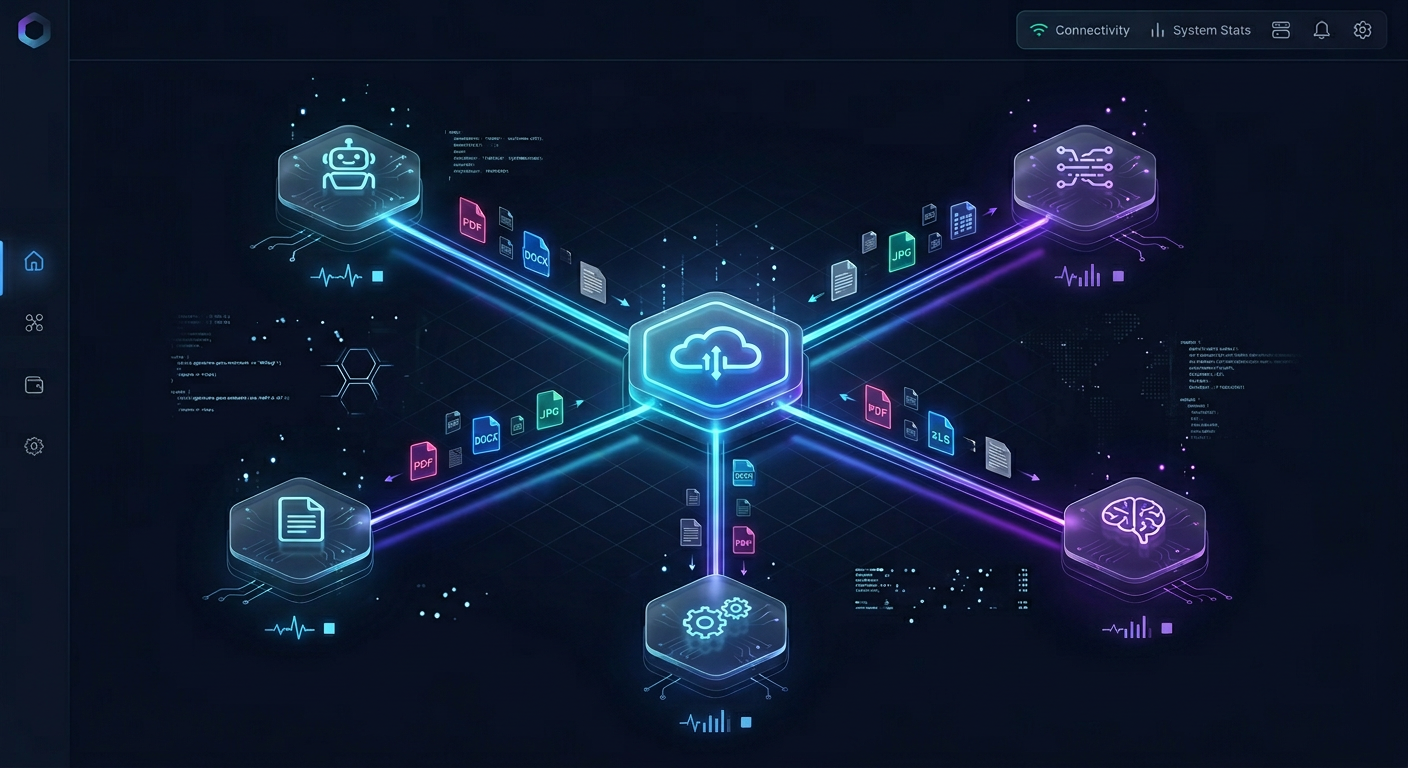
How to Sync Dropbox to MCP for AI Agents and Automated Pipelines
Syncing Dropbox to MCP gives AI agents fast, searchable access to team files without downloading entire directory trees. By pairing scheduled Cloud Sync with remote MCP search endpoints, automated pipelines bypass API rate limits, prevent context window bloat, and maintain persistent file context across multi-agent workflows.
MCP Payload Limits: JSON-RPC Message Caps, Transports, and Optimization
An MCP payload limit defines the maximum message size a Model Context Protocol client or server can exchange before hitting buffer overflows. Standard implementations support limits between `4MB` and `16MB` across stdio and HTTP transports. In practice, unmanaged tool returns trigger memory spikes and prompt context exhaustion. Developers must apply pagination, reference pointers, and external workspaces to query large corpora safely.
Model Context Protocol File Size Limits: Transports, Buffers, and Retrieval
While the Model Context Protocol specification enforces no hard file size cap, transport buffer constraints, JSON serialization overhead, and client memory limits create a practical MCP file size limit of 5MB to 10MB per read. Transferring raw files above this threshold degrades client UI responsiveness and overwhelms model context windows. Production architectures avoid raw file transfers over MCP by indexing large document corpora and retrieving targeted semantic chunks.
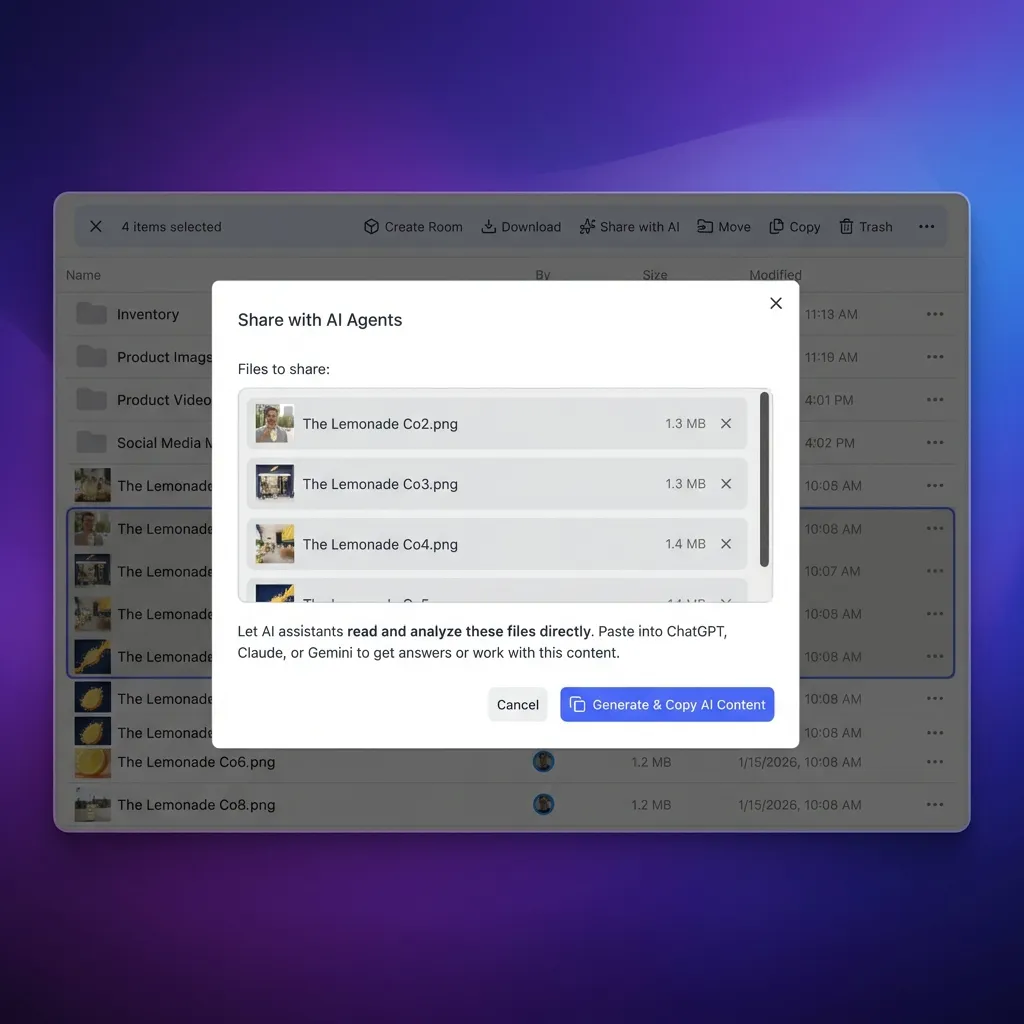
Manus AI Context Window: Token Limits, Subagent Memory, and Task Persistence
The Manus AI context window functions as an active working memory buffer of `128k` to `200k` tokens, but autonomous execution relies on offloading raw data to a sandbox filesystem rather than expanding token context without limit. Long-horizon operations distribute sub-tasks across parallel subagents to evade context saturation, while external cloud workspaces provide persistent file indexing and retrieval beyond ephemeral virtual machine lifecycles.
Legal File Transfer: Secure Methods for Large Case Files and Evidence
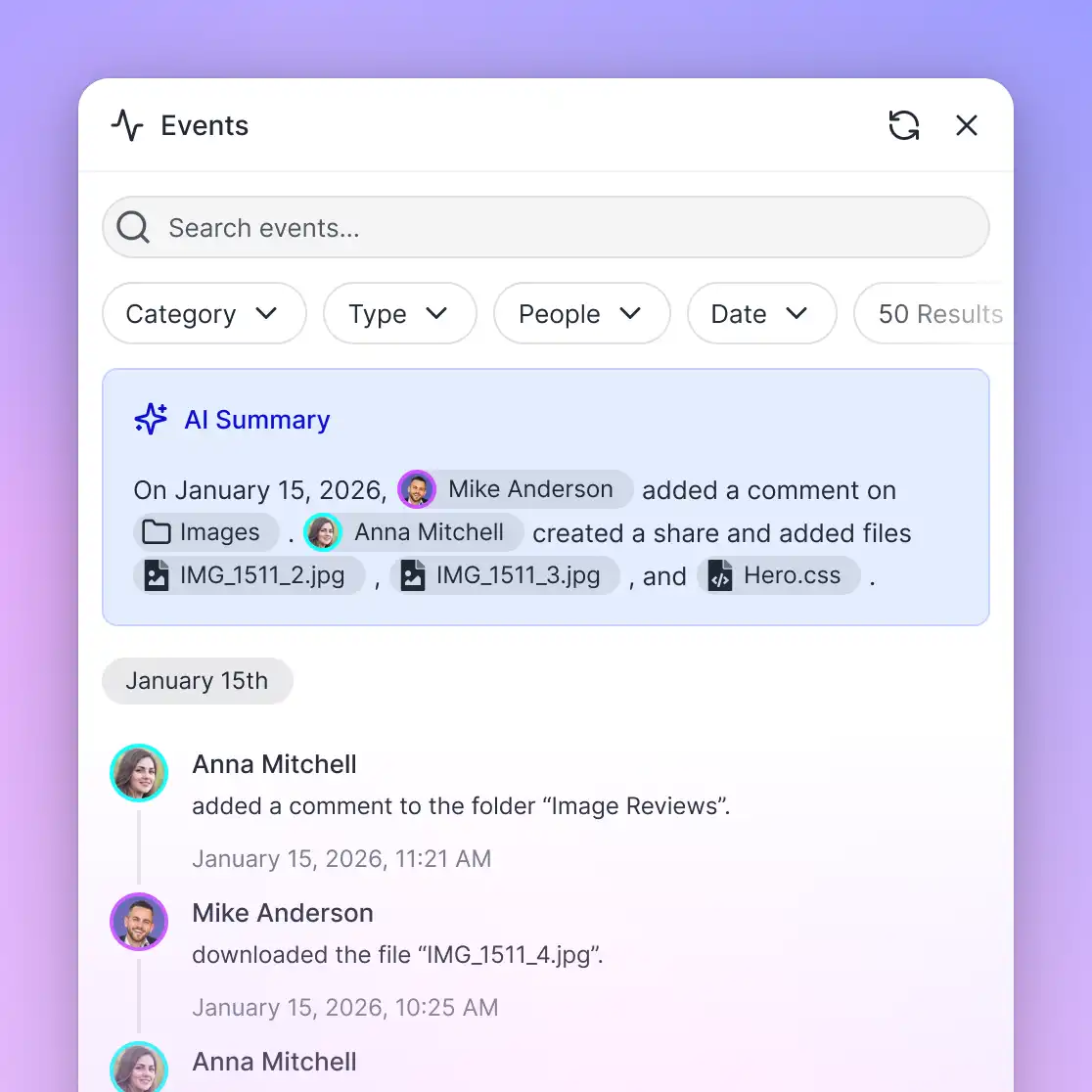
Litigation teams frequently encounter obstacles with legal file transfer when transmitting massive evidentiary files that exceed standard email attachment limits. Consumer transfer tools expose confidential client data to unmanaged links, while legacy SFTP creates heavy friction for clients and expert witnesses. This guide examines how law firms configure secure file transfer workflows, enforce matter-based access controls, and maintain a detailed activity log for large litigation files.
Dropbox for Lawyers: Security Risks, Ethics Opinions, and Matter Workflows
Dropbox for lawyers requires evaluating client confidentiality, access controls, and state bar ethics rules. While Dropbox provides basic cloud synchronization, law firms face significant administrative friction with matter-centric folder partitioning, client file collection, and subpoena response auditing. This guide examines Dropbox security risks, ABA Formal Opinion 477R compliance, and purpose-built legal workspace alternatives.
Devin AI Context Window: Architecture, Memory Management, and Large Codebases
The Devin AI context window pairs a frontier model token buffer with episodic memory and dynamic tool-based retrieval to operate across multi-million-line codebases. By pruning execution logs and offloading persistent project context into shared workspaces, engineering teams keep autonomous sessions coherent over multi-hour coding tasks.

How to Connect ChatGPT to Personal OneDrive Accounts
OpenAI's built-in Microsoft connectors require enterprise Microsoft 365 Entra ID tenants, blocking consumer OneDrive accounts from direct connection. By syncing personal OneDrive folders into an intelligent workspace, you can index documents for hybrid search and connect ChatGPT using a remote MCP server or plugin. This architecture enables fast semantic retrieval across personal files without download latency or Graph API rate limits.
Co-Counsel Document Sharing: Secure Workspaces for Joint Litigation Teams
Co-counsel document sharing requires specialized protocols and neutral workspaces that allow collaborating law firms to exchange case evidence and strategy without exposing internal firm infrastructure. When joint litigation teams rely on fragmented email chains or consumer cloud drives, they risk version conflicts and administrative overhead. This guide explains how legal operations leads can provision neutral workspaces, configure scoped access, and extract structured document metadata.
Cline File Size Limits: The 10MB Ceiling and 48,000-Character Read Window
Cline enforces a 10MB maximum file size cap and a 48,000-character reading window per tool call to protect model context windows. When autonomous coding agents read multi-megabyte files directly, token consumption multiplies across conversation turns, triggering context exhaustion and degraded performance. Connecting Cline to remote indexed storage over MCP enables targeted semantic search across massive files without loading raw content into prompt context.
Browse by topic
Explore each topic through a short orientation, the pages worth reading first, and then everything else it covers.
- OpenClaw on Raspberry Pi
- OpenClaw Skills
- OpenClaw Tools
- OpenClaw Workflows and Integrations
- OpenClaw Setup and Guides
- Claude and Claude Code
- GitHub Copilot
- Cline
- Devin
- Manus
- Hermes Agent
- Clay and GTM Agents
- AI Coding Assistants
- MCP and Model Context Protocol
- File Sharing
- Team Collaboration
- Legal Teams
- Data Rooms and Due Diligence
- Security and Access Control
- Video and Media Production
- Creative and Marketing Teams
- Construction
- Manufacturing
- Real Estate
- Education
- Agent Memory and Storage
- Agent File and Document Workflows
- Multi-Agent Systems
- Agent Security and Governance
- Agent Infrastructure and Deployment
- Agent Observability and Evaluation
- Agent Integrations and APIs
- Agent Frameworks and Patterns
- AI Detection and Text Tools
- AI Content and Media Generation
- AI Tool Directories and Comparisons
- AI Agents: General Guides
Browse every guide
Jump straight to a topic, scan the newest additions, or open any page of the complete archive.
Latest guides
- Aider File Limits: Repo Map Scaling, File Addition Caps, and Context Management
- Best MCP Servers for Cloud Infrastructure in 2026
- ChatGPT File Upload Limits: How to Handle Large Files and Folders
- ChatGPT Plus Context Window: Real Limits, Truncation, and Corpus Workarounds
- Claude Desktop File Size Limits: Chat Uploads, Projects, and MCP Buffers
- How to Work Around Claude's File Upload Limits
- Claude Projects Context Window: Token Limits, Capacity Math, and Large-Corpus Search
- Cline File Size Limits: The 10MB Ceiling and 48,000-Character Read Window
- Co-Counsel Document Sharing: Secure Workspaces for Joint Litigation Teams
- How to Connect ChatGPT to Personal OneDrive Accounts
- Devin AI Context Window: Architecture, Memory Management, and Large Codebases
- Dropbox for Lawyers: Security Risks, Ethics Opinions, and Matter Workflows
- Legal File Transfer: Secure Methods for Large Case Files and Evidence
- Manus AI Context Window: Token Limits, Subagent Memory, and Task Persistence
- Model Context Protocol File Size Limits: Transports, Buffers, and Retrieval
- MCP Payload Limits: JSON-RPC Message Caps, Transports, and Optimization
- How to Sync Dropbox to MCP for AI Agents and Automated Pipelines
- How to Sync Google Drive to MCP for AI Agent Workspaces
- How to Sync OneDrive to MCP for AI Coding and Workflow Agents
- How to Sync SharePoint to MCP: Enterprise Agent Document Access
- Trae Context Window: Token Limits, Builder Mode Context, and Codebase Indexing
- Windsurf File Size Limits in Devin Desktop: Indexing Caps and Rules
- Agent Context Window: Managing Token Budgets in Multi-Step AI Systems
- 11 Best AI Tools for Language Learning in 2026: Features and Pricing Compared
- Best AI Interview Prep Tools in 2026
- 10 Best AI Podcast Tools in 2026, Organized by Production Stage
- Claude Code Limits: Quotas, 200K Context Windows, and 5-Hour Usage Caps
- Claude Code Token Usage: How to Track, Inspect, and Reduce Token Burn
- How to Give Claude Desktop Access to Local and Synced Cloud Files
- Claude Token Usage: How to Track, Manage, and Optimize Session Limits
- How to Manage the Cline Context Window: Token Pruning, Limits, and MCP in VS Code
- How Copilot File Search Works and How to Fix Missing Results
- Copilot Prompt Limit: Caps, Truncation, and Context Workarounds
- Gemini 2.5 Flash Context Window: Token Limits, Latency, and Memory Management
- How to Connect Gemini CLI to Google Drive for Terminal Workflows
- How to Connect GitHub Copilot to SharePoint Document Libraries
- Google Drive API CLI: Terminal Access and Scripting for AI Agents
- Google Drive API for Shared Drives: Querying, Permissions, and Corpora
- Google Drive Folder Permissions: Structuring Access and Subfolder Sharing
- Google Shared Drive Access Levels: Manager vs Contributor Role Breakdown
- Google Shared Drive Best Practices: Architecture, Limits, and Organization
- Grok Daily Limit: Reset Times, Quotas, and Managing Document Queries
- OpenAI TPM Limits: How Tokens Per Minute Work and How to Avoid Rate Caps
- How to Query a SharePoint Document Library with AI Agents
- SharePoint Folder Permissions: Managing Unique Permissions and Access Control
- Linux Virtual File System (VFS): Architecture, Limits, and Agent Storage Mounts
- How to Manage the Aider Context Window: Repo Maps, File Budgets, and MCP Indexing
- Best AI App Builders in 2026: 9 Platforms Compared
- Best AI for Writing Books in 2026: 8 Tools Compared for Authors
- Best AI QA and End-to-End Testing Tools for Web and Mobile Apps
- Best UI Frameworks for AI Agents in 2026
- Box for Lawyers: Enterprise Document Storage, Security, and Legal Workflows
- ChatGPT Google Drive Plugin: Connecting Drive Files Without Context Bloat
- ChatGPT OneDrive Plugin: Fast File Retrieval Without Graph API Delays
- ChatGPT SharePoint Plugin: Connect AI Without Graph Throttling
- Cloud Storage MCP: Connecting AI Agents to Drive, Dropbox, and OneDrive
- Microsoft Copilot Daily Limit: Daily Chat Caps, AI Credits, and Corpus Storage
- How to Connect Microsoft Copilot Studio to Dropbox
- How to Connect Dify AI Agents to Dropbox Cloud Storage
- How to Connect Flowise to Microsoft OneDrive for Document RAG