

Work Together Like
You're in the Same Room.
See team activity in real-time, follow navigation, and collaborate on any file type, no matter where they are.


Can we lift the contrast in the sky?
Let's push the saturation a touch here.
Both work for the print run. Nice shot.
New pass is uploading now.
Can we warm up the sky in this shot?
Let's lift the shadows on these rocks.
Pacing feels right for the 30s spot.
Exporting the new grade now.


 12 / 16 13 / 16
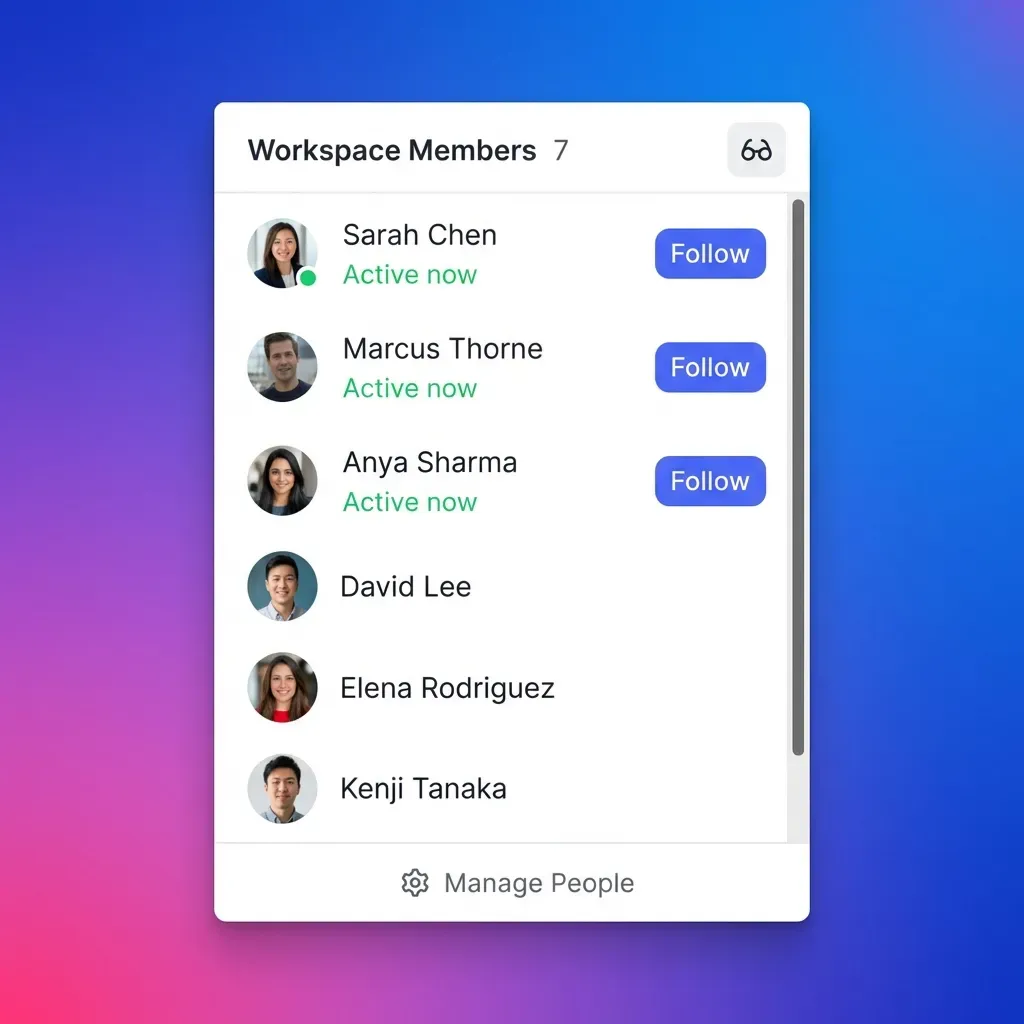
 See who's working, and what changed.
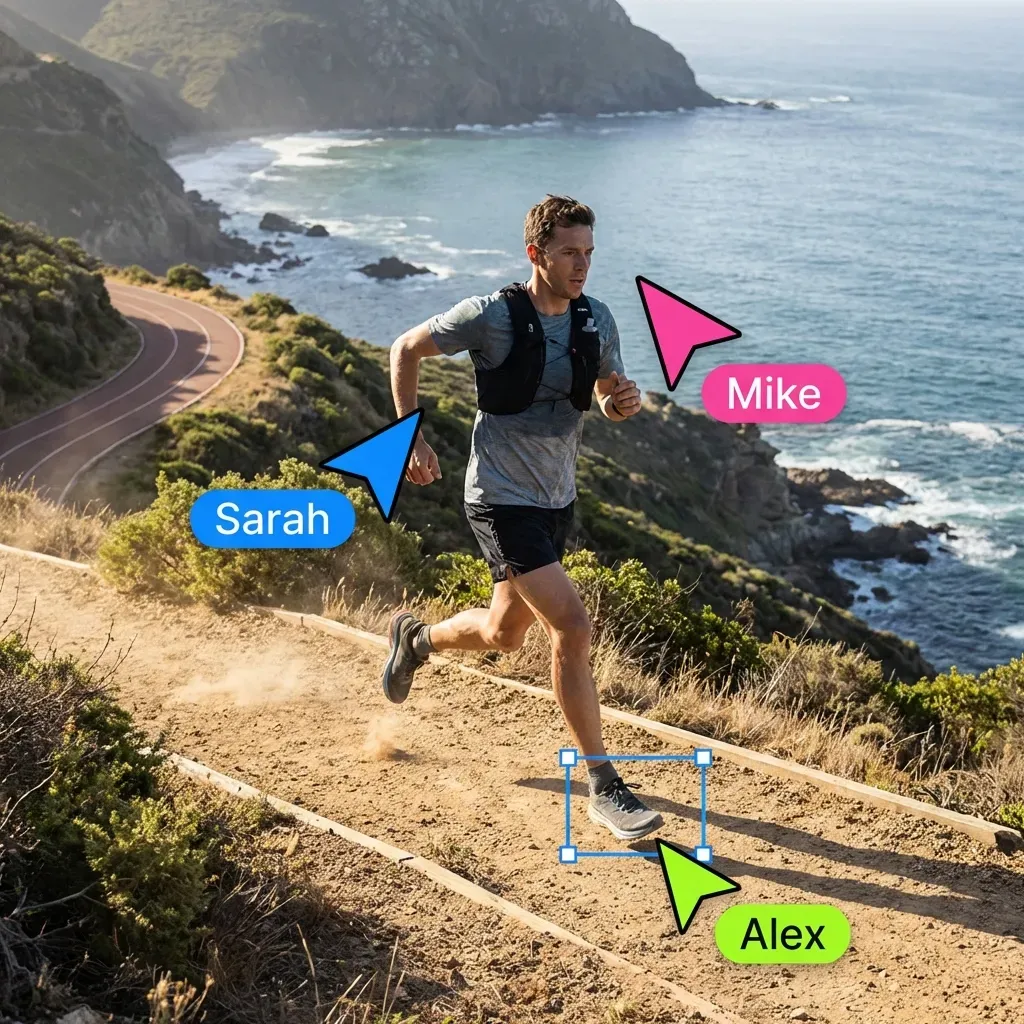
See live cursors and presence across the workspace, so you know exactly what teammates and agents are viewing right now. During remote meetings or async handoffs, the event stream keeps uploads, edits, comments, shares, and agent actions in view.
- Live cursors across every workspace view
- Presence shows who is active right now
- Uploads, edits, comments, shares, and agent actions as they happen
- AI summaries turn recent activity into a quick catch-up
- Events trigger downstream workflows and agent tasks
Navigate together, instantly.
Click to follow any teammate and see exactly what they see. Jump to their location in seconds. A perfect complement to Zoom calls and screen shares.
- One-click follow to sync views
- Ideal for collaborative reviews
- Eliminate "can you see my screen?"
Get feedback anywhere.
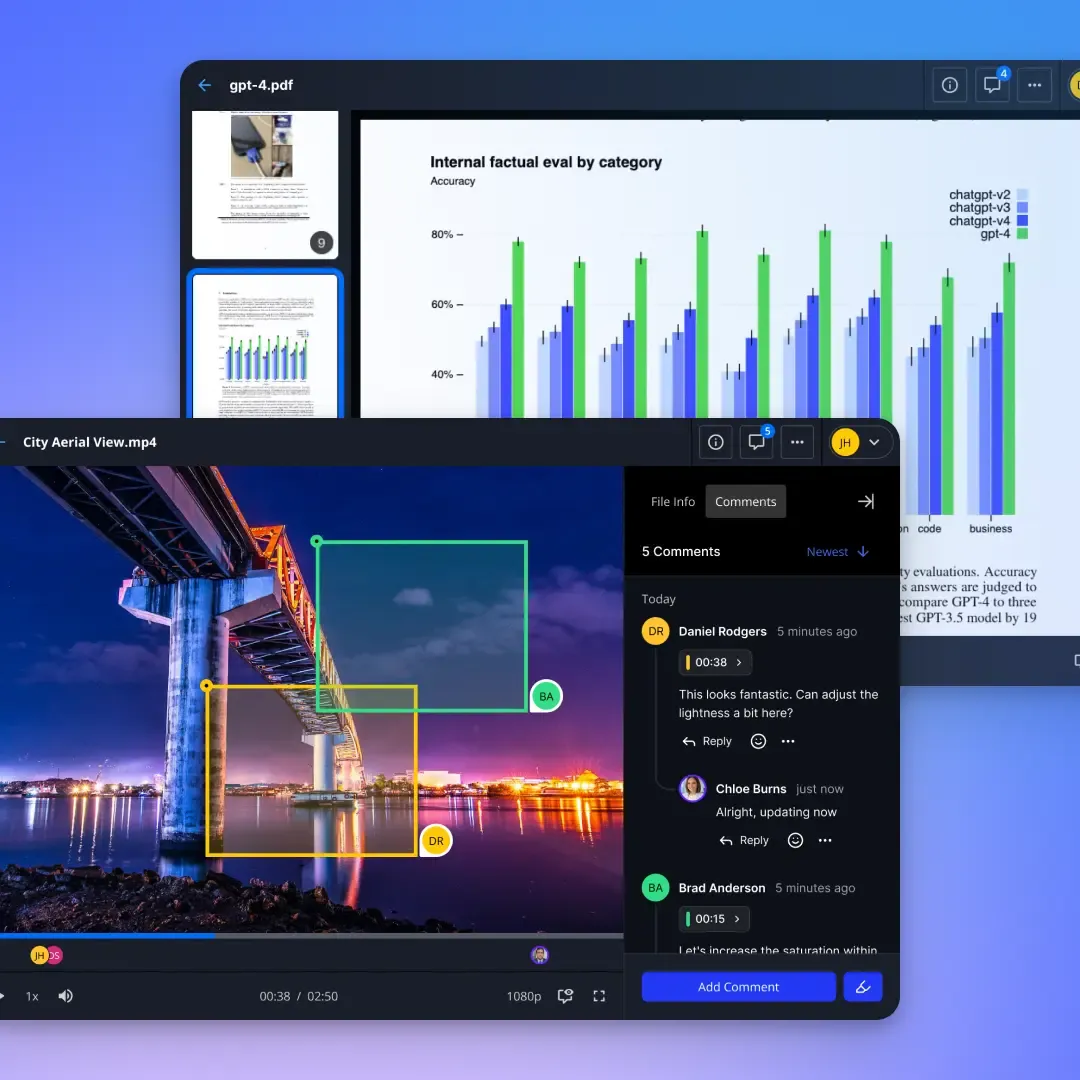
Leave comments, tag teammates, and start threaded discussions directly on files, from video frames to image regions and document sections. No downloads, no app switching, and no context lost between tools.
- Comment on any file type
- @mention teammates instantly
- Keep conversations organized
Goals
Maya
Timeline
Jordan
Next steps
Co-edit documents with people and agents.
Fastio Notes brings real-time co-editing to every document. Multiple people edit the same note at once and see each other's live cursors and selections as they type. Agents are first-class co-editors too: an agent working in a note shows its own labeled cursor, so you can watch it draft, revise, and highlight right alongside your team.
- Live cursors and selections for every editor
- Agents co-edit with their own labeled cursors
- Edits appear as people and agents work, with no refresh needed
Full visibility across your workspaces.
Every action a teammate or an agent takes is recorded where it happened, and by whom.
Workspaces
Team joins, uploads, folder creation and permission changes, each with the person or agent behind it. When someone asks who added a file or who was given access, the answer is already there.
Shared Folders
See when an external collaborator opened a folder, what they downloaded, and which links are still in use. A share that has gone quiet, or one still circulating months later, both show up here.
Content Portals
Track which documents a client actually opened, how long they spent, and what they returned to. The record you want when a deal, a renewal or an audit turns on who saw what.
Per-File
Open any file to its own history: every version, view, download, comment and share in order, including the edits an agent made while nobody was watching.

The best complement
to remote work.
Whether your team is fully remote, hybrid, or just spread across floors, real-time collaboration keeps everyone aligned without another meeting.