Best OpenClaw Workflows for Content Calendar Planning and Editorial Automation
Content teams using manual editorial workflows lose 3.7 of every 4.7 approval-cycle days to status-chasing and stakeholder waits rather than actual editorial work. OpenClaw's skill ecosystem now includes dozens of content calendar and editorial automation workflows that compress this cycle from ideation through multi-platform publishing. This guide ranks the most effective workflows by editorial stage and shows how to chain them into a complete pipeline.

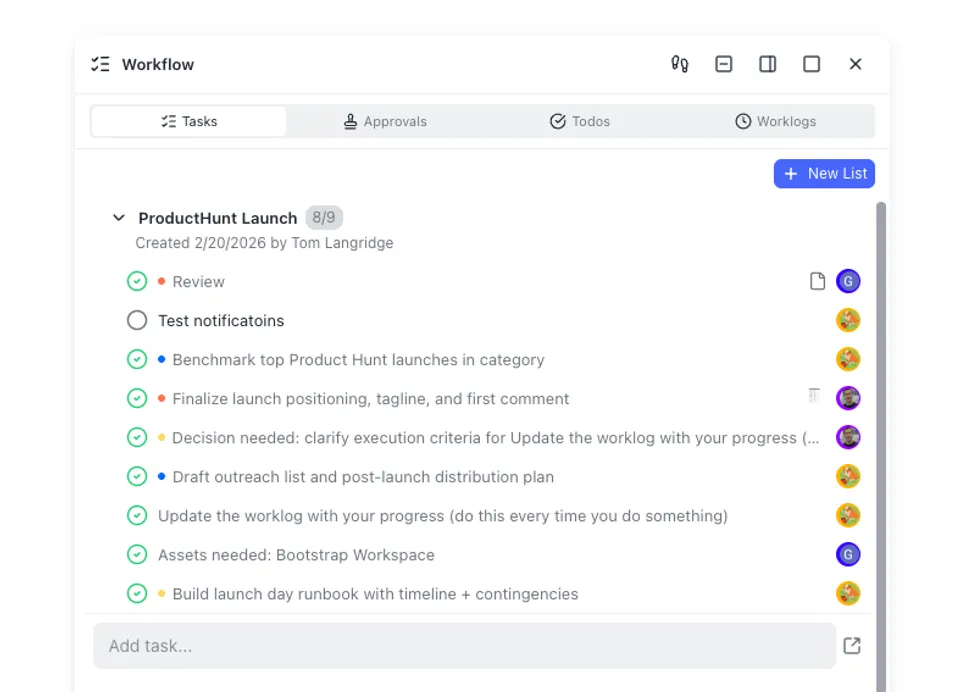
Why Manual Editorial Calendars Break Down
Content teams with manual approval routing spend a median 4.7 days per approval cycle. Only one day of that covers actual editorial review and QA. The remaining 3.7 days go to status-chasing, stakeholder waits, and re-routing drafts to the right reviewer. For agencies managing 50 or more content pieces across clients, that overhead translates to 15 to 25 hours per week on calendar coordination alone.
Those hours are not creative work. They are process friction: checking who owes what draft, pinging approvers, reformatting content for different platforms, and copying posts between tools.
OpenClaw workflows address this by turning each stage of the editorial pipeline into an automatable skill. Your agent can brainstorm topics, organize them in a calendar tool like Notion or Google Sheets, draft platform-specific content, run it through a brand voice check, and schedule it across social channels. Each step runs as a separate ClawHub skill, and skills chain together in a single agent session with shared context.
The 10 workflows below are organized by editorial stage: ideation, planning, creation, review, and publishing. Most teams will not need every skill listed. Start with the stage that eats the most time in your current workflow, then add upstream and downstream skills as you see the benefit.
Related guides
- How to Use Claude AI for Marketing: Campaigns, Content, and AutomationEighty percent of marketing teams feel pressure to adopt AI, but only 6% have embedded it into actual workflows. Claude...
- Automating Base44 File Workflows with WebhooksEvent-driven webhooks allow Base44 applications to initiate instant downstream processing whenever users or AI agents...
- Best OpenClaw Workflows for AI Customer Case Study and Success Story GenerationCase studies influence 73% of B2B purchase decisions, yet only 34% of companies produce them consistently. OpenClaw's...
- Top OpenClaw Workflows for AI Brand Voice Consistency MonitoringConsistent branding can increase revenue by up to 33%, but most marketing teams still enforce voice guidelines...
- Best OpenClaw Workflows for AI Storyboard and Scene PlanningOver 1 million professionals use AI storyboarding tools, but most require manual interaction per frame. OpenClaw's...
- 6 Best OpenClaw Workflows for Newsletter Content CurationNewsletter creators using AI tools save one to three hours per week, but most of that comes from ad hoc prompting...
More on this subject: OpenClaw Workflows and Integrations (69 guides)
How We Evaluated These Workflows
We tested each skill and workflow combination against five criteria relevant to editorial teams:
- Calendar integration. Does the workflow connect to where your team already plans content, whether that is Notion, Google Sheets, or GitHub?
- Multi-platform reach. Can the workflow publish or schedule across multiple social and content channels from a single session?
- Editorial quality controls. Does the workflow include review steps, brand voice enforcement, or AI pattern detection?
- Batch efficiency. Can the workflow process a week or month of content in one run, or does it handle one piece at a time?
- Maintenance health. Is the skill actively maintained, documented, and updated in 2026?
We also checked ClawHub download counts and community ratings. Skills that stopped receiving updates before 2026 or lacked documentation were excluded.
Content Ideation and Calendar Planning
The first bottleneck in most editorial workflows is deciding what to create and where to track it. These three workflows handle topic discovery and calendar organization.
1. Social Content
The Social Content skill on ClawHub handles the overlap between calendar planning and content drafting. It takes a content brief, including your target platforms, publishing cadence, and brand guidelines, and produces a structured calendar with topics assigned to channels and dates. The output doubles as a first draft for social posts, so teams avoid the common two-step of planning in one tool and writing in another.
Best for: Teams that want calendar planning and first-draft creation handled together in a single skill rather than separate tools.
2. Notion Enhanced
Community-built Notion integration skills on ClawHub connect your agent to Notion workspaces where it can read pages, query databases, create entries, and manage content blocks. For editorial teams already running their content calendar in Notion, these skills turn your calendar database into something your agent can read from and write to directly. Create new entries for upcoming posts, update statuses as drafts move through review, and query upcoming deadlines without switching out of the agent session.
Best for: Teams that manage editorial calendars in Notion and want their agent to create entries, update statuses, and query upcoming deadlines without switching interfaces.
3. Gog (Google Workspace)
The gog skill (14,300+ downloads) connects OpenClaw to Gmail, Calendar, Drive, Contacts, Sheets, and Docs. For content teams, the key value is pushing content calendars to Google Sheets, scheduling content review sessions in Calendar, and storing draft assets in Drive. It functions as the glue between your agent and the Google tools your team already uses.
Best for: Teams that coordinate editorial work through Google Workspace and want their agent to update shared calendars, distribute drafts, and trigger review workflows across Google apps.
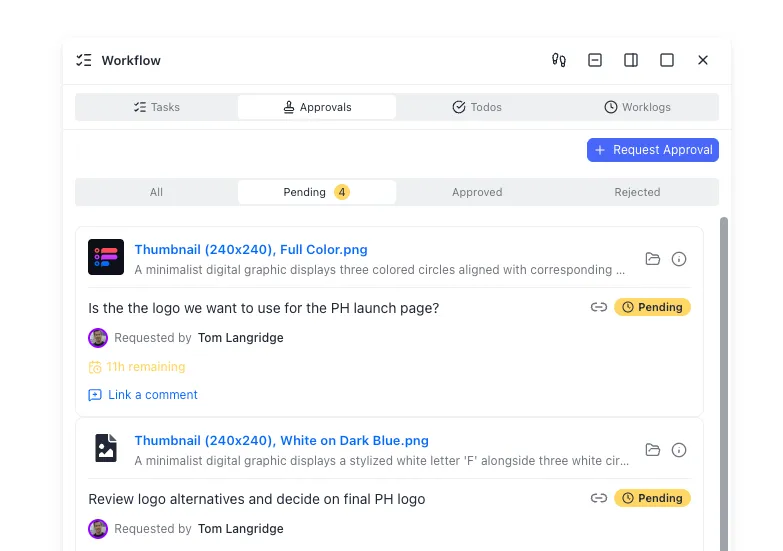
Content Creation and Editorial Review
Once your calendar is populated with topics and deadlines, the next stage is drafting content and reviewing it for quality before publication.
4. SEO Content Writer
The seo-content-writer skill generates long-form content optimized for search. It handles keyword targeting, heading structure, meta descriptions, and internal linking suggestions. Pair it with brave-search or tavily for topic research, and the agent can move from a calendar entry to a publication-ready draft in one session.
Best for: Blog and website content teams that publish 10 or more articles per month and need consistent SEO structure across every piece.
5. Humanizer
The humanizer skill (33,900+ downloads, 297 stars) is the most popular editorial polish skill on ClawHub. It detects and rewrites patterns that make text sound AI-generated: repetitive sentence structures, overused transitions, generic phrasing, and unnatural cadence. Run it as the last step before publishing to catch patterns that slip past manual review.
Best for: Any team publishing AI-assisted content that wants to maintain a natural, human editorial voice.
6. Brand Voice Profile
The brand-voice-profile skill builds a reusable voice guide from your existing content. Feed it your best-performing blog posts, emails, or social captions, and it extracts tone, vocabulary patterns, and sentence structures. Every downstream writing skill then filters output through that profile. For teams with multiple writers or agents producing content across channels, this enforces consistency without manual style editing on every draft.
Best for: Marketing teams with established brand guidelines that need every piece of generated content to match their existing voice.



Keep your editorial assets and content calendar in one persistent workspace
Fast.io gives your OpenClaw agent persistent storage with semantic search, version history, and MCP access. Upload your brand voice profile once and pull it into every session.
Scheduling and Multi-Platform Publishing
The final stage is getting content out the door on time and on the right platform. Four ClawHub skills handle multi-platform scheduling, each with a different focus.
7. Upload-Post
The upload-post skill (6,100+ downloads, 29 stars) is the most-downloaded social media scheduling skill on ClawHub. It handles video uploads, image posts, and text content across 10 platforms: Instagram, TikTok, LinkedIn, X, Facebook, YouTube, Threads, Bluesky, Pinterest, and Reddit. Platform-specific formatting means your agent adapts each post to the channel rather than blasting the same text everywhere.
Best for: Teams publishing visual and video content across many platforms who need format adaptation handled automatically.
8. PostFast
The postfast skill covers 10 platforms (Instagram, TikTok, LinkedIn, X, Facebook, YouTube, Threads, Bluesky, Pinterest, Telegram) and provides full calendar management from within the agent. You schedule posts, check your content calendar, and manage accounts through conversational commands. Paid plans start at EUR 9 per month after a free trial.
Best for: Small teams or solo creators who want a single skill for both scheduling and calendar visibility without a separate dashboard.
9. Mixpost
The mixpost skill (2,400+ downloads) is the open-source, self-hosted option. Because both Mixpost and OpenClaw run on your infrastructure, social media credentials and scheduled content never pass through third-party servers. You schedule posts across 11 or more platforms including Mastodon and Google Business Profile through conversational commands.
Best for: Teams with data sovereignty requirements or those who prefer self-hosted tools for social media operations.
10. Metricool
The metricool skill (2,100+ downloads) combines scheduling with analytics. It is the right choice when your editorial workflow includes a post-publish analysis loop where performance data feeds back into future content planning decisions.
Best for: Teams that want scheduling and engagement analytics in one skill rather than splitting them across separate tools.
Chaining Workflows Into a Complete Editorial Pipeline
Individual skills handle individual stages. The real efficiency gains come from chaining them into a pipeline where your agent moves content from idea to published post in one session.
Here is a practical three-phase workflow using the skills above:
Phase 1: Plan. Use brave-search or tavily to research trending topics in your niche. Feed the results to social-content to generate a month of content mapped to platforms and dates. Push the calendar to Notion (via a ClawHub Notion skill) or Google Sheets (via gog) so your team can review and approve topics.
Phase 2: Create. For each approved topic, run seo-content-writer for long-form content or social-content for short-form posts. Pass the output through brand-voice-profile for tone consistency, then humanizer to remove AI writing patterns.
Phase 3: Publish. Queue finished content through upload-post, postfast, or mixpost for scheduled publishing across all target platforms.
This entire workflow runs in one agent session with shared context across steps. Weekly content batch workflows built this way have been documented cutting social media management time by 60 to 70 percent.
Storing Editorial Assets with Fast.io
Content calendars, brand voice profiles, style guides, and draft archives need to persist between agent sessions. Local storage works for single-machine setups. Google Drive and S3 handle basic file persistence. Fast.io adds a semantic intelligence layer on top: upload your brand voice profile and content templates to a workspace, and your agent can pull them into any session through the MCP server.
Fast.io's Intelligence Mode auto-indexes uploaded files for search, so your agent can query "find last month's top-performing social posts" and get a cited answer from your own content archive. Fast.io offers a 14-day Business Trial (card required); see /pricing/ for plan options.
What to Skip
Not every content calendar skill on ClawHub is worth installing. Avoid skills that have not been updated since 2025, lack documentation, or promise unrealistic automation outcomes. Check the publisher's profile and recent commit history before installing anything that connects to your social media accounts or content management tools.

Sources
References used to verify factual claims in this guide.
-
Median approval cycle is 4.7 days with 3.7 days spent on status-chasing and stakeholder waits
-
Agencies managing 50+ content pieces spend 15 to 25 hours per week on calendar coordination
-
Upload-Post has 6,100+ downloads on ClawHub as the most-downloaded social scheduling skill
-
Weekly content batch workflows cut social media management time by 60 to 70 percent
Frequently Asked Questions
Can OpenClaw automate a content calendar?
Yes. Skills like Social Content generate structured content calendars with topics mapped to platforms and dates. Pair it with the Notion Enhanced skill to push calendar entries directly into a Notion database, or use Gog to sync with Google Sheets. Your agent can populate, update, and query the calendar in a single session.
What OpenClaw skills help with editorial workflows?
The core editorial stack includes Social Content for calendar planning, SEO Content Writer for long-form drafts, Humanizer for AI pattern removal, and Brand Voice Profile for tone consistency. For publishing, Upload-Post, PostFast, and Mixpost handle scheduling across 10 or more platforms. Chain these together in a single agent session for a complete editorial pipeline.
How do you schedule content publishing with OpenClaw?
Install a scheduling skill like Upload-Post, PostFast, or Mixpost from ClawHub. Connect your social accounts through the skill's authentication flow, then tell your agent what to publish, when, and where. The agent handles platform-specific formatting and queues posts for scheduled delivery. Mixpost is the self-hosted option for teams that want full control over their publishing infrastructure.
Can OpenClaw plan content across multiple platforms?
Yes. Skills like Social Content generate platform-optimized content from a single brief, adapting tone, length, and format for each channel. Scheduling skills like Upload-Post cover 10 platforms including Instagram, TikTok, LinkedIn, YouTube, and Reddit. Your agent can plan, draft, and schedule a full week of cross-platform content in one session.
Is OpenClaw free for content calendar automation?
OpenClaw itself is free and open-source. Most ClawHub skills for content planning and creation are free to install, though some scheduling skills like PostFast have paid tiers for premium features. Running costs depend on your AI model provider and any paid integrations. A typical content automation setup costs between 25 and 50 dollars per month for hosting and API tokens.
How does OpenClaw compare to CoSchedule or Notion for editorial workflows?
CoSchedule and Notion are standalone tools with fixed feature sets. OpenClaw is an agent framework where you compose skills to match your exact workflow. You can use the Notion Enhanced skill to manage your calendar inside Notion while adding AI-powered drafting, brand voice enforcement, and multi-platform scheduling that Notion does not offer natively. The tradeoff is setup time, because OpenClaw workflows require configuration rather than working out of the box.
Related Resources

Keep your editorial assets and content calendar in one persistent workspace
Fast.io gives your OpenClaw agent persistent storage with semantic search, version history, and MCP access. Upload your brand voice profile once and pull it into every session.