How to Set Up Secure Document Collaboration for Lawyers
Law firms need to protect client files during reviews and shares. Cyber threats keep growing, so tools must offer encryption at rest and in transit, full audit logs, and permissions at every level. Fastio workspaces include these features. Legal teams can collaborate safely without delays. Lawyers handle cases, contracts, and discovery documents each week. Poor sharing practices cause many breaches. This guide covers the main features, setup steps, and best practices.

Why Secure Document Collaboration Matters for Law Firms
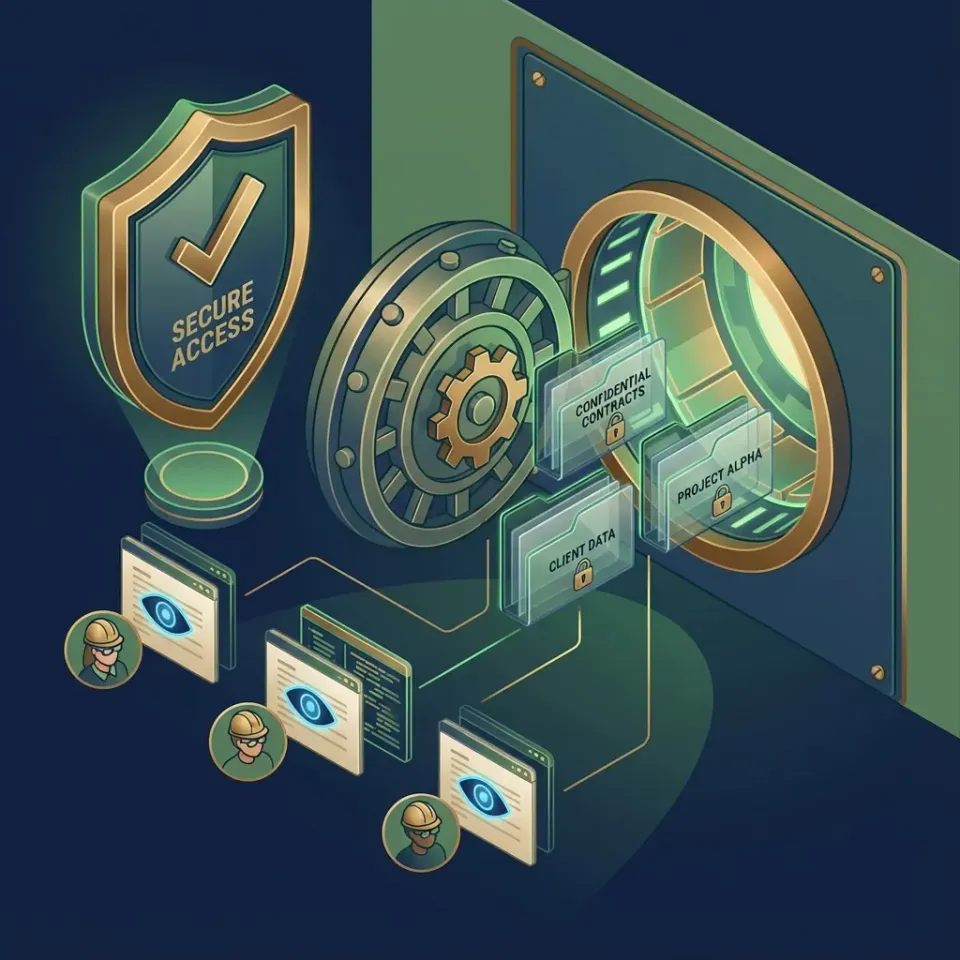
Law firms manage sensitive data daily, including client contracts, case files, discovery documents, and court filings. One breach can lead to fines, case disqualifications, malpractice claims, and lost trust.
The IBM Cost of a Data Breach Report 2025 puts the global average at $4.4 million USD. Ransomware appears in 44% of breaches, according to the Verizon 2025 Data Breach Investigations Report. In legal work, risks often stem from emailing attachments or unsecured links for transcripts and NDAs. The human element was a component of 68% of breaches in the Verizon 2024 Data Breach Investigations Report.
Picture a mid-sized firm prepping for litigation. Associates review discovery pages, partners sign off on motions, paralegals work with experts. Without secure tools, files sent via email or consumer clouds face interception risks.
Secure platforms provide encryption, activity tracking, and role-based access. Firms using them see fewer issues and quicker case progress. They can focus on cases, not leaks.
Secure collaboration meets ethical duties and builds trust. This guide reviews features, Fastio setup, steps, and practices to cut risks.
Helpful references: Fastio Workspaces, Fastio Collaboration, Fastio Security, and Fastio AI.

Related guides
- Estate Planning Software for Lawyers: Building a Secure Document VaultChoosing the right estate planning software for lawyers requires looking beyond document drafting to long-term client...
- How to Set Up a Secure Legal Document Exchange PortalA step-by-step operational guide to structuring a secure portal for legal document exchange. Learn how to organize...
- Google Drive Alternatives for Law Firms: Secure Document ManagementFinding secure google drive alternatives for law firms is essential to protect client confidentiality and organize case...
- Box for Law Firms: Secure Document Management AlternativesAn analysis of Box for law firms alongside modern legal document management alternatives. While enterprise cloud...
- Box for Lawyers: Enterprise Document Storage, Security, and Legal WorkflowsDeploying Box for lawyers requires balancing enterprise cloud storage with matter-centric document organization. While...
- How Law Firms Deploy Secure Client Document Upload Portals Without Login WallsCollecting sensitive records from clients is a frequent bottleneck in legal intake, where standard email attachment...
More on this subject: Legal Teams (211 guides)
Key Security Features Every Legal Tool Should Have
Pick platforms with these security basics for lawyer file sharing. They tackle risks in reviews and client handoffs.
Encryption at Rest and in Transit: Keeps files safe on servers and during transfers. Data stays unreadable without keys, even if servers or traffic get hit. Strong standards protect privileged info.
Full Audit Logs: Tracks every action, who saw what, when, how long. Key for investigations, disputes, or checks. Logs need to be unchangeable and easy to search.
Granular Permissions: Set roles like viewer, editor, admin at organization, workspace, folder, and file levels. Stops associates from changing partner drafts or paralegals from seeing other cases.
Secure Data Rooms: Branded portals for mergers, NDAs, discovery. Include view stats, quick revocation, passwords, domain limits, no-download options.
Unlimited Guest Access: Bring in clients or experts without accounts or extra costs. Track their moves securely.
MFA and SSO Integration: Require multi-factor auth. Link with Okta, Azure AD, Google Workspace. Cuts credential risks in law firm attacks.
Quick feature comparison:
Beyond Basics: Link Controls
Add password protection, expiration dates, view-only modes, domain restrictions, and watermarks. These stop unauthorized sharing.
How Fastio Delivers Secure Collaboration for Lawyers
Fastio pairs strong security with easy collaboration for legal work. Organization-owned files keep access steady, even if staff leave mid-case. Real-time presence shows who's active via avatars. Follow mode syncs views during reviews. Pin comments to paragraphs or clauses to cut emails. Client data rooms use your branding, logo, colors. Track time on docs, page views. Revoke access fast if needed. Intelligence Mode indexes files for quick searches without tags. Example: Litigation team uploads discovery PDFs to a private workspace. Partners set permissions, associates edit, paralegals view. Share branded room with experts, limit domains. Logs catch every download. Query 'statute of limitations mentions' across multiple pages. This speeds e-discovery and secures shares. Lawyers handle strategy, not admin.



Protect Client Data with Secure Collaboration
Fastio provides encryption, logs, data rooms, AI search in shared workspaces. Fits lawyers' needs.
Step-by-Step: Setting Up Secure Legal Workflows
Set up Fastio workflows in minutes. Scales firm-wide. Walkthrough for a litigation team.
1. Create an Organization and Invite Team: Sign up at Fastio. Add your firm org. Link SSO with Okta or Azure AD. Invite partners, associates, and paralegals using your plan's included seats.
2. Build Case Workspaces: New workspace per case, like 'Smith v. Jones'. Private or org-discoverable. Folders for pleadings, discovery, exhibits.
3. Upload Files Securely: Drag contracts, transcripts, reports. Auto-encrypts. Web previews from originals, no local copies.
4. Configure Granular Permissions: Partners admin, associates edit, paralegals view. Set final folders to view-only. Logs all changes.
5. Share Branded Data Rooms with Clients/Experts: Pick files/folders, make portal with logo. Password, expiration date, domain limit, view-only. Track views.
6. Monitor and Audit: Dashboard activity, who viewed, downloaded. Filter by user/file. Alerts for odd access.
7. Activate Intelligence Mode: Turn on for auto-indexing. Query 'vendor contract conflicts' with cites. Test with sample NDA: upload, share, check logs. Done in 15 minutes. Tip: Start tight on permissions. Watch for missed expires or overshares.
Filling the Gap: AI-Powered Search in Legal Docs
Most tools offer keyword search, leading to sifting. Fastio's Intelligence Mode indexes files for better understanding.
Ask 'non-compete clauses in last year's contracts' or 'witness tampering in depos'. Get cites, pages, summaries. Skip Ctrl+F hunts.
Great for e-discovery volumes. 'Flag privilege in discovery' spots attorney-client talks. Citations for court.
M&A due diligence: 'IP risks in vendors'. Pulls risks, dates, duties. Saves hours.
Queries follow permissions, logs AI use, data stays encrypted. Matches AI speed with security.
Firms cut review time threefold.
Document access rules, audit trails, and retention policies before rollout so staging results are repeatable in production. This avoids late surprises and helps teams debug issues with confidence.
Best Practices and Pitfalls to Avoid
Good tools need good habits. Tips to secure legal work.
1. Mandate MFA and SSO: For everyone. Block phishing via identity providers.
2. Adopt Least Privilege: View-only default. Escalate and log.
3. Weekly Log Reviews: Check off-hours or bulk downloads.
4. Ban Email for Sensitives: Use platform links. Train staff.
5. Set Link Policies: Set expiration dates. Password/domain extras.
6. Use Branded Rooms Over Personal Links: Track engagement, quick revoke.
7. Train on AI Queries: Verify cites to speed reviews.
8. Quarterly Audits: Test revokes, simulate issues.
9. Document Workflows: Runbooks with rollbacks.
10. Incident Response Plan: Clear notification steps.
Pitfalls: Missing ex-employee revokes (org files fix), ignoring analytics, keyword searches only.
Add training, vendor checks. Cuts risks, boosts speed.
Sources
References used to verify factual claims in this guide.
-
Global average cost of a data breach is $4.4 million USD
-
Ransomware present in 44% of breaches
-
Human element active in 68% of breaches
Frequently Asked Questions
What is the best secure document collaboration for lawyers?
Fastio offers encryption, audit logs, permissions, and AI search. Secures cases while supporting team and client work.
How do lawyers share documents securely?
Use encrypted platforms with roles, expiring password links, domains, tracking. Branded rooms add pro delivery and stats.
What features ensure compliance in legal collaboration?
Activity logs, org-owned files, multi-level permissions, MFA/SSO. Track access without formal certs.
Can Fastio handle e-discovery preparation?
Yes. Org files, real-time logs, semantic search suit review and production.
How does Fastio prevent data breaches?
Encryption at rest and in transit, audit trails, SSO/MFA, link controls like passwords, expiring links, revocation.
Is Fastio suitable for client portals?
Yes. Branded rooms with secure access, tracking, no guest accounts.
How do granular permissions work for legal teams?
Viewer/editor/admin at org, workspace, folder, file. Partners control, associates edit, clients view.
What benefits do audit logs provide law firms?
Chain of custody, investigations, threat detection, due diligence. Covers views, edits, downloads, shares.
Can AI help with legal contract review?
Yes. Intelligence Mode queries like 'non-compete risks' with cites. Respects permissions.
How to create a secure data room for M&A clients?
Pick files, branded portal, password/domain/expire. Share, track, revoke.
Related Resources

Protect Client Data with Secure Collaboration
Fastio provides encryption, logs, data rooms, AI search in shared workspaces. Fits lawyers' needs.