Top OpenClaw Workflows for AI Image Generation with Brand Consistency
About one in four companies have AI agents fully integrated into their marketing stack. For the rest, brand consistency breaks the moment image generation scales beyond a single designer's control. OpenClaw routes requests to 10+ image providers, and fal Krea 2 alone accepts up to 10 style references per generation. These five workflows turn those capabilities into a repeatable pipeline that keeps every generated asset on-brand.

Why Brand Consistency Breaks at Scale
Only 23.3% of companies have AI agents fully integrated into their marketing stack in production, according to Averi's 2026 State of AI in Marketing report. The other 76.7% operate with disconnected tools, and brand consistency is usually the first casualty when output volume increases.
The math explains why. Teams using AI produce 77% more content within six months of adoption. But higher volume without a consistent style pipeline means more off-brand assets, more revision rounds, and more time spent on quality control than the AI was supposed to save.
OpenClaw's image_generate tool connects to 10+ providers including OpenAI, Google Gemini, fal, xAI, MiniMax, ComfyUI, and others. Each provider handles style references differently. fal Krea 2 supports up to 10 style reference images per generation. OpenAI, Google, and xAI support up to 5. That flexibility is powerful, but it also means a single prompt-and-pray approach produces inconsistent results across campaigns.
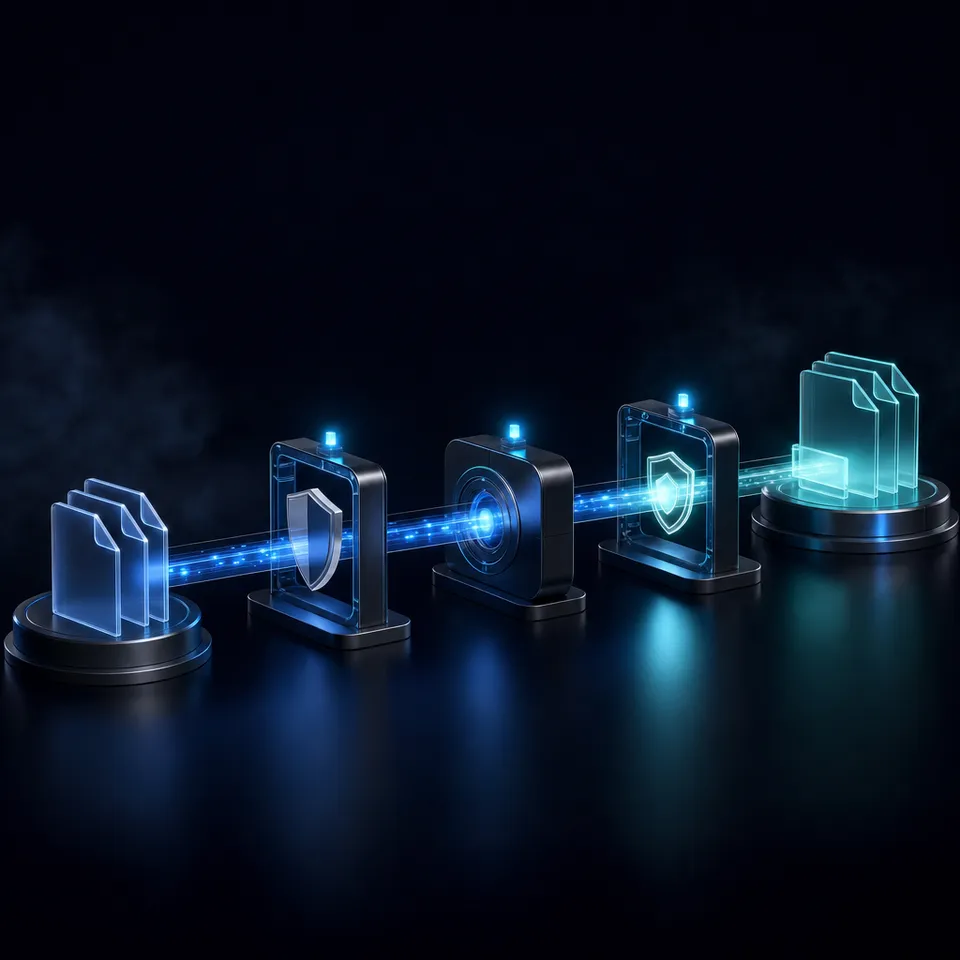
The five workflows below close that gap. Each one addresses a specific stage of brand-consistent image production: building a style reference library, templating prompts, generating at scale, reviewing output quality, and delivering approved assets to stakeholders.
Related guides
- How to Use DALL-E 3 Image Generation in Clay GTM WorkflowsThe query "dall-e 3 ai image generator" draws about 60,500 monthly US searches at a keyword difficulty of 53 and...
- How to Build Scalable Lead Generation Workflows in ClayWaterfall enrichment increases contact find rates by up to 80%, yet many sales teams fail to scale outbound workflows...
- Best OpenClaw Workflows for AI Image Generation PipelinesOpenClaw 2026.4.5 turned agents into image producers. The native image_generate tool supports 10 providers out of the...
- 8 OpenClaw Workflows for AI Batch Image Generation at ScaleAI platforms produce over 34 million images per day, but most batch generation guides only cover single-tool setups....
- Best OpenClaw Workflows for AI Headshot GenerationOpenClaw turns AI headshot generation into a repeatable, chat-driven workflow. Dedicated skills like...
- Best OpenClaw Workflows for AI Sketch-to-Image and Concept RenderingOpenClaw's image_generate tool routes sketch inputs through providers like OpenAI gpt-image-2, fal Krea 2, and Gemini,...
More on this subject: OpenClaw Workflows and Integrations (69 guides)
1. Style Reference Library Setup
Every brand-consistent generation pipeline starts with reference images. Instead of describing your brand's visual identity in words alone, you feed the model actual examples of what on-brand looks like.
OpenClaw's image_generate tool accepts reference images through the images parameter. The number of references you can pass depends on your provider:
- fal Krea 2: up to 10 style reference images
- fal Nano Banana 2: up to 14 reference images
- OpenAI, Google, OpenRouter, xAI: up to 5 reference images
- MiniMax, ComfyUI, DeepInfra: 1 reference image
Krea 2 treats these references differently from other providers. Rather than using them as edit inputs, Krea 2 analyzes your references for color relationships, tonal range, texture characteristics, compositional tendencies, and light quality. It builds what amounts to a taste profile from your uploaded samples and applies those visual rules to every new generation.
How many references to include
More is not better. According to MindStudio's testing, 5 to 15 tightly curated references outperform larger collections. Five images from the same photographer or campaign produce more consistent output than twenty loosely related images. The model needs a coherent signal, not a broad dataset.
Building the library
Start by collecting your strongest on-brand assets: hero images, product shots, campaign photography, and illustration samples that represent your visual identity. Group them by use case (social media, web headers, product pages) so you can load different reference sets for different generation tasks. Store these reference sets in a persistent workspace where your OpenClaw agent can access them across sessions, rather than re-uploading for each generation run.
Fastio workspaces give agents persistent file access through the MCP server, so your reference library stays available without manual re-uploads. Teams can evaluate workspaces with a 14-day Business Trial (credit card required; see pricing).

2. Prompt Template System
Reference images set the visual baseline. Prompt templates enforce it at generation time.
A structured prompt template separates the parts that change per image (subject, scene, use case) from the parts that stay constant (brand colors, lighting style, composition rules). The recommended structure follows this pattern: subject, then scene context, brand style traits, lighting, composition, output format, and restrictions.
For example, a SaaS company might build a template like this: "[subject] in a modern office setting, brand palette #2563EB and #F8FAFC, soft directional lighting from upper left, centered composition with negative space for text overlay, 16:9 aspect ratio, no text in image."
The variable is the subject. Everything else stays locked.
Storing templates in OpenClaw memory
OpenClaw's memory system lets you store brand guidelines, color palettes, and prompt structures so the agent applies them automatically. When your agent generates an image, it pulls the relevant template from memory rather than requiring you to paste brand specifications into every prompt.
This matters most at scale. A single designer can remember to add "brand palette #2563EB" to every prompt. A team of five generating images across three campaigns cannot. Templates stored in agent memory eliminate that coordination overhead.
Separating style from subject
Keep your style parameters (colors, lighting, composition) in one template and your subject-specific details in another. This lets you update brand guidelines in one place without rewriting every generation prompt. If your brand refreshes its color palette from blue to teal, you change one template instead of hundreds of saved prompts.


Store and deliver brand assets without losing track
MCP-ready endpoint included.
3. Batch Generation with Provider Routing
With references and templates in place, the next workflow handles volume. OpenClaw's provider routing lets you match each generation task to the right model for the job.
Choosing the right provider
Not every provider produces the same type of output. Krea 2 ships in two variants: Krea 2 Medium excels at illustration, anime, and artistic styles, while Krea 2 Large handles photorealism and raw aesthetics like motion blur and grain. OpenAI's GPT Image 2 produces clean, versatile output across use cases. Google Gemini handles text-in-image tasks better than most alternatives.
A practical routing strategy assigns providers by content type:
- Product photography and hero images: Krea 2 Large for photorealist output with style references
- Illustrations and social graphics: Krea 2 Medium for artistic style consistency
- Images requiring embedded text: Google Gemini
- General-purpose web assets: OpenAI GPT Image 2
Generating variants
For each asset need, generate 3 to 5 variants rather than trying to get the perfect image in one shot. Krea 2 returns one image per request, so you run multiple generations with the same references and template. Slight prompt variations (different angles, alternate compositions) give your review team options without drifting off-brand, because the style references anchor every output to your brand's visual identity.
Iterating without wasting credits
The most common mistake in batch generation is rewriting the entire prompt after a single bad result. Keep what works and change one variable at a time. If the color palette looks right but the composition is wrong, adjust only the composition directive. Methodical iteration costs fewer credits and produces more predictable results.

How to Build a Quality Review Pipeline for Generated Images
Volume generation without quality control just produces off-brand assets faster. A three-stage review pipeline catches problems before they reach stakeholders.
Stage 1: Automated checks
Before human eyes see any output, automated validation compares generated images against your reference library. This stage catches obvious drift: color palette violations, composition mismatches, aspect ratio errors, and style inconsistencies that fall outside your defined tolerances. Automated checks handle the high-volume filtering that would exhaust a human reviewer.
Stage 2: Human editorial review
Not every check can be automated. A human reviewer evaluates the surviving images for subjective quality: does this feel on-brand? Does the composition support the intended use case? Is the lighting consistent with recent campaign work? Research on AI content QA consistently finds that the brief input and final approval stages benefit most from human judgment, while the middle filtering layer can run autonomously.
Stage 3: Performance tracking
After approved assets go live, track which images perform well and which underperform. Click-through rates, engagement metrics, and A/B test results feed back into your reference library and prompt templates. An image that drives high engagement becomes a candidate reference for future generations.
Audit trails
Every generated image should be traceable to its prompt, provider, reference set, and approval status. Fastio workspaces provide audit trails that log file creation, modification, and access events. When a stakeholder asks "who changed this image and what was the brief?" you have a clear answer instead of searching through chat logs.
What Makes Asset Delivery Reliable After Generation
The final workflow moves approved assets from your generation pipeline to the people who need them. This is where many AI image workflows break down: images sit in local directories, get lost in chat threads, or end up in folders without naming conventions or version tracking.
Persistent storage across sessions
OpenClaw agents need file access that survives beyond a single conversation. If your agent generates 50 brand images in one session, those files should be available in the next session without re-uploading. Fastio's MCP server exposes storage, upload, download, and sharing tools that agents call directly. Your OpenClaw agent reads style references, writes generated images, and creates delivery shares through the same endpoint.
A 14-day Business Trial is available to test workspaces, storage, and MCP tooling (credit card required; see pricing).
Branded delivery shares
Once images pass QA, they need to reach clients, stakeholders, or other teams. Fastio's branded shares support Send, Receive, and Exchange workflows. An agent can create a share with approved assets, set granular permissions (view-only, download, comment), and hand off ownership to a human team lead.
Ownership transfer
The agent that built the image library, organized it by campaign, and set up delivery shares can transfer the entire workspace to a human owner. The human gets full control while the agent retains admin access for future generation runs. This pattern keeps the agent useful without giving it permanent control over brand assets.
Version control
File versioning tracks every iteration of a generated image. When your brand palette shifts or a stakeholder requests changes to an approved asset, you can reference the original generation alongside the revision without losing history.

Sources
References used to verify factual claims in this guide.
-
23.3% of companies have AI agents fully integrated into their marketing stack in production Content output volume increases 77% within six months of AI implementation
-
fal Krea 2 supports up to 10 style reference images per generation OpenClaw image_generate tool supports 10+ providers including OpenAI, Google, fal, xAI, MiniMax, ComfyUI
-
5 to 15 tightly curated references outperform larger collections for Krea 2 mood boards
Frequently Asked Questions
How do you maintain brand consistency with AI image generation?
Build a style reference library of 5 to 15 on-brand images, create prompt templates that lock brand colors, lighting, and composition rules, and route generation requests to providers that support style references. fal Krea 2 accepts up to 10 style reference images and extracts visual characteristics like color relationships, tonal range, and texture from your samples. Add a QA review stage before any generated image reaches stakeholders.
Can OpenClaw generate images that match my brand style?
OpenClaw's image_generate tool routes to 10+ providers including fal Krea 2, OpenAI, Google Gemini, and xAI. Most providers accept reference images that guide the model's output toward your brand's visual identity. Krea 2 is particularly effective for brand consistency because it analyzes reference images for style characteristics rather than treating them as simple edit inputs.
What are style references in AI image generation?
Style references are sample images you provide alongside your text prompt. Instead of describing your visual style in words, you show the model what on-brand looks like. The model analyzes these references for color palettes, lighting patterns, compositional tendencies, and texture characteristics, then applies those visual rules to the generated output. Different providers support different numbers of style references, from 1 to 14 images depending on the model.
How many style reference images should I use?
Between 5 and 15 for most brand applications. Testing by MindStudio found that tightly curated reference sets outperform larger collections. Five images from the same campaign or visual direction produce more consistent output than twenty loosely related images. The goal is a coherent style signal, not a comprehensive brand archive.
Which OpenClaw image providers support style references?
fal Krea 2 supports up to 10 style references. fal Nano Banana 2 supports up to 14. OpenAI, Google, OpenRouter, and xAI each support up to 5. MiniMax, ComfyUI, and DeepInfra each support 1 reference image. Krea 2 is the strongest choice for brand consistency work because it builds a style profile from your references rather than using them as simple image inputs.
Related Resources

Store and deliver brand assets without losing track
MCP-ready endpoint included.