Top OpenClaw Skills for AI Video Creation Workflows
OpenClaw 2026.4.5 shipped a native video_generate tool with 16 provider backends, but the built-in tool is just the starting point. Community skills on ClawHub add scripting, rendering, captioning, and publishing stages that turn a single prompt into a finished video. This guide ranks the best skills for each stage of an AI video creation pipeline and explains how to connect them.


How We Evaluated These Skills
AI video creation involves more than generating a clip. A working pipeline needs scripting, visual generation, audio, editing, captioning, and delivery. We tested each skill against five criteria:
- Direct relevance to AI video creation (not general productivity)
- Active maintenance and ClawHub availability
- Integration with OpenClaw's native video_generate and image_generate tools
- Pipeline composability (can it chain with other skills?)
- Cost transparency for API-dependent skills
We organized the list by pipeline stage so you can pick skills for the stages you need rather than installing everything at once.
For example, if you only need captions on existing clips, install the Whisper skill and skip everything else. If you want a full prompt-to-MP4 pipeline, start with ClawVid and add post-production skills as your workflow matures. One constraint to keep in mind: most generation skills depend on external APIs, so budget for per-call costs before committing to a batch production schedule.

Related guides
- Developing Hermes Agent Skills for Document WorkflowsDeveloping hermes agent skills for document workflows allows teams to automate document parsing without overloading LLM...
- How to Automate Video Review Workflows with Manus AIWhile AI-driven automation can slash initial video editing and rough-cut assembly times by up to 80%, creative teams...
- Top OpenClaw Skills for Video ProductionOpenClaw skills automate video production tasks like editing, asset management, and reviews with MCP tools. Video teams...
- Best OpenClaw Skills for AI Video Script WritingVideo scripts drive every stage of production, and OpenClaw skills can automate the writing process across formats....
- Best OpenClaw Skills for Building Custom AI AssistantsOpenClaw ships with 50+ bundled skills, but the ClawHub registry offers thousands more. This guide covers nine skills...
- Best OpenClaw Skills for AI Presentation CreationOpenClaw presentation skills let you generate, edit, and export slide decks through natural language commands in any...
More on this subject: OpenClaw Skills (109 guides)
Comparison Table


Store and share your AI-generated videos
Generous storage with HLS streaming, semantic search across scripts and transcripts, and MCP-native access for your OpenClaw agents.
1. Native video_generate Tool
OpenClaw 2026.4.5 added video_generate as a built-in tool alongside the existing image_generate and music_generate tools. It supports three modes: text-to-video generation from a prompt, image-to-video with reference images, and video-to-video transformations from existing clips.
The tool ships with 16 provider backends. Runway (gen4.5), Google Veo (veo-3.1-fast-generate-preview), and OpenAI Sora (sora-2) cover the high end. xAI, Alibaba, BytePlus Seedance 2.0, DeepInfra, fal, MiniMax, OpenRouter, Qwen, Together, and Vydra fill out the roster with different price points and capabilities. BytePlus Seedance 2.0 accepts up to 9 reference images and 3 reference videos, which makes it particularly useful for style-consistent series.
Generation runs asynchronously. The tool returns a task ID immediately, processes in the background, and delivers the finished video to the conversation when done. You configure provider priority in your OpenClaw settings with a primary model and fallback chain.
Key Strengths:
- No skill installation required, ships with OpenClaw 2026.4.5+
- 16 providers with automatic fallback routing
- Supports aspect ratio, resolution, duration, and audio controls
Limitations:
- Provider API keys required for each backend
- No built-in editing, captioning, or publishing stages
Best For: Quick video generation within existing conversations or as the generation stage in a larger pipeline.
2. ClawVid Pipeline
ClawVid is the most complete open-source video creation pipeline for OpenClaw. It wires together OpenClaw, Composio, and Remotion to produce finished MP4 videos from a text prompt. The pipeline runs six stages automatically:
- TTS narration using Qwen-3-TTS
- Scene timing calculated from audio segment lengths
- Image generation via Kling-image/v3 on fal.ai
- Video clip generation using Kling 2.6 Pro
- Background music from Beatoven
- Post-processing with Whisper for word-level subtitles and FFmpeg for final composition
Composio handles credential management for all the API services involved, keeping keys out of conversation logs and off local machines. Remotion renders the final composition and can output in multiple aspect ratios: 16:9 for YouTube or 9:16 for TikTok and Shorts.
The TTS-first approach is worth noting. By generating narration before visuals, each scene's duration matches the voiceover naturally. This avoids the common problem of AI-generated videos where visuals and audio drift out of sync.
Key Strengths:
- End-to-end pipeline from prompt to published video
- Multi-format output (YouTube, TikTok, Shorts)
- Credential isolation through Composio
Limitations:
- Depends on multiple paid APIs (fal.ai, Beatoven)
- Docker deployment recommended for production use
Best For: Faceless video channels, automated explainer content, and batch video production.

3. Remotion Video Toolkit
The Remotion Video Toolkit skill bundles patterns and guidance for programmatic video creation using Remotion and React. It covers animations, timing, rendering pipelines (CLI, Node.js, Lambda, Cloud Run), captions, 3D elements, charts, text effects, transitions, and media handling.
Where ClawVid uses Remotion as one component in a fixed pipeline, this skill gives you direct control over every frame. You define video compositions as React components, pass data as JSON props, and render to MP4. That makes it particularly useful for personalized video at scale, where you feed user-specific data into templates to produce unique videos per recipient.
A related skill, Remotion Server by mvanhorn, adds headless video rendering on any Linux server using Chrome Headless Shell. No Mac or GUI required. It ships with templates for chat demos, promos, and other common formats.
Another variant, Remotion + Excalidraw + TTS, generates narrated videos from Excalidraw diagrams using macOS TTS. Useful for turning whiteboard sketches into quick explainer clips.
Key Strengths:
- Full React-based control over video composition
- Multiple rendering targets (local, Lambda, Cloud Run)
- Personalization via JSON props for batch rendering
Limitations:
- Requires React and Node.js knowledge
- Rendering is compute-intensive for long videos
Best For: Template-driven video production, personalized videos at scale, and custom motion graphics.
4. Creaa AI and fal-ai Skills
These two skills serve as generation backends, giving OpenClaw agents access to a wide range of AI models for image, video, and audio creation through a single integration point.
Creaa AI connects to 13+ models including Sora 2, Seedance 2.0, Veo 3.1, and Nano Banana 2. It supports text-to-video generation and image editing in one skill, which simplifies workflows where you need both thumbnail images and video clips from the same prompt.
fal-ai by agmmnn routes generation through fal.ai's API, covering FLUX and SDXL for images, Whisper for transcription, and multiple video generation models. Since ClawVid already uses fal.ai as its backend, installing this skill gives you direct access to the same models outside the ClawVid pipeline.
Both skills overlap with OpenClaw's native video_generate tool, but they add value in two situations. First, when you need a model not included in the 16 native providers. Second, when you want image generation and video generation through the same credential setup.
Key Strengths:
- Access to models beyond the native 16 providers
- Combined image + video generation in one skill
- fal-ai aligns with ClawVid's generation backend
Limitations:
- API costs for every generation call
- Model availability changes as providers update their offerings
Best For: Teams that need access to specific models or want unified image and video generation.
How to Handle Post-Production with FFmpeg, Whisper, and EachLabs
Generated video clips rarely ship without editing. Three ClawHub skills handle the post-production stages that turn raw AI output into publishable content.
FFmpeg Video Editor by mahmoudadelbghany translates natural language descriptions into FFmpeg commands. Instead of memorizing FFmpeg's syntax, you describe what you want: "trim the first 3 seconds, add a fade-in, and export at 1080p." The skill generates and runs the correct FFmpeg command. This works well for batch processing where you need consistent formatting across dozens of clips.
OpenAI Whisper runs locally for transcription without uploading audio to external servers. For video creators, this means generating accurate subtitles and captions from your narration track. Word-level timestamps make it possible to create precisely timed subtitle files. ClawVid uses Whisper internally for this exact purpose, but installing the standalone skill lets you caption videos from any source.
EachLabs Video Edit by eftalyurtseven handles specialized editing tasks: lip sync correction, language translation for dubbed versions, and subtitle overlay. The lip sync feature is particularly relevant for AI-generated avatar videos where mouth movements need to match translated dialogue.
Key Strengths:
- FFmpeg skill eliminates command-line memorization
- Whisper runs locally with no data leaving your machine
- EachLabs adds lip sync and translation
Limitations:
- FFmpeg skill quality depends on prompt clarity
- EachLabs requires API access for processing
Best For: Adding captions, trimming clips, translating content, and preparing videos for multiple platforms.
Where Fastio Fits in the Pipeline
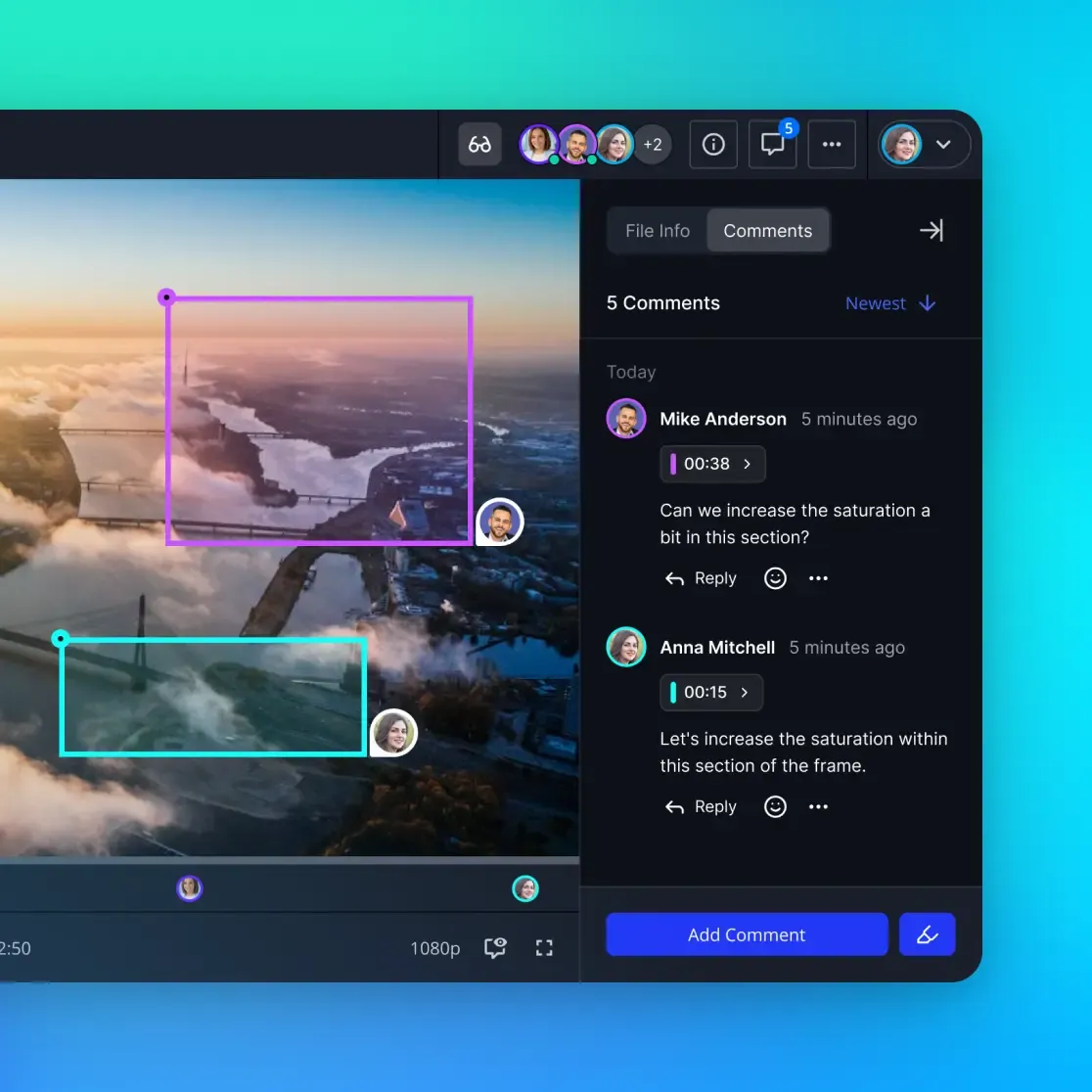
AI video creation pipelines produce files that need to go somewhere. Raw generated clips, rendered compositions, and final exports all need persistent storage, team access, and a delivery mechanism. That is where Fastio fits.
Fastio's remote MCP server gives OpenClaw agents a consolidated toolset for file operations. For video workflows specifically, three capabilities stand out.
HLS streaming lets team members preview large video files without downloading them first. When an agent generates a batch of clips, uploading them to a Fastio workspace means anyone on the team can review them immediately in a browser.
Intelligence Mode auto-indexes uploaded files for semantic search and citation-backed chat. Upload your video scripts, transcripts, and project notes to a workspace, and agents can query them with natural language. Ask "which videos mention the product launch?" and get answers with citations pointing to specific files.
Ownership transfer lets an agent build a complete video project, organize assets into workspaces, and hand the whole thing to a human client or team lead. The agent retains admin access for future updates, but the human takes ownership of the workspace and its contents.
Local storage and S3 work fine for personal projects. Google Drive and Dropbox handle basic sharing. Fastio adds the intelligence and agent-native access layer on top.
Business Trial: 14-day Business Trial, card required; see /pricing/. Connect via Streamable HTTP at https://mcp.fast.io/mcp/tools; see storage for agents.
Sources
References used to verify factual claims in this guide.
-
OpenClaw 2026.4.5 added video_generate with 16 provider backends
-
ClawVid uses a six-stage pipeline: TTS, scene timing, image gen, video gen, music, post-processing
-
Fastio offers a 14-day Business Trial with card required
-
ClawHub image-and-video-generation category lists skills including ai-video-gen, creaa-ai, fal-ai, eachlabs-video-generation
Frequently Asked Questions
Can OpenClaw generate videos?
Yes. OpenClaw 2026.4.5 added a native video_generate tool with 16 provider backends including Runway, Google Veo, OpenAI Sora, and xAI. It supports text-to-video, image-to-video, and video-to-video generation modes. Community skills on ClawHub extend the native tool with additional models and full production pipelines.
What is the best video generation skill for OpenClaw?
For quick generation, the native video_generate tool works without installing anything. For complete pipelines that handle scripting, generation, captioning, and rendering, ClawVid combines OpenClaw with Composio and Remotion to produce finished MP4 files from a text prompt.
How do I build a faceless video pipeline with OpenClaw?
Install ClawVid, which chains six stages: TTS narration with Qwen-3-TTS, scene timing from audio lengths, image generation via Kling-image/v3, video clips from Kling 2.6 Pro, background music from Beatoven, and post-processing with Whisper and FFmpeg. It outputs in both 16:9 and 9:16 formats.
Does OpenClaw support Remotion for video rendering?
Yes. The Remotion Video Toolkit skill on ClawHub provides patterns for React-based video composition, rendering via CLI, Node.js, Lambda, or Cloud Run. A separate Remotion Server skill adds headless rendering on Linux without a GUI.
How do I add captions to AI-generated videos with OpenClaw?
Install the OpenAI Whisper skill for local transcription with word-level timestamps. Whisper runs entirely on your machine without uploading audio. For automated subtitle overlay, the EachLabs Video Edit skill handles subtitle rendering along with lip sync and translation.
What does AI video creation cost with OpenClaw?
OpenClaw itself is free. Costs come from the AI provider APIs: Runway, Sora, Veo, and fal.ai charge per generation. The FFmpeg, Whisper, and Remotion skills are free and open source. Fastio storage for finished videos offers a 14-day Business Trial, card required; see /pricing/.
Related Resources

Store and share your AI-generated videos
Generous storage with HLS streaming, semantic search across scripts and transcripts, and MCP-native access for your OpenClaw agents.