How to Build a Law Firm Client Portal
Law firm client portals give clients secure access to case documents. They replace risky email attachments and personal cloud shares with controlled access, activity logs, and your firm's branding. Expect to handle hundreds of files per case, from pleadings and discovery to correspondence. This guide walks you through building one with Fastio workspaces, including fine-grained permissions and audit trails for legal work.


What is a Law Firm Client Portal?
Client portals let clients access case files securely, without giving them full firm logins. They use branded links to view pleadings, grab final agreements, or upload items like tax forms. Email chains can breach privilege. Portals log every view and limit access to approved files.
Organize files by case. Use one workspace for all a client's documents, with folders for discovery or settlement drafts. External shares let clients see specific folders in view-only mode. This keeps internal notes separate while handing over client materials.
Portals track client activity too. Check which files they opened and how long they spent on them. That helps you focus updates or catch unread docs before deadlines.
Helpful references: Fastio Workspaces, Fastio Collaboration, and Fastio AI.
Law firms can standardize portals by creating reusable workspace templates. Duplicate a master template for new cases, pre-configured with folders for motions, exhibits, discovery logs, and billing statements. Use consistent naming like "Case-2026-014-Discovery-Vol1.pdf" to speed searches. Teams report faster document retrieval after adopting structured portals. Pilot the template on multiple cases, measure retrieval time before and after, then roll out firm-wide.

Related guides
- Modern Law Firm Technology: Building an AI-Ready Document HubLegacy document management was built for local servers and paper files, not for attorneys working across offices with...
- How Law Firms Deploy Secure Client Document Upload Portals Without Login WallsCollecting sensitive records from clients is a frequent bottleneck in legal intake, where standard email attachment...
- Immigration Client Portals: Secure Document Intake for Law PracticesImmigration client portals replace chaotic email threads with structured digital workspaces for collecting foreign...
- How to Set Up an Immigration Document Portal for Your Law FirmImmigration cases generate dozens of documents from petitioners, beneficiaries, employers, and government agencies. An...
- Setting Up an Actionstep Client Portal for File DeliverySetting up an Actionstep client portal is a standard method for sharing legal case files, but native storage caps and...
- Legal File Management: Best Practices for Organizing Law Firm FilesLegal file management requires a structured approach that unifies matter-centric folder organization, standardized file...
More on this subject: Legal Teams (211 guides)
Why Law Firms Need Client Portals
Email attachments create risks. Messages get forwarded to the wrong people. No version control means confusion over the latest draft. Clients share files with family or advisors. That can lead to leaks.
Portals fix that. Clients get one branded page with organized files. No more requests to resend the settlement agreement. They can upload evidence straight to a folder. No phone calls needed.
Firms that switch spend less time on admin work. Staff chase fewer signatures and confirm fewer deliveries. Clients stay up to date. Fewer billing questions follow. For discovery, portals prove you've sent everything. Judges accept detailed access logs as proof of service, eliminating "I never received it" disputes.
Email risks multiply in complex litigation. A single forwarded attachment can waive privilege. Clients accidentally share sensitive medical records with insurers. Portals eliminate these by centralizing access. In practice, firms using portals see fewer privilege waiver scares. One firm avoided a malpractice suit after logs showed client-initiated download of unredacted notes.

Essential Security Features for Legal Portals
Files stay encrypted at rest and in transit. Every upload and download uses HTTPS with server-side encryption. Permissions work at organization, workspace, folder, and file levels. Partners see everything. Associates get case-specific access. Clients see only shared folders.
Audit logs capture every action: views, downloads, permission changes. Export them for discovery. Timestamps and IP addresses make solid records.
Link options protect shares. Password-protect them. Set expiration dates. Block downloads in view-only mode. Limit to domains like @yourclient.com. SSO works alongside Okta or Google Workspace. MFA requires phone verification. These features align with ABA guidelines for client data.
Document access rules, audit trails, and retention policies before rollout so staging results are repeatable in production. This avoids late surprises and helps teams debug issues with confidence.



Build Secure Law Firm Client Portals Today
Fastio provides shared workspaces, MCP tools, and searchable file context for law firm client portal workflows with reliable handoffs.
Step-by-Step Guide to Build Your Portal
Sign up for Fastio at fast.io/pricing with a 14-day trial (credit card required). The Starter plan ($9.99/mo, 3 seats) suits small firms. The Business plan ($49.99/mo, 10 seats) works for teams.
Step 1: Create an organization. This holds all your firm workspaces. Add team members and assign roles.
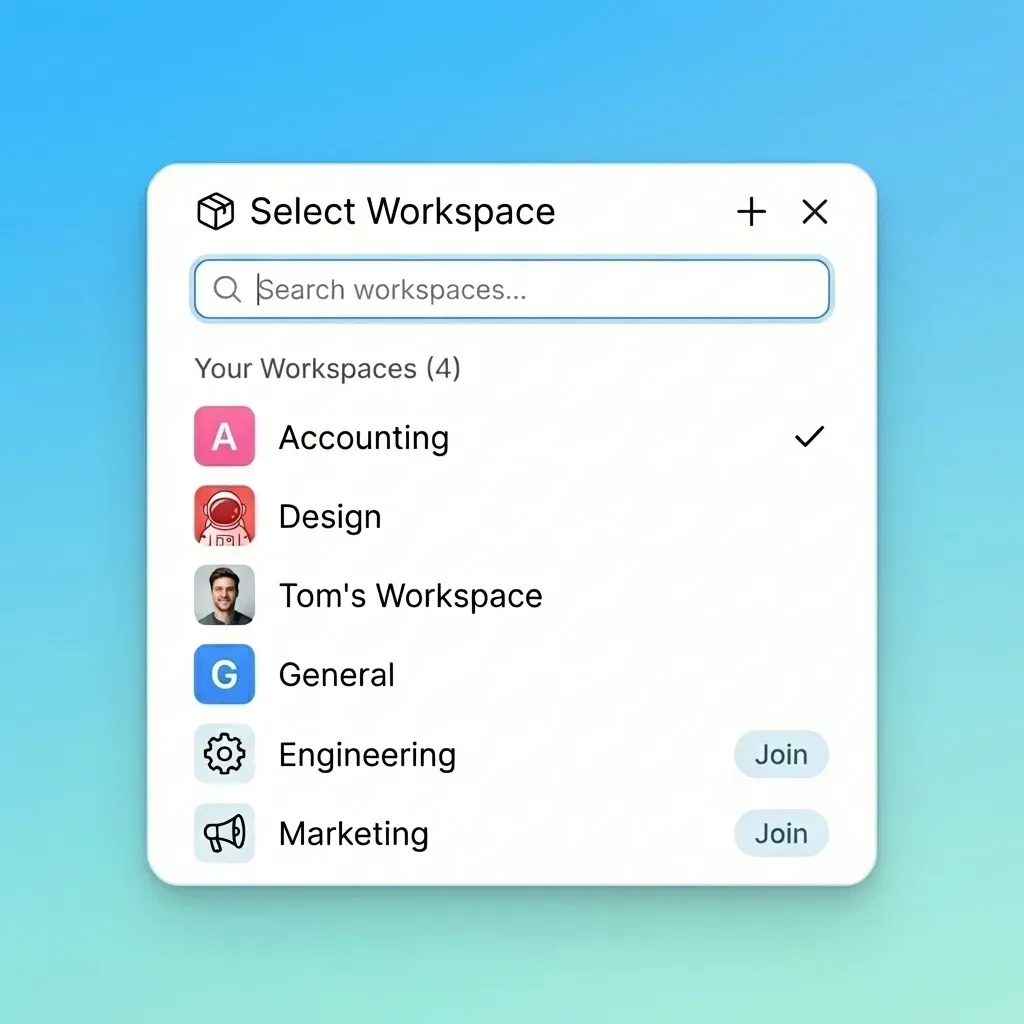
Step 2: Make a workspace per client. Name it "Client Name - Matter." Create folders like Pleadings, Discovery, Correspondence, and Client Uploads.
Step 3: Upload documents. Drag in folders or use bulk upload. It handles large discovery sets easily.
Step 4: Set team permissions. Associates get folder access. Tag files for quick searches.
Step 5: Generate client shares. Right-click a folder to create a branded link. Add a password and expiration date.
Step 6: Send to clients. Share the link. Clients access with email verification, no account required.
Test it yourself. Share a sample file and check that view-only mode works.
Branding and Customization
Your branding builds trust. Add your logo and colors. Clients see your firm, not a generic page.
Customize the view. Pin important folders like "Final Docs" or "Invoices." Add instructions: "Drop tax returns here."
It works on phones too. Clients check files while waiting in court.
Link to calendars for deadlines. Use comments for feedback on drafts.
Monitoring and Best Practices
Review audit logs weekly for unusual access. Train staff on permissions to prevent oversharing. Update or revoke shares as cases progress. Close them after settlement.
Export backups regularly. Test restores quarterly. For clients with multiple matters, use one workspace with subfolders per case.
Frequently Asked Questions
What is the best client portal for law firms?
Pick portals with fine-grained permissions, audit logs, branded shares, and no client accounts needed. Fastio workspaces deliver that, and its plans include seats. Clients join shares as guests, so they do not take a seat.
How to create a secure client portal?
Use encryption, logging, link controls, and SSO. Set up case workspaces, share folders safely, and monitor the logs. Fastio offers organization-wide controls.
Do law firms need client portals?
Yes. They protect privilege and simplify workflows. Portals cut email risks and provide access records.
How much does a law firm client portal cost?
Fastio offers a 14-day trial (credit card required), then plans from $9.99/mo. Clients join as guests, not seats. Better than bundled practice software.
Can clients upload to portals?
Yes. Set up dedicated upload folders with size limits and virus scans.
Related Resources

Build Secure Law Firm Client Portals Today
Fastio provides shared workspaces, MCP tools, and searchable file context for law firm client portal workflows with reliable handoffs.