How to Build a Company Brain Workflow for Sales Renewal Briefs
A company brain workflow for sales renewal briefs unifies master services agreements, statements of work, support logs, and usage records into an intelligent workspace. Account executives and AI agents query centralized account documentation to generate verified renewal dossiers with direct source citations. Grounding renewal preparation in the signed contract files helps reps catch pricing conditions before they reach the negotiation.


Why Enterprise Sales Renewals Stall Without Centralized Account History
A survey by Gartner found that 47% of digital workers struggle to find information or data needed to effectively perform their jobs. In enterprise sales and customer success, this friction surfaces acutely during contract renewals. When an account executive or account manager approaches an annual contract renewal, critical account history is scattered across customer relationship management fields, Master Services Agreements (MSAs), Statements of Work (SOWs), customer support tickets, email threads, and usage logs. Preparing renewal briefs manually takes account managers hours of tedious document hunting per strategic account.
A sales renewal brief workflow uses an intelligent workspace to aggregate customer contracts, past correspondence, support logs, and usage notes, enabling sales teams and agents to generate comprehensive renewal dossiers with direct source citations.
Without an authoritative knowledge repository, revenue teams run into three operational bottlenecks during every renewal cycle:
- Unverified Pricing and Discount History: Sales reps negotiate renewals unaware that previous special tier discounting was contingent on an initial multi-year term or upfront payment. Grounding account summaries in the signed contract PDFs catches pricing conditions a rep might otherwise miss.
- Unseen Escalations and Support Incidents: Account executives enter renewal conversations unprepared for past outages, unresolved support tickets, or unmet professional services commitments documented in external logs.
- Context Loss During Account Handoffs: When accounts transition between representatives or customer success managers, historical context stays trapped in private email inboxes or personal drive folders.
The table below contrasts standard customer management systems, standalone vector databases, and an intelligent company brain workspace for sales renewals.
Deploying an intelligent company brain gives sales teams and automated agents one shared, cited source of truth for customer contracts and account history.
Related guides
- How to Build a Company Brain Workflow for Sales BattlecardsA company brain workflow for sales battlecards centralizes competitor teardowns, win-loss analysis, and pricing sheets...
- How to Build a Company Brain Workflow for Architecture Decision RecordsAn Architecture Decision Record (ADR) company brain workflow is a structured system for indexing finalized software...
- How to Build a Company Brain Workflow for Board ReportingA board reporting company brain workflow centralizes financial models, department scorecards, and strategy memos in a...
- How to Build a Company Brain Workflow for Competitive IntelligenceA competitive intelligence company brain centralizes competitor teardowns, battlecards, and market research into an...
- How to Build a Company Brain Workflow for Customer OnboardingA customer onboarding company brain workflow unifies architecture diagrams, API specifications, and implementation...
- How to Build a Company Brain Workflow for Due DiligenceA company brain workflow for due diligence centralizes corporate charters, financial audits, and commercial contracts...
More on this subject: Agent Memory and Storage (367 guides)
Structuring an Account Renewal Company Brain
Organizing an effective company brain for sales renewals requires clear container boundaries, disciplined file ingestion, and strict access governance. Rather than scattering files across multiple departmental drives, revenue organizations build dedicated environments where each account history is fully accessible to authorized team members and AI assistants.
Workspace Isolation and Access Boundaries
Fast.io sets permissions per organization, workspace, and share through member roles: owner, admin, member, guest, and view. Inside a workspace, there are no folder-level or file-level permissions; every workspace member reaches all workspace contents according to their assigned role.
For commercial renewal operations, the recommended design is containerized workspace isolation. Strategic accounts receive dedicated environments, such as account-acme-renewals, or accounts are grouped into seasonal deal cohorts like renewals-2026-q4. Isolating customer documentation into dedicated workspaces prevents unauthorized team members from viewing sensitive pricing negotiations, non-standard terms, or confidential enterprise concessions.
By default, a workspace join setting allows any member of the organization to join. To restrict access to the specific account executive, customer success manager, sales engineer, and legal counsel assigned to the account, workspace administrators should restrict this join setting upon workspace creation.
Core Account Assets to Ingest
An account renewal company brain should contain all commercial, operational, and technical documentation generated throughout the customer lifecycle:
- Executed Commercial Agreements: Original Master Services Agreements, Statements of Work, signed order forms, custom addenda, and pricing schedules.
- Operational Performance Records: Quarterly business review presentations, project delivery sign-offs, and service milestone reports.
- Customer Support Summaries: Exported ticket escalation logs, unresolved technical tickets, and service level achievement summaries.
- Collaborative Notes and Deal Context: Collaborative Notes kept beside the files for recording account strategies, procurement contacts, expansion opportunities, and target renewal terms.
Synchronizing Source Drives with Cloud Sync
Sales operations teams do not need to migrate existing cloud storage manually. Cloud Sync connects Google Drive, Dropbox, Box, and OneDrive folders to a workspace, one-way or two-way, on a schedule or on demand. When SharePoint libraries are used, they connect through the OneDrive connector.
Files synced from an external drive take the Fast.io workspace permissions, not the source drive's sharing settings. This mechanism ensures that commercial agreements, customer logs, and executive correspondence adopt the workspace's strict role-based access controls immediately upon synchronization.
Automated Indexing with Intelligence Mode
When Intelligence Mode is enabled on an account workspace, files are indexed upon arrival for full-text and semantic search. The platform parses text, tables, and document structures across PDFs, spreadsheets, Word documents, and presentations without requiring separate vector database configuration. Team members and connected agents can ask questions about notice periods, price caps, or contracted milestones and receive answers backed by direct document citations.
Five Steps to Build a Company Brain Workflow for Sales Renewal Briefs
Building a repeatable, automated renewal brief workflow standardizes how account executives prepare for commercial negotiations. The workflow follows five distinct phases:
1. Account Workspace Aggregation
Provision a dedicated workspace for the target account or upcoming renewal cohort. Assign member roles to the deal team, ensuring the account executive and customer success manager hold member roles while legal counsel holds admin access. Set the workspace's join setting to 'No one can join automatically' so that internal team members outside the account team cannot browse confidential customer contracts.
2. Cloud Sync of MSAs and SOWs
Establish a scheduled, one-way Cloud Sync connection to import customer contracts from Google Drive, Dropbox, Box, or OneDrive. Ingesting original contract PDFs, historical order forms, and signed amendments provides the workspace with verified commercial documents. Synchronizing directly from existing storage repositories removes the need for manual file transfers and keeps the renewal workspace current.
3. Ingestion of Customer Support Logs and Operational Notes
Upload operational documentation alongside the legal agreements. Import customer support summaries, technical escalation notes, and usage review decks. Create Collaborative Notes beside the files to log internal account hypotheses, desired renewal pricing targets, and potential expansion paths discussed with product leaders.
4. Agent-Driven Renewal Brief Synthesis
Connect an AI assistant to the workspace using the Model Context Protocol or browser chat. Instruct the agent to query the workspace intelligence index and compile a comprehensive renewal dossier covering:
- Contractual renewal dates and formal non-renewal notice windows.
- Current annual recurring spend, payment schedules, and past discounting structures.
- Auto-renewal provisions, indexation caps, and negotiated price adjustment formulas.
- Open support tickets, unresolved service level issues, and delivery milestones.
- Executive champions, commercial decision-makers, and key stakeholders.
5. Verification Against Source Citations
Review the synthesized brief against the platform's direct source citations. Because each citation names the file and page and quotes the supporting snippet, account managers can check contract language quickly. Verifying auto-renew deadlines, discount conditions, and termination clauses against original PDFs ensures sales reps negotiate with complete factual confidence.
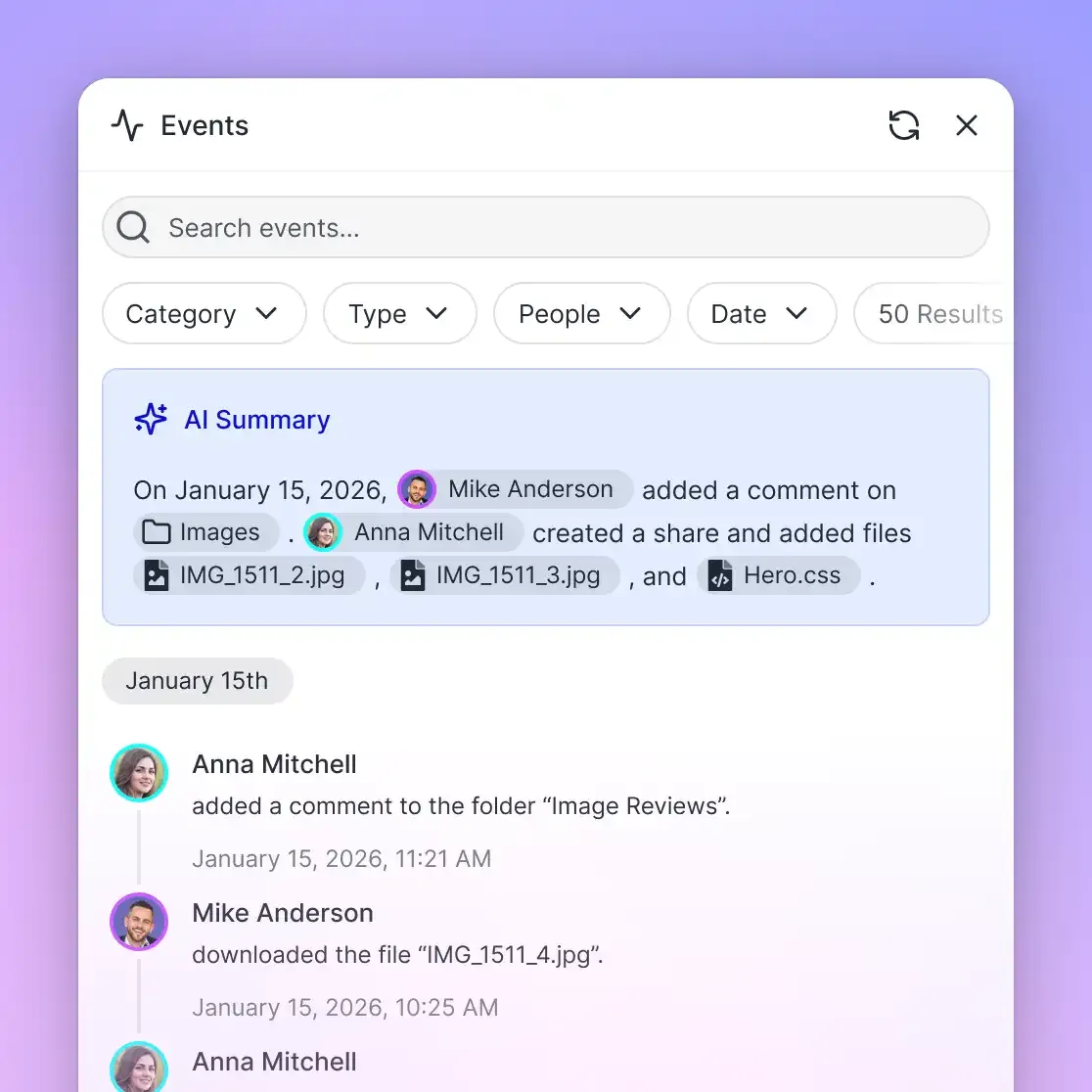


Centralize Customer History for Smarter Renewal Briefs
Unify customer contracts, support logs, and usage notes in one intelligent company brain workspace. Equip sales teams and AI agents with citation-backed research across every contract renewal. Monthly plans start with a 14-day free trial with credit card required.
Extracting Contract Terms at Scale with Metadata Views
While natural-language chat answers ad-hoc questions about an account, revenue operations teams managing dozens or hundreds of renewals each quarter require structured, queryable data. Fast.io provides Metadata Views to turn unstructured contract libraries into a live, queryable database.
Natural Language Schema Creation
Metadata Views eliminates the need for manual data entry, OCR templates, or brittle regular expressions. Users define the fields they need extracted in plain English, and the system designs a typed schema:
- Text: Counterparty Legal Name, Governing Law, Dispute Resolution Venue, and Payment Terms.
- Date & Time: Contract Effective Date, Initial Expiration Date, and Written Non-Renewal Notice Deadline.
- Decimal: Current Annual Contract Value, Software Subscription Fee, and Maximum Annual Price Increase Percentage.
- Integer: Committed User Seats, Included API Call Quotas, and Storage Allocations.
- Boolean: Automatic Renewal Clause Present, Mutual Indemnification Included, and Right to Audit Waived.
- JSON: Custom SLA Tier Thresholds, Support Escalation Tiers, and Penalty Credits.
Metadata Views extracts information across PDFs, scanned paper contracts, Word documents, and spreadsheets. When new contractual considerations arise, such as an upcoming regulatory compliance clause, operations teams add a column to the View. The system extracts the new field across all workspace contracts without reprocessing the files.
Operationalizing Metadata for Renewal Forecasting
Extracted metadata populates a sortable, filterable view directly inside the workspace. Sales operations leaders can filter the account base by renewal notice deadlines:
- Filter for accounts approaching notice deadlines to prioritize upcoming renewal reviews.
- Filter for accounts with contractual price increase caps to establish baseline renewal proposals.
- Query extracted metadata programmatically via the Model Context Protocol, enabling automated notification scripts to alert account owners when high-value contracts enter critical renewal negotiation windows.
Connecting AI Agents to the Renewal Workspace via MCP
Account management teams use AI agents to automate account research, compare legal terms across multi-year contracts, and draft preliminary renewal proposals. Fast.io hosts a remote Model Context Protocol (MCP) server over Streamable HTTP, allowing AI tools to interact directly with workspace files and search indexes. Setup details are available at https://mcp.fast.io/docs, with tooling specifications at https://mcp.fast.io/skill.md and developer onboarding at https://fast.io/llms.txt. Learn more on our storage for agents page.
Endpoint Configuration Across AI Clients
AI clients connect to specific endpoints based on their operational environment:
- Interactive Assistants: Claude Desktop, Claude Web, Claude Mobile, and general personal agents connect to
https://mcp.fast.io/mcp/tools. Sign-in is handled through browser OAuth, where users select Read Only or Read & Write access and specify accessible workspaces. - Coding Agents: Claude Code, Cursor, Devin Desktop, Cline, and terminal agents connect to
https://mcp.fast.io/mcp/code. - ChatGPT and Codex: Teams install the Fastio plugin from the ChatGPT plugin directory, or configure a custom MCP connector pointing to
https://mcp.fast.io/mcp/operations. - Automated Frameworks and Scripts: Headless agents running in LangGraph, CrewAI, AutoGen, or custom Python scripts pass a scoped API key as an HTTP header:
Authorization: Bearer <api key>.
To configure Cursor for an account research workflow, add the endpoint to ~/.cursor/mcp.json or .cursor/mcp.json:
{
  "mcpServers": {
    "fast-io": {
      "url": "https://mcp.fast.io/mcp/code"
    }
  }
}
Once connected, the AI agent can query workspace documents, extract contract renewal dates, compare baseline Master Services Agreements against subsequent amendments, and draft comprehensive renewal dossiers directly alongside the team.
Sources
References used to verify factual claims in this guide.
-
A survey by Gartner found that 47% of digital workers struggle to find information or data needed to effectively perform their jobs.
Frequently Asked Questions
What should be included in a sales renewal brief?
A comprehensive sales renewal brief synthesizes commercial terms, operational performance, and customer engagement history. Key commercial elements include the original contract effective date, current annual recurring revenue, historical discounting terms, auto-renewal clauses, price increase indexation caps, and the formal non-renewal notice window. Operational sections should summarize service milestone delivery, quarterly business review notes, unresolved customer support tickets, and executive stakeholder changes. Grounding each item in verified source documents ensures account managers negotiate renewals from verified contract facts rather than assumptions.
How can AI help customer success teams prepare for contract renewals?
AI assistants connect directly to centralized account workspaces to automate contract research and extract key commercial terms. Instead of manually reading multi-year agreements and amendments, account teams use AI agents to compare terms across initial Master Services Agreements and subsequent Statements of Work. Agents parse complex pricing tiers, identify non-standard indemnification language, and summarize historical support escalations. When connected through the Model Context Protocol, agents query workspace search indexes and generate structured renewal summaries while citing exact document pages and excerpts for immediate verification.
How do you securely store sensitive customer contracts for AI retrieval?
Sensitive customer contracts require strict isolation and clear access boundaries. In Fast.io, permissions are governed per organization, workspace, and share using member roles: owner, admin, member, guest, and view. Because there are no folder-level or file-level permissions, customer contracts and pricing addenda should be organized into dedicated account workspaces restricted to assigned deal team members. External AI models and local agents interact with workspace files through authenticated Model Context Protocol endpoints or API connections, ensuring agents only retrieve documents within the workspaces their credentials permit.
Does Fast.io sync customer contracts directly from Google Drive and OneDrive?
Yes. Fast.io includes Cloud Sync, which connects Google Drive, Dropbox, Box, and OneDrive folders directly to a workspace. Teams can configure synchronization as one-way or two-way, running on a scheduled interval or on demand. When organizations store customer records across Microsoft SharePoint libraries, those libraries connect through the OneDrive connector. Files imported or synchronized from external cloud drives automatically adopt the permissions of the target Fast.io workspace, ensuring external sharing settings do not override internal workspace governance.
How do AI agents cite source documents when compiling account renewal briefs?
When Intelligence Mode is enabled on an account workspace, files are indexed upon arrival for full-text and semantic search. When an AI agent or team member queries the workspace through the Model Context Protocol or chat interface, the intelligence engine extracts relevant text passages and provides direct source citations. Citations identify the exact source file name, page number, and relevant excerpt. Account executives can click any citation in the synthesized brief to open the underlying contract PDF and verify contractual terms before customer negotiations.
Related Resources

Centralize Customer History for Smarter Renewal Briefs
Unify customer contracts, support logs, and usage notes in one intelligent company brain workspace. Equip sales teams and AI agents with citation-backed research across every contract renewal. Monthly plans start with a 14-day free trial with credit card required.