How to Integrate LangChain with Your Fastio Company Brain
LangChain agents gain the ability to query structured and unstructured business documents by connecting to the Fastio company brain. This integration provides agents with a persistent, versioned retrieval layer that uses semantic search and citations to ground AI responses in the workspace's current files.

The Architecture of Intelligent Agent Retrieval
LangChain agents struggle when knowledge is trapped in siloed, unindexed, or poorly organized storage. Connecting your Fastio company brain as a retrieval tool allows your agents to query documents using semantic search, receiving answers backed by exact source citations from within the workspace.
In an intelligent workspace, the files themselves form the knowledge base. When you enable Intelligence Mode in a Fastio workspace, every document, PDF, spreadsheet, or note is automatically indexed upon arrival. This indexing process supports both keyword-based lookup and meaning-based semantic search.
Because the workspace acts as the primary data store for the team, agents and humans work from a single, consistent version of the truth. When a LangChain agent queries this workspace via the Model Context Protocol (MCP), it receives data that is already indexed and ready for retrieval. You do not need to maintain a separate vector database or implement complex ingestion pipelines.
Helpful references: Fastio Workspaces, Fastio Collaboration, and Fastio AI.
Related guides
- How to Integrate Claude Code with SharePointClaude Code SharePoint integration connects Anthropic's terminal-based coding agent to Microsoft SharePoint document...
- How to Integrate Dropbox with OpenClaw WorkspacesConnect your Dropbox storage to OpenClaw agent workspaces. AI agents can then read, analyze, and create files in your...
- LangChain Context Window Management: Memory Buffers, Trimming, and Token LimitsUnpruned LangChain agent loops accumulate conversation history, tool outputs, and document chunks linearly until the...
- How to Integrate Dify AI with External File StorageDify is an open-source platform for building AI applications with visual workflows. Its built-in file handling works...
- 18 agentic workflows to run against your company brainYour agent starts every session knowing nothing about your company. A company brain fixes that. One Fastio workspace...
- How to Design a Company Brain Architecture for People and AI AgentsA company brain architecture unites operational storage, hybrid search, and autonomous agents inside an authoritative...
More on this subject: Agent Memory and Storage (367 guides)
Understanding the Fastio Company Brain Model
A company brain is a centralized workspace where documents, specifications, contracts, and call notes live. Within Fastio, this workspace provides the persistent, auditable foundation required for enterprise-grade agent interactions.
Files arrive in this workspace through direct uploads or via Cloud Sync, a feature that connects Google Drive, Dropbox, Box, and OneDrive folders, either one-way or two-way, on a schedule or on demand. With Intelligence on, files are indexed for search as they arrive.
For the agent, this means the environment is predictable. The agent interacts with tools through a consolidated MCP interface that exposes storage management, semantic search, and document extraction. Because permissions are handled consistently at the organization, workspace, and share levels, an agent reaches only the workspaces and shares that its account belongs to.
Configuring the Fastio MCP Server for LangChain
Integrating a LangChain agent with your company brain requires configuring the agent to use the Fastio MCP server. This server provides the necessary tools for your agent to navigate the workspace, search documents, and retrieve cited context.
To begin, ensure your agent runtime has access to the Fastio MCP endpoint. For a LangChain agent in your own code, use https://mcp.fast.io/mcp/tools, which serves a read tool and a _manage write tool for each area. Coding agents such as Cursor, Cline, and Claude Code connect to https://mcp.fast.io/mcp/code instead.
Steps to Integrate
- Install LangChain with its MCP support and a model provider. LangChain loads MCP tools through its
langchain.mcpmodule, which requireslangchain[mcp]1.4.0 or later and is in beta. Projects on earlier versions used the separatelangchain-mcp-adapterspackage, which is no longer actively maintained.
pip install "langchain[mcp,anthropic]"
Authenticate the connection. A LangChain agent running in a script or on a server is headless, so it sends a Fastio API key on the connection as
Authorization: Bearer <your_api_key>. In LangChain, pass the key as theauthargument of the FastMCP client, as in the example below. Interactive clients such as IDEs and browser-based agents sign in with OAuth instead.Verify tool access. On
/mcp/tools, each area has a read tool and a_managetool for changes.storagewithaction="search"runs hybrid search over the workspace's files and returns the matching files with the passages inside them, andai_managewithaction="ask"returns an answer from the workspace's built-in AI with citations to the source files. Moves, renames, and file locks go throughstorage_manage.
The following snippet shows a LangChain agent that loads the Fastio tools and answers a question with them:
import asyncio

from fastmcp.client import Client
from langchain.agents import create_agent
from langchain.mcp import MCPAdapter


async def main():
    client = Client("https://mcp.fast.io/mcp/tools", auth="YOUR_FASTIO_API_KEY")
    async with MCPAdapter(client) as adapter:
        tools = await adapter.list_tools()
        agent = create_agent("claude-sonnet-5", tools)
        result = await agent.ainvoke(
            {"messages": [{"role": "user", "content": "Summarize the latest contract terms for Client X"}]}
        )
        print(result["messages"][-1].content)


asyncio.run(main())
The agent decides when to call the Fastio tools while it works through the request. Files it uploads, edits, moves, or deletes are recorded in the workspace's activity log.

Handling Authentication and Authorization
Fastio handles authentication via standard OAuth 2.0 flows for humans in the loop, or via scoped API keys for headless agent runtime environments. When connecting as a service account or headless agent, make sure the key's scopes, and the role of the user who created it, cover the workspace tasks the agent performs. API keys act with the permissions of the user who created them, so audit those keys regularly.


Connect LangChain agents to your Fastio company brain
Set up a shared, intelligent workspace with an MCP-ready endpoint that scales with your team. Monthly plans start with a 14-day free trial.
Securing Data and Workspace Access
Data security in a company brain relies on strict, role-based access control. Fastio permissions operate at the organization, workspace, and share levels. There are no folder-level or file-level permissions; if an agent or member has access to a workspace, they reach the content according to their role.
To limit an agent's access to sensitive material, keep that material in a separate workspace or a dedicated share, and connect the agent through an account that is not a member of it. Because any organization member can join a workspace by default, restrict the join setting on that workspace so only invited members get in. With OAuth, the person signing in can also limit the connection to chosen organizations and workspaces on the Review Permissions screen.
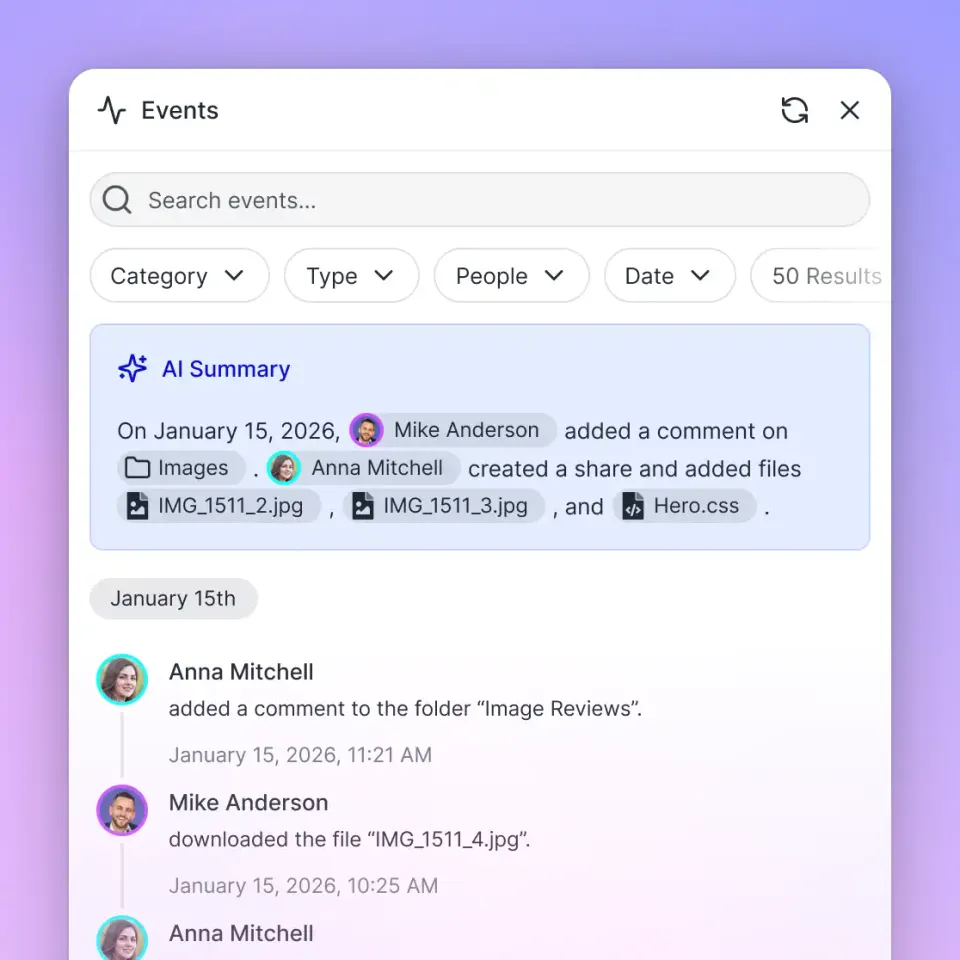
The activity log is another essential security feature. It records uploads, edits, moves, deletions, and membership and permission changes, so you can review how the files in your company brain have changed and audit both human and agent actions over time.
Advanced Data Extraction with Metadata Views
While Intelligence Mode provides semantic retrieval, Metadata Views offer structured data extraction, turning documents into a live, queryable database. Agents extract fields with storage_manage action=metadata-extract, read the field names in use with metadata action=fields-list, and query values with metadata action=search.
Metadata Views can process PDFs, spreadsheets, Word documents, and even handwritten notes. For example, an agent could monitor incoming invoices to extract line items, totals, and due dates into a sortable spreadsheet view. This capability complements RAG by providing a structured format for data that is otherwise locked inside unstructured files.
Summary of Implementation
Integrating LangChain with your Fastio company brain transforms your storage into an active, intelligent coordination layer. By using the Fastio MCP toolset, you ensure that your agents access indexed, versioned, and cited knowledge within a secure, role-based workspace.
This approach avoids the complexity of third-party vector databases and keeps all work, from the raw file to the agent’s final output, within the same auditable, collaborative environment.
Teams should validate this approach in a small test path first, then standardize it across environments once metrics and outcomes are stable.
Sources
References used to verify factual claims in this guide.
-
LangChain's documentation says an existing knowledge base does not need to be rebuilt and can be connected to an agent as a tool.
Frequently Asked Questions
How do I integrate LangChain with a company brain?
You integrate LangChain with a company brain by connecting the agent to the Fastio MCP server. Once configured, your agent can use `storage` with `action="search"` to find passages in indexed documents and `ai_manage` with `action="ask"` for a cited answer, while changes go through `_manage` tools such as `storage_manage`, all within the workspace's permissions.
Can I limit which files my LangChain agent can access in Fastio?
Yes, at the workspace and share level. Fastio permissions apply to organizations, workspaces, and shares, so keep sensitive files in a dedicated workspace or share and connect the agent through an account that is not a member of it. Because any organization member can join a workspace by default, restrict the join setting on that workspace. With OAuth, the person signing in can also limit the connection to chosen organizations and workspaces.
Does Fastio support vector database integrations?
Fastio provides built-in Intelligence Mode, which automatically indexes files for semantic retrieval. You do not need a separate vector database; the workspace itself acts as the knowledge layer that your LangChain agents query via MCP.
Related Resources

Connect LangChain agents to your Fastio company brain
Set up a shared, intelligent workspace with an MCP-ready endpoint that scales with your team. Monthly plans start with a 14-day free trial.