Building a Company Brain for Knowledge Management Teams
Knowledge management teams frequently struggle with fragmented documentation and inefficient search processes. By creating a centralized company brain in an intelligent workspace, teams can index their files for keyword and semantic search while allowing AI agents to access the same institutional knowledge. This guide details how to structure, automate, and secure your knowledge repository using Fastio.

The Architectural Shift to Centralized Knowledge
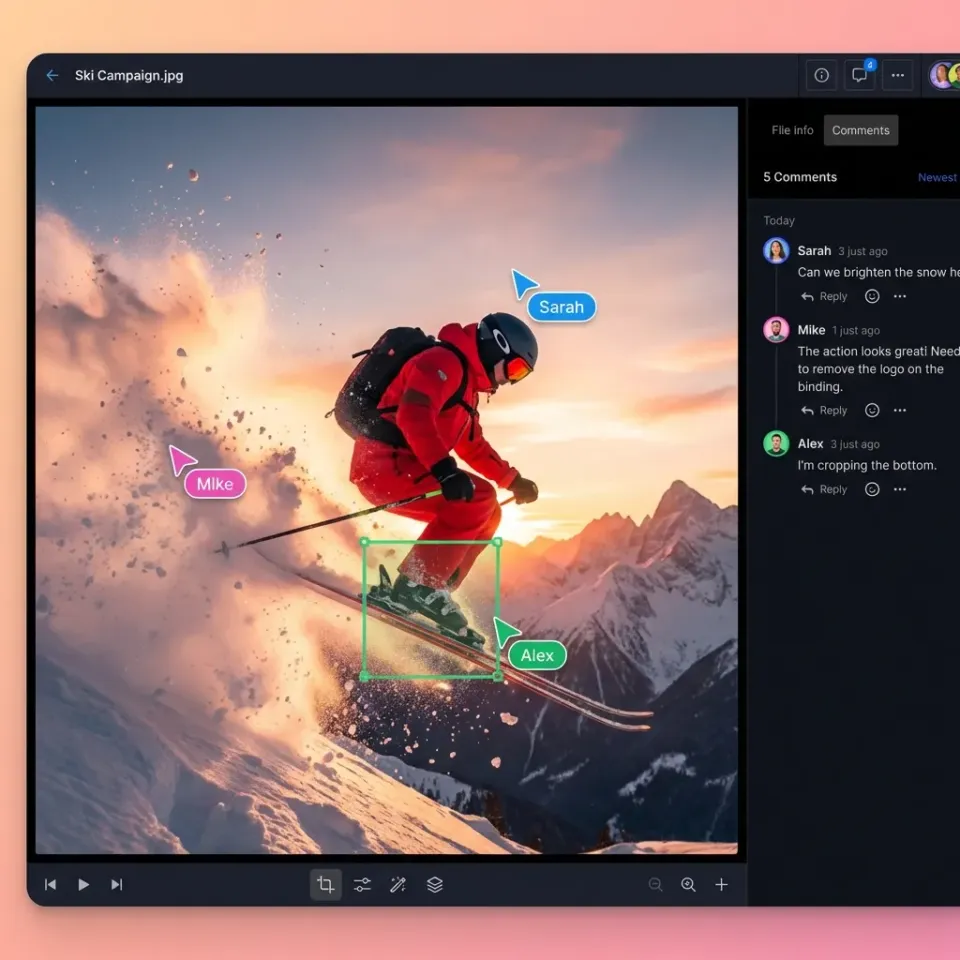
Knowledge management teams often spend significant portions of their working hours searching for documents, creating substantial inefficiency. This inefficiency stems from fragmented storage systems where contracts, project specifications, decision records, and onboarding materials reside in disconnected silos. The solution is not a larger, more complex archive, but a centralized company brain that treats files as queryable data rather than static objects. With Intelligence on, files are indexed as they arrive through direct upload or Cloud Sync from platforms like Google Drive, Dropbox, Box, and OneDrive, so every document, from call notes to technical specifications, becomes available for keyword and meaning-based search once indexing finishes. A company brain is a centralized, AI-enabled workspace that transforms siloed documents into queryable institutional knowledge. Instead of a passive repository, the workspace acts as an active participant in your team's workflow, indexing content for semantic search, structured extraction, and agent interaction. When teams adopt this architecture, they no longer rely on file naming conventions or memory to find information. Instead, they interact with a centralized intelligence layer that searches their documentation by meaning.
Helpful references: Fastio Workspaces, Fastio Collaboration, and Fastio AI.

Related guides
- How to Build a Modern Company Knowledge Base for Teams and AI AgentsA modern company knowledge base centralizes operational documents, contracts, specs, and notes so people and AI agents...
- Structured vs Unstructured Knowledge Base Data in a Company BrainA company brain relies on both structured data and unstructured files to provide accurate, reliable answers. By...
- How Consulting Firms Build a Company Brain: Frameworks, Engagements, and Client IsolationA company brain for consulting firms organizes proprietary frameworks, industry benchmarks, proposal templates, and...
- The Company Brain Launch Kit: Templates, Folder Structures, and Setup PlaybookA company brain launch kit provides the folder taxonomies, permission baselines, connector setups, and team guidelines...
- What Documents Belong in a Company Brain? An Ingestion PlaybookA company brain is a digital repository containing an organization's core intellectual property, processes, product...
- How to Build a Company Brain for Legal Teams: In-House Knowledge ManagementA company brain for legal teams centralizes executed agreements, standard clause playbooks, and corporate compliance...
More on this subject: Agent Memory and Storage (367 guides)
Structuring Your Knowledge Workspace Infrastructure
An effective company brain requires a clear structural foundation. In Fastio, permissions are managed at the organization, workspace, and share levels rather than at the folder or file level. This design encourages a cleaner organization of materials. KM teams should map their workspace structure to their business functions, using separate workspaces for distinct departments like legal, finance, or product engineering.
Cloud Sync provides the bridge between your existing storage and the company brain. You can connect Google Drive, Dropbox, Box, and OneDrive folders to a workspace using one-way or two-way synchronization on a schedule or on demand. When files sync into the company brain, they take the permissions of the Fastio workspace, ensuring that access controls are consistent regardless of the source drive's original sharing settings. For material that requires restricted visibility, create specific shares or separate workspaces, each with its own members and roles. A separate workspace keeps material from other organization members only after its join setting is restricted to invited members, because by default any organization member can join.
When setting up your infrastructure, it is critical to align workspaces with team boundaries rather than trying to replicate complex folder hierarchies. If a team needs to share a single folder or a specific set of files with a client or another department, the solution is to create a share holding exactly those files, rather than trying to manage granular access control within a shared workspace. This approach keeps permissions easy to review, and the detailed activity log records each membership and permission change.
Implementing Role-Based Access Controls
Workspace roles (Owner, Admin, Member, Guest, and View) determine what participants can do within the company brain. Administrative overhead is minimized by using these roles rather than managing individual file permissions. An agent that signs in with its own account gets a workspace role like any other member, while an agent using an API key acts with the permissions of the user who created the key, within the key's scopes. Either way, the agent reaches only the workspaces and shares that account belongs to. Regularly review these roles to ensure access remains aligned with current team requirements, particularly when onboarding new members or setting up client-facing portals.


Build Your Company Brain Today
Stop searching for fragmented files. Create an intelligent, versioned workspace where your team and your AI agents collaborate from the same persistent, indexed storage. Monthly plans start with a 14-day free trial.
Activating Semantic Search and Intelligence
Once documents are ingested, enable Intelligence Mode to transform the workspace into a true knowledge engine. Fastio automatically indexes files for both keyword-based and semantic search. This allows users and AI agents to ask complex questions and receive answers cited from the specific documents within the brain.
Intelligence Mode works by interpreting the meaning behind your files rather than just searching for exact word matches. When an agent or team member asks for a decision made during a specific client meeting, the system retrieves relevant snippets from call notes, project briefs, and technical specs, providing a cited response based on current content. This eliminates the need for manual indexing or the creation of a separate vector database.
The value of this approach is most evident in complex research scenarios. For example, a marketing team preparing for a campaign can ask the company brain, 'What were the core takeaways from our Q3 market analysis?' and receive an answer derived from multiple research documents, internal memos, and prior campaign reports. The system provides citations, allowing team members to check the information by navigating directly to the source file, which can reduce the time spent on document review and synthesis.
Extracting Structured Data with Metadata Views
While Intelligence Mode handles search and summarization, Metadata Views act as the structured extraction layer for your company brain. KM teams can turn unorganized document sets into queryable databases without defining complex OCR rules or templates. Describe the fields you need, such as contract dates, invoice totals, or counterparty names, and the system extracts these details from PDFs, images, spreadsheets, and Word documents.
Metadata Views match files in the workspace and populate a sortable, filterable spreadsheet. You can add new columns at any time without reprocessing existing files. This functionality is essential for high-volume document environments like finance or legal, where extraction of specific data points from diverse document formats is a prerequisite for organizational analysis. For example, a legal team can extract the termination clauses and notice periods from vendor contracts to quickly assess organizational risk. A finance team can extract line items from invoices into a master tracker, identifying spending patterns that were previously locked within PDF documents.
Through the MCP toolset, agents can read the field names with metadata action=fields-list, query values with metadata action=search, and extract values with storage_manage action=metadata-extract, enabling automated data gathering for compliance reporting or competitive intelligence. By moving from manual document review to automated extraction, teams gain visibility into the information contained within their repository, effectively turning their file storage into a dynamic data asset.
Integrating AI Agents into the KM Workflow
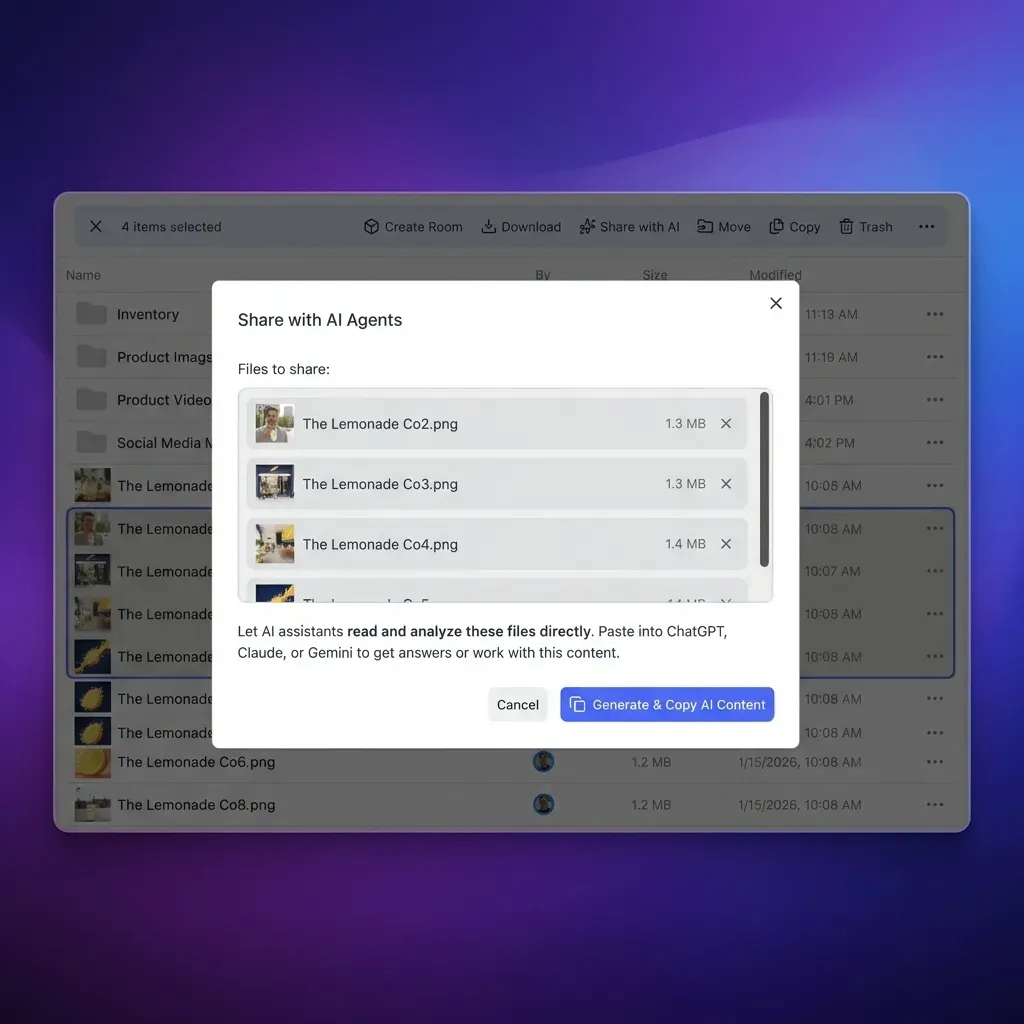
A company brain is more powerful when AI agents can read from and write to it directly. Fastio exposes action-based MCP tooling for workspace, storage, sharing, AI, member, and event operations. By connecting agents through the Fastio MCP server, you enable them to operate within the same workspace as human team members.
This unified environment allows agents to build, edit, and update documentation alongside people, and in Notes a person and an agent with the same note open see each other's edits as they type. Every file maintains full version history, which ensures that concurrent agent work remains auditable and that prior versions can be restored if necessary. Ownership transfer is a key agentic feature: an agent can create a workspace or a portal for a client, populate it with files, and transfer ownership to a human team member while maintaining necessary administrative access. This creates a smooth handoff process between automated processes and human oversight.
Consider the workflow for drafting project documentation. An AI agent, connected via MCP, can read project requirements, draft an initial specification in a shared workspace, and update it based on feedback from the project lead. The project lead can review the document version history to see every iteration, ensuring that no context is lost during the development cycle. Once the document is finalized, the workspace owner can transfer the workspace to a member of the client-facing team and stay on as an admin, and the agent's drafts remain in the file's version history.
Subscribing to Workspace Activity
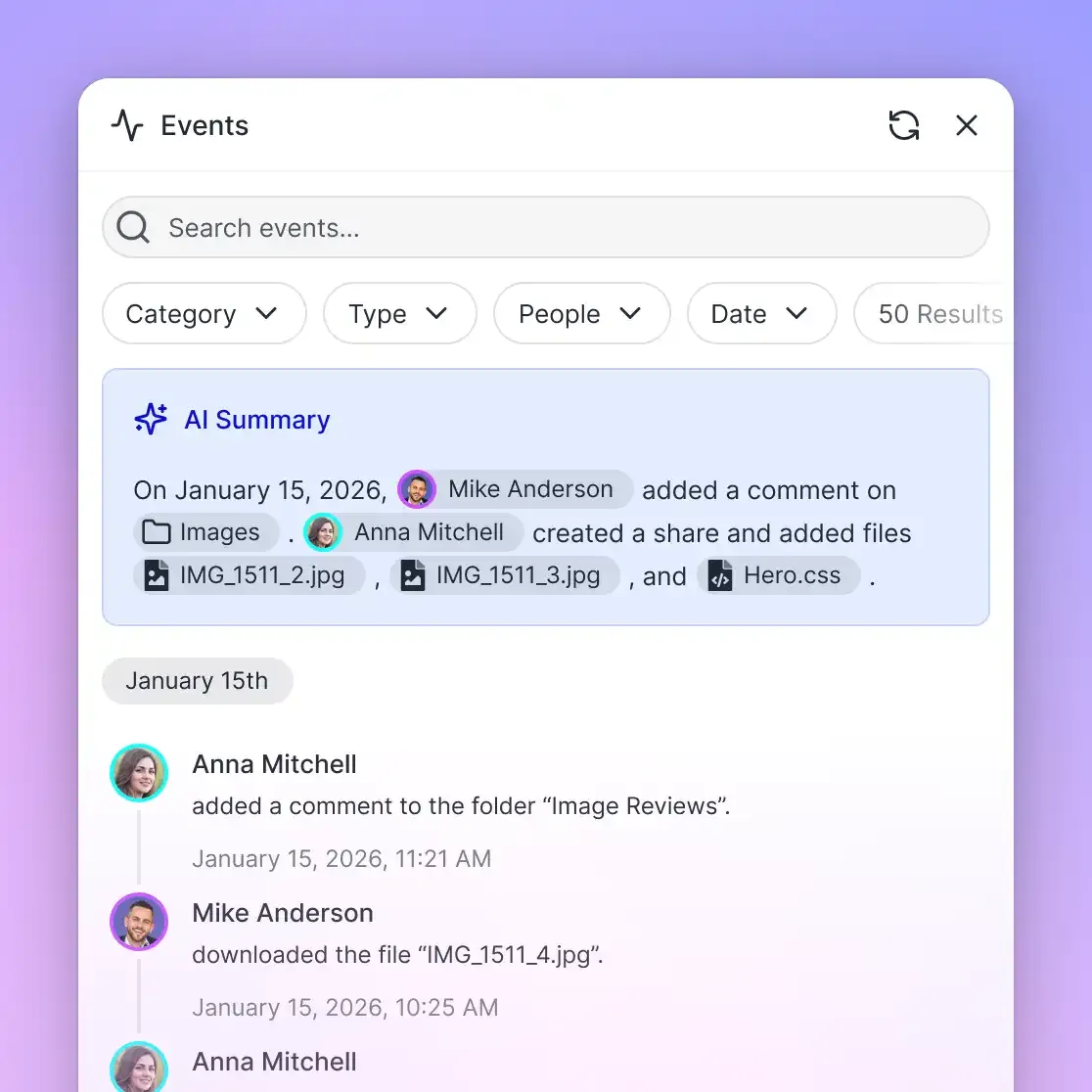
The events feed allows your agents and internal dashboards to react to workspace changes. By subscribing to activity over WebSocket or long-poll, you can trigger downstream processes when critical documents arrive. The detailed activity log provides a comprehensive record of what changed, who changed it, people and agents alike, and when, covering uploads, edits, moves, and deletions, as well as share creation and membership changes. This gives teams a record of every change made to the company brain.
Ensuring Knowledge Integrity and Auditability
Maintaining the integrity of a company brain is essential for organizational trust. Fastio achieves this through a combination of detailed activity tracking, version history, and secure access controls. Because the detailed activity log tracks every change, teams have a clear audit trail of who made changes, such as file deletions or permission modifications, which is indispensable for maintaining accountability in a shared knowledge environment.
Version history serves as the safety net for your KM operations. Every time a document is updated, the system keeps a record of the prior version. If a team member or agent inadvertently makes an incorrect edit, the previous version can be restored easily. This functionality, coupled with the activity log, lets you see when a change occurred and who made it, and restore an earlier version of the file. This combination of transparency and control is the difference between a disorganized repository and a strong company brain.
Frequently Asked Questions
How is the Fastio company brain different from enterprise search tools?
Unlike enterprise search platforms that index files from external locations, Fastio is an intelligent workspace. Files live in the workspace where they are indexed, which means the intelligence layer, search capabilities, and agent tools are all operating within the same persistent storage environment.
Does the company brain inherit file-level permissions from Google Drive or OneDrive?
No. Files synced or imported from Google Drive, OneDrive, Dropbox, or Box take the permissions of the Fastio workspace. The Fastio workspace permissions define access within the company brain, not the original source drive's sharing settings.
Can AI agents access the company brain securely?
Yes. Agents interact through the Fastio MCP server or REST API with scoped permissions. They reach only the workspaces and shares their account belongs to (for an API key, the account of the user who created it, within the key's scopes), and the changes they make are recorded in the detailed activity log.
Related Resources

Build Your Company Brain Today
Stop searching for fragmented files. Create an intelligent, versioned workspace where your team and your AI agents collaborate from the same persistent, indexed storage. Monthly plans start with a 14-day free trial.