How to Build a Company Brain for Legal Teams: In-House Knowledge Management
A company brain for legal teams centralizes executed agreements, standard clause playbooks, and corporate compliance policies into an indexed workspace for legal counsel and AI assistants. Without a unified context layer, lawyers waste hours locating past precedents while AI tools generate unverified contract summaries. Structuring legal documents for semantic retrieval via Model Context Protocol gives in-house teams fast, checkable answers backed by page-level citations.


Why In-House Legal Teams Need a Central Company Brain
When an in-house legal team asks an AI assistant to verify whether an active contract contains an unlimited liability carve-out or an aggressive indemnity provision, a standard language model generates a confident summary without proving which document or clause it read. In corporate legal operations, a summary without an exact clause attribution and page reference is hard to rely on. The bottleneck is not model intelligence; it is the absence of an indexed, role-restricted company brain where executed agreements, standard fallback clauses, and corporate policies live, and where every answer points directly to the underlying contract page.
A company brain for legal teams is a secure, role-restricted workspace containing executed agreements, standard clauses, and corporate policies indexed for semantic search and AI inquiry, where every answer cites exact files and page numbers.
Corporate legal departments operate under intense operational pressure. In-house counsel oversee hundreds of active commercial agreements, vendor renewals, intellectual property assignments, and regulatory compliance filings every quarter. Xakia Technologies, which sells matter management software, estimates that a five-person team implementing matter management usually recovers 10 to 15 hours per week. When institutional knowledge remains scattered across fragmented email attachments, archived closing binders, and legacy cloud folders, counsel spends valuable hours performing manual document retrieval rather than advising executive leadership.
Traditional cloud drives keep storage separate from active agent workspaces, requiring attorneys to manage nested directory hierarchies and fragmented permissions across separate tools. If an attorney leaves the company, their historical context regarding why a non-standard limitation of liability was accepted on a master services agreement departs with them. A chat tool that cannot reach the department's records cannot check its statements against them.
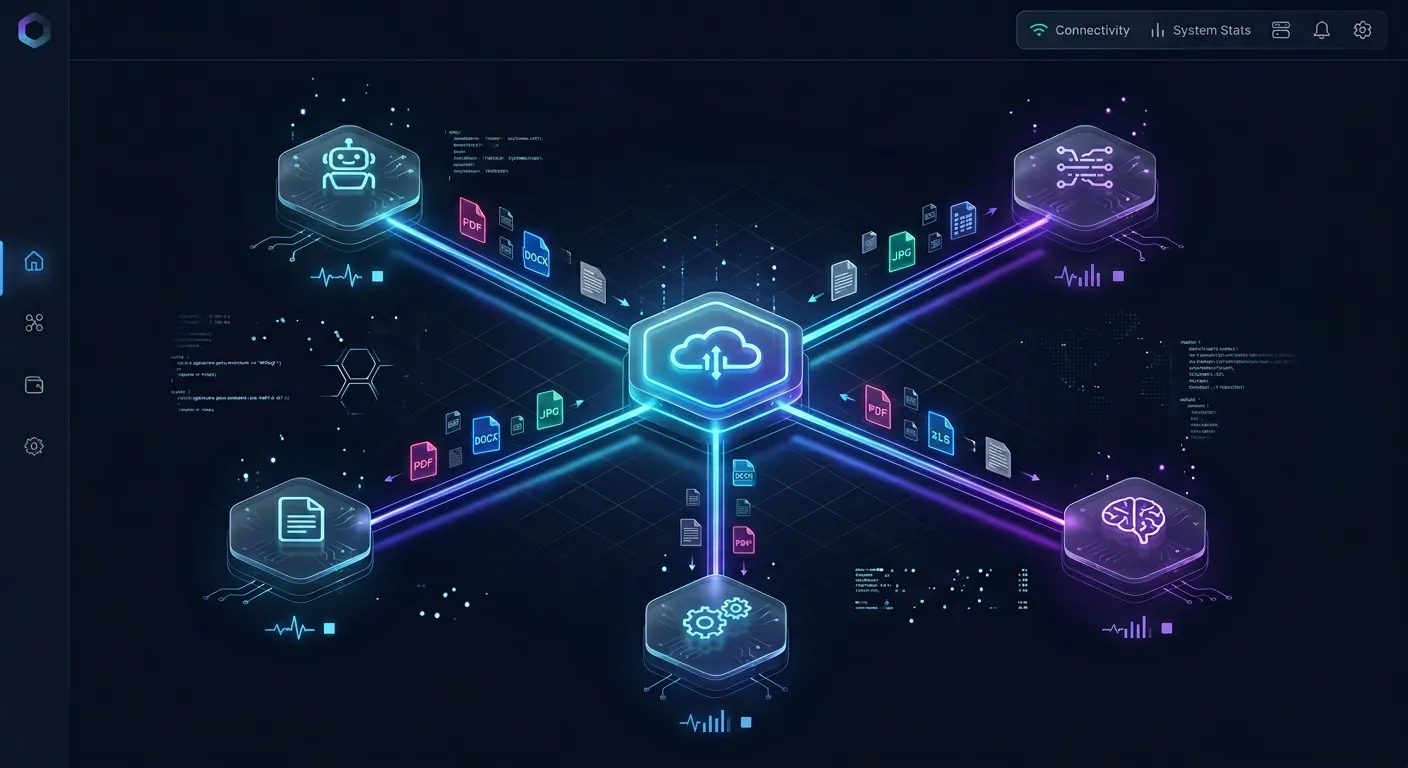
An intelligent company brain replaces passive storage with an active context layer. Within an intelligent workspace, agreements and policies are indexed upon arrival for keyword and semantic search. Legal counsel can query the repository using natural language to uncover commercial precedents across hundreds of historical agreements. At the same time, connected AI assistants access the identical document repository through structured protocols, retrieving verbatim clause excerpts with exact page citations to support contract analysis. By centralizing institutional legal knowledge in a shared company brain, corporate legal teams close information gaps, accelerate commercial reviews, and keep every answer checkable against source documents.
Related guides
- Building a Company Brain for Marketing Teams: Brand Assets, Messaging, and AI GroundingA company brain for marketing teams unifies brand guidelines, messaging frameworks, customer evidence, and competitor...
- How to Build a Company Brain Workflow for Due DiligenceA company brain workflow for due diligence centralizes corporate charters, financial audits, and commercial contracts...
- How to Design a Company Brain Metadata Schema for AI Search and RetrievalA company brain metadata schema provides the organizational framework AI agents and humans need to locate documents,...
- How to Build a Company Brain for Customer Success TeamsA company brain for customer success unifies client contracts, onboarding records, and product documentation into an...
- How to Build a Company Brain for Finance Teams: Security, Isolation, and AI RetrievalA company brain for finance teams centralizes accounting policies, vendor agreements, audit files, and financial models...
- How to Build a Company Brain for Technical Support TeamsA company brain for technical support centralizes verified runbooks, diagnostic guides, and engineering escalations in...
More on this subject: Agent Memory and Storage (335 guides)
What Core Legal Assets Belong in a Corporate Context Store
Building an effective in-house legal knowledge base begins with determining which documents constitute the corporate system of record. Ingesting arbitrary document drafts or disorganized matter notes introduces noise into retrieval algorithms. A structured legal context store relies on four primary document tiers:
- Executed Commercial Agreements and Amendments: Canonical signed agreements, including Master Services Agreements (MSAs), Statements of Work (SOWs), Non-Disclosure Agreements (NDAs), Data Processing Addenda (DPAs), and software licensing terms. Maintaining only fully executed agreements prevents AI tools from mistaking rejected redlines for binding obligations.
- Negotiation Playbooks and Standard Clause Libraries: Authoritative company fallback positions, approved clause variations, risk thresholds, and negotiation guides for recurring provisions such as indemnification caps, intellectual property ownership, audit rights, and termination for convenience.
- Corporate Governance and Compliance Policies: Internal operational policies, including employee handbooks, information security standards, code of conduct rules, privacy frameworks, and delegation of authority matrices that govern signing thresholds.
- Outside Counsel Memoranda and Regulatory Assessments: Formal legal opinions, cross-border tax analyses, regulatory compliance filings, and historical dispute settlement summaries prepared by specialist outside firms.
Structuring Contract Extraction with Metadata Views
Unstructured PDF contracts conceal critical business data within complex legal prose. An in-house counsel evaluating vendor risk often needs to identify every active vendor contract subject to California governing law with significant annual commercial commitments. Reviewing dozens of 40-page agreements manually to extract this data requires substantial paralegal time.
Fast.io resolves this through Metadata Views, which turn unstructured documents into a live, queryable database. Instead of requiring complex regex rules or brittle optical character recognition templates, users specify the target fields in plain English. The underlying models generate a typed schema supporting Text, Integer, Decimal, Boolean, URL, JSON, and Date & Time formats, inspect the contracts in the workspace, and populate a structured spreadsheet.
Within a legal workspace, legal operations managers can deploy a Metadata View across executed commercial contracts to automatically extract:
- Counterparty legal name and entity jurisdiction
- Effective date, initial term duration, and renewal deadlines
- Governing law and dispute resolution venue
- Aggregate liability cap and insurance coverage minimums
- Notice periods required for non-renewal or termination for convenience
This structured view updates continuously as new signed agreements enter the workspace. Legal teams and connected AI agents can filter, sort, and query contract metadata instantly without opening individual files. In-house departments can explore purpose-built configurations on Fast.io for Legal.
Preserving Institutional Negotiation Context with Collaborative Notes
Executed contracts document the final agreed terms, but they rarely capture the business rationale behind negotiated concessions. When a sales executive asks why a specific enterprise customer received a customized intellectual property warranty two years ago, attorneys often find themselves searching through archived email threads to locate the explanation.
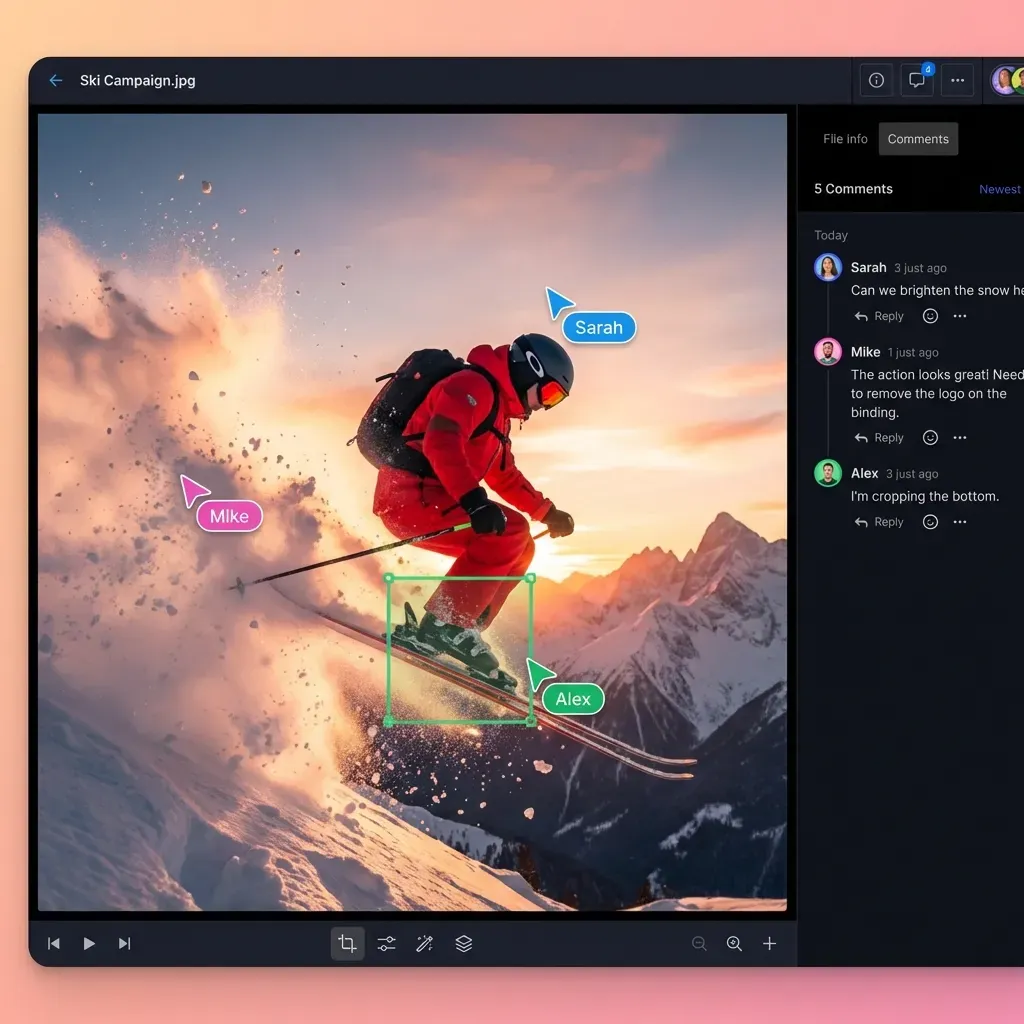
Fast.io provides Collaborative Notes that sit directly beside files in the workspace. Notes use markdown formatting and co-edit live, allowing attorneys and legal operations specialists to record commercial context, deal context, and executive sign-offs directly alongside the executed PDF. Notes are indexed automatically alongside primary files. When counsel or an AI assistant searches the workspace for historical IP warranty concessions, the search index retrieves both the executed contract clause and the explanatory note detailing why the concession was approved.
Connecting AI Legal Assistants to Workspaces via Model Context Protocol
The conventional approach to using AI for contract analysis involves pasting contractual clauses into a web chat interface. This practice creates severe operational friction. Long contracts can exceed a model's context window, so earlier provisions get dropped. Pasted text also stays in that one conversation, so the next review starts with another paste.
Model Context Protocol (MCP) establishes an open, standardized interface connecting large language models directly to external file repositories. Rather than transferring contract text through manual copy-pasting, MCP allows the model to query an authoritative legal workspace on demand over a secure connection. The AI assistant retrieves only the relevant clauses, playbooks, or policy guidelines required to answer counsel's specific inquiry. Review setup instructions on Fast.io MCP setup documentation.
Fast.io delivers a hosted, remote MCP server operating over Streamable HTTP. It requires no local background daemons or custom bridge scripts. Legal departments connect their preferred AI environments to Fast.io using dedicated endpoints designed for specific client types:
- Claude Applications and General Assistants: Connect using
https://mcp.fast.io/mcp/tools. This endpoint provides action-based tools for Claude on web, desktop, and mobile, as well as general agent runtimes. - ChatGPT and Codex Custom Servers: Connect using
https://mcp.fast.io/mcp/operations. For ChatGPT, the preferred route is installing the Fastio plugin from ChatGPT's plugin directory at chatgpt.com/plugins. - Coding Agents and Terminal Automation: Connect using
https://mcp.fast.io/mcp/codefor development teams and technical legal operations workflows in Cursor, Claude Code, Cline, or custom automation scripts.
Step-by-Step Connection Guide for Legal Workflows
Connecting Claude to your corporate legal workspace is a short setup:
- In Claude, open Customize and select Connectors.
- Add a custom connector and enter the server endpoint:
https://mcp.fast.io/mcp/tools. - Select Connect and authenticate with your Fast.io credentials in the browser window that opens.
- On the Review Permissions screen, select your legal organization and target workspace, then select Read Only access.
- In any active conversation thread, open the + menu under Connectors and enable Fast.io.
Selecting Read Only access provides a critical governance safeguard for corporate legal teams. When connected through a Read Only connection, tools that modify or delete data are not offered to the model at all. The assistant can search, read, and cite contract records, but it cannot alter or delete executed legal documents.
For organizations using ChatGPT:
- Open the plugin directory at chatgpt.com/plugins.
- Locate Fastio and select Install plugin.
- Sign in to your Fast.io account when prompted to authorize workspace access.
- Mention
@Fastioin your conversation to direct ChatGPT to query your contract repository.
Checkable Clause Citations with Hybrid Search
When an AI assistant operates through Fast.io MCP, queries rely on Hybrid Search, which combines exact full-text keyword retrieval with semantic vector search. When counsel asks whether existing enterprise vendor contracts permit offshore data processing, Ripley AI analyzes indexed documents and returns answers with verbatim text excerpts, file names, and the page where one applies.
<!-- Prompt template for contract comparison with citations -->
You are reviewing a proposed vendor Data Processing Addendum against our company standards.
Query the Fast.io legal workspace to retrieve our approved "Standard DPA Fallback Language 2026".
Compare the vendor's proposed Clause 4 (Sub-processors) against our fallback terms.
Identify any deviations regarding notice periods for new sub-processor appointments.
Cite the document title, the page, and the quoted text for every finding.
Because answers cite the file and page, in-house counsel can check each source clause before relying on it. Organizations can deploy dedicated repositories using Fast.io Workspaces.


Build an Authoritative Legal Company Brain with Exact Clause Citations
Centralize executed agreements, standard clauses, and corporate policies in an indexed workspace where legal counsel and AI assistants query authoritative documents. Monthly plans start with a 14-day trial.
Workspace Architecture, Role-Based Access, and Cloud Sync
A legal company brain requires clear operational boundaries. Sensitive matters, executive employment contracts, and internal investigation files must never intermingle with general commercial agreements or company policies.
Fast.io permissions are configured at the organization, workspace, and share levels through distinct member roles: owner, admin, member, guest, and view. There are no folder-level or file-level permissions within a workspace. Every member of a workspace can access all files inside that workspace according to their assigned role.
This structural boundary avoids the common failure mode of traditional file servers, where convoluted folder inheritance hierarchies accidentally expose confidential legal files to unauthorized personnel. If a subset of material must remain restricted to named individuals, that material lives in its own dedicated workspace.
Recommended Workspace Layout for Legal Departments
To balance cross-functional usability with strict confidentiality, corporate legal departments should establish three dedicated workspaces:
- General Legal Operations and Policies Workspace: Contains public corporate policies, approved standard contract templates, compliance playbooks, and outside counsel billing guidelines. Company employees are added with the View role, which is read-only, while legal operations keeps administrative rights. Employees who self-join through the default join setting get the Member role, so restrict joining and add readers with View. Connected AI agents query this workspace to answer internal employee questions regarding policy compliance.
- Commercial Contracts Workspace: Houses active executed customer agreements, vendor contracts, Statements of Work, and NDAs. In-house counsel, procurement managers, and commercial sales leads join this workspace as members. AI assistants query this repository to analyze commercial terms and renewal schedules.
- Confidential Matters and Executive Transactions Workspace: Reserved for pending M&A due diligence, executive compensation agreements, board governance minutes, and sensitive dispute records. Workspaces default to allowing any member of an organization to join; restricting this join setting keeps the workspace strictly limited to explicitly invited legal counsel and executive leadership.
Secure Outside Counsel Collaboration via Branded Shares
Corporate legal teams frequently collaborate with outside law firms, external auditors, and opposing counsel. Rather than granting external parties access to internal workspaces, administrators create branded Shares (Send, Receive, or Exchange).
A branded Share can expose a single folder of diligence exhibits or transaction binders without revealing the broader workspace. Administrators can enforce security parameters, including mandatory passwords, automated expiration dates, and disabled file downloads. With downloads disabled, outside counsel reviews documents in the web viewer instead of saving copies to unmanaged devices.
Integrating Existing File Repositories with Cloud Sync
Most legal departments already maintain extensive document repositories across existing corporate drives. Migrating historical closing binders and active contract archives manually is time-consuming and disruptive.
Fast.io Cloud Sync connects Google Drive, Dropbox, Box, and OneDrive folders directly to a workspace. Synchronization runs one-way or two-way, on a recurring schedule or on demand, so legal administrators decide when changes are pulled in. SharePoint document libraries can also be connected through the OneDrive connector.
Crucially, files synced from an external drive adopt the permissions of the Fast.io workspace, not the sharing settings of the source drive. This architectural separation allows legal teams to synchronize contract archives from a general corporate Google Drive into a restricted Fast.io workspace where only authorized legal counsel and scoped AI agents can query them.
Governance, Version Control, and Infrastructure Security
Accountability depends on visibility into document changes. The Fast.io detailed activity log records changes across the organization: file uploads, edits, moves, deletions, membership changes, permission adjustments, and share creations. Both human actions and AI agent operations are recorded with exact timestamps and member identities. The activity log tracks changes rather than read events; it does not record file views, previews, opens, or downloads.
Every document in the workspace maintains full per-file version history. If an attorney or an automated agent updates an active agreement draft, previous revisions remain accessible and can be restored immediately. For concurrent editing workflows, team members and agents can acquire advisory file locks via MCP actions on the storage_manage tool before beginning major contract revisions. The lock signals active editing to other participants, while version history safely preserves all saved updates.
Regarding platform infrastructure, Fastio runs on cloud infrastructure partners, including Google Cloud Platform and Cloudflare, that are certified to industry security standards. Files are protected with encryption in transit and at rest. Explore broader architectural capabilities with Fast.io Company Brain.
Five Steps to Deploy an In-House Legal Company Brain
Deploying an intelligent legal company brain does not require hiring external machine learning consultants or provisioning complex vector databases. Fast.io provides the storage layer, automatic document indexing, and MCP interfaces out of the box.
Legal operations teams can set up a working company brain by following a five-step roadmap:
Step 1: Establish Workspace Boundaries and Member Access
Create your organization and primary legal workspaces in your Fast.io organization. Configure organization-level roles for in-house attorneys and operational staff. For confidential transaction workspaces, adjust the workspace join setting to prevent general organization members from joining automatically, keeping access strictly restricted to invited legal counsel.
Step 2: Ingest Agreements and Corporate Policies
Populate the workspace with executed agreements, standard clause playbooks, and compliance policies. You can upload files directly through the browser, batch upload historical archives using the Fastio CLI (@vividengine/fastio-cli), or configure Cloud Sync to schedule automated imports from Google Drive, Dropbox, Box, or OneDrive.
Step 3: Enable Intelligence Mode for Automatic Indexing
Activate Intelligence Mode in workspace settings. Fast.io automatically processes uploaded contracts, indexing PDFs, Word documents, and text files for semantic and keyword search. Once ingestion completes, Ripley AI is ready to answer legal inquiries and generate document summaries with page-level citations.
Step 4: Configure Metadata Views for Key Clause Extraction
Set up Metadata Views across active contract folders. Specify target legal fields, such as Counterparty, Governing Law, Effective Date, Expiration Date, and Liability Cap. The platform automatically scans executed agreements and populates a filterable spreadsheet, providing legal teams with a live database of commercial commitments without manual data entry.
Step 5: Connect Legal Assistants via MCP with Scoped Read Access
Connect your team's AI writing environments, such as Claude Desktop using https://mcp.fast.io/mcp/tools or ChatGPT using the Fastio plugin. Authorize the connection with Read Only permissions so AI assistants can search and cite legal documents without write privileges. Distribute prompt templates to help counsel retrieve precedents and check contract clauses efficiently.
Evaluating Intelligent Workspaces Against Alternative Architectures
When evaluating software for corporate legal knowledge management, legal operations leaders frequently compare distinct product categories:
Subscription Plans and Team Onboarding
Fast.io provides transparent pricing designed for organizations collaborating with AI agents. Creating an account is free; doing real work requires an organization on a paid subscription. Monthly plans start with a 14-day free trial, which requires a credit card.
Available plan tiers on Fast.io pricing support legal departments of varying sizes:
Credits meter AI work only, covering chat, file ingestion, agent runs, and document processing. Storage capacity, bandwidth, and seats are included directly in the plan tiers. Storage beyond the plan is $0.015 per GB a month and extra bandwidth $0.04 per GB, billed separately and not in credits. Organization seats count internal members only; outside counsel and external counterparties who access documents through branded Shares do not consume a seat.
Centralizing executed agreements, standard clause playbooks, and corporate compliance rules in an intelligent Fast.io workspace gives in-house counsel and AI assistants an authoritative, citation-backed company brain that accelerates contract review and keeps every answer checkable.
Sources
References used to verify factual claims in this guide.
-
Xakia Technologies estimates that a five-person team implementing matter management usually recovers 10 to 15 hours per week.
Frequently Asked Questions
How do legal teams ensure AI answers cite the exact contract clause and page number?
Legal teams achieve precise citation attribution by connecting AI assistants to an intelligent workspace with built-in retrieval-augmented generation. When files enter a Fast.io workspace with Intelligence Mode enabled, the system indexes documents for both semantic vector search and exact keyword matching. When counsel or a connected AI assistant queries the workspace, Ripley AI returns answers accompanied by verbatim snippet citations, source file names, and the page where one applies, allowing attorneys to check the underlying clause directly.
Can legal counsel connect AI coding agents or assistants to contracts via MCP?
Yes. Fast.io provides a hosted Model Context Protocol (MCP) server over Streamable HTTP that connects AI assistants directly to workspace files. Counsel can connect Claude using the hosted endpoint, use the Fastio plugin for ChatGPT, or connect developer assistants like Cursor and Claude Code. Detailed client setup guides are available at https://mcp.fast.io/docs. Connections can be scoped with Read Only permissions so assistants query and cite contract terms without modifying files.
How are access rights managed for confidential corporate legal workspaces?
Fast.io manages permissions at the organization, workspace, and share levels through member roles: owner, admin, member, guest, and view. There are no folder-level or file-level permissions within a workspace. To safeguard sensitive matters such as M&A transactions or internal audits, legal departments create dedicated workspaces and restrict the default join setting so that only explicitly invited members can access the workspace.
Does Fast.io sync with Google Drive and Microsoft SharePoint?
Yes. Fast.io Cloud Sync connects Google Drive, Dropbox, Box, and OneDrive folders directly to a workspace, one-way or two-way, on a schedule or on demand. SharePoint document libraries can also be connected through the OneDrive connector. Files synced from external drives adopt the permissions of the Fast.io workspace rather than the external drive's sharing settings.
Can external outside counsel access contract files securely without joining the entire workspace?
Yes. Administrators can create branded Shares (Send, Receive, or Exchange) that expose only specific folders or transaction binders to outside counsel. Shares can be configured with password protection, expiration dates, and disabled file downloads, allowing external lawyers to review documents securely in the web viewer without gaining access to internal company workspaces.
What happens if an AI tool attempts to modify an executed agreement?
When connecting an AI assistant via MCP, the person connecting it can choose Read Only on the Review Permissions screen. Under Read Only access, write and delete tools are not provided to the model. The platform also maintains full per-file version history and a detailed activity log of all modifications, so all authorized edits remain auditable and previous versions can be restored instantly.
How does an intelligent company brain differ from traditional legal DMS platforms like NetDocuments or iManage?
Legal document management systems such as NetDocuments and iManage are built around matters, law-firm filing, and document check-outs, and both connect AI assistants through MCP servers. An intelligent company brain differs in where the work happens. Agreements, playbooks, and notes live in one workspace that is indexed for semantic AI retrieval, with structured fields extracted via Metadata Views, and agents can take advisory file locks, co-edit Notes, and save outputs beside the sources.
Related Resources

Build an Authoritative Legal Company Brain with Exact Clause Citations
Centralize executed agreements, standard clauses, and corporate policies in an indexed workspace where legal counsel and AI assistants query authoritative documents. Monthly plans start with a 14-day trial.