How to Build a Client Portal for Your Coaching Practice
A client portal for coaches is a branded online space where coaches share session recordings, worksheets, and program materials with their clients. This guide covers what to look for in portal software, how to organize your coaching content, and how to set up a portal that keeps clients engaged between sessions without drowning in email attachments.


Why Coaches Need a Dedicated Client Portal
Coaching is a relationship built on momentum. A great session generates energy, but that energy fades fast when clients can't find their homework, lose track of the worksheet you emailed, or forget what you covered three weeks ago.
Most coaches start with a patchwork: session notes in Google Docs, recordings in Dropbox, worksheets attached to emails, scheduling through Calendly, and payments through Stripe. Each tool works fine on its own, but the client experience feels scattered. They check email for one thing, a shared drive for another, and a separate app for booking. Friction adds up.
A client portal for coaches pulls these scattered pieces into one branded space. Your client gets a single URL where they find everything related to their coaching engagement: session recordings, action items, resources, and program materials. You stop answering "can you resend that worksheet?" emails.
The coaching industry generated $5.34 billion in global revenue in 2025, according to the International Coaching Federation. As that market grows, client expectations grow with it. Coaches who run professional, organized practices stand out from those who wing it with email threads.
This is not about adding technology for its own sake. It is about removing friction so clients can focus on the work between sessions, which is where most of the actual transformation happens.
Related guides
- How to Build a Salesforce Client Portal (And What It Actually Costs)Salesforce Experience Cloud lets you build branded customer portals for case management, knowledge bases, and partner...
- How to Build a Client Portal in ClickUp (And Where It Breaks Down)ClickUp does not ship with a dedicated client portal, but you can assemble one using guest permissions, shared views,...
- How to Build a Client Portal in WordPressA WordPress client portal is a password-protected area on your WordPress site where clients access shared files,...
- How to Set Up a Client Portal for Your Therapy PracticeA client portal for therapists is a secure online space where practitioners share intake forms, session notes, and...
- How to Build a Wealth Management Client Portal That HNW Clients Actually UseA wealth management client portal is a branded digital workspace where wealth managers securely share portfolio...
- Best Free Client Portal Tools in 2026Most free client portal lists skip the fine print. This guide compares seven free client portal tools with their actual...
More on this subject: Team Collaboration (125 guides)
What to Look for in Coaching Portal Software
The market splits into two camps: all-in-one coaching platforms and dedicated file delivery portals. Each approach has trade-offs worth understanding before you commit.
All-in-One Coaching Platforms
Tools like Practice, CoachVantage.
Paperbell, and Delenta bundle scheduling, payments, contracts, and a client portal into one package. They are purpose-built for coaches, which means the onboarding flow, terminology, and default settings all make sense for coaching workflows.
The trade-off is flexibility. Most lock you into their file storage, their branding options, and their portal layout. If you outgrow the platform or need something it does not support, migration is painful. File storage limits tend to be tight, especially on lower tiers. If you deliver video recordings of every session, you hit those limits fast.
Dedicated Portal and File Delivery Tools
Tools like Fastio, SuiteDash, and ClientManager focus on the portal experience itself: branded file sharing, organized content delivery, and client access management. They do not handle scheduling or payments, but they give you more control over how your content is organized and presented.
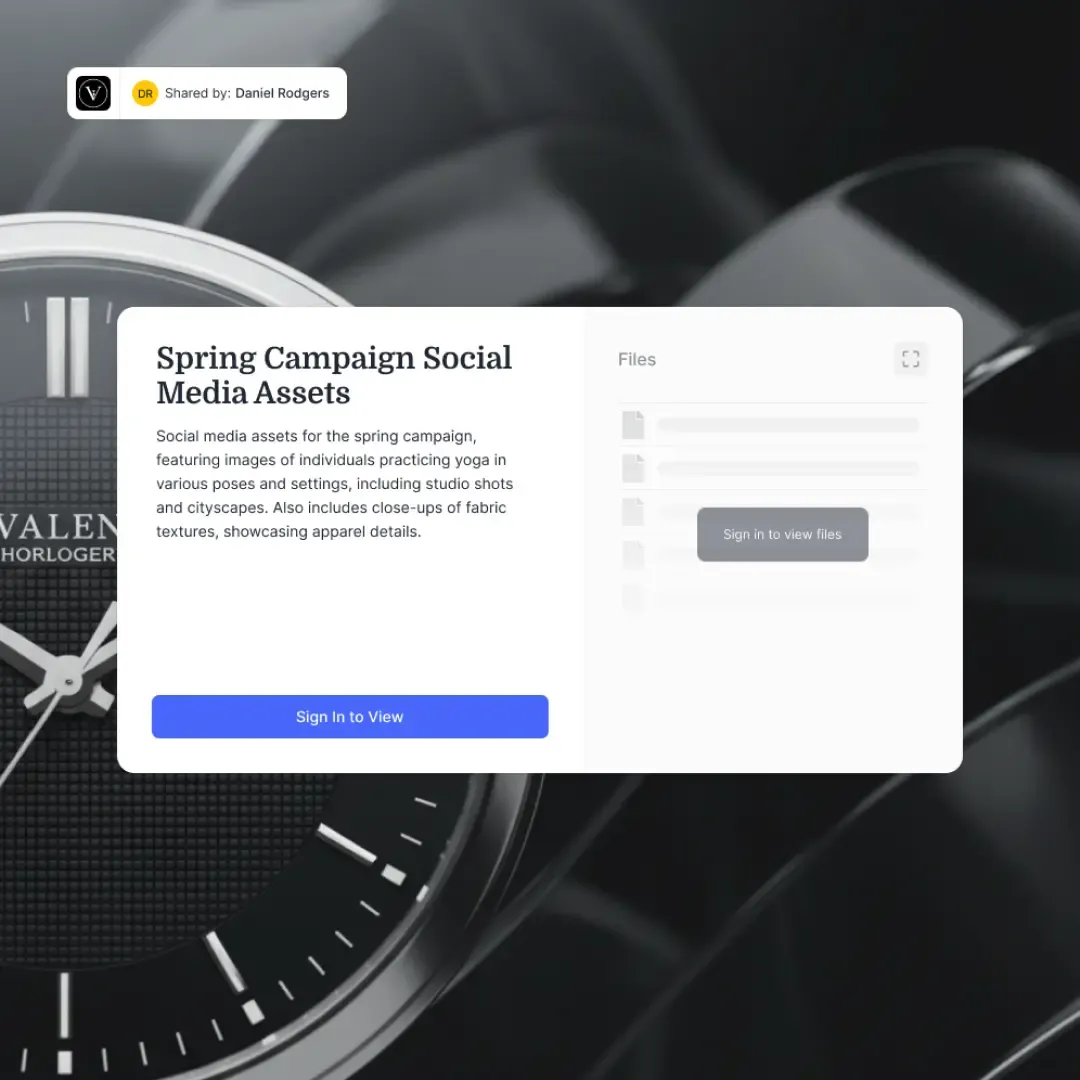
Fastio's Content Portals let you set up a branded space with your logo, colors, and a custom background. Clients access files without creating an account, through password-protected links that you can set to expire. The portal tracks who accessed what and when, which is useful if you need to confirm a client reviewed their materials.
Features That Actually Matter
Regardless of which camp you choose, prioritize these capabilities:
- Organized file structure. You need folders or sections, not a flat list. Group materials by module, session, or topic so clients find what they need without scrolling.
- Large file support. Session recordings run 500 MB to 2 GB each. Your portal needs to handle uploads that size without timing out.
- Branding. Your portal should look like an extension of your practice, not a generic file dump. Logo, colors, and a clean layout matter.
- Access control. Different clients should see different materials. A group coaching program and a 1:1 engagement need separate spaces with separate permissions.
- No account required for clients. Every extra step between your client and their materials is a barrier. Link-based access with optional password protection beats mandatory sign-ups.
- Mobile access. Clients review materials on their phones. If your portal does not work well on mobile, they will not use it.
How to Organize Your Coaching Content
The biggest mistake coaches make with portals is dumping everything into one folder and calling it done. Organization is what turns a file repository into a useful coaching tool.
By Program or Engagement Type
Create a separate workspace or portal section for each offering. A 12-week group program gets its own space. Each 1:1 client gets their own space. Corporate coaching engagements with multiple coachees get a parent folder with individual subfolders.
This keeps materials from bleeding across contexts. Your leadership coaching worksheets should not show up in a life coaching client's portal.
By Session or Module
Within each engagement, organize chronologically. Session 1 materials in one folder, Session 2 in the next, and so on. For self-paced programs, organize by module instead. This gives clients a clear path through the content and makes it obvious where they left off.
File Naming That Helps
Name files so clients understand what they are looking at without opening them. "Week 3 - Values Assessment Worksheet.pdf" beats "worksheet_v3_final.pdf" every time. Include the session number or module name in the filename so files make sense even outside the portal context.
What to Include
A well-stocked coaching portal typically contains:
- Session recordings (video or audio)
- Session summaries or notes
- Worksheets and exercises
- Reading lists or curated articles
- Templates (goal-setting sheets, journaling prompts, accountability trackers)
- Program overview and milestone timeline
- Contact information and scheduling links
The goal is to make your portal the single place a client goes for anything related to their coaching. If they still need to check email for half the resources, you have not finished the setup.



Give Your Coaching Clients a Better Experience
Set up a branded client portal with generous storage. Organize session recordings, worksheets, and program materials in one place your clients will actually use.
Setting Up a Portal with Fastio
Here is a practical walkthrough for setting up a coaching client portal using Fastio. The same principles apply to other tools, but the specifics will differ.
Step 1: Create a Workspace
Start by creating a workspace for your coaching practice. This is your internal hub where you organize all client materials. Think of it as your filing cabinet. Clients will not see this directly.
Set up a folder structure that mirrors your offerings. For example:
- 1:1 Coaching / Client Name / Session folders
- Group Programs / Program Name / Module folders
- Templates / Reusable worksheets and resources
Step 2: Set Up Content Portals
For each client or program, create a Content Portal. This is the branded, client-facing space. Add your logo, pick your brand colors, and set a background that fits your practice's aesthetic.
Each portal connects to specific folders in your workspace. When you add a new session recording to the workspace folder, it appears in the client's portal automatically if you use Shared Folder Storage Mode. No manual uploading to two places.
Step 3: Configure Access
Set password protection on each portal. Share the link and password with your client. They click the link, enter the password, and see their materials. No account creation, no app download, no friction.
For time-limited access (say, a 90-day coaching engagement), set an expiration date on the portal link. After the engagement ends, access expires automatically. You can always extend it later if the client re-enrolls.
Step 4: Enable Intelligence
Fastio's Intelligence feature, powered by Ripley AI, auto-indexes every file you upload. Once enabled, your client can search across all their materials by meaning, not just filename. They can ask questions like "what were my three goals from session 4?" and get an answer with citations pointing to the specific document and page.
This turns a static file repository into an interactive coaching resource. Clients engage with their materials more when they can ask questions and get answers instantly.
Step 5: Upload and Deliver
Upload session recordings, worksheets, and notes to the appropriate workspace folders. If you record sessions with Zoom or Google Meet, download the recording and upload it to the client's folder. Fastio handles video files with adaptive streaming, so clients can watch recordings in-browser without downloading multi-gigabyte files.
For coaches migrating from Google Drive, Dropbox, OneDrive, or Box, Cloud Import lets you pull existing files into your workspace without downloading and re-uploading everything manually.
Comparing Portal Options for Coaches
Here is how the main categories stack up for common coaching needs.
Practice (practice.do) is built specifically for life coaches and wellness practitioners. It handles scheduling, payments, contracts, and file sharing in one place. The client portal is clean but basic, with unlimited file storage capped at 100 MB per file. Good for coaches who want one tool for everything and do not deliver large video files.
Paperbell works well for solopreneurs who want simplicity. Clients get a portal where they book sessions, fill out intake forms, and access materials. It is designed around the session-booking workflow, so file delivery is secondary. Pricing starts at $57/month for the paid plan.
CoachVantage offers a branded portal with file sharing, goal tracking, and a resource library. Clients can access notes, files, and assignments from one place. Pricing starts at $26/month, making it affordable for coaches starting out.
SuiteDash is a white-label portal platform that works for coaches, agencies, and consultants. It is more complex than coaching-specific tools but offers deeper customization. Expect a steeper learning curve.
Fastio takes a different approach. Instead of bundling coaching-specific features like scheduling and contracts, it focuses on the content delivery layer: branded portals, large file handling (up to 100 GB per file on the Enterprise plan), in-browser video streaming, AI-powered search across your materials, and granular access controls. Paid plans start with Starter at $9.99/mo (250 GB of storage), Business at $49.99/mo (5 TB), and Enterprise at $199.99/mo (25 TB), with a 14-day Business Trial (credit card required). It works best for coaches who already have scheduling and payment tools they like and want a better way to organize and deliver content.
The right choice depends on where your current setup falls short. If you need an all-in-one solution and your file delivery needs are modest, a coaching-specific platform makes sense. If your pain point is specifically around organizing and delivering large volumes of content, a dedicated portal tool gives you more room to grow.
Keeping Clients Engaged Through Your Portal
Building a portal is the easy part. Getting clients to actually use it is the challenge.
Make It the Default
Stop sending attachments. When you finish a session, upload the recording and notes to the portal, then send your client a message that says "your session 4 materials are in the portal." Do this consistently and clients build the habit of checking the portal first.
Send a Quick Tour
Record a 2-minute screen recording walking your client through their portal. Show them where to find recordings, how to download worksheets, and how to search for specific topics if your portal supports it. This upfront investment saves weeks of "where do I find X?" messages.
Keep It Current
A stale portal is a dead portal. Upload materials within 24 hours of each session. If clients check the portal and their latest session is not there yet, they stop checking.
Use It for Accountability
Between sessions, reference specific portal materials. "Before our next call, review the values worksheet in your Session 3 folder and complete the reflection questions." This gives clients a concrete reason to log in and creates a natural touchpoint with the portal.
Organize for Self-Service
Clients should be able to answer their own questions by browsing the portal. If your materials are well-organized and clearly named, clients spend less time asking you for files and more time doing the work. Add a "Start Here" or "Program Overview" document at the top level so new clients know where to begin.
For coaches using Fastio, the built-in Ripley AI chat gives clients another self-service channel. Instead of emailing you to ask "what was that framework you mentioned in session 2?", they can ask the AI and get an answer pulled directly from your session notes and recordings.
Sources
References used to verify factual claims in this guide.
-
The coaching industry generated $5.34 billion in global revenue in 2025
Frequently Asked Questions
What portal software do coaches use?
Coaches typically choose between all-in-one coaching platforms (Practice, Paperbell, CoachVantage, Delenta) and dedicated file delivery portals (Fastio, SuiteDash, ClientManager). All-in-one platforms bundle scheduling, payments, and file sharing together. Dedicated portals focus on branded content delivery with stronger file handling and organization features. The right choice depends on whether you need a single tool for everything or a specialized solution for content delivery alongside your existing scheduling and payment tools.
How do coaches share resources with clients?
Most coaches start with email attachments and shared Google Drive or Dropbox folders. This works at small scale but becomes disorganized as your practice grows. A client portal consolidates everything into one branded space where clients access session recordings, worksheets, and program materials through a single link. The portal approach reduces lost files, eliminates "can you resend that?" emails, and gives clients a clear, organized view of their coaching materials.
What is the best client portal for life coaches?
There is no single best option because it depends on your needs. For an all-in-one solution with scheduling and payments included, Practice and CoachVantage are strong choices for life coaches. For coaches who already have scheduling and payment tools and want better content organization and delivery, Fastio offers branded portals with large file support, AI-powered search, and in-browser video playback with plans starting at $9.99/mo for 250 GB after a 14-day Business Trial. Evaluate based on your file delivery volume, branding needs, and how many tools you want to manage.
Can I use a client portal for group coaching programs?
Yes. Set up a separate portal for each program cohort. Upload module materials, group call recordings, and shared resources to the program portal. Each participant gets the same access link. For programs that mix group and individual coaching, use one portal for group materials and separate portals for each participant's 1:1 sessions. This keeps group resources accessible to everyone while keeping individual coaching materials private.
How much storage do coaching portals need?
It depends on whether you share video recordings. Audio-only session recordings run about 50-100 MB per hour. Video recordings run 500 MB to 2 GB per hour depending on quality. A coach with 20 active clients doing weekly recorded sessions generates roughly 40-160 GB of video per month. Worksheets and documents are negligible by comparison. Choose a portal with enough storage for your recording volume, or one that offers affordable storage scaling.
Do clients need to create an account to access a portal?
Not with every platform. Fastio's Content Portals use password-protected links, so clients click a link, enter a password, and browse their materials without creating an account. Some all-in-one coaching platforms require clients to create accounts for scheduling and payment features. If reducing client friction is a priority, look for portal tools that support link-based access without mandatory sign-ups.
Related Resources

Give Your Coaching Clients a Better Experience
Set up a branded client portal with generous storage. Organize session recordings, worksheets, and program materials in one place your clients will actually use.