Best OpenClaw Workflows for AI Contract Drafting and Generation
McKinsey and Deloitte research puts AI time savings at 60 to 80 percent for routine contract work, but most of that gain goes to review tools that scan existing agreements. This guide covers five OpenClaw workflows that handle the other side, generating new contracts from structured inputs, with specific ClawHub skills for PDF output, clause management, and document formatting.

Why Contract Generation Lags Behind Review Tools
McKinsey and Deloitte legal transformation research consistently finds that AI reduces time on routine contract work by 60 to 80 percent. But dig into where those savings land and the picture is lopsided. Review tools, the ones that scan existing agreements for risky clauses and missing protections, absorb most of the investment. Generation, the act of producing new contracts from structured inputs, remains largely manual.
The gap matters because drafting eats more attorney hours than review on a per-contract basis. A first draft of a standard SaaS agreement takes an experienced attorney roughly two hours. An NDA with custom confidentiality definitions takes 30 to 45 minutes. Multiply those numbers across a practice that handles dozens of agreements per month and the drafting bottleneck becomes the biggest constraint on throughput.
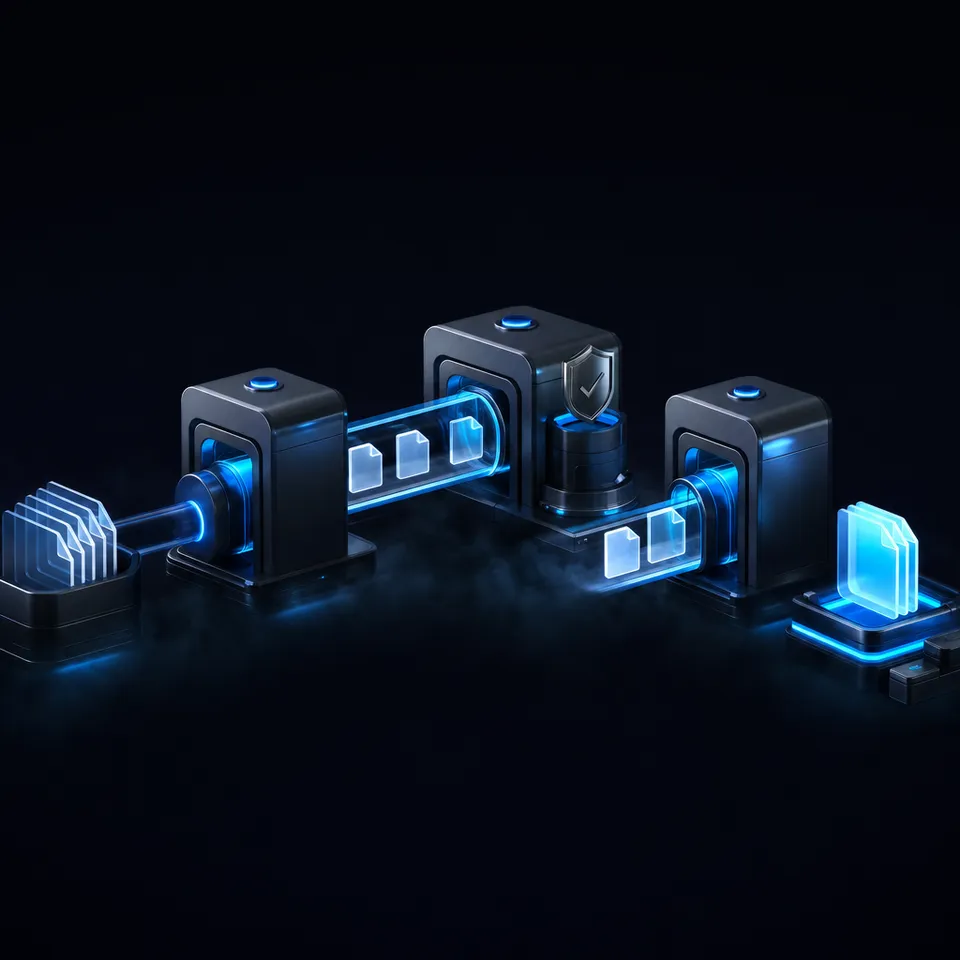
Contract drafting workflows combine document templates, clause libraries, and OpenClaw agent logic to generate customized legal agreements from structured inputs like party names, terms, and obligations. Instead of copying details into a Word template and manually selecting clauses, your OpenClaw agent takes an intake prompt, routes the generation task to an appropriate model, and outputs a formatted document ready for attorney review.
ClawHub hosts over 105 skills in the PDF and documents category alone, many of which support the generation side of legal workflows. This guide covers five workflows worth building, along with the specific skills and storage layers that make them practical.
Related guides
- How to Build Scalable Lead Generation Workflows in ClayWaterfall enrichment increases contact find rates by up to 80%, yet many sales teams fail to scale outbound workflows...
- How to Use DALL-E 3 Image Generation in Clay GTM WorkflowsThe query "dall-e 3 ai image generator" draws about 60,500 monthly US searches at a keyword difficulty of 53 and...
- Best OpenClaw Workflows for AI Image Generation PipelinesOpenClaw 2026.4.5 turned agents into image producers. The native image_generate tool supports 10 providers out of the...
- 8 OpenClaw Workflows for AI Batch Image Generation at ScaleAI platforms produce over 34 million images per day, but most batch generation guides only cover single-tool setups....
- Best OpenClaw Workflows for AI Customer Case Study and Success Story GenerationCase studies influence 73% of B2B purchase decisions, yet only 34% of companies produce them consistently. OpenClaw's...
- Best OpenClaw Workflows for AI Headshot GenerationOpenClaw turns AI headshot generation into a repeatable, chat-driven workflow. Dedicated skills like...
More on this subject: OpenClaw Workflows and Integrations (69 guides)
How OpenClaw Handles Contract Drafting
OpenClaw's contract generation capabilities come from three layers working together: model routing, the skills ecosystem, and document output tooling.
Model routing lets you assign different AI models to different document types. A reasoning-optimized model handles compliance-heavy sections like data processing addenda, while a faster model generates standard boilerplate like signature blocks and recitals. OpenClaw supports over 200 models, so you can match model strengths to the complexity of each contract section.
Skills extend the agent's abilities beyond text generation. Three ClawHub skills handle the document output side of contract workflows:
PDF (39.9k downloads): A toolkit for creating, merging, splitting, and form-filling PDF documents. It handles the final formatting step, converting the agent's text output into a professional PDF with proper layout, page breaks, and form fields for signatures. Available directly from ClawHub.
Office Document Specialist Suite (19.1k downloads): Creates Word documents with professional styling, tables, and images. Useful when your contracts need to land in .docx format for redlining in Microsoft Word. Also available through ClawHub's skill registry.
legal-doc-generator ($9 one-time): Generates Terms of Service, Privacy Policies, and Refund Policies through a structured intake interview. While limited to three document types, it demonstrates the template-plus-intake pattern that scales to other agreement types.
The agent runs locally on your infrastructure when self-hosted, so client details and contract terms stay within your environment. Managed hosting through services like Blink Claw starts at $45 per month for teams that prefer not to manage the deployment.

Five Contract Drafting Workflows for OpenClaw
Each workflow below follows a common pattern: structured intake, model-powered generation, skill-based formatting, and output to a storage layer. The complexity scales with the agreement type.
Before committing to a full rollout, run each workflow against a handful of real agreements your team has drafted recently. Compare the agent's output to the human-drafted version and note where the model gets clause language wrong, misses jurisdiction-specific requirements, or produces awkward formatting. Those gaps tell you exactly where to refine your intake prompts and clause templates before scaling up.
1. NDA Generation
The simplest contract drafting workflow and the best starting point. NDAs follow a predictable structure (parties, definitions, obligations, term, remedies) that maps cleanly to a prompted generation task.
How it works: The agent collects intake details: party names, effective date, whether the NDA is mutual or unilateral, what constitutes confidential information, duration, and governing jurisdiction. It then generates the agreement using a model prompt that includes your preferred clause templates and jurisdiction-specific language.
The PDF skill handles final output. The agent creates a formatted PDF with proper section numbering, signature blocks, and date fields. For firms that prefer Word format, the Office Document Specialist Suite produces a .docx file ready for tracked changes.
Best for: Solo practitioners and small firms that draft 10 or more NDAs per month. At two minutes per NDA versus 30 to 45 minutes manually, the workflow pays for itself within the first week.
2. SaaS Agreement Drafting
SaaS agreements carry more complexity than NDAs. They combine subscription terms, SLA commitments, data processing obligations, IP provisions, and liability caps into a single document that often runs past 20 pages.
How it works: The intake step covers more ground: pricing structure (per-seat, usage-based, or flat), uptime commitments, data residency requirements, acceptable use policies, and termination conditions. The agent routes compliance-heavy sections (data processing addenda, security commitments) to a reasoning-optimized model while generating standard sections (payment terms, general provisions) with a faster model.
The legal-doc-generator skill pairs well here for companion documents. A SaaS agreement typically ships alongside a Terms of Service and Privacy Policy. Running all three through the same intake session ensures consistency across documents.
Best for: SaaS companies that customize agreements for enterprise clients. The workflow cuts first-draft time from roughly two hours to under five minutes, freeing attorneys to focus on negotiation-specific modifications.
3. Freelance Contract Builder
Freelance agreements are shorter than SaaS contracts but higher volume. Designers, developers, and consultants draft new contracts for every engagement, often reusing 80 percent of the same language with minor adjustments to scope, payment milestones, and IP assignment terms.
How it works: The agent maintains a base template in its workspace with your standard freelance terms. For each new engagement, it collects: client name, project description, deliverables, payment schedule (hourly, milestone, or fixed), IP ownership terms, and kill fee provisions. The model generates a customized contract by adapting the base template rather than writing from scratch.
Output goes to Word format through the Office Document Specialist Suite, since most freelance clients expect a .docx they can review and sign. The agent can also generate a companion Statement of Work as a separate document linked to the master agreement.
Best for: Independent contractors and small agencies that draft five or more client contracts per month. The template-adaptation approach keeps language consistent across engagements while allowing per-client customization.
4. Clause Library Agent
This workflow is different from the others. Instead of generating a complete contract, it builds and maintains a searchable library of reusable clauses that feed into other drafting workflows.
How it works: The agent ingests your existing contracts (NDAs, MSAs, SaaS agreements, vendor contracts) and extracts individual clauses: limitation of liability, indemnification, force majeure, assignment, governing law, and others. Each clause gets tagged by type, jurisdiction, risk level, and the agreement it came from.
When you start a new contract, the agent retrieves the most appropriate version of each required clause based on the agreement type and jurisdiction. A California SaaS agreement pulls different data privacy language than a UK services contract. The clause library provides the source material, and the drafting workflow assembles the final document.
Store your clause library in a Fastio workspace with Intelligence Mode enabled. Every uploaded contract is automatically indexed for semantic search, so the agent can find clauses by meaning rather than keyword matching. Ask "find our strongest limitation of liability clause" and get results with citations pointing to the source agreement.
Best for: Legal departments that manage 50 or more active contract templates across multiple jurisdictions. The upfront investment in building the library pays off through faster, more consistent drafting across all other workflows.
5. Multi-Party Agreement Assembler
The most complex workflow on this list. Multi-party agreements (joint ventures, consortium arrangements, multi-vendor contracts) require the agent to manage obligations, rights, and cross-references across three or more parties.
How it works: The agent collects intake details for each party separately: entity names, roles, contribution obligations, profit-sharing ratios, governance rights, and exit provisions. It then generates party-specific sections while maintaining consistent cross-references throughout the document. When Party A's contribution clause references Party B's acceptance criteria, the agent ensures both sections use matching defined terms.
The PDF skill handles the final output, creating a document with a defined terms index, party-specific schedules, and a signature block for each party. For agreements that require exhibits or attachments, the skill merges supplementary PDFs into the final document.
Best for: Law firms handling joint ventures, partnership formations, or multi-vendor procurement contracts. The cross-referencing logic alone saves hours of manual consistency checking.


Give your OpenClaw agent a workspace for contract files
Generous storage with Intelligence Mode for semantic search, Metadata Views for structured contract extraction, and MCP access.
How to Store and Organize Generated Contracts
Contract generation is half the problem. The other half is storing, organizing, and handing off the output so the right people can review, sign, and retrieve agreements later.
Local file systems work for a solo practitioner generating a few contracts per week. They break down when multiple agents or team members need to access the same contract collection, or when you need to search across hundreds of agreements for specific terms.
Fastio gives your OpenClaw agent a workspace that handles both problems. Every uploaded contract is automatically indexed for semantic search through Intelligence Mode, so you can ask "which vendor agreements include unlimited liability clauses?" and get answers with citations.
Metadata Views add a structured layer. Describe the fields you want extracted (effective dates, counterparties, renewal terms, governing law) and Fastio builds a sortable, filterable spreadsheet from your contract collection. No OCR rules or extraction templates required. The agent can create schemas, trigger extraction, and query results through the Fastio MCP server.
Ownership transfer closes the loop. Your OpenClaw agent generates contracts, stores them in a workspace, and transfers the workspace to a human reviewer who handles final approval and signatures. The agent keeps admin access for future updates while the human takes ownership of the review process.
Fastio offers a 14-day Business Trial (credit card required) to test workflows, with paid plans starting at $9.99/mo; see pricing details.

Which Workflow to Build First
Start with NDA generation. It is the simplest workflow, has the highest volume for most practices, and teaches you the intake-generate-format pattern that every other workflow builds on. Install the PDF skill, write a prompt template for your standard NDA structure, and test with a few real intake scenarios.
Once NDAs are running, build the clause library. It feeds every other workflow and gets more valuable as you add contracts. Use a Fastio workspace with Intelligence Mode so the agent can retrieve clauses by meaning rather than relying on exact keyword matches.
SaaS agreement drafting and the freelance contract builder come next. Both reuse the clause library and follow the same intake-generate-format pattern, just with more intake fields and longer output documents.
Save the multi-party agreement assembler for last. It requires the most prompt engineering to handle cross-references correctly and benefits from the clause library being well-populated first.
One rule applies to every workflow: all AI-generated contracts require attorney review before use. These workflows handle the drafting workload. A licensed attorney handles the final judgment on enforceability, regulatory compliance, and jurisdiction-specific requirements. The agent produces first drafts in seconds that would take hours manually. The attorney review step, typically 30 to 60 minutes per document, ensures quality and legal validity.
Sources
References used to verify factual claims in this guide.
-
AI reduces time on routine contract work by 60 to 80 percent
-
105 PDF and document skills available on ClawHub
-
PDF skill has 39.9k downloads on ClawHub
-
Office Document Specialist Suite has 19.1k downloads on ClawHub
Frequently Asked Questions
Can OpenClaw draft contracts automatically?
OpenClaw agents can generate contract drafts from structured inputs like party names, terms, obligations, and jurisdiction. The agent uses a model prompt to produce the agreement and ClawHub skills like PDF and Office Document Specialist Suite to format the output. All drafts require attorney review before use, as OpenClaw handles the generation workload while a licensed attorney provides final judgment on enforceability.
What skills help generate legal documents with OpenClaw?
Three ClawHub skills support contract generation workflows. The PDF skill (39.9k downloads) creates formatted PDFs with section numbering and signature blocks. The Office Document Specialist Suite (19.1k downloads) produces Word documents for redlining. The legal-doc-generator ($9 one-time) handles Terms of Service, Privacy Policies, and Refund Policies through guided intake.
How accurate are AI-generated contracts?
Accuracy depends on the quality of your intake prompts, clause library, and model selection. AI-generated contracts handle standard boilerplate and template-based clauses well. They are less reliable for jurisdiction-specific nuances, novel deal structures, and regulatory edge cases. Attorney review catches issues the model misses, which is why every contract drafting workflow includes a mandatory human review step.
How long does it take to generate a contract with OpenClaw?
First-draft generation takes under five minutes for most standard agreements, compared to one to two hours of manual attorney drafting. Attorney review of the generated draft adds 30 to 60 minutes. The net time savings range from 50 to 75 percent per contract, depending on complexity and how well-tuned your intake prompts and clause library are.
What is the difference between contract review and contract drafting in OpenClaw?
Contract review skills analyze existing agreements for risks, missing clauses, and unfavorable terms. Contract drafting workflows generate new agreements from structured inputs. Both use the same OpenClaw agent and can share a clause library, but they solve different problems and use different skill sets. Review skills like legal-contract-reviews focus on risk identification. Drafting workflows combine intake prompts, model generation, and document formatting skills.
Related Resources

Give your OpenClaw agent a workspace for contract files
Generous storage with Intelligence Mode for semantic search, Metadata Views for structured contract extraction, and MCP access.