Proxemics in Communication: Designing Shared Context for AI Agents
Applying proxemics in communication to multi-agent workspaces offers a systematic framework for structuring agent folders, context boundaries, and shared database views. By mapping physical distance concepts to directory levels, developers can increase context retrieval speeds and reduce context window tax. This guide details how spatial proximity and filesystem layout govern context organization for AI teams.

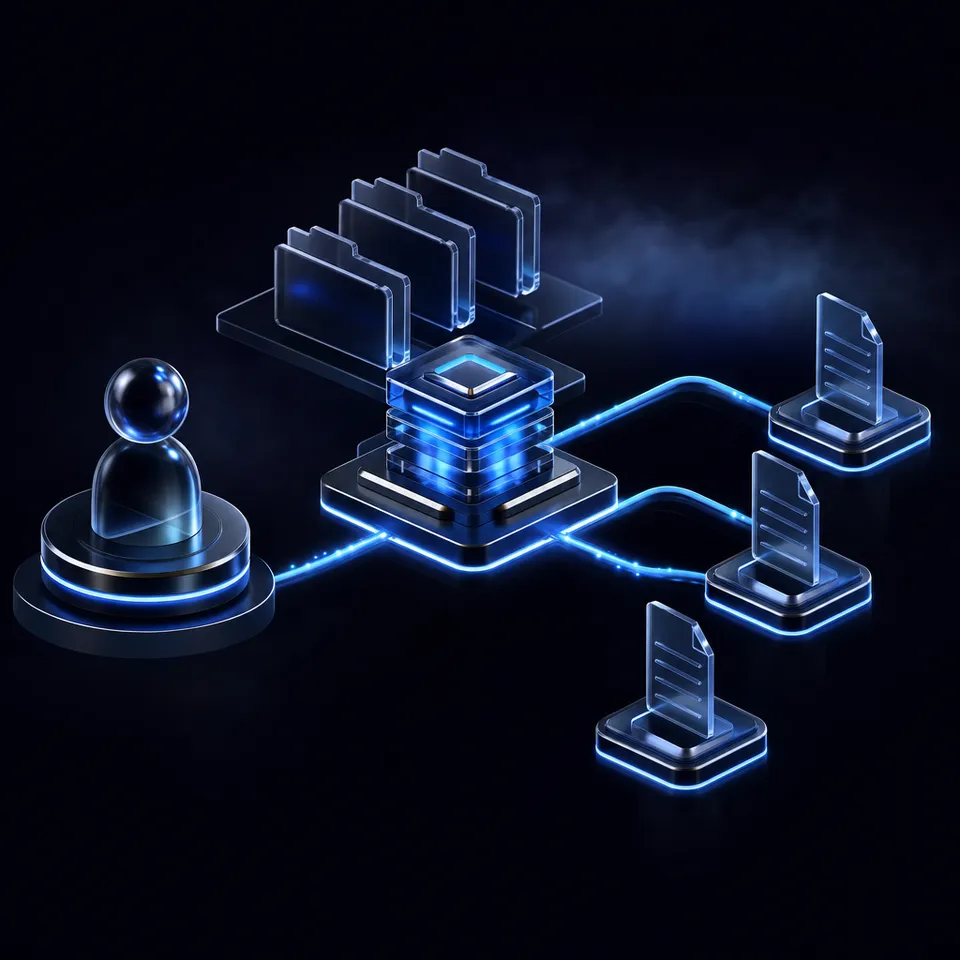
Why Agentic Proxemics Governs Shared Context
Flattening directory nesting from six levels to two measurably shortens the path an agent walks to find a file. That retrieval overhead is where workspace design for artificial intelligence begins. When organizing files for automated systems, software developers often focus entirely on model context windows and prompts. However, the structure of the storage layer itself directly determines how quickly and accurately an agent can locate relevant facts.
"Agentic proxemics is the study of how spatial relationships and directory hierarchies in shared workspaces affect the efficiency, discovery, and context-window utilization of collaborating AI agents." This spatial framework translates physical proximity concepts into file-system structures. For humans, distance dictates social intimacy and ease of interaction. For AI agents, path distance dictates context-window consumption and API latency.
When developers deploy multi-agent systems, they often write files to local directories or Amazon S3 buckets. While flat key-value object stores work well for simple scripts, they lack the directory hierarchy metadata that agents use to discover files. For more complex deployments, teams set up dedicated storage for agents to maintain folder context. Conversely, legacy cloud storage drives force deep folder hierarchies that require agents to perform multiple recursive directory listings. An agent trying to find a file at a depth of six folders must make six separate API calls. This path-traversal overhead consumes thousands of context tokens and increases task completion time.
By designing Fast.io workspaces with clear boundaries, developers establish spatial proximity in agent communication. Flat workspaces reduce the steps required to access a file, keeping the agent's attention focused on the active task. This structural layout acts as a physical workspace where tools and documents sit within easy reach, eliminating the cognitive search overhead that degrades agent performance.
Related guides
- How to Design Multi Agent Workflows in Shared WorkspacesOrchestrating multi agent workflows requires a reliable state layer. Learn how to configure a shared directory as the...
- How to Fix 'File Too Large for Destination File System' in Agentic WorkspacesThe file too large for destination file system error interrupts AI agents working in containerized environments. This...
- How to Point AI Agents at Google Files: APIs vs. Agent RoomsExposing Google Files to AI agents requires dynamic document conversion into LLM-friendly formats like markdown and...
- Kimi Context Window: 2M Token Architecture, Limits, and WorkspacesMoonshot AI set an early benchmark for consumer AI context with a 2-million-character window in Kimi Chat, scaling...
- LibreChat Context Window: Token Limits, Config, and MCP WorkspacesThe LibreChat context window is the configurable token ceiling set in librechat.yaml and model presets that defines the...
- Google NotebookLM Context Window: Source Limits, Token Math, and WorkspacesNotebookLM was renamed Gemini Notebook on 16 July 2026. The Gemini Notebook context window combines Gemini's...
More on this subject: Agent Memory and Storage (263 guides)
Applying Proxemics in Communication to AI Workspaces
Applying proxemics in communication to digital folder hierarchies provides a model for managing agent memory. In physical environments, anthropologist Edward Hall defined four proxemic zones that dictate human interaction: intimate, personal, social, and public. Each zone governs a specific type of communication, based on the physical distance between individuals. In a digital workspace, developers can map these physical zones to distinct storage levels to manage the data an agent can see.
By mapping physical zones to filesystems, teams can isolate active workspaces and permanent repositories. This structured boundary controls the data injected into the agent's context window. It prevents model confusion and ensures that subagents only read the files needed for their specific tasks.
The intimate zone maps directly to the agent's local scratchpad. In human communication, this zone is reserved for private thoughts and close contact. In agentic design, the scratchpad holds transient execution details, current step objectives, and local logs. These files are read and written continuously by the agent but are hidden from the broader team workspace to avoid token bloat.
The personal zone represents the shared folder where specialized subagents collaborate. In this zone, agents read and write intermediate files, such as draft markdown posts or scraped code snippets. This zone keeps collaborative files close to the active agents while isolating them from the main company files.
The social zone is the corporate brain, housing structured databases, versioned documents, and Collaborative Notes. This is the shared substrate where human teammates and agents coordinate on long-term projects. Files in this zone are durable, indexed for semantic search, and subject to permission controls.
The public zone encompasses external databases and public websites. Agents pull read-only reference data from this zone, but write operations are blocked. By organizing files into these distinct proxemic zones, teams establish a predictable structure that keeps agents focused and context windows clean.
How to Design Workspace Layouts to Reduce Nested Folders
Deep folder hierarchies introduce path-traversal overhead that slows down automated retrieval. When an agent must crawl through nested folders to locate a document, it performs multiple directory listings. This recursive traversal consumes API limits and fills the agent's context window with irrelevant path names. To optimize retrieval times, developers must simplify the storage layout and minimize folder nesting. Flat layouts keep documents accessible within two clicks, reducing the number of round-trip API queries. Organizing files horizontally rather than vertically ensures that agents can scan directories in a single operation, keeping context windows clean and processing costs low. This flat structure allows the agent to execute clean queries without traversing nested subdirectories.
Workspace Layout for Multi-Agent Systems
Designing a flat workspace layout for multi-agent systems is key to minimizing retrieval latency. Instead of organizing files by year, client, department, and document type in a deep tree, developers should use flat workspace folders. For example, a contract processing agent should read from a single, flat folder rather than navigating nested client directories.
Traditional storage platforms, such as S3 buckets or local file systems, require developers to write custom indexing scripts to support flat discovery. S3 is a flat key-value store that lacks native folder metadata, forcing developers to simulate hierarchies using prefix strings. This simulation requires complex path-parsing logic in the agent's code.
Fast.io shared workspaces solve this by providing a flat structure that keeps files easily discoverable. Enabling Intelligence Mode on a workspace indexes all files automatically upon arrival. This allows agents to run hybrid search queries that combine exact full-text matching with semantic retrieval. Instead of traversing folders to find a document, the agent queries the intelligence layer directly, receiving the file and the exact passage with citations. This flat layout preserves spatial proximity in agent communication, reducing the steps needed to locate information.
Context Organization for AI Teams Using Metadata Views
Structuring context organization for AI teams is essential when managing thousands of files. When files are stored in a flat workspace, finding specific documents requires rich metadata rather than folder paths. Traditional solutions rely on rigid OCR rules or templates to extract this metadata, which fail when document formats change.
Fast.io resolves this through Metadata Views, which turn unstructured documents into a live, queryable database. Users describe the fields they want extracted in natural language. The underlying AI model analyzes the request, designs a typed schema, and extracts the data from matching files in the workspace. This extraction works with PDFs, images, Word docs, spreadsheets, presentations, scanned pages, and handwritten notes.
The schema supports seven distinct field types: Text, Integer, Decimal, Boolean, URL, JSON, and Date & Time. The extracted fields populate a sortable, filterable spreadsheet grid within the workspace. For example, a legal team can extract counterparty names and effective dates from contracts, while a finance team can pull invoice line items and totals.
Software agents can access this data grid programmatically using the Model Context Protocol (MCP) server. Instead of opening and parsing every contract in the folder, an agent can query the Metadata View to filter for unsigned contracts or specific jurisdictions. This structured extraction layer provides immediate access to document values, saving context tokens and speeding up decision-making. Developers can add new columns to an existing view at any time without needing to reprocess the entire file collection. Learn more about configuring structured data extraction on the Metadata Views product page.


Optimize context retrieval for AI agents
Set up shared workspaces designed for spatial proximity in agent communication. Standardize directory hierarchies, deploy Metadata Views to extract document fields, and speed up your AI team's retrieval times with a 14-day free trial.
Steps to Coordinate Multi-Agent Handoffs and Version History
In multi-agent environments, coordinating file access is critical to prevent agents from overwriting each other's progress. Because agents read and write to the same folder substrate, developers must establish clear interaction boundaries and execution gates. Without coordination, parallel agents can write conflicting edits, causing data loss and context corruption. Designing structured protocols for concurrent access ensures that agents synchronize their states before starting new tasks. This coordinates the team, allowing agents to execute steps in sequence while keeping the workspace clean. By setting up designated work directories and using automated synchronization, teams can track every file change, preventing conflicts and ensuring that the entire lifecycle is transparent to both humans and agents.
Resolving Concurrent Write Conflicts
To avoid file conflicts, developers can use a combination of directory boundaries, structured Collaborative Notes, and file history. Collaborative Notes bring Google-Docs-style real-time co-editing to the workspace, allowing humans and software agents to edit documents simultaneously with visible multiplayer cursors. These notes are indexed automatically for semantic search, serving as a live scratchpad where agents coordinate tasks.
When agents must modify files, Fast.io's per-file version history provides a safety net. Every file keeps a complete version log. If an agent writes an incorrect output or overwrites a colleague's file, team members can inspect the changes and restore a prior version. This version history ensures that all agent actions remain transparent and reversible, eliminating the need for rigid concurrency blocks.
Handoff Mechanics and Ownership Transfer
A clean handoff protocol ensures that workspaces remain secure when transitioning from development to production. Developers can configure an autonomous agent to build the organization, create the workspaces, and set up the folder hierarchies. Once the setup is complete, the agent performs an ownership transfer to a human teammate.
Fast.io supports this handoff flow through a transfer link. The human teammate claims ownership of the organization, configures the billing settings on the pricing page, and starts the subscription. This handoff transition is essential because doing real work requires an organization on a paid subscription, which starts with a 14-day free trial that requires a credit card.
Subscription plans are structured as follows:
Starter Plan: Capped at $9.99 monthly, providing 250 GB of storage and 100,000 usage credits.
Business Plan: Capped at $49.99 monthly, supporting up to 10 seats, 5 TB of storage, and 600,000 credits.
Enterprise Plan: Capped at $199.99 monthly, supporting up to 30 seats, 25 TB of storage, and 3 million credits.
Organizations can start with a 14-day free trial, which requires a credit card. The agent flow allows the developer's agent to configure the workspace environment first, then hand over the organization to the client or business manager to initiate the paid subscription.
Guide to Configuring Event-Driven Agent Pipelines
Maintaining state across multiple agents requires a reactive workspace that responds to changes in real time. Fast.io provides both a pollable realtime activity feed and a live WebSocket events feed. Using these event streams ensures that agents are activated when new data arrives, minimizing background processes and keeping state synchronized. This event-driven approach allows developers to build efficient pipelines where each agent step is triggered by specific workspace activities, creating a responsive environment for multi-agent coordination.
Building Event-Driven Pipelines with WebSocket Feeds
Fast.io's WebSocket events feed lets developers build reactive pipelines without writing custom directory-walking scripts. Agents subscribe to live workspace events such as file uploads, folder creation, and permission changes.
When a new file arrives in an Exchange share or folder, the event streams to the agent and triggers the next step in the pipeline. Workspace actions are recorded in the activity log, so both humans and agents can verify exactly what happened and when.
Monitoring Workspace Changes with the Real-Time Activity Feed
Alongside the WebSocket feed, the pollable realtime activity feed provides a direct integration path for polling agents. The activity feed logs workspace events, including file uploads, folder creation, permission changes, and downloads, in real time.
An agent can poll this activity feed to keep its internal state synchronized with the workspace. When a client uploads a file, the agent detects the event, reads the file using the Model Context Protocol (MCP) server, and writes the output back to the shared folder. This event-driven cycle ensures that human teammates and agents coordinate smoothly.
Frequently Asked Questions
What is proxemics in digital communication?
Proxemics in digital communication is the study of how virtual space, directory depth, and folder organization affect context retention and retrieval efficiency. By mapping information relevance to digital distance, developers can organize workspaces to minimize path traversal latency for both humans and software agents.
How do you organize folder structures to optimize AI agent context?
To optimize AI agent context, developers should design flat workspace layouts and reduce folder nesting depth. Standardizing on flat folders and deploying Metadata Views to extract document fields allows agents to search files by metadata value via the Model Context Protocol (MCP) server, avoiding recursive directory crawling.
Can multi-agent systems share the same workspace safely?
Yes, multi-agent systems can share the same workspace by using clear folder boundaries, Collaborative Notes, and version history. Fast.io keeps a complete version log for every file, allowing teams to restore previous versions if concurrent agent writes conflict, which eliminates the need for rigid concurrency blocks.
Related Resources

Optimize context retrieval for AI agents
Set up shared workspaces designed for spatial proximity in agent communication. Standardize directory hierarchies, deploy Metadata Views to extract document fields, and speed up your AI team's retrieval times with a 14-day free trial.