How to Design Multi Agent Workflows in Shared Workspaces
Orchestrating multi agent workflows requires a reliable state layer. Learn how to configure a shared directory as the single source of truth for agent transitions, coordinate pipelines, and manage human handoffs.

Why State Coordination Fails in Multi Agent Workflows
Multi-agent workflows are structured sequences of tasks executed by multiple specialized autonomous agents collaborating through shared state, communication channels, or workspaces to achieve a complex goal. In the agentic ecosystem, frameworks like LangGraph and CrewAI have seen massive adoption. As of August 2026, the langgraph library alone records over 71.6 million monthly downloads on PyPI, and crewai processes over 11 million monthly downloads, indicating that developers are actively shifting from single-agent chats to complex multi-agent system designs.
However, orchestrating these cooperatives introduces a major bottleneck: state coordination. When multiple agents collaborate, they must continuously share progress, intermediate results, and output files. In memory-only architectures, state is lost the moment an agent session ends or encounters an exception. In custom database-backed systems, developers must design complex schemas, manage concurrency locking, and write extensive translation layers to serialize file payloads.
A simpler, more reliable alternative is to coordinate agents through a shared filesystem directory, because it removes a whole layer rather than optimising it. There is no schema to design, no lock manager to reason about, and no serializer to keep in step with the agents. Instead of writing custom API endpoints or managing database locks, agents write files directly to a structured workspace folder where files serve as the persistent source of truth. If one agent halts, its state is preserved in the filesystem. The next agent in the pipeline can read the files, inspect their contents, and resume execution without losing context or requiring complex recovery logic.
To understand why custom database state schemas introduce overhead, consider the complexity of sharing unstructured data like generated media, raw reports, and parsed spreadsheets. In database architectures, the developer must design tables for files, store binary large objects, and manage permission tokens across agents. In addition, the orchestrator must serialize the agentic state into Pydantic models or JSON blobs, which requires continuous maintenance as agent capabilities expand.
By contrast, a shared workspace acts as a Blackboard. Each agent receives access to the directory via standard file operations. When a research agent completes a web audit, it just writes a JSON file to the workspace. The writing agent reads that JSON file using standard filesystem libraries. This loose coupling decouples the agents' internal libraries from the storage infrastructure. The agents do not need to share a database connection, common schema packages, or even the same runtime language. They only need to read and write files.
Related guides
- How to Connect LangGraph to Cloud StorageA LangGraph storage connector bridges cyclical agent graphs with external cloud storage drives, allowing graph nodes to...
- Proxemics in Communication: Designing Shared Context for AI AgentsApplying proxemics in communication to multi-agent workspaces offers a systematic framework for structuring agent...
- Managing the LangGraph Context Window in Multi-Agent WorkflowsThe LangGraph context window represents the aggregate token limit imposed by the underlying LLM on all accumulated...
- How to Set Up an AI Agent Shared WorkspaceA shared workspace gives multiple AI agents a single place to read, write, and organize files without stepping on each...
- How to Build Persistent Storage for Agentic WorkflowsAgentic workflow storage lets autonomous agents maintain state, share files, and persist progress across long-running...
- Fastio vs Amazon S3: Best Storage for AI Agent WorkspacesAmazon S3 provides raw object storage, while Fastio gives AI agents an MCP-ready workspace. S3 requires developers to...
More on this subject: Agent Memory and Storage (261 guides)
How to Coordinate Multi Agent Workflows: Three Core Patterns
When designing multi-agent workflows, developers typically implement one of three coordination patterns. The first pattern is the Pipeline, where agents execute tasks sequentially. The output of one agent becomes the direct input for the next. For example, a research agent scrapes a domain, saves the raw text, and a writer agent reads the text to draft a post. The second pattern is the Supervisor, where a central director agent evaluates the incoming request, breaks it down into subtasks, delegates them to specialized workers, and integrates the results. The third pattern is the Swarm, where autonomous agents operate in parallel within a shared space, collaborating dynamically by writing to and reading from a common pool.
Rather than hosting these patterns in custom backend orchestrators, teams can deploy a shared workspace directory as the coordination layer. In this architecture, the filesystem functions as an event-driven Blackboard. A shared directory serves as the unified medium where agents deposit artifacts, signal status, and hand off tasks. This model allows diverse agent platforms to collaborate. For example, developers using Claude Code, Codex, Cursor, Gemini, OpenClaw, CrewAI, LangGraph, and AutoGen can connect their agents to the same shared directory using the Fast.io MCP server or standard API access. These connections do not require built-in product integrations. Instead, they rely on the universal language of files and directories, which you can explore on the Fast.io workspaces page.
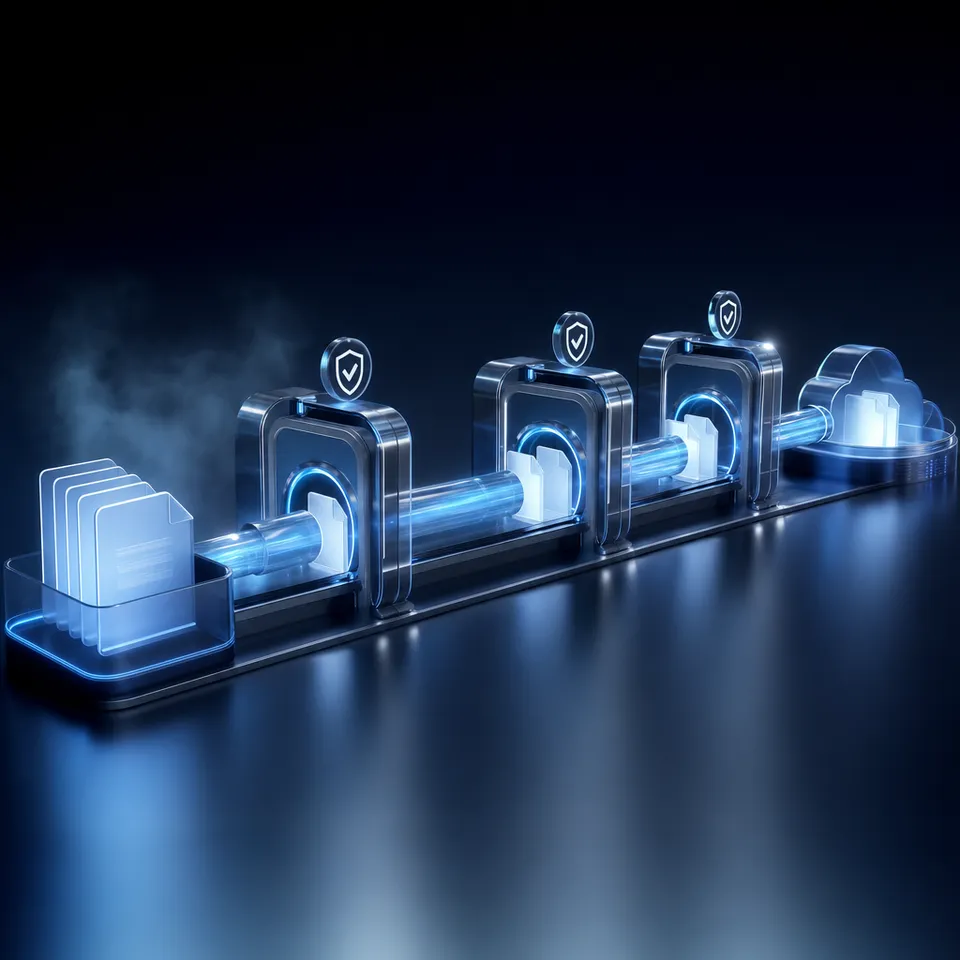
In a Pipeline workflow, the handoff is triggered by file creation. When the research agent finishes gathering data, it writes research-summary.json to the /incoming directory. The writing agent polls workspace activity, sees the new file, reads it, and generates a draft in /processing. This setup eliminates the need for a central orchestrator to manage state transitions. The existence of the file in a specific folder represents the current state of the workflow.
For Swarm architectures, conflict avoidance is the main concern. When multiple agents write to the same folder in parallel, they risk overwriting each other's outputs. Teams can prevent this by defining strict naming boundaries. For example, each worker agent can prepend its unique run ID or timestamp to its output filenames. In a shared directory, this naming convention ensures that agents write alongside each other without collisions, while the workspace maintains a clean, searchable index of all outputs.
Steps for Implementing Multi-Agent State Machines via File Persistence
A state machine governs transitions between defined steps to ensure deterministic execution. In a multi-agent system, the state machine determines which agent runs, what inputs it receives, and where its outputs go. When using a shared workspace, the directory structure itself serves as the physical state machine. Folders act as state nodes, and file movement operations act as transitions.
Consider a content production pipeline modeled as a state machine. The workspace contains folders named /01-raw-data, /02-drafts, /03-reviews, and /04-approved. The state transitions occur when an agent or human moves a file from one folder to another. If a writer agent is triggered by a file landing in /01-raw-data, it reads the raw content, generates a draft, and saves it in /02-drafts. The movement of files between these boundaries prevents agents from reading stale inputs or processing files out of order.
To avoid conflicts when agents access files concurrently, developers must implement clear folder boundaries and naming conventions. In addition, the workspace's per-file version history provides a safeguard. If two agents attempt to write to the same file name, the workspace saves both attempts as distinct versions rather than allowing one to destructively overwrite the other. This concurrency protection allows developers to audit agent outputs and restore prior versions if a failure occurs.
An agent integration should make that transition with the Fast.io MCP storage tool (action move):
{"jsonrpc":"2.0","id":1,"method":"tools/call",
 "params":{"name":"storage","arguments":{"action":"move","profile_type":"workspace","profile_id":"1234567890123456789"}}}
This move updates the file path. An agent polling workspace activity on the destination folder sees the file arrive and starts its designated task. By relying on file paths, developers build state machines that are highly visible to human operators. A project manager can open the workspace interface and visually inspect how many documents are sitting in /02-drafts or /03-reviews, providing immediate observability without requiring custom admin dashboards.



Coordinate your AI agents in secure workspaces
Set up a shared filesystem substrate with built-in RAG indexing, Metadata Views, and a live activity feed. Starts with a 14-day free trial.
Managing Human Handoff and Collaborative Peer Reviews
While autonomous agents can execute most of the pipeline, production output still passes a person before delivery. The review surface is the workspace itself: version history, Collaborative Notes, the activity feed, and ownership transfer give reviewers everything they need to see what an agent did and decide whether it ships.
When an agent completes a draft, it can write its output directly to a shared document in Collaborative Notes. This allows people and agents to act as first-class co-editors on the same canvas, viewing each other's updates in real time. For unstructured files, the agent places the output in the /under-review folder. Reviewers see the arrival in the workspace activity feed and open the file from there.
A reviewer can open the workspace, read the file, and make direct edits. The per-file version history ensures that the agent's original work remains fully preserved and auditable. If a reviewer makes an error or wants to compare changes, they can inspect the history or restore a prior version with a click. The activity log records every action, providing a chronological record of which agent created the file, when the human accessed it, and what modifications were saved.
Once the workflow is finalized, the agent can initiate ownership transfer. Through this flow, an agent account can create an organization, configure the workspaces, populate them with the structured folder schemas, and then generate an ownership transfer claim link. When a human teammate clicks the link, they assume full ownership of the organization and start their paid subscription, which you can read about in the Fast.io pricing guide. The agent can retain administrative access to continue updating files and driving workflows, while the human takes over billing and overall management.
To make the handoff process concrete, consider a scenario where a marketing agency uses a research agent to audit competitor assets. The research agent initiates the pipeline by creating a shared organization, building matter workspaces, and downloading public assets. It stores these files in the workspace, enabling automatic indexing. Once the initial build is complete, the agent generates an ownership transfer link. The human account manager receives the link, accepts ownership, and starts a 14-day free trial (which requires a credit card). The agent is demoted to a workspace administrator, preserving its programmatic access through the API while the human takes control of the billing.
Inside the active workspace, the agent writes its findings into a shared Collaborative Note. The account manager reads the note, corrects formatting errors, and adds client-specific notes. The multiplayer environment allows the manager and the agent to work in parallel on the same document. If the agent makes a correction that overwrites the manager's text, the manager can view the note's version history, revert the change, or merge the edits. The activity log tracks this entire sequence, giving the manager a record of the agent's activity and ensuring quality control.
Configuring the Coordination Workspace End to End
Deploying a multi-agent system on Fast.io requires configuring a workspace that supports indexing, metadata extraction, and secure access. When creating a workspace, developers should verify that Intelligence Mode is enabled. By default, agent-created workspaces have intelligence enabled, which automatically indexes every uploaded document, spreadsheet, and scanned file. This indexing powers hybrid search, allowing both agents and humans to retrieve files using exact keyword matching, semantic meaning search, or search-by-metadata-value queries.
To turn these files into a structured database, developers configure Metadata Views inside their workspaces. Unlike traditional search engines, Metadata Views extract specific fields from unstructured files and populate them in a queryable data grid. The developer describes the desired fields in natural language, and the system creates a typed schema containing fields such as Text, Integer, Decimal, Boolean, URL, JSON, and Date & Time. For example, a legal operations workflow can extract effective dates and counterparties from a folder of contract PDFs. The extracted data is displayed in a sortable, filterable spreadsheet. Agents can query these schemas programmatically through the MCP server, and developers can add new columns at any time without reprocessing existing files.
Finally, secure access is established using granular permissions and branded shares. Developers can restrict agents to specific workspaces or folders, ensuring they only access the context relevant to their tasks. For external collaboration, branded shares (Send, Receive, and Exchange) allow the system to share files with clients or collect inbound documents securely. By configuring expiration limits on these shares and monitoring the live activity feed, teams build a secure, automated environment where agents and humans collaborate.
To connect your orchestration framework (such as LangGraph or CrewAI) to the Fast.io workspace, configure the Fast.io MCP server. The server exposes Streamable HTTP at /mcp and legacy SSE at /sse, which is detailed in the Fast.io developer guide.
For example, a python-based agent can connect to the /mcp endpoint and run a semantic query over the indexed documents. The agent sends a query like 'Find the competitor pricing tables' and receives a list of matching passages with citations to specific file IDs and page numbers. This built-in RAG capability removes the need for developers to maintain separate vector databases, chunking algorithms, or embedding pipelines. The workspace handles the entire indexing and retrieval pipeline natively, allowing developers to focus on refining their agent coordination logic.
Sources
References used to verify factual claims in this guide.
-
As of August 2026, the langgraph library alone records over 71.6 million monthly downloads on PyPI
-
crewai processes over 11 million monthly downloads
Frequently Asked Questions
How do you design multi-agent workflows?
You design multi-agent workflows by defining specialized agent roles, constructing a state machine to govern their execution sequence, and establishing a persistent shared workspace where agents write outputs and read inputs.
What is the best way to coordinate multiple AI agents?
The best way to coordinate multiple AI agents is through a shared filesystem state. Using files in structured directories as the source of truth eliminates complex database schemas and concurrency locking code.
How do multi-agent workflows share state?
Multi-agent workflows share state by writing JSON logs, markdown summaries, or database-like views to a shared directory. Agents poll the workspace activity feed or list a folder to pick up new files and start the next step.
Related Resources

Coordinate your AI agents in secure workspaces
Set up a shared filesystem substrate with built-in RAG indexing, Metadata Views, and a live activity feed. Starts with a 14-day free trial.