Building an AI Code Plagiarism Checker Workflow with Hermes Agent
GitHub Copilot users accept approximately 30% of code recommendations on average, creating potential plagiarism overlaps and licensing compliance risks for development teams [GitHub Blog 2023 Report]. This guide details how to build an automated AI code plagiarism checker workflow using Nous Research Hermes Agent. By connecting specialized checkers to a shared workspace, developers can run automated audits without manual file sorting.

Why Code Plagiarism Audits Need Autonomous Workflows
GitHub Copilot users accept approximately 30% of code recommendations on average, creating potential plagiarism overlaps and licensing compliance risks for development teams [GitHub Blog 2023 Report]. As generative tools write more production code, verifying code authenticity becomes a scaling bottleneck. Manually inspecting pull requests for license compatibility or AI-generated patterns is slow and prone to human oversight.
MOSS (Measure of Software Similarity) has been the standard academic system for detecting software similarity since its development at Stanford in 1994 [Stanford MOSS Documentation]. While legacy systems excel at structural peer comparisons, they are not designed for active CI/CD pipelines, do not detect modern machine learning signatures, and do not scan the public web. MOSS uses a winnowing algorithm to generate code fingerprints based on structural syntax tokens, ignoring whitespace and variable names. While this catches simple copy-paste modifications, it misses sophisticated AI paraphrasing or synthetic restructures that maintain functionality under different syntax styles.
Autonomous development agents bridge this validation gap. By deploying Nous Research Hermes Agent into the verification pipeline, teams can run code audits programmatically. This workflow connects repository files to specialized APIs, checks submissions, and routes results to human reviewers without manual intervention. Using Nous Research Hermes Agent allows developers to write custom routines that pull code changes automatically, submit them to remote checker services, and manage validation states. By automating these reviews, teams enforce compliance policies at the commit level.

Related guides
- Building a Candidate Screening Workflow with Manus AIAutomating early-stage recruitment requires more than basic keyword matching. This guide shows you how to design a...
- Building a GitHub Copilot File Handoff Workflow with MCP StorageGitHub Copilot helps developers write code faster, but manual clipboard copy-pasting breaks version control and...
- How to Build a Hermes Agent Code AI Checker WorkflowA code AI checker workflow uses Hermes Agent subagents to analyze codebase pull requests for AI generation markers and...
- Building a Hermes Agent Linky AI Multi-Agent WorkflowMulti-agent workflows combining Nous Research Hermes Agent and Linky AI require persistent shared workspace storage to...
- How to Build a Hermes Agent AI Code CheckerThe proportion of copy-pasted code in repositories rose from 8% in 2020 to 12% in 2024, representing a 48% relative...
- How to Configure a Hermes Agent AI-Generated Code Detector WorkflowImplementing a Hermes Agent AI generated code detector workflow allows developers to validate script quality before...
More on this subject: Hermes Agent (100 guides)
The Architecture of an AI Code Plagiarism Checker Workflow
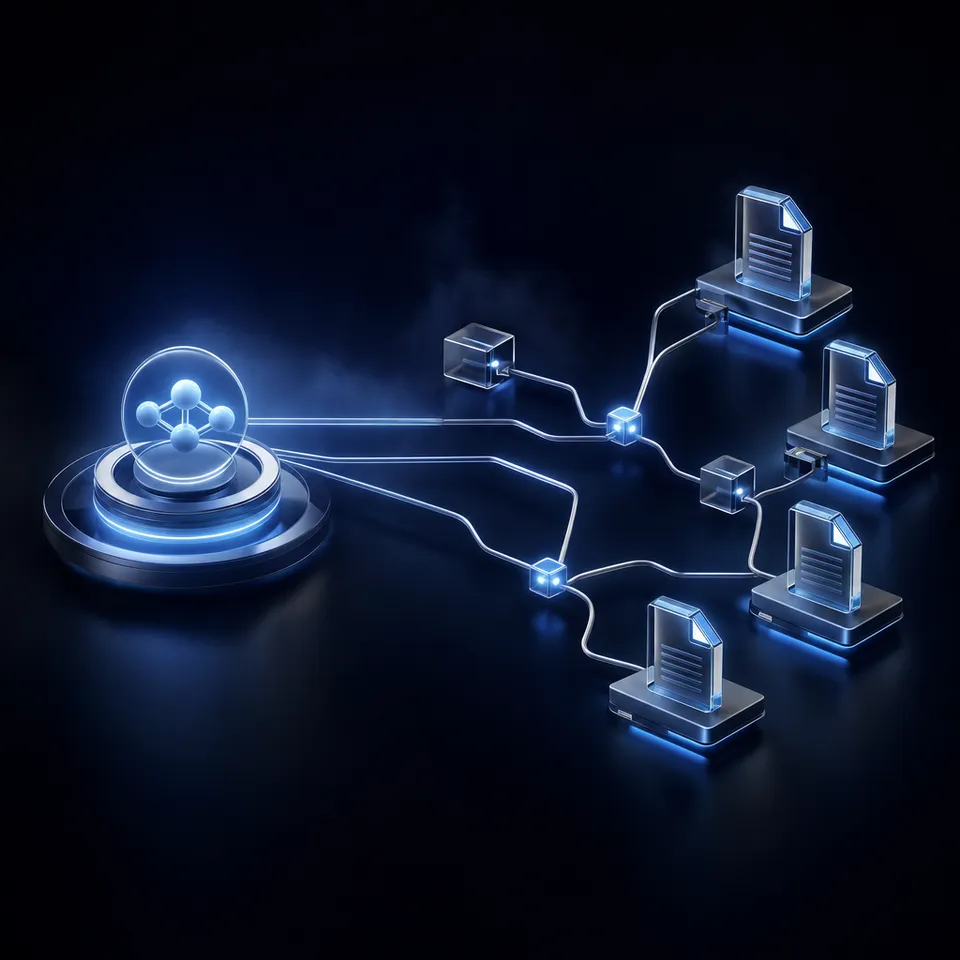
An automated code validation pipeline connects the source repository, the autonomous developer agent, and a persistent team workspace. Rather than relying on static scripts that break when credentials change, an agentic workflow adapts to API requirements, handles rate limits, and organizes audit logs dynamically.
According to search metrics, search volume for the keyword 'ai code plagiarism checker' is 50 searches monthly in the US, with a keyword difficulty of 29 of 100 and a CPC of $2.96 [DataForSEO Search Metrics]. This interest highlights a growing commercial need to move beyond simple browser-based search forms. Developers require reliable, API-driven workflows that scan code changes on every commit rather than expecting engineers to copy and paste code manually.
In a typical pipeline, a developer opens a pull request, triggering the agent via webhook. The agent checks the file paths, imports the source code, and queries a plagiarism checker API. The skill communicates with APIs like Codequiry, which provides multi-layered code plagiarism checks and AI code detection across 65+ programming languages, updated as of July 2026 [Codequiry Product Update]. Codequiry combines web-scale checks against public repositories with internal database matches and specialized AI detectors. Once the API returns results, the agent writes a structured report to the shared workspace. If scores exceed a preset threshold, the workflow routes the file to a human reviewer's inbox.


Review code similarity reports in one shared workspace
Give Hermes Agent a shared workspace to write code similarity reports, build Metadata Views for easy sorting, and flag reports for human review. Monthly plans start with a trial of up to 14 days (credit card required); annual plans have no trial.
How to Build the Hermes Agent Code Plagiarism Checker Skill
Nous Research Hermes Agent is an open-source development assistant whose skills are compatible with the standard. Skills are declared in the local environment directory and loaded dynamically.
To build the code verification workflow, you write a custom skill that manages the API token cycle and handles file submissions. For example, when connecting to the Copyleaks API, the agent must first POST credentials to retrieve an access token that is valid for 48 hours [Copyleaks API Authentication Docs]. To avoid rate limits, the skill caches this token locally rather than requesting a new token for every file in the repository.
The helper script is configured to validate file requirements before calling the network, such as ensuring the submitted text is at least 255 characters to satisfy API limits [Copyleaks API Quickstart]. If a file is too short, the skill flags it locally.
The following structure shows how to configure the skill file under the local skills directory:
---
name: copyleaks-check
description: Run code similarity and AI detection on target source files.
version: 1.0.0
platforms: [macos, linux]
---

When to Use:
Use when a pull request is opened to audit modified source files for originality.

Procedure:
1. Load file paths from the git diff event.
2. Verify file content meets minimum length rules.
3. Retrieve the cached Copyleaks authentication token.
4. Submit the code to the check endpoint.
5. Save the JSON results to the workspace directory.
API keys are stored in the local environment configuration to keep secrets out of code repositories. The agent reads these environment variables at runtime, ensuring secure credential handling during automated reviews. For developers integrating multiple models, the Nous Research Portal provides unified access management to simplify key provisioning.
The Python helper script parses the nested JSON payload, extracts the similarity percentages and AI detection probabilities, and returns a unified report. The script implements exponential backoff to handle transient network errors or API rate limits. When a scan is complete, the agent writes the JSON report file directly to a shared directory.

Structuring Plagiarism Reports in Fastio Workspaces
Archiving code scan logs on a local agent server or temporary build runner risks losing audit histories when instances tear down. Traditional cloud drives or Amazon S3 buckets store files reliably but do not provide team collaboration tools, version histories, or a human review interface.
Using Fastio workspaces solves this persistence gap. Fastio provides a single space where developers and autonomous agents collaborate on the same file context. The agent writes both the source file and its corresponding JSON report to the workspace, where files are automatically versioned and indexed.
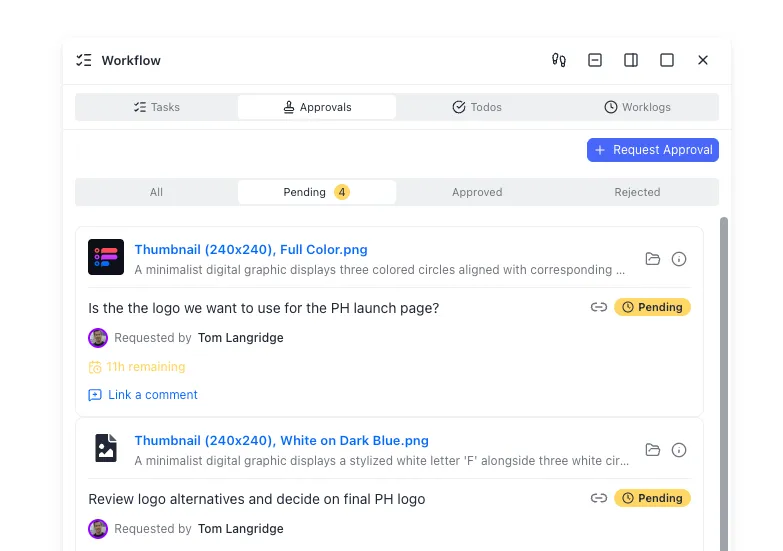
To turn JSON reports into an interactive dashboard, teams configure Metadata Views. Developers define extraction columns (such as similarity score, AI probability, and language) in plain language. Fastio automatically parses the JSON files, matches them against the workspace schema, and populates a filterable spreadsheet grid. This allows human managers to sort and filter reports, running queries like finding all high-probability AI reports from the past week.
If a report exceeds the allowed similarity threshold, the agent flags the file so it surfaces on the developer's Dashboard. The Dashboard surfaces flagged items across multiple workspaces, presenting a clean interface for engineers to review code matches side-by-side with original diffs. Fastio keeps a detailed activity log of all agent checks and human actions, creating a secure chain of custody.
Fastio plans include seats, with usage-based credits for AI work. Teams on monthly plans can start with a trial of up to 14 days (credit card required), with plans starting at Starter $9.99/mo, Business $49.99/mo, and Enterprise $199.99/mo. The trial provides full access to the MCP server endpoints, allowing developers to test agent integrations under realistic project loads.
Operational Rules for Code Originality Audits
Obfuscation techniques, such as variable renaming or function reordering, can bypass simple word-matching scripts. To counter this, tools like Dolos, an open-source tool developed at Ghent University for source code plagiarism detection and similarity clustering, analyze syntax trees to detect plagiarism despite renaming [Dolos Documentation]. You can read the official Dolos documentation to understand how AST parsing detects hidden similarities.
Managing credit budgets requires using sandbox modes during pipeline development. Setting up sandbox scans returns mock results for free, allowing developers to test the parser before running live production checks [Copyleaks API Quickstart]. You can find additional integration guidelines in the Copyleaks API documentation regarding testing endpoints and rate limits.
For continuous automation, configure Hermes Agent to execute checks on a scheduled cron trigger or when webhook events detect new pull requests. All developer credentials must remain inside the secure environment variables to prevent leaking keys in chat histories. Developers connecting agents to Fastio workspaces can reference the Fastio LLM onboarding guide and storage for agents to set up persistent, secure file storage.

Sources
References used to verify factual claims in this guide.
-
GitHub Copilot users accept approximately 30% of code recommendations on average, creating potential plagiarism overlaps and licensing compliance risks for development teams.
-
MOSS (Measure of Software Similarity) has been the standard academic system for detecting software similarity since its development at Stanford in 1994.
-
Codequiry provides multi-layered code plagiarism checks and AI code detection across 65+ programming languages, updated as of July 2026.
-
Copyleaks issues access tokens that remain valid for 48 hours after the login call.
-
Submitted text must be at least 255 characters for the writer-detector check flow described in the quickstart.
-
Dolos is an open-source tool developed at Ghent University for source code plagiarism detection and similarity clustering.
-
DataForSEO US search metrics estimates for the keyword ai code plagiarism checker sit near 50 monthly searches, keyword difficulty 29 of 100, and CPC of $2.96.
Frequently Asked Questions
How to check code for AI plagiarism?
You can check code for AI plagiarism by running automated validation pipelines that combine structural similarity analysis (using tools like Dolos or Stanford MOSS) with AI code detectors (such as Codequiry or Copyleaks). For scale, developers write custom skills for autonomous agents like Nous Research Hermes Agent to fetch repositories, execute scans via REST APIs, and store results in a shared workspace.
Is there a free AI code plagiarism checker?
Yes. Dolos is a free, open-source code plagiarism checker developed by Ghent University that identifies structural similarities within a set of code submissions. Stanford MOSS (Measure of Software Similarity) is another free legacy tool used in academia since 1994. While these tools excel at peer-to-peer structural comparisons, commercial APIs like Codequiry are required to check code against the public web and detect AI-generated signatures.
Does Turnitin check code plagiarism?
Yes, Turnitin checks code plagiarism through its specialized tool called Simcheck, which detects structural similarity in source code. However, Turnitin is primarily designed for educational institutions and standard LMS integrations. Development teams requiring automated, API-driven code plagiarism checkers in CI/CD pipelines typically use developer-first APIs like Codequiry or Copyleaks wrapped in autonomous agent workflows.
Related Resources

Review code similarity reports in one shared workspace
Give Hermes Agent a shared workspace to write code similarity reports, build Metadata Views for easy sorting, and flag reports for human review. Monthly plans start with a trial of up to 14 days (credit card required); annual plans have no trial.