How to Create an Architecture Portfolio Website
An architecture portfolio website is your digital business card, showing your design philosophy and technical skills to potential clients and employers. Visual appeal matters, but delivering high-resolution renders, CAD drawings, and video walkthroughs without slow load times is what separates professional sites from amateur ones.

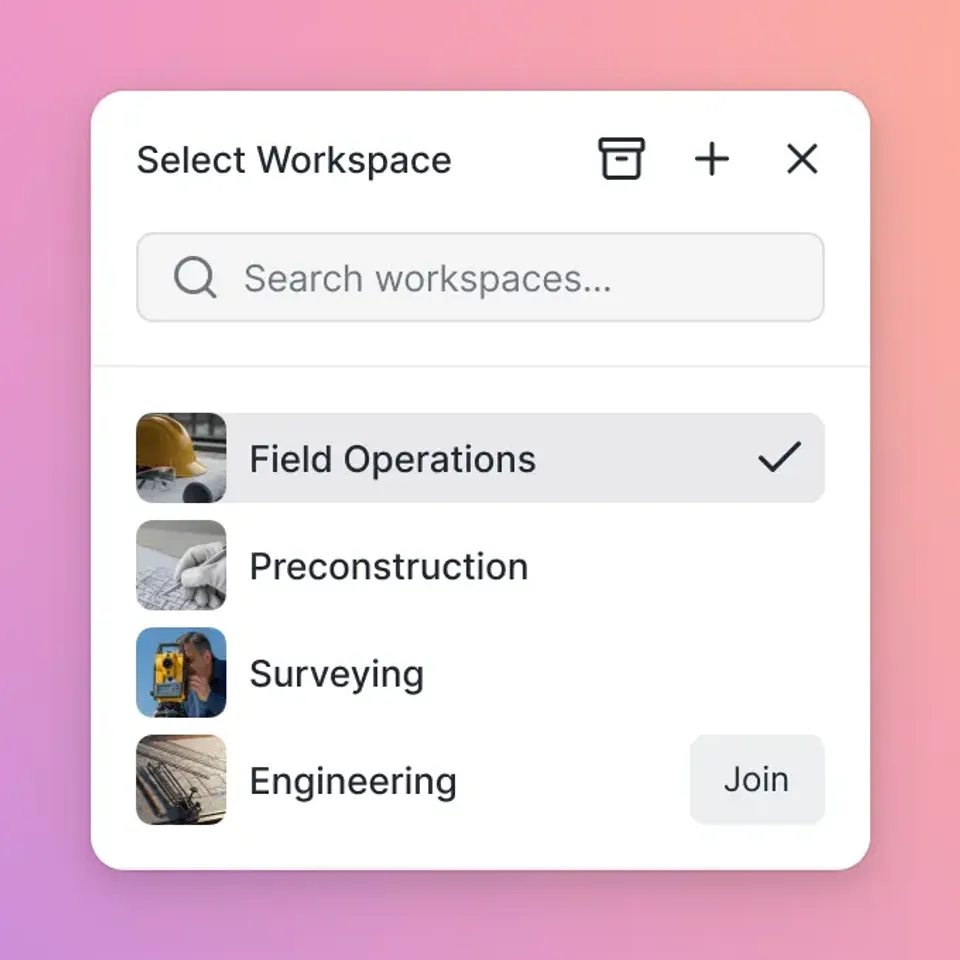
What is an Architecture Portfolio Website?
An architecture portfolio website is a curated digital collection of an architect's best work, designed to show their skills, style, and experience to prospective clients or employers. Unlike a standard image gallery, a professional architecture portfolio must handle complex media types, from three-dimensional fly-throughs and massive PDF drawing sets to high-resolution photorealistic renders, without compromising on speed or user experience. Your website needs to do two things: attract new leads with a public-facing brochure, and deliver high-fidelity project files for detailed review. A professional online presence with fast load times and smooth media presentation is essential for converting visitors into clients.
Helpful references: Fastio Workspaces, Fastio Collaboration, and Fastio AI.
Related guides
- How to Build a Professional Photography Portfolio WebsiteA photography portfolio website is your digital storefront, but most builders silently crush your image quality. This...
- How to Create and Share a Digital Fashion LookbookA fashion lookbook is a curated collection of photographs showcasing a brand's clothing line or collection, used to...
- How to Build a Professional 3D Artist Portfolio in 2026A 3D artist portfolio is an online collection of rendered images, animations, and interactive models showcasing a 3D...
- How to Create a Direct Download Link for Any FileA direct download link (DDL) triggers your browser's download immediately when clicked, skipping preview pages and...
- How to Create an Upload Portal for ClientsAn upload portal is a dedicated web page where clients send files directly to your organization without needing an...
- How to Build a Professional Motion Graphics Portfolio (2026 Guide)A motion graphics portfolio is more than just a collection of clips. It's your professional identity. Whether you're a...
More on this subject: File Sharing (155 guides)
Key Features of an Effective Portfolio Site
Building an effective online presence requires more than just uploading JPEGs. To stand out in a competitive market, your site needs specific capabilities that standard website builders lack.
- High-Resolution Asset Support: Architecture relies on detail. Your platform must display ultra-high-resolution renders and complex line drawings without aggressive compression that blurs fine details.
- Fast Video Streaming: With the rise of Lumion and Twinmotion, video walkthroughs are standard. Your site needs adaptive bitrate streaming to play these instantly without buffering.
- Mobile Responsiveness: Clients review portfolios on tablets or phones. Your layout and media players must work naturally on touch interfaces.
- Branded Experience: Your portfolio is an extension of your firm's brand. The interface should reflect your aesthetic, not the generic branding of a file-sharing service.
- Large File Delivery: Beyond the visual showcase, you need to provide downloadable construction documents or full-resolution assets. A system that combines viewing with secure delivery is important.
Choosing the Right Platform: Builders vs. Portals
When creating your portfolio, you generally have two paths: using a general-purpose website builder or using a specialized professional portal.
Website Builders (Squarespace, Wix) These tools offer beautiful templates and ease of use. They work well for the "brochure" aspect of your business: About pages, contact forms, and light galleries. However, they struggle with the heavy lifting required for architecture. File size limits (usually under 20MB), lack of RAW/CAD support, and poor video hosting capabilities can frustrate architects trying to show technical depth.
Professional Client Portals (Fastio) For architects who need to share actual project files, high-fidelity deliverables, and immersive media, a branded portal offers a better alternative. Instead of building a site from scratch, you transform your cloud storage into a polished, branded website automatically. This approach works well for presenting specific project bids or delivering final assets to clients who demand professional presentation without the technical overhead of managing a CMS.
How to Build Your Architecture Portfolio
Creating a compelling portfolio involves curation, technical setup, and presentation strategy. Follow this process to ensure your work shines.
1. Curate Your Best Work Quality beats quantity. Select eight to ten projects that demonstrate a range of skills, from residential renovations to commercial concepts. Ensure you have a mix of finished photography, process sketches, and technical drawings for each.
2. Prepare Your Assets Optimize your images for web viewing but keep high-resolution masters available for detailed inspection. For video walkthroughs, ensure you have a hosting solution that supports instant playback. If you use Fastio, you can upload massive video files directly; our Universal Media Engine automatically handles the transcoding for web-optimized streaming while preserving the original file for download.
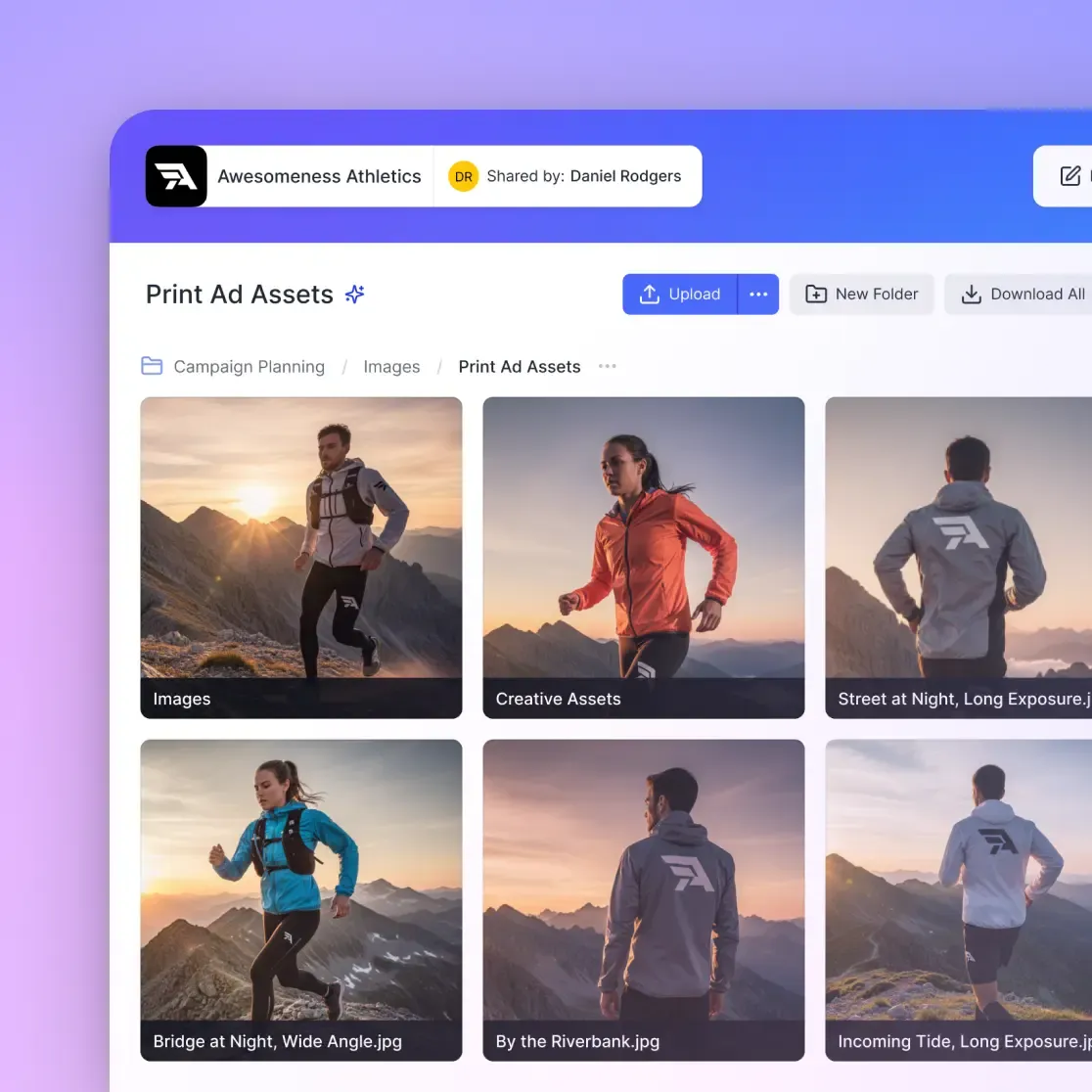
3. Set Up Your Branded Portal If you choose a portal approach, customize the interface to match your firm's identity. Upload your logo and set your brand colors. This creates a smooth experience where your file delivery feels like a bespoke website.
4. Organize by Project or Typology Structure your portfolio logically. Use clear folders or sections for "Residential," "Commercial," and "Competition Work." Within each project, create a narrative flow: start with the hero render, move to the concept diagrams, show the technical details, and finish with the built reality.


Share Large Files on Fastio
Create a stunning, branded architecture portfolio that handles your biggest renders and CAD files with ease. No coding required.
Handling Large Files and Technical Drawings
One of the biggest challenges for architect portfolios is sharing technical documentation. A standard portfolio site might let you display a JPEG of a floor plan, but clients and contractors need the actual PDF or CAD file.
The Limitations of Email and Basic Transfer Emailing large PDFs is usually impossible due to 25MB attachment limits. Basic transfer services (like WeTransfer) expire links after a few days, breaking your portfolio flow.
The Fastio Advantage Fastio is built to handle the heavy files architecture demands.
- Large File Support: Upload large point clouds and full project archives without issues.
- Universal Previews: Clients can view CAD files, huge PDFs, and RAW images directly in their browser without needing specialized software.
- Persistent Storage: Unlike transfer links, your Fastio workspace is permanent. Your portfolio remains live and accessible as long as you want.
- Granular Permissions: You can create a public "Showcase" folder for your general portfolio while keeping specific "Client Bids" folders password-protected or restricted to specific email addresses.
Comparison: Fastio vs. Traditional Builders
Here's how a specialized file portal compares to standard website builders for architectural needs.
For many firms, the best solution is a hybrid: a lightweight marketing site for the homepage, linking to powerful Fastio portals for the deep-dive project portfolios and client deliverables.
Sources
Frequently Asked Questions
What should an architecture portfolio website include?
An effective portfolio should include a curated selection of your best projects, an 'About' section detailing your philosophy, a resume or team bio, and clear contact information. For each project, include high-quality renders, process sketches, technical drawings, and brief descriptions of the design challenge and solution.
What is the best platform for an architect portfolio?
The best platform depends on your needs. For pure marketing, Squarespace is popular for its design templates. For delivering high-res assets, CAD drawings, and video walkthroughs to clients, a Fastio Branded Portal works better due to its large file support, native CAD/video previews, and professional security features.
How do I share large architecture files with clients?
Avoid email attachments or expiring transfer links. Use a cloud storage platform like Fastio that supports large files and allows you to create branded, password-protected portals. This lets clients preview and download massive files like BIM models or high-resolution videos directly from a professional-looking interface.
Related Resources

Share Large Files on Fastio
Create a stunning, branded architecture portfolio that handles your biggest renders and CAD files with ease. No coding required.