How to Build a Professional Motion Graphics Portfolio (2026 Guide)
A motion graphics portfolio is more than just a collection of clips. It's your professional identity. Whether you're a freelancer or seeking studio work, the quality of your presentation matters as much as the animation itself. This guide covers how to choose your best work, avoid compression artifacts, and build a portfolio that wins clients.

What is a Motion Graphics Portfolio?
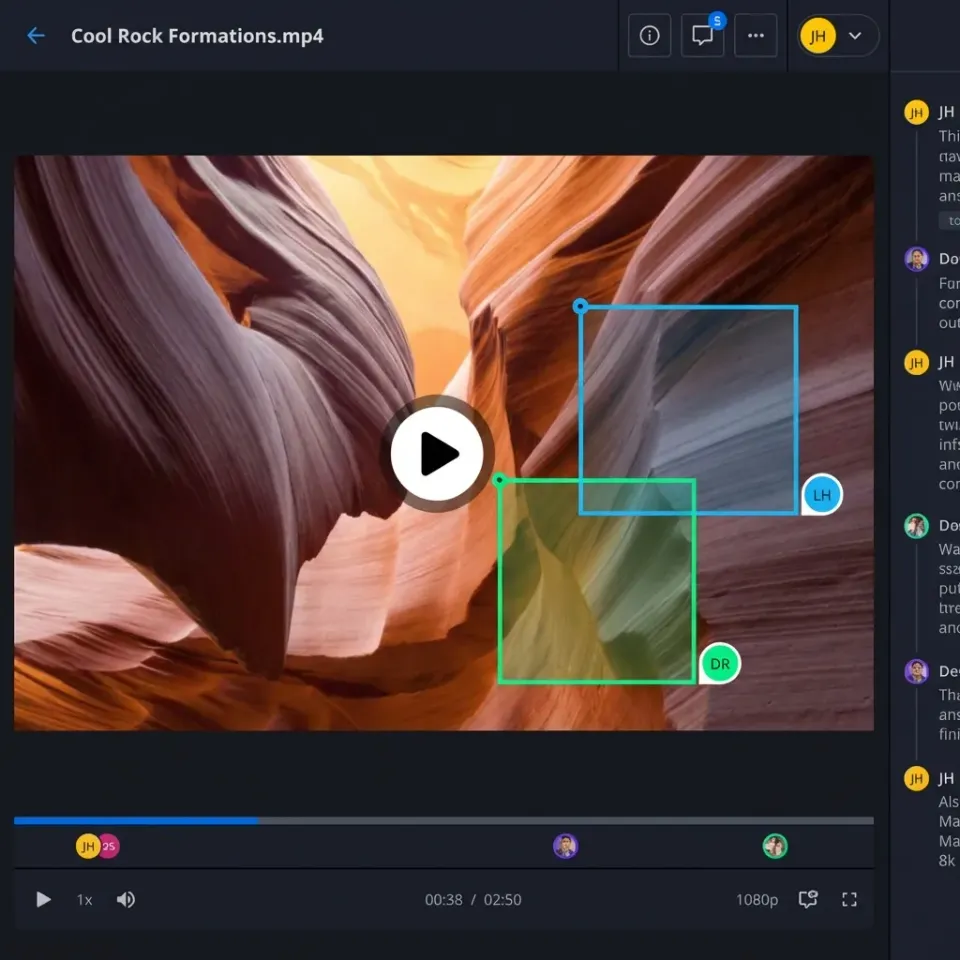
A motion graphics portfolio is a reel and collection of animated work that shows a motion designer's style, technical range, and storytelling ability. Unlike static design portfolios, motion portfolios must balance visual fidelity with playback performance. A strong portfolio serves as your visual resume, proving your ability to handle complex timing, spatial relationships, and brand consistency across various digital platforms. The core of any motion design portfolio consists of two distinct elements:
- The Showreel (Demo Reel): A fast-paced montage set to music that highlights your best moments.
- Case Studies: Detailed breakdowns of individual projects, explaining the "why" and "how" behind the animation. Recruiters often spend less than two minutes reviewing a portfolio. Your goal is to hook them instantly with a high-energy reel and then provide depth with structured case studies that prove you understand the underlying principles of animation and design.
Related guides
- How to Build a Professional 3D Artist Portfolio in 2026A 3D artist portfolio is an online collection of rendered images, animations, and interactive models showcasing a 3D...
- How to Choose a Video Delivery Service for Professional ProjectsProduction companies and content creators need to deliver video files that arrive exactly as they left the timeline,...
- How to Share Large Files on Discord (Without Hitting the Size Limit)Discord's file upload limit is 10MB for free users, 50MB for Nitro Basic, and 500MB for full Nitro subscribers. For...
- Best Cloud Storage for Video: 7 Options for Production TeamsVideo files demand more from cloud storage than documents or photos. You need large file support, fast transfers, and...
- How to Send 4K Video Files Without Losing Quality4K video files range from 3GB for a short clip to over 100GB per hour of professional footage. Most transfer methods...
- How to Share Videos Privately Without Losing QualityPrivate video sharing is the secure distribution of video content to specific recipients with access controls like...
More on this subject: File Sharing (155 guides)
The Showreel: Your Elevator Pitch
Your showreel is the single most important asset in your career. Think of it as a trailer for your skills. If a creative director only clicks one thing on your site, it will be the "Play" button on your reel. Consider the emotional arc of your reel; the pacing should build excitement and show your ability to handle different tempos, from slow, elegant transitions to high-energy rhythmic cuts.
Best Practices for a Winning Reel:
- Keep it Short: Aim for about a minute. If it drags, you lose the viewer.
- Kill Your Darlings: Only include your absolute best work. One mediocre clip brings down the perceived quality of the entire reel.
- Start and End Strong: Place your most impressive shot first to grab attention, and your second-best shot last to leave a lasting impression.
- Match the Beat: Edit your cuts to the music. Audio makes up half of the experience in motion design. According to industry surveys, creative directors prefer reels that show a variety of styles, such as 2D vector animation, 3D modelling, kinetic typography, and compositing, over a reel that repeats the same trick for a minute. Diversifying your reel shows that you are a versatile artist capable of adapting to different client needs and brand aesthetics.
The Compression Problem: Why Quality Matters
A common frustration for motion designers is the "compression crush" of popular video platforms. You spend hours perfecting grain, gradients, and fine details in After Effects, only to have YouTube or Vimeo compress them into blocky artifacts. When you share a link via Fastio, your clients receive the exact file you exported, preserving every bit of data so your work looks as intended on any screen.
Why platform compression hurts your portfolio:
- Banding: Smooth gradients often turn into ugly, stepped bands of color.
- Detail Loss: Fine text and complex particle effects become blurry.
- Frame Rate Issues: 60fps animations may be downsampled or stutter. For your public-facing website, streaming services are necessary for bandwidth. However, for delivering work to high-end clients or sharing your master reel with studios, you need a solution that supports uncompressed video sharing. This is where specialized file transfer tools outperform standard video hosts, as they allow you to maintain professional standards throughout the entire review process.


Share Large Files on Fastio
Don't let compression ruin your hard work. Deliver high-res motion graphics directly to clients with Fastio.
How to Structure Your Portfolio Website
Your website is the container for your work. It should be invisible, letting the work speak for itself. Avoid over-animating the UI; if the menu is flying around, it distracts from your actual motion work. A clean, minimalist layout keeps the viewer's focus on your animation and storytelling.
Essential Pages for a Motion Design Site:
- Home: Your showreel, front and center. No clicks required to watch.
- Work/Projects: A grid of thumbnails leading to individual case studies.
- About: A brief bio, a photo of you (humanizes the work), and your experience level.
- Contact: A clear email address or simple form. Don't hide this! For the case studies, don't just dump a video and leave. Explain your role. Did you do the design and the animation? Just the rigging? Be honest. Creative directors value transparency about your specific contribution to a team project. Context about the challenges you faced and how you overcame them makes your work more compelling.
Delivering Your Portfolio to Clients
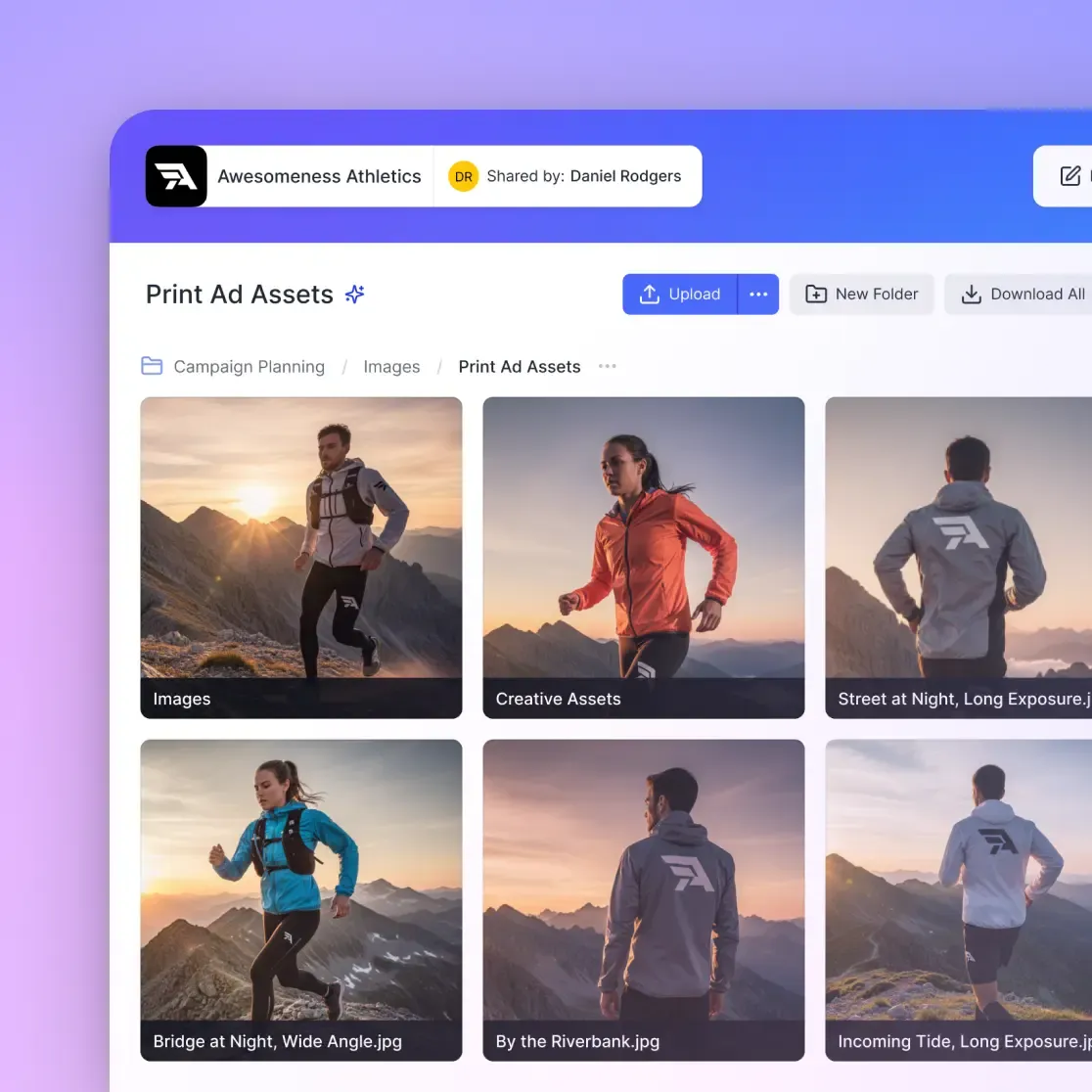
Sometimes you aren't just sending a link to a website; you're sending the actual files. Studios often ask for a "reel breakdown" or specific project files to verify your workflow. When sending these large assets, which are often several GB for high-res ProRes renders, email and WeTransfer often fail due to size limits and slow upload speeds.
Smart Delivery Workflows:
- Direct Download Links: Use a service like Fastio to generate a direct link to the raw file stored on your cloud drive.
- Branded Portals: Create a temporary client portal where studios can view and download your high-res assets in a professional, branded environment.
- Cloud Sync: Keep your portfolio assets in a dedicated cloud folder (Dropbox, Box or OneDrive) and sync it to your delivery tool on a schedule or on demand, so you're always sending the latest version.
Tools of the Trade
Your portfolio should also list the software you are proficient in. This helps recruiters match you with their studio pipeline and ensures you have the technical foundation required for their specific projects.
Standard Industry Stack:
- Adobe After Effects: The industry standard for compositing and 2D motion.
- Cinema 4D / Blender: Essential for 3D motion graphics.
- Adobe Premiere Pro: For editing your reel and timing cuts.
- Fastio: For organizing your massive library of assets and hosting video for client delivery, with single files up to 100 GB on the Enterprise plan. Listing these tools and your proficiency level in each removes ambiguity. This helps automated hiring systems flag your application as a match and gives human reviewers confidence in your technical abilities. Most studios expect mastery of these tools for professional motion design work.
Sources
References used to verify factual claims in this guide.
-
H.264 MP4 at moderate bitrate provides balance of quality and streaming speed for web.
-
ProRes 422 or DNxHR maintains full visual fidelity for master files without compression artifacts.
Frequently Asked Questions
How long should a motion graphics reel be?
A motion graphics reel should be concise, ideally around a minute long. Anything longer risks losing the viewer's attention. Focus on a tight, fast-paced edit of your absolute best work rather than filling time with mediocre clips.
Should I include tutorials in my portfolio?
Generally, no. Tutorials show you can follow instructions, not that you can solve creative problems. If you include tutorial-based work, modify it to make it your own, or label it as a learning exercise. Original work is always preferred.
What file format is best for a motion graphics portfolio?
For the web, use H.264 MP4 at a moderate bitrate for a balance of quality and streaming speed. For sending a master file to a client or archive, use ProRes 422 or DNxHR to maintain full visual fidelity without compression artifacts.
Related Resources

Share Large Files on Fastio
Don't let compression ruin your hard work. Deliver high-res motion graphics directly to clients with Fastio.