AI Powered Enterprise Search: Architecture, Permissions, and Implementation
Connecting language models to corporate documents requires solving permission boundaries, indexing latency, and citation provenance. This guide covers how AI-powered enterprise search architectures combine hybrid retrieval and workspace-level isolation to keep answers within what each employee and agent is allowed to read.


How AI-Powered Enterprise Search Solves Document Retrieval
Connecting an AI model to an unsegmented corporate drive can expose restricted documents to anyone who knows how to ask. The fundamental challenge of enterprise search is not generating answers, but bounding retrieval strictly to what the asking employee or autonomous agent is permitted to read. When legacy systems attempt to index corporate knowledge, they can run into permission drift, stale caches, and disconnected search indexes.
AI-powered enterprise search combines vector embeddings, keyword retrieval, and workspace intelligence to let employees and AI agents query company documents with source citations while respecting organizational access controls.
A functional enterprise search architecture rests on three operational pillars:
- Arrival indexing: Indexing files as they are added to a workspace, so search results reflect current documents without waiting for a crawler.
- Citation grounding: Generating natural-language answers backed by direct links, page numbers, and exact text excerpts from source records.
- Membership-bounded retrieval: Isolating query execution to the explicit boundaries of the user or agent's authorized workspace.
Traditional workplace search forced knowledge workers to guess exact filenames, browse nested directory trees, or scan through dozens of blue links. When teams operate across thousands of contracts, technical specifications, policy handbooks, and operational notes, keyword lookups fail because human language is variable. An employee searching for information on maternity leave might miss a critical policy document titled "Parental and Family Medical Absence Guidelines." Modern intelligent enterprise search bridges this vocabulary gap by understanding semantic intent while preserving exact term matching for technical identifiers.
The Limits of Scheduled Crawls
Some enterprise search systems pick up changes from external services through scheduled crawls or batch API connectors, where an indexing worker queries third-party storage APIs on a cycle. If an engineering lead updates a system architecture diagram or legal amends a non-disclosure agreement, the change may not show up in search until the next crawl runs. Some connectors, such as Glean's, also process change events sent by the source, which shortens that gap.
Crawls of large repositories can also run into the source provider's API rate limits, which can slow index updates. When the index lags behind the documents, employees and AI agents can get outdated answers. When files are uploaded straight into a workspace with Intelligence on, they are indexed as they arrive, with no crawler in between; folders synced from another drive still update on a schedule or on demand.
Moving from Ranked Links to Synthesized Answers with Citations
The defining shift in modern AI enterprise search is the transition from document retrieval to answer synthesis. In a standard retrieval pipeline, the search engine returns a list of files that match query terms, leaving the user to open, read, and cross-reference each document manually.
Intelligent enterprise search uses retrieval-augmented generation (RAG) to synthesize coherent, conversational responses from the underlying text corpus. To make these answers checkable for business operations, the system must enforce strict source attribution. Every factual statement in a generated response must link directly to the underlying file, specific page number, and source snippet. When an autonomous coding agent or an operations lead asks a question about deployment rules, the search engine provides the direct answer alongside checkable citations. A well-built system should also say when the sources do not contain an answer. Citations do not stop a model from making mistakes, but they let the reader check each statement against its source.
Related guides
- Enterprise Search Systems: Comparing Federated vs. Workspace-Native SearchEnterprise search systems connect corporate knowledge across fragmented repositories, enabling employees and automated...
- Workplace Search Platform: Architecture, Connectors, and Buyer GuideA workplace search platform connects disparate document stores, indexes content for keyword and semantic retrieval, and...
- Enterprise Semantic Search: Architecture, Indexing, and ImplementationEnterprise semantic search replaces fragile keyword matching with high-dimensional vector embeddings and hybrid...
- How to Implement Enterprise Search: A Step-by-Step Rollout GuideEnterprise search implementation connects corporate repositories, indexes internal documents, and establishes...
- Enterprise Search Tools: Evaluating Modern AI Search PlatformsEnterprise search tools index internal records and specifications to help employees and AI agents locate accurate...
- AI Workplace Search: How to Query Company Documents with People and AgentsAI workplace search unifies company documents into a semantically searchable knowledge base that answers questions with...
More on this subject: AI Agents: General Guides (258 guides)
Hybrid Search Architecture: Vector Embeddings and Full-Text Retrieval
A reliable enterprise search engine cannot rely exclusively on semantic vector search. While dense vector embeddings excel at grasping high-level concepts and conversational questions, they frequently struggle with domain-specific jargon, alphanumeric model numbers, legal clause citations, and code symbols. A dependable architecture requires hybrid search, combining dense vector retrieval, sparse full-text lexical indexing, and structured metadata filtering.
Dense retrieval maps unstructured text into high-dimensional vector spaces where mathematically proximate vectors represent conceptually related ideas. Sparse lexical retrieval uses an inverted index and a ranking function such as BM25 to find exact keyword occurrences. By merging both approaches into a unified ranking function, the search engine delivers conceptual relevance without losing exact-match precision.
Balancing Semantic Meaning and Exact Identifiers
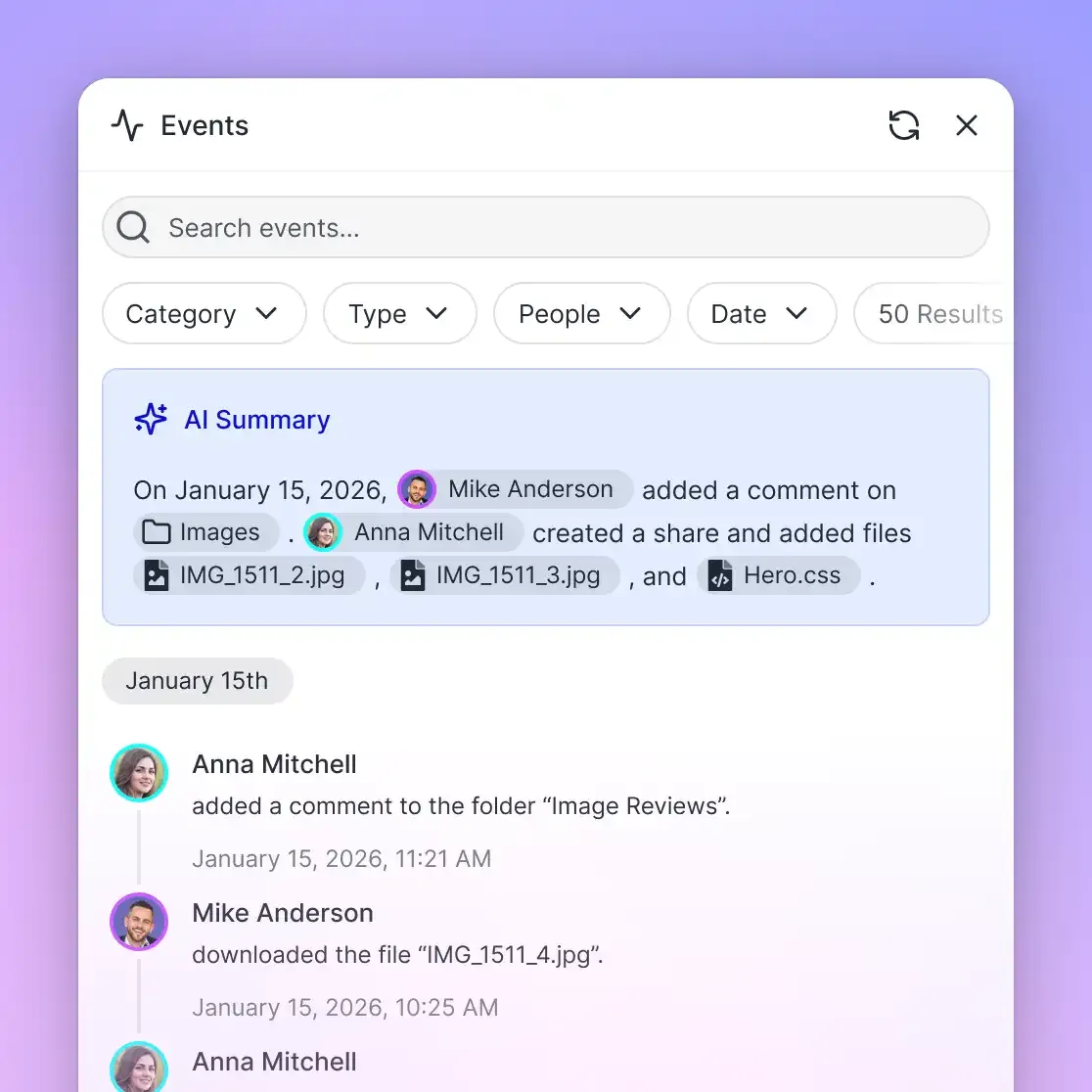
Enterprise inquiries span two distinct retrieval patterns: exploratory semantic queries and precision lookup queries. Exploratory queries include prompts like "What are our guidelines for handling client data breaches?" In this scenario, vector embeddings identify relevant paragraphs across security policies, compliance briefs, and incident response runbooks, even if none of those documents contain the exact phrase "data breach."
Precision lookup queries include prompts like "Find master service agreement for Acme Corp" or "Look up error code ERR_CONN_RESET." Pure vector models often fail on these inputs because embedding algorithms compress arbitrary alphanumeric strings into general proximity vectors, losing the exact character sequence. Sparse lexical indexes preserve exact string tokens. Hybrid search executes both retrieval mechanisms in parallel, so exact token matches can rank near the top of the result set.
Structuring Unstructured Documents with Metadata Views
Enterprise file repositories contain massive volumes of semi-structured and unstructured files, including PDF agreements, scanned receipts, purchase orders, and presentation decks. Extracting actionable answers from these documents often requires more than raw text chunking.
Fastio addresses this requirement through Metadata Views, which turn unstructured documents into a live, queryable database. Rather than building rigid optical character recognition templates or fragile regex scripts, users define extraction fields using natural language. The underlying intelligence engine designs a typed schema supporting Text, Integer, Decimal, Boolean, URL, JSON, and Date & Time fields, matches relevant files across the workspace, and extracts structured data into a sortable spreadsheet view.
Metadata Views operate directly on PDFs, scanned images, Word documents, and spreadsheets without reprocessing the original files when new columns are added. Over MCP, agents read field names with metadata action=fields-list, query values with metadata action=search, and extract values with storage_manage action=metadata-extract. This structured metadata layer complements full-text search by allowing users and agents to filter document sets by exact values, such as contract expiration dates, counterparties, or invoice amounts, and combine that filter with a content search.
Why AI Search Exposes Oversharing in Source Permissions
A common risk in enterprise AI deployments is unintentional oversharing. When organizations connect generative AI tools to existing corporate drives, they can discover that their historical access controls were poorly maintained. Documents containing executive compensation, acquisition plans, or employee health records can be left accessible to wide internal distribution groups because they were buried in obscure folders where nobody thought to look.
Enterprise search tools that index remote storage mirror each source's access control lists, so results follow the permissions set in the source. That also means any oversharing in the source carries into search: nested folder inheritance is easy to misconfigure, and once an AI search engine indexes those files, anyone the source allows can surface them by asking a conversational question. Files that stayed private only because nobody knew where to look become easy to find.
Reducing Permission Drift with Workspace Isolation
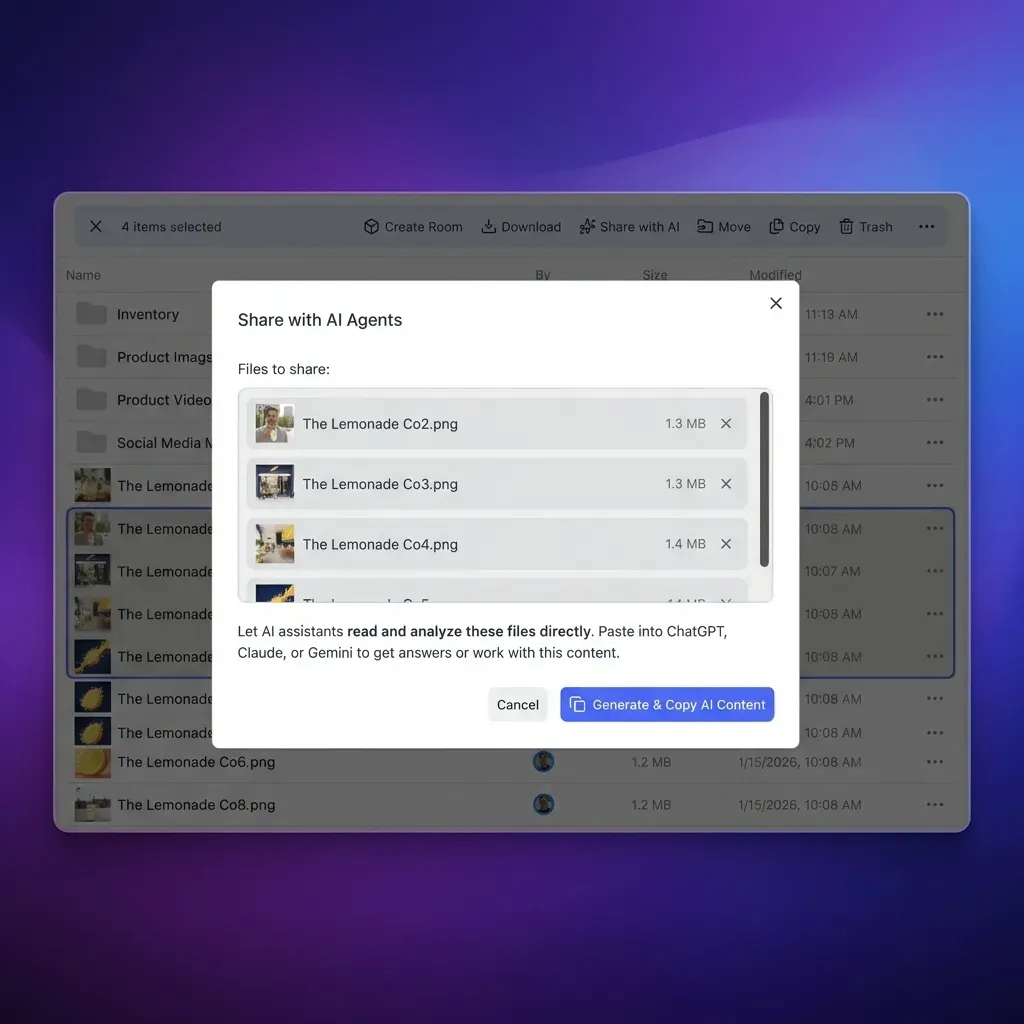
Fastio reduces permission drift by replacing complex nested folder permissions with a clean, workspace-based isolation model. Permissions are configured per organization, workspace, and share through member roles. Workspace roles are owner, admin, member, guest, and view; organization roles are owner, admin, and member. Inside a workspace, there are no folder-level or file-level permissions. Every member of a workspace accesses files according to their assigned role.
This architectural boundary simplifies governance. If a set of documents must remain restricted to the finance department, those files reside in a dedicated finance workspace rather than a subfolder inside a shared corporate directory. When a user or an autonomous AI agent executes a search, answers come only from the workspaces and shares where that user or agent is a member. Search does not reach into a workspace the asker is not a member of.
By default, a new workspace allows any organization member to join. Securing a sensitive workspace means changing its join setting to "No one can join automatically", so only members added directly get in, and limiting member management to admins and owners, since by default any workspace member can add members. Furthermore, when files are imported or synced from external sources like Google Drive, Dropbox, Box, or OneDrive, they adopt the destination Fastio workspace's permissions rather than the source drive's sharing rules. This prevents misconfigured cloud drive permissions from leaking into the queryable search index.
Controlled External Distribution via Scoped Shares
Enterprise collaboration frequently requires sharing specific project assets with external partners, contractors, or clients without granting them access to the broader internal workspace. Fastio provides branded shares configured for Send, Receive, or Exchange workflows.
Each share is its own access boundary, with settings such as password protection, guest access, and expiration dates for portal shares. To protect intellectual property, a share can also disable file downloads, so recipients see files through in-browser previews instead. Because external guests accessing a share link do not require paid member seats, teams can distribute project documentation, board materials, or client deliverables securely without expanding the organization's member footprint or exposing private workspace data.


Deploy AI-Powered Enterprise Search Across Your Company Documents
Give employees and autonomous AI agents a queryable workspace where enterprise documents are indexed on arrival, backed by checkable citations, and protected by member permissions. Monthly plans start with a 14-day free trial (credit card required).
Unifying Human Teams and Autonomous AI Agents on Shared Knowledge
Human teams and autonomous AI agents can both work from enterprise knowledge bases. Engineering and operations teams can deploy autonomous AI agents to review pull requests, summarize contracts, draft customer communications, and coordinate technical workflows. In Fastio, working files live directly in the workspace, so agents can query documents and collaborate alongside team members under unified permissions.
A modern company brain functions as a shared substrate where human professionals and AI agents work from identical ground-truth files. When an employee uploads an updated vendor agreement or amends a technical architecture plan, connected agents read the same updated file, and its new text becomes searchable once indexing finishes. This unified data layer helps keep human decisions and agent work consistent.
Standardizing AI Retrieval via Model Context Protocol
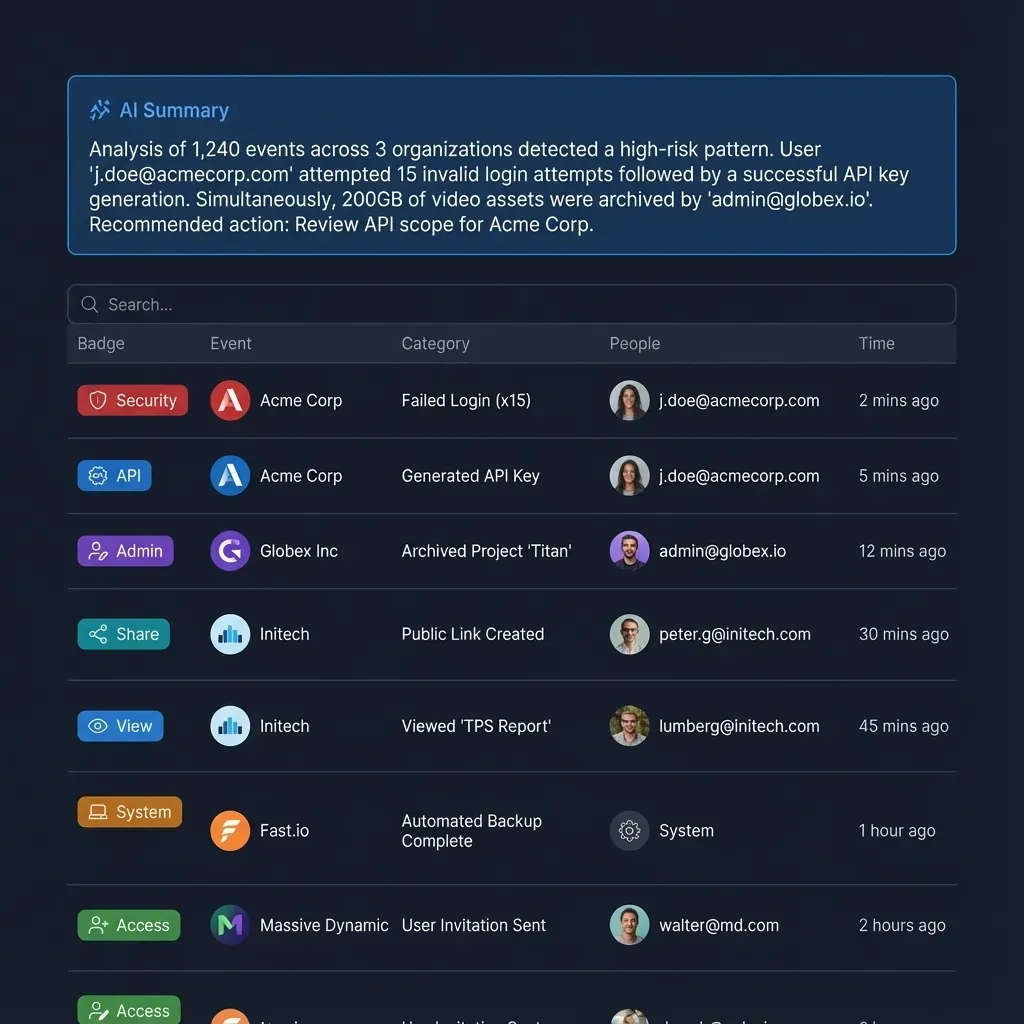
To bridge the gap between language models and enterprise storage, Fastio provides a remote Model Context Protocol (MCP) server operating over Streamable HTTP. MCP establishes a standardized communication protocol for AI clients, allowing tools like Claude Code, Cursor, Codex, ChatGPT, and custom agent scripts to interact directly with workspace files and search indexes.
AI clients connect using dedicated endpoints tailored to their operational mode:
- General agent runtimes and Claude apps: Connect at
https://mcp.fast.io/mcp/toolsusing OAuth authentication. - ChatGPT and Codex environments: Install the Fastio plugin from the directory, or configure a custom connector at
https://mcp.fast.io/mcp/operations. - Coding agents (Claude Code, Cursor, VS Code, Cline): Connect at
https://mcp.fast.io/mcp/codefor a compact search-and-execute interface over the Fastio API.
When a human connects an AI client, Fastio presents a Review Permissions screen where the person signing in chooses Read Only or Read & Write and which organizations and workspaces the connection can reach. With Read Only, tools that change data are not offered, so that connection cannot change files. For headless servers, CI pipelines, or background daemons, agents connect by sending a scoped API key in an Authorization: Bearer <api key> header. Setup instructions are documented at https://mcp.fast.io/docs, with the agent guide available at https://mcp.fast.io/skill.md.
Auditing Agent Operations with Detailed Activity Logs
Integrating autonomous agents into production environments introduces accountability concerns. If an agent refactors code, updates an onboarding guide, or renames a project directory, administrators must be able to track exactly what occurred.
Fastio maintains a detailed activity log that records chronological modifications across the organization, including file uploads, edits, moves, deletions, membership adjustments, permission updates, and share creations. Because both human team members and automated agents authenticate under verified identities, the activity log shows which person or agent made each change.
When several agents or people edit the same files, Fastio keeps version history for each file, so if an agent writes a bad update to a specification, team members can find the change in the activity log and restore an earlier version. Agents can also take advisory file locks with the MCP storage_manage actions lock-acquire and lock-release. A lock tells other agents the file is being edited and expires unless it is renewed; it does not block reads or grant exclusive write rights. Collaborative Notes sit beside the files in the workspace, so meeting notes and team context stay attached to the documents they describe.
Steps to Deploy an AI Enterprise Search Architecture
Deploying an AI-powered enterprise search engine requires a deliberate sequence of ingestion, access control configuration, and agent connectivity. Rather than attempting to index every legacy corporate folder simultaneously, successful rollouts follow an organized implementation roadmap that prioritizes active project documentation before expanding to archival assets.
Building a centralized company brain on Fastio establishes an indexed knowledge repository where team documents live, synchronize, and respond to natural-language inquiries from employees and automated agents alike. By configuring clean workspace boundaries first, IT leaders reduce the risk of permission leaks before turning on automated ingestion. The following sections break down the practical deployment process and compare unified workspace architectures with connector-based approaches.
Step-by-Step Workspace Setup and Ingestion
An effective deployment follows five practical steps:
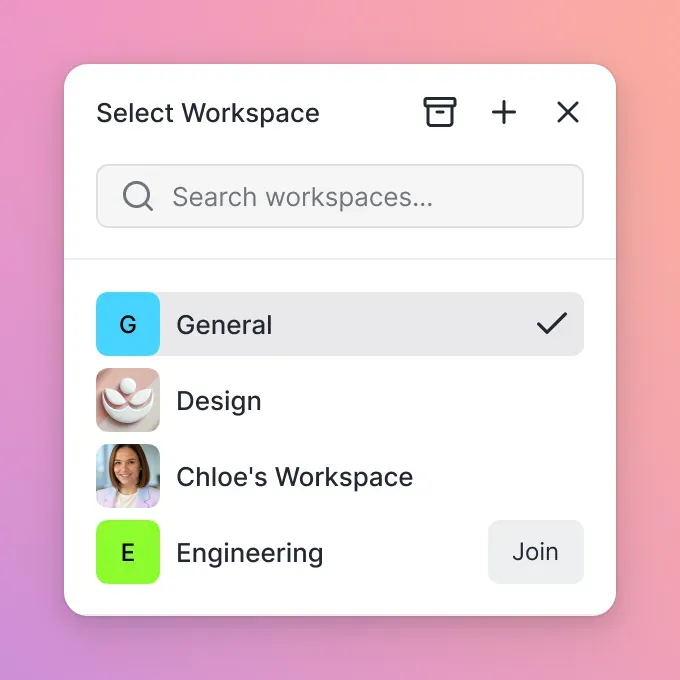
- Establish Workspace Boundaries: Create distinct workspaces aligned with operational teams or sensitive initiatives, such as Engineering, Legal, Customer Operations, and Executive Leadership. On confidential workspaces, change the join setting to "No one can join automatically" so only members added directly get in, and limit member management to admins and owners.
- Configure Cloud Sync Ingestion: Connect external file repositories to bring documentation into the company brain. Cloud Sync connects Google Drive, Dropbox, Box, and OneDrive folders to a workspace, one-way or two-way, on a schedule or on demand. SharePoint document libraries synchronize directly through the OneDrive connector.
- Enable Intelligence Mode: Enable Intelligence on target workspaces. Once enabled, files are indexed automatically upon arrival for semantic search, summarization, and citation-backed chat, without requiring manual embedding pipelines or external vector databases.
- Connect AI Clients and Developers: Provide team members and autonomous agents with appropriate connection credentials. Developers configuring coding assistants in Cursor or Claude Code point their client configurations to
https://mcp.fast.io/mcp/code, while general workplace assistants connect tohttps://mcp.fast.io/mcp/tools. Ensure that agents operating in production environments use scoped API keys with only the scopes they need (a key acts with the permissions of the user who created it). - Set Up Structured Extraction with Metadata Views: For repositories containing high volumes of recurring documents like contracts, receipts, or technical datasheets, create Metadata Views in the workspace. Define natural-language extraction prompts to parse unstructured records into typed database columns for rapid sorting and filtering.
Evaluating Enterprise Search Platforms
When evaluating AI enterprise search tools, IT leaders must distinguish between connector-based indexers and unified workspace platforms. Incumbent tools like Glean, Coveo, Guru, and Notion AI each serve distinct workplace niches:
The foundational distinction between these systems lies in document locality. Connector-based tools index content from other applications through their APIs and mirror each source's permissions, while the files stay in those applications. In Fastio, working files live in the workspace, so agents search them, acquire file locks, co-edit Notes, and save outputs beside the sources under unified workspace and share permissions.
Frequently Asked Questions
What is AI-powered enterprise search?
AI-powered enterprise search is an information retrieval system that combines vector embeddings, full-text keyword indexing, and retrieval-augmented generation to understand natural-language questions and synthesize answers from internal company documents, complete with source citations.
How does AI enterprise search handle file permissions?
Fastio handles permissions at the organization, workspace, and share levels through member roles (workspace roles are owner, admin, member, guest, and view). It does not use folder-level or file-level permissions. Search and Intelligence answer queries exclusively from the specific workspaces and shares the asking user or agent has joined.
Can AI agents query enterprise search tools directly?
Yes. Autonomous AI agents query Fastio directly through its remote Model Context Protocol (MCP) server over Streamable HTTP. Clients like Claude Code, Cursor, Codex, and custom scripts connect to dedicated endpoints (https://mcp.fast.io/mcp/code, https://mcp.fast.io/mcp/tools, or https://mcp.fast.io/mcp/operations) to search and read workspace documents within their assigned permission scopes.
Why do traditional crawler-based search engines suffer from oversharing?
Crawler-based search engines follow each source's permissions, so any file the source overshares becomes searchable. Nested folder permissions are easy to misconfigure, and while obscure filenames can hide such files from keyword lookups, semantic search lets anyone with access surface them by asking a conceptual question.
How does hybrid search differ from pure vector search?
Pure vector search maps concepts into embedding spaces, which excels at conversational queries but often misses exact alphanumeric strings like part numbers, error codes, and legal clause references. Hybrid search executes both vector retrieval and sparse keyword matching (BM25) simultaneously, combining their scores for optimal relevance.
Does Cloud Sync mirror sharing settings from source cloud storage?
No. Files imported or synchronized via Cloud Sync from Google Drive, Dropbox, Box, or OneDrive adopt the permissions of the destination Fastio workspace, rather than inheriting the sharing settings of the source drive. This ensures that internal access remains strictly governed by workspace membership.
Related Resources

Deploy AI-Powered Enterprise Search Across Your Company Documents
Give employees and autonomous AI agents a queryable workspace where enterprise documents are indexed on arrival, backed by checkable citations, and protected by member permissions. Monthly plans start with a 14-day free trial (credit card required).