How to Share DICOM Medical Imaging Files Securely
Sharing medical imaging DICOM files securely for clinical review protects patient data and maintains diagnostic accuracy. These files from MRI or CT scans often number in the hundreds or thousands per study, requiring high-bandwidth, lossless transfers to avoid errors. This guide covers risks, a secure sharing checklist, and practical steps using platforms with encryption and granular controls.

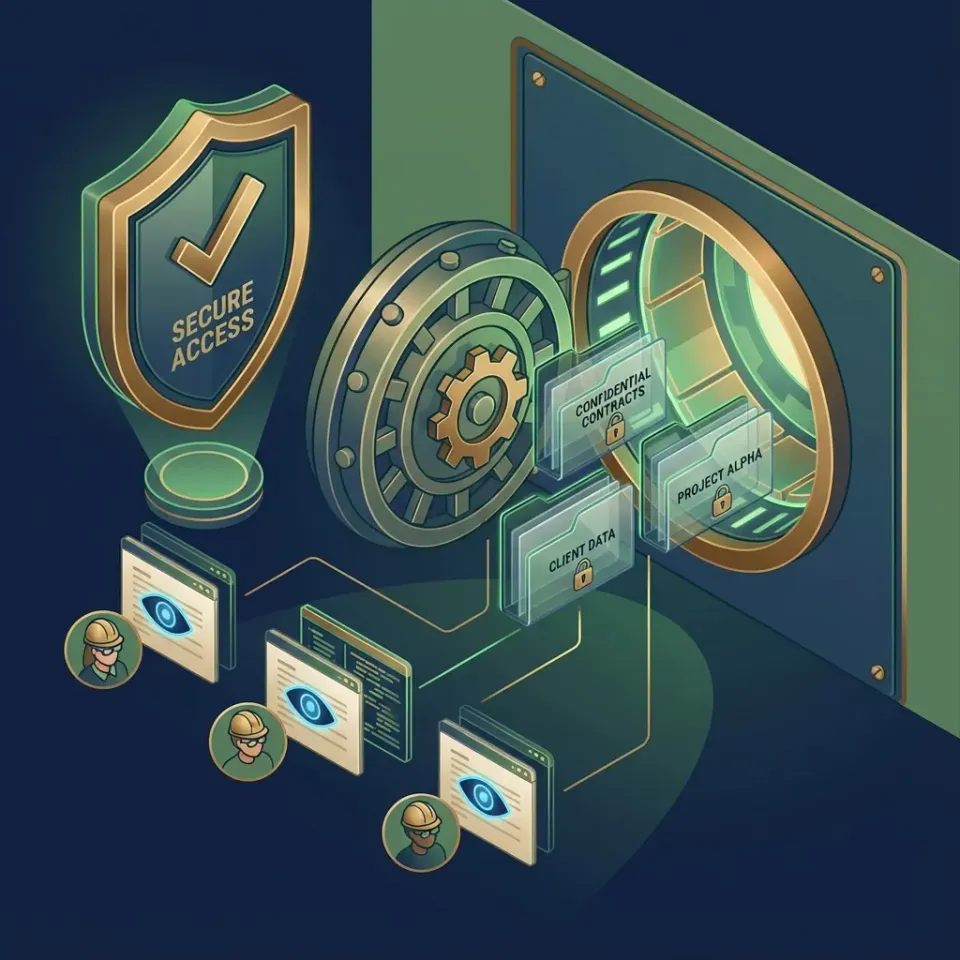
What Are DICOM Files and Why Secure Sharing Matters
DICOM is the standard format for medical images from modalities like MRI, CT, and X-ray. Each study generates multiple files containing pixel data, metadata, and patient information.
For clinical review, radiologists and physicians need quick access to full-resolution images. Compression or insecure transfer risks altering details critical for diagnosis. Platforms must support large datasets without quality loss.

Size and Complexity of DICOM Datasets
A single MRI brain scan produces 500 to 2,000 DICOM files across sequences like T1, T2, and FLAIR. According to Radiopaedia, typical protocols include 20-40 slices per sequence with multiple orientations.
Related guides
- How to Share Large Files on Discord (Without Hitting the Size Limit)Discord's file upload limit is 10MB for free users, 50MB for Nitro Basic, and 500MB for full Nitro subscribers. For...
- How to Share Files with China: Working Around the Great FirewallFile sharing with China requires services that aren't blocked by the Great Firewall, as most Western platforms like...
- How to Share Large Files: 6 Methods ComparedThe top file sharing method depends on three factors: file size, whether recipients need ongoing access, and how often...
- How to Share Large Files Internationally Without DelaysInternational file sharing is the transfer of digital files across geographic borders, accounting for network latency,...
- How to Upload Video to Link: The Secure Way to Share Large FilesUploading a video to a link is the fast way to share large footage without email bounce-backs or long download times.
- How to Share Large JSON and XML Files for API IntegrationThe best way to share large JSON and XML files for API integration is through direct download links from services that...
More on this subject: File Sharing (155 guides)
Common Risks in DICOM File Sharing
Email attachments hit size limits and lack encryption. Consumer cloud drives offer weak access controls and visible logs exposing PHI.
Public links risk interception. Patient portals suit consumer sharing but fall short for peer clinician collaboration needing real-time access and audit trails.
Secure DICOM Sharing Checklist
Follow this checklist for safe peer-to-peer clinical review:
- Use end-to-end encryption for data in transit and at rest.
- Enable password protection and expiration on share links.
- Restrict access by domain or IP for institutional emails.
- Set view-only permissions to prevent downloads.
- Log all views, downloads, and access attempts.
- Support lossless transfers for full diagnostic quality.
- De-identify files if sharing beyond trusted networks.



Secure Your DICOM Sharing Today
Fastio delivers encrypted, audited sharing for clinical reviews. Unlimited guests, no compression, scalable pricing.
Step-by-Step: Sharing DICOM Files on Fastio
Fastio provides workspaces for secure DICOM sharing.
Create a Workspace: Set up an organization-owned space for the case. Add team members with granular roles.
Upload DICOM Study: Drag folders or use chunked upload for large sets. Files stay uncompressed.
Configure Permissions: Granular controls at workspace, folder, file level. Invite clinicians as guests.
Generate Secure Share: Create branded data room links with password, expiration and downloads disabled.
Monitor Activity: Review audit logs for access, time spent, downloads.
Collaborate: Real-time presence shows who views files.

Fastio Advantages for Clinical DICOM Sharing
Fastio uses cloud-native architecture for instant access without sync issues. Encryption protects data at rest and transit. Unlimited guest access suits multi-clinician reviews.
Flat plans include seats (3, 10 or 30 by plan) plus metered overage. Branded portals build trust. Unlike portals, supports peer sharing with full controls.
DICOM Sharing Alternatives Comparison
Fastio stands out for clinician-focused features.
Sources
References used to verify factual claims in this guide.
-
MRI datasets contain hundreds to thousands of DICOM files.
Frequently Asked Questions
How do I share an MRI scan with a doctor?
Upload to a secure workspace like Fastio, invite via email, set view-only link with password. Track access in logs.
Is it safe to share DICOM files over the cloud?
Yes, with platforms offering encryption, granular permissions, and audit trails. Avoid consumer tools lacking controls.
What is the best way to transfer large DICOM datasets?
Use high-bandwidth services with resumable uploads and no compression, like Fastio workspaces.
How to de-identify DICOM files for sharing?
Remove PHI tags using tools compliant with DICOM standards before upload.
Can Fastio preview DICOM files?
Fastio supports universal previews for many formats; use dedicated viewers for DICOM rendering.
Related Resources

Secure Your DICOM Sharing Today
Fastio delivers encrypted, audited sharing for clinical reviews. Unlimited guests, no compression, scalable pricing.