RAG Access Control: Preventing Unauthorized Retrieval in Vector Search
RAG access control is the architectural enforcement of user and agent data access rights during retrieval-augmented generation, guaranteeing that generated citations and context snippets originate solely from authorized documents. Without strict boundaries, vector search exposes restricted files across shared embeddings. This guide breaks down pre-retrieval filtering, post-retrieval access control, and container-based index partitioning to protect confidential data across autonomous workflows.


Why Standard Vector Databases Break RAG Access Control
When an enterprise ingests internal documents into a shared vector database, standard similarity search treats the entire corpus as a flat, unauthenticated namespace. A junior engineer asking an AI assistant for quarterly planning advice can receive verbatim context snippets from unreleased executive compensation memos or private board resolutions simply because the semantic similarity score is high. The failure is not an algorithmic bug in the embedding model; it is an architectural mismatch between flat vector retrieval and hierarchical enterprise permissions.
Traditional relational databases and document repositories enforce authorization at the storage layer. Every query runs through an authorization filter based on user roles, group memberships, and access control lists before returning matching records. In contrast, standard vector databases store unstructured text chunks paired with high-dimensional mathematical representations. Similarity metrics, such as cosine distance or dot product, evaluate semantic proximity between prompt tokens and indexed chunks. They do not know who uploaded a document, which teams hold read access, or whether a user identity token accompanies the retrieval request.
RAG access control is the architectural enforcement of user and agent data access rights during retrieval-augmented generation, guaranteeing that generated citations and context snippets originate solely from authorized documents.
Without permission enforcement, retrieval-augmented generation introduces three severe security vulnerabilities into enterprise systems:
Unauthorized snippet synthesis: Large language models synthesize answers from whatever text chunks arrive in their context window. Even if an end user lacks direct download rights to a confidential file, an assistant that retrieves chunks from that file will summarize confidential findings, recite proprietary code, or expose customer records directly in the chat output.
Metadata desynchronization: In corporate file systems, permissions are fluid. An administrator revokes a user's project access, a folder moves to a private department drive, or an external contractor contract expires. Vector databases do not listen to native file system events by default. Unless a dedicated synchronization pipeline updates the vector store, stale access metadata allows former members or unprivileged users to query restricted records long after their primary credentials change.
Prompt injection bypasses: In multi-tenant environments where autonomous agents run code or execute tool calls, indirect prompt injection can trick an agent into expanding its search scope. If the vector index contains documents outside the requester's security perimeter, a malicious prompt embedded in an external email or ticket can instruct the agent to retrieve and exfiltrate internal context from storage for agents.
Related guides
- OneDrive RAG: How to Connect AI Agents and Vector Search to OneDrive FilesOneDrive RAG is a method for connecting AI agents to documents in Microsoft OneDrive by syncing folders into an indexed...
- Dropbox RAG: How to Implement Retrieval-Augmented Generation with DropboxDropbox RAG enables AI agents to query and retrieve precise text passages from Dropbox folders through an indexed...
- How to Build and Query Box RAG Workspaces with AI AgentsBox RAG enables AI agents to retrieve and cite context from enterprise Box documents without downloading entire folder...
- How Do Permissions Work in an AI Workspace?AI workspace permissions control what people and autonomous agents can search, read, and modify across enterprise...
- How to Optimize RAG Retrieval for Autonomous AgentsOptimizing RAG for agents involves tuning chunk sizes and retrieval strategies to provide actionable context for...
- How to Perform RAG with Large Files: Strategies for Heavy DocumentsRetrieval Augmented Generation (RAG) on large files requires smart chunking, indexing, and retrieval strategies to...
More on this subject: Agent Memory and Storage (304 guides)
Three Architectural Models for RAG Access Control
Securing retrieval-augmented generation requires enforcing authorization before context reaches the language model. Engineering teams address this challenge using three primary architectural patterns:
- Post-retrieval filtering (fetch-then-verify)
- Pre-retrieval metadata filtering (filter-then-fetch)
- Container-based index partitioning (isolated workspaces and namespaces)
Each model carries specific tradeoffs regarding query latency, index maintenance, and security guarantees.
1. Post-Retrieval Filtering (Fetch-then-Verify)
Post-retrieval filtering queries the vector database across the broad corpus to collect top candidates by semantic similarity. Once the vector index returns candidate chunks, an authorization proxy inspects the document identifiers associated with each chunk and verifies them against the requester's access control list or an external permissions service. Chunks failing the authorization check are discarded before constructing the prompt.
While straightforward to bolt onto an existing unauthenticated vector index, post-retrieval filtering suffers from the empty context problem. If an unprivileged user asks a question highly relevant to confidential documents, the vector search engine fills all candidate slots with high-scoring, unauthorized chunks. After the authorization proxy strips those chunks away, the application is left with zero permitted context items, even though relevant, permitted documents exist deeper in the index.
To compensate, systems must over-fetch, requesting larger batches of candidate chunks from the vector database to guarantee that enough permitted chunks survive post-filtering. This over-fetching introduces substantial processing latency, wastes vector database compute, and increases round-trip verification overhead.
2. Pre-Retrieval Metadata Filtering (Filter-then-Fetch)
Pre-retrieval metadata filtering embeds authorization criteria directly into the vector database index. When chunking and embedding documents, the ingestion pipeline attaches an array of permitted user identifiers, group identifiers, or security tags to each chunk's metadata payload. When a user submits a query, the application server constructs a boolean filter query alongside the vector search, restricting distance calculations to chunks matching the user's identity or group memberships.
{
  "vector": [0.024, -0.018, 0.091, "..."],
  "topK": 5,
  "filter": {
    "allowed_groups": {
      "$in": ["engineering", "product-core", "all-employees"]
    }
  }
}
Pre-retrieval filtering prevents unauthorized chunks from crowding out permitted context, resolving the empty context problem. However, it introduces index maintenance overhead. In enterprise environments with nested group hierarchies, dynamic role assignments, and frequent permission revocations, updating chunk metadata across large record collections becomes a bottleneck.
Furthermore, combining graph-based approximate nearest neighbor algorithms with highly restrictive metadata filters often degrades search performance. When filters exclude a large fraction of graph nodes, search algorithms struggle to find valid entry points, increasing query latency and reducing retrieval recall.
3. Container-Based Index Partitioning
Container-based index partitioning physically or logically isolates vector embeddings by administrative boundary, such as a workspace, department, or client project. Instead of maintaining a single monolithic index containing mixed-sensitivity data, the platform creates distinct, dedicated vector indexes for each container.
Under this architecture, authorization is resolved before vector search begins. The application validates the user or agent's credentials against container membership. If access is granted, the query executes exclusively against that container's isolated vector index.
This approach eliminates cross-boundary data leakage risks entirely. A query submitted to a public workspace index cannot mathematically traverse into an executive workspace index, because the vector collections do not share an underlying search graph or database namespace.
How Pre-Retrieval Filtering Compares to Post-Retrieval Verification
Evaluating pre-retrieval filtering against post-retrieval verification requires analyzing how each strategy behaves under enterprise scale, changing access rights, and low-latency requirements.
Latency and Recall Dynamics
Post-retrieval verification requires external authorization queries. When an application retrieves candidate chunks, it must make a batch request to an internal authorization service or permissions graph to confirm whether the requesting user holds read rights for each parent file. If the permissions system runs on a relational database requiring complex join operations across organizational hierarchies, this verification adds significant latency to the overall generation pipeline.
Conversely, pre-retrieval metadata filtering pushes authorization into the vector database engine. While this avoids an external verification round trip, it requires the vector engine to balance two competing operations: traversing graph edges based on vector cosine similarity while evaluating boolean metadata constraints. If an individual user belongs to dozens of distribution lists and projects, the filter query array can contain hundreds of identifiers, consuming memory and slowing query execution.
The Permission Revocation Challenge
The most critical operational difference lies in handling permission changes. In enterprise environments, access revocations must take effect immediately.
Under pre-retrieval metadata filtering, revoking access to a large directory requires locating every vector chunk associated with every file in that directory and modifying its allowed groups or allowed users array. In high-volume systems, bulk metadata updates generate heavy write loads, lock index segments, and create a temporal vulnerability window where stale chunks remain retrievable until re-indexing completes.
With container-based index partitioning, revoking access requires updating exactly one membership record. Removing a user or an autonomous agent from an intelligent workspace immediately ends their access to that workspace's files, search results, and AI answers. No per-file permissions need rewriting, and authorization enforcement is instantaneous.


Enforce RAG Access Control Across Agent Workspaces
Deploy container-based RAG access control where AI agents search only within authorized workspaces. Connect via the Fastio MCP server with scoped credentials, versioned storage, and full workspace isolation. Monthly plans start with a 14-day free trial.
How Container Workspaces Enforce Isolation Boundaries
To achieve strict RAG access control without the latency and synchronization penalties of chunk-level ACL filtering, modern architectures organize knowledge into container-based workspaces.
In a container-based model, data governance aligns directly with the retrieval perimeter. Fastio implements this design through shared org-owned workspaces and branded shares. Permissions are set per organization, workspace, and share by member role. Inside a workspace, there are no folder-level or file-level permissions: every workspace member reaches the whole workspace according to their assigned role.
This architectural model establishes clear security boundaries:
The workspace as the retrieval boundary: Workspace Intelligence indexes files automatically for semantic search, automated summaries, and citation-backed question answering. However, search and built-in intelligence queries answer only from the workspaces and shares the asking person or autonomous agent is a member of. Material that only some team members or agents should see lives in its own dedicated workspace or share.
Independent share intelligence: When external collaboration is required, teams create branded shares (Send, Receive, or Exchange) with per-recipient access controls. Intelligence within a share answers exclusively from that share's files, preventing external participants or specialized agents from querying the broader workspace. A share can also disable file downloads when distributing sensitive preview materials.
Inherited cloud sync permissions: Organizations frequently aggregate knowledge from external repositories. Cloud Sync connects Google Drive, Dropbox, Box, and OneDrive (including SharePoint document libraries through the OneDrive connector) to a workspace. Sync operations run one-way or two-way, on a schedule or on demand, never continuous, live, or real-time. Files synced from these providers take the Fastio workspace's permissions, and the source drive's sharing settings do not carry over. What a user or agent can retrieve is governed by Fastio workspace membership rather than fragmented permissions on external drives.
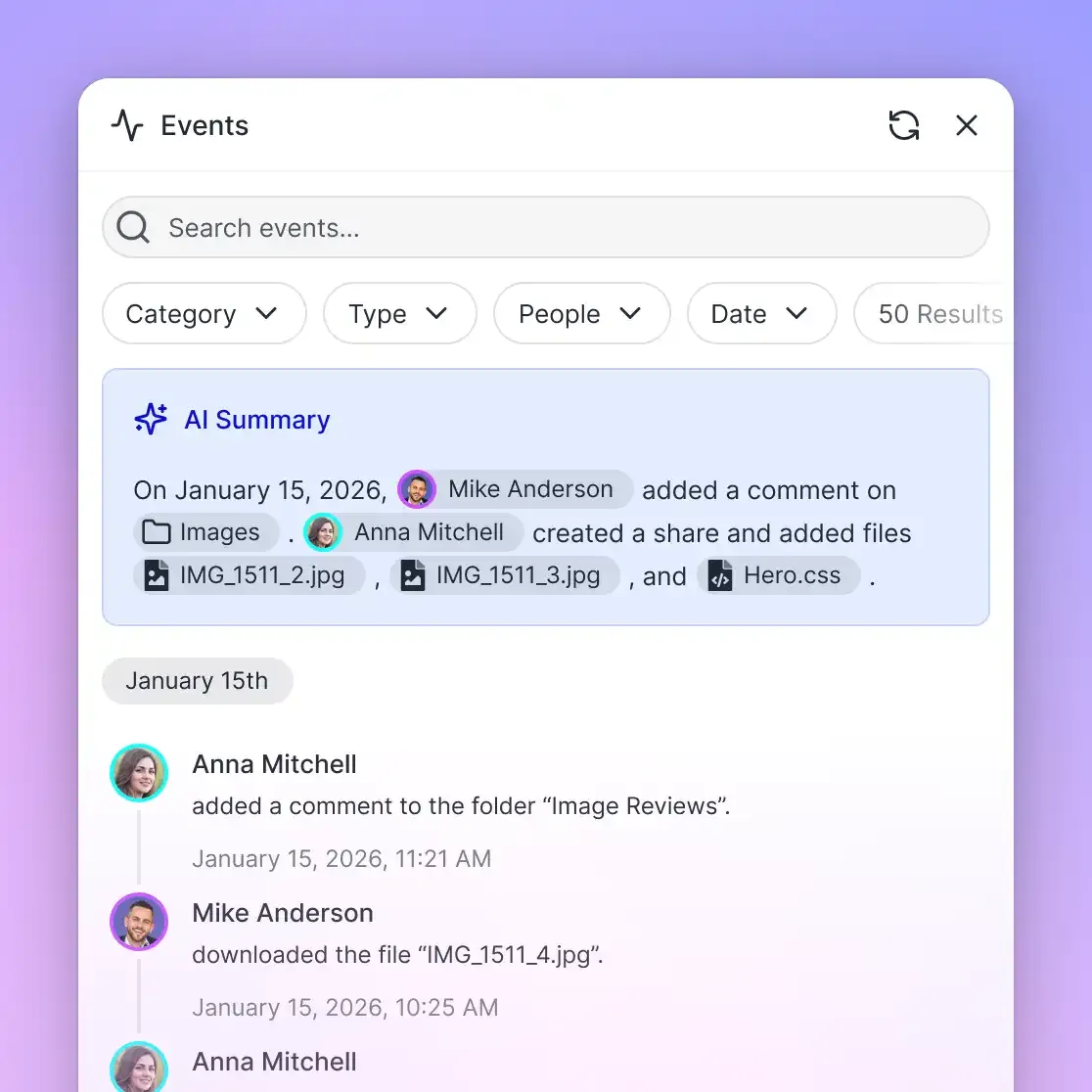
Detailed activity logging: Tracking administrative changes is critical for enterprise security. A detailed activity log records changes across an organization, including file uploads, edits, moves, deletions, membership changes, role adjustments, and share creation. The activity log records what changed and who changed it, both people and agents, providing administrative transparency without logging passive read, view, or download events.
Fastio runs on cloud infrastructure partners, including Google Cloud Platform and Cloudflare, that are certified to industry security standards. Data is protected through encryption in transit and at rest, scoped credentials, strict workspace isolation, role-based permissions, and a detailed activity log.
How to Configure Scoped Multi-Agent Retrieval via MCP
As organizations deploy autonomous AI agents to analyze documents and execute tasks, managing retrieval boundaries becomes even more critical than managing human access. Human workers are constrained by user interfaces and working speed. Autonomous agents, by contrast, make thousands of API requests, process large context windows, and can inadvertently expose confidential data across systems if given broad API keys.
To enforce RAG access control across autonomous systems, agents should connect through standard, scoped protocols rather than direct database credentials. The Model Context Protocol (MCP) provides a structured architecture for connecting language models to external storage and intelligence services.
Fastio hosts a remote MCP server over Streamable HTTP at specific addresses tailored to client architectures:
https://mcp.fast.io/mcp/toolsfor Claude desktop, web, mobile, Manus, and general agent runtimes.https://mcp.fast.io/mcp/operationsfor ChatGPT and Codex custom server configurations.https://mcp.fast.io/mcp/codefor coding agents in IDEs and terminals, including Claude Code, Cursor, Devin, and Cline.
Setup instructions and protocol documentation are maintained at Fastio MCP documentation.
Interactive agent clients authenticate through OAuth. During connection setup, the platform presents a Review Permissions screen where the person signing in selects Read Only or Read & Write access and explicitly designates which organizations and workspaces the connection reaches. Headless agents, automated pipelines, and backend services authenticate using a scoped API key passed via the standard authorization header:
Authorization: Bearer <scoped_api_key>
When an agent initiates semantic search or document retrieval, the request is restricted to the specific workspaces permitted on its credential. An agent assigned to a Customer Support workspace cannot query, retrieve, or synthesize answers from a Product Development workspace, even if both workspaces operate under the same corporate subscription.
To perform semantic retrieval, agents invoke search operations using the storage tool. When Intelligence is enabled on the target workspace, queries execute semantic retrieval with citation grounding:
{
  "method": "tools/call",
  "params": {
    "name": "storage",
    "arguments": {
      "action": "search",
      "profile_type": "workspace",
      "profile_id": "1234567890123456789",
      "query": "enterprise data retention policies and encryption requirements"
    }
  }
}
For collaborative multi-agent architectures, teams can establish distinct workspaces for each stage of a pipeline. A research agent deposits parsed source data into an intake workspace. A human editor reviews the compiled findings, uses Collaborative Notes beside the files to add guidance, and transfers finalized assets to a client delivery share. If an agent initializes a new organization for a customer engagement, it can perform an ownership transfer, handing it to a human colleague with a claim link while staying on as an admin, building a connected company brain with defined permissions.
Frequently Asked Questions
How do you enforce access control in RAG?
You enforce access control in RAG using one of three primary patterns: post-retrieval filtering, pre-retrieval metadata filtering, or container-based index partitioning. Post-retrieval filtering checks retrieved chunks against an authorization list before prompt construction. Pre-retrieval filtering embeds user and group tags into vector metadata and applies boolean constraints during vector search. Container-based partitioning isolates vector indexes by workspace or project, validating requester credentials at the container boundary before search begins.
How does vector search handle document permissions?
Vector search algorithms do not evaluate document permissions natively. Nearest-neighbor searches evaluate only mathematical distance between vector embeddings. To enforce document permissions, systems must either attach security tags to vector metadata for query-time filtering, verify retrieved chunk IDs against an external permissions service, or partition vector indexes into distinct collections mapped to authorized workspaces.
What is permission-aware retrieval in generative AI?
Permission-aware retrieval is a search architecture that guarantees generative AI responses and citations draw exclusively from documents the requesting user or agent holds explicit authorization to access. This prevents AI assistants from exposing confidential files, intellectual property, or restricted personal data through synthesized answer snippets.
How do synced cloud drives affect RAG permissions?
When files sync from cloud drives like Google Drive, Dropbox, Box, or OneDrive into a RAG platform, permission inheritance depends on platform architecture. In Fastio, Cloud Sync operates on a schedule or on demand, and imported files inherit the Fastio workspace permissions. External sharing settings from the source drive do not carry over, establishing a clean, unified retrieval boundary governed entirely by workspace membership.
Why does post-retrieval filtering cause empty or low-quality context?
Post-retrieval filtering retrieves top chunks based purely on semantic similarity before checking permissions. If the most relevant documents in the vector database are confidential, the top-ranked results will consist of restricted chunks. When the authorization filter discards these chunks, the LLM receives depleted or empty context, even when permitted relevant documents exist lower in the index.
Can an AI agent bypass RAG access boundaries through prompt injection?
In flat vector databases containing multi-tenant or mixed-permission data, indirect prompt injection can instruct an agent to query and summarize restricted chunks. However, container-based boundaries prevent this. Because the agent only holds credentials for its assigned workspace, prompt manipulation cannot extract data from containers outside that perimeter.
Related Resources

Enforce RAG Access Control Across Agent Workspaces
Deploy container-based RAG access control where AI agents search only within authorized workspaces. Connect via the Fastio MCP server with scoped credentials, versioned storage, and full workspace isolation. Monthly plans start with a 14-day free trial.