Open Loop vs Closed Loop: Designing Reliable AI Agent Architectures
Closed-loop agent architectures consistently outperform open-loop systems on complex task completion. This article analyzes the gap between fire-and-forget designs and self-correcting control loops for large language model agents. It outlines the directory structures, version control strategies, and human review checkpoints required to build reliable multi-agent systems.

Why Feedback Loops Define Agentic Autonomy
Closed-loop agent architectures consistently complete complex tasks at far higher rates than open-loop systems. The performance gap between the two architectures represents the boundary between basic prompt completion and production-ready systems that can self-correct to reach a goal. As developers deploy large language model agents for complex tasks, they must decide how these systems interact with their environment. The distinction between an open loop vs closed loop system is the presence of feedback.
An open-loop agentic system executes a task without monitoring its outcomes, while a closed-loop system continually measures performance against a goal state to make self-corrections. In an open-loop model, often called a fire-and-forget workflow, the agent receives an instruction, generates a response, and terminates execution. The system assumes that the underlying model's initial reasoning is correct and that the output matches the user's intent. While this works for simple text generation, it fails when tasks require tool execution, database access, or multi-step reasoning. If an error occurs during a middle step, the open-loop agent cannot detect the failure. It either stops or produces incorrect results, leaving the user to diagnose the issue.
To build reliable systems, developers are turning to agentic control loops. These closed-loop architectures model agent behavior as a continuous cycle of planning, execution, observation, and correction. The agent is given a specific goal state and the tools to inspect the environment. After performing an action, the agent analyzes the results to determine if they match the desired goal. If it detects a discrepancy, it adjusts its plan and executes a new action. This iteration continues until the agent verifies that the goal has been achieved or reaches a predefined iteration limit. This self-correction loop is what makes a system agentic rather than merely assistant-based.
Related guides
- Top 10 Open Source AI Agents You Can Run Locally in 2026Open source AI agents are autonomous software programs that run LLMs locally, with full source code available to...
- OpenFuture AI Review 2026: What the Directory Gets Right and WrongOpenFuture AI is a free directory indexing over 40,000 AI tools across 70+ categories, updated daily. This review...
- Top Open-Source LLMs for AI Agents: Performance and Tool-Use RankedOpen-source LLMs for agents are models with publicly available weights that have been fine-tuned for reasoning,...
- Best Pydantic AI Tools for Building Reliable Agents (2026)Building reliable AI agents requires more than just prompts; it demands structured, type-safe data. Pydantic AI tools...
- Open Evidence AI Review: Features, Accuracy, and Best AlternativesOpenEvidence has signed up over 757,000 verified physicians with free, citation-backed clinical answers, yet accuracy...
- Best Web Browsing Tools for AI Agents (2026)Web browsing tools let AI agents navigate the live web, fill forms, and extract real-time data. Traditional scrapers...
More on this subject: AI Tool Directories and Comparisons (231 guides)
How Open-Loop and Closed-Loop Workflows Differ
To understand where each architecture fits, developers must compare their operational mechanics. Open-loop workflows are linear and deterministic. They require less compute overhead and complete tasks with minimal latency. However, they are fragile. If the target environment changes or a tool returns an unexpected format, the run fails.
Closed-loop systems, by contrast, are dynamic and probabilistic. They trade execution speed and token cost for high reliability. A closed-loop agent uses more API calls because it constantly verifies its own progress. This makes the system resilient to transient API errors, changing schemas, and unexpected environment states.
When deciding when to deploy a closed-loop architecture, consider the cost of failure. If the task is a simple database lookup or a draft summary, an open-loop approach is sufficient. If the task is a multi-step code generation pipeline, a financial reconciliation workflow, or an automated document classification task, a closed loop is required. The feedback loop acts as an automated quality assurance layer, protecting downstream systems from invalid agent outputs.
Structuring File Handoffs in Multi-Agent Pipelines
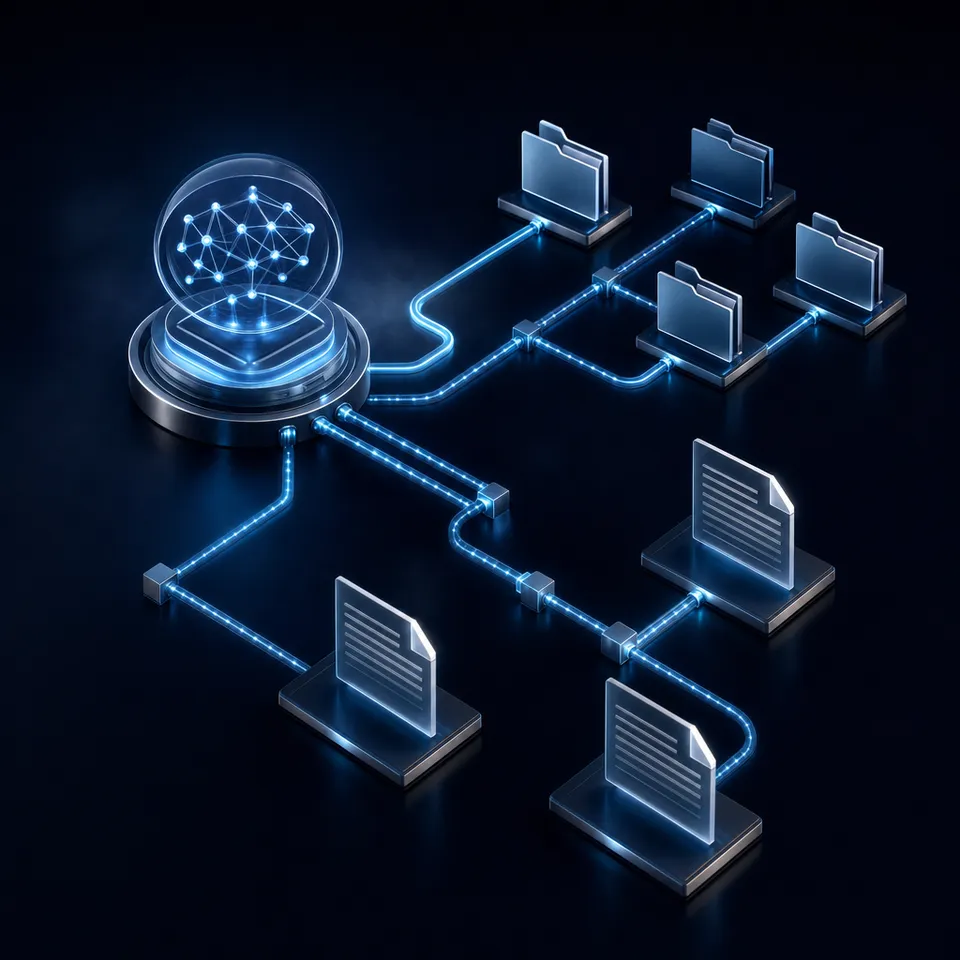
As agent systems scale from single-loop architectures to multi-agent coordinate networks, managing state becomes the primary engineering challenge. In a multi-agent system, specialized agents pass files to one another. For example, a research agent gathers data, writes it to a file, and hands it to a writer agent, which then passes the draft to an editor agent. Without persistent storage and structured directories, these handoffs collapse.
While developers often start by storing state in local temporary directories, this approach fails in production. Local filesystems isolate the data, making it impossible for humans or external services to inspect the agent's progress. Standard cloud storage like AWS S3 or Google Drive can act as a decoupled state store, but they lack the versioning and event telemetry needed for active agents. If two agents attempt to write to the same file concurrently, they create write conflicts and data loss.
A shared cloud workspace provides a stable coordinate substrate. In this architecture, agents and humans share the same file system, accessing folders via long-lived scoped API keys. Fastio shared workspaces act as this persistent substrate, ensuring that all agent inputs, intermediate thoughts, and outputs remain visible and auditable. Rather than allowing agents to overwrite each other's files, developers establish clear naming conventions and folder structures:
/workspace/
├── /input/
│   └── raw-documents/
├── /processing/
│   ├── /research/
│   │   └── data-sources.json
│   └── /writer/
│       └── raw-draft.md
└── /output/
    └── verified-report.json
By isolating directories, you prevent agents from interfering with each other's execution contexts. If parallel agents must write to the same document, Fastio version history preserves each write as a unique version. This enables downstream agents to review changes or restore previous versions programmatically without human intervention.
Here is a JavaScript example of an agent using the Fastio MCP server programmatically to write its state back to a shared workspace. The agent uses the upload_manage tool to save its execution log, ensuring the next agent in the pipeline can read the output:
import { Client } from "@modelcontextprotocol/sdk/client/index.js";
import { StreamableHTTPClientTransport } from "@modelcontextprotocol/sdk/client/streamableHttp.js";

// Initialize client and connect to the Fastio MCP server
const client = new Client({ name: "research-agent", version: "1.0.0" });
await client.connect(new StreamableHTTPClientTransport(
  new URL("https://mcp.fast.io/mcp/tools"),
  { requestInit: { headers: { Authorization: `Bearer ${process.env.FASTIO_API_KEY}` } } }
));

// Define the state payload for the next agent
const agentState = {
  status: "completed",
  verified: true,
  outputFile: "/workspace/processing/research/data-sources.json"
};

// Write the execution state to the shared workspace
await client.callTool({
  name: "upload_manage",
  arguments: {
    action: "stream-upload",
    profile_type: "workspace",
    profile_id: process.env.FASTIO_WORKSPACE_ID,
    parent_node_id: process.env.RESEARCH_FOLDER_ID,
    filename: "state.json",
    content: JSON.stringify(agentState, null, 2)
  }
});
By decoupling storage from execution, worker agents remain stateless. If an agent run crashes due to a network interruption, a supervisor agent can spin up a new worker instance, read the state file from /workspace/processing/research/state.json, and resume the task without losing progress.


Build reliable closed-loop agent systems today
Connect your agents to a persistent, versioned workspace via the Fastio MCP server. Extract structured data programmatically and add human review checkpoints. Start a monthly plan's trial of up to 14 days.
Designing Self-Correcting Agentic Workflows
To build a closed-loop agent, developers must implement a verification layer that assesses whether an action has succeeded. Without this verification, the loop remains open, and the agent cannot self-correct. For code generation, this is simple: the agent runs unit tests and parses the error logs. For structured document processing and data extraction, the verification layer must check if the extracted fields match a expected schema.
This is where Metadata Views provide a structured extraction layer. Instead of writing custom parsing scripts or complex regular expressions to verify files, developers define a target schema in natural language. The Fastio workspace automatically generates a typed data grid, scans the files in the workspace, and extracts the fields. The schema supports seven field types: Text, Integer, Decimal, Boolean, URL, JSON, and Date & Time.
For example, a billing agent can run a closed-loop workflow that processes inbound invoices. The agent imports files from external folders using the Fastio Cloud Import tool (which pulls from Google Drive, Box, OneDrive, and Dropbox via OAuth without local storage overhead). Once files land in the workspace, they are auto-indexed. The agent then queries the workspace's Metadata View to extract invoice totals and payment dates.
// For each invoice file, read its extracted fields with the MCP `storage`
// tool (action "metadata-facts"). If the total is missing or is not a
// positive number, re-run extraction for that file with the storage
// write tool (action "metadata-extract"). Call each tool with action
// "describe" for the exact parameters of each action.
If the verification step detects a missing or invalid value, the agent triggers a re-extraction or tries a different extraction strategy. By using Metadata Views as the verification layer, developers build closed-loop workflows that ensure data quality before writing to external databases. This programmatic verification is essential for maintaining accuracy at scale.
How to Structure Human Review Checkpoints
Even the most sophisticated closed-loop agents encounter edge cases that require human judgment. A reliable architecture must support human-in-the-loop checkpoints, allowing agents to escalate issues to humans when confidence scores drop. This prevents agents from executing incorrect actions in a loop, wasting tokens and compute resources.
Developers build these checkpoints with the workspace primitives Fastio ships. When an agent encounters an unresolvable error or a low-confidence result, it writes the files to a designated review folder, and the upload appears on the workspace activity feed for the human reviewer. The reviewer opens the file in the browser, compares revisions using per-file version history, and records a decision in Collaborative Notes. Every step lands in the activity log, keeping the escalation trail transparent to both humans and agents.
Once the setup is verified, the agent can transfer ownership of the organization to the human client. The agent constructs the workspace, establishes the folder structures, and designs the Metadata Views. When the setup is ready, the agent generates an ownership transfer claim link. The human recipient claims the organization and enters their billing details on the pricing page to start a monthly plan's trial of up to 14 days (credit card required).
All organizations run on a paid subscription model with three plans:
- The Starter plan costs $9.99/mo ($99/year) and provides 250 GB of storage.
- The Business plan costs $49.99/mo ($499/year) and supports 10 seats and 5 TB of storage.
- The Enterprise plan costs $199.99/mo ($1,999/year) and supports 30 seats and 25 TB of storage.
Seats and storage come with these plans, and extra storage and bandwidth are billed by use; usage-based credits cover AI work such as chat, ingestion and agent runs. After the handoff, the agent transfers full data ownership to the human client while retaining admin access. This ensures that the human client controls the billing and high-consequence decisions, while the agent continues to run its background processes within safe, monitored boundaries.
Sources
References used to verify factual claims in this guide.
-
The Starter plan costs $9.99/mo ($99/year) and provides 250 GB of storage. The Business plan costs $49.99/mo ($499/year) and supports 10 seats and 5 TB of storage. The Enterprise plan costs $199.99/mo ($1,999/year) and supports 30 seats and 25 TB of storage. Monthly plans start with a trial of up to 14 days (credit card required); annual plans have no trial.
Frequently Asked Questions
What is the difference between open loop and closed loop agent workflows?
An open-loop agent executes a task in a single pass without verifying the results, whereas a closed-loop agent continuously observes the outcomes of its actions and makes self-corrections until it achieves the target goal state.
When should you use a closed loop AI architecture?
Use a closed-loop architecture for complex, multi-step, or mission-critical tasks where the environment can change or errors are likely. Example tasks include autonomous software engineering, database migrations, and document extraction workflows.
How does persistent storage support closed-loop agent coordination?
Persistent storage acts as a decoupled state registry where agents read inputs, write outputs, and verify execution logs. This prevents context window bloat and ensures that state is preserved if a runtime process restarts.
Related Resources

Build reliable closed-loop agent systems today
Connect your agents to a persistent, versioned workspace via the Fastio MCP server. Extract structured data programmatically and add human review checkpoints. Start a monthly plan's trial of up to 14 days.