How to Set Up a Manus AI File Handoff Workflow
A Manus file handoff workflow is the automated pipeline that retrieves files from a completed agent task sandbox and distributes them to human team members or clients. By integrating the Manus API and webhook system with Fast.io workspaces, developers can automate the secure transfer of reports, code, and other deliverables. This guide covers how to set up the connection, listen for task events, and manage collaborative notes.


How to Set Up a Manus File Handoff Workflow
According to the 2026 Gartner CIO and Technology Executive Survey, only 17% of organizations have successfully deployed AI agents in production, despite surging developer interest [Gartner 2026 Survey]. This 83% implementation gap highlights a primary hurdle in AI workflows: it is one thing to get an autonomous agent to execute a task, but quite another to safely retrieve and distribute its output. Without a reliable file handoff system, files generated inside ephemeral agent sandboxes remain trapped, forcing developers to build complex, brittle pipeline scripts. By setting up a structured Manus file handoff workflow, engineering teams can bridge this gap, automating the secure transition of assets from completed agent tasks directly to humans.
Related guides
- How to Design a Base44 File Handoff WorkflowTransitioning assets from a visual development environment to client delivery portals requires a structured pipeline....
- How to Build a Hermes Agent Subagent File Handoff WorkflowCoordinating multi-agent systems requires structured file boundaries and task delegation. By combining Nous Research...
- How to Build a Manus AI Resume Builder WorkflowBuilding a Manus AI resume builder workflow allows job seekers to automate company research, analyze qualification gaps...
- Is Manus AI Free? Free Plan, Credits, and LimitsManus AI is free to start on a limited-credit Free plan, but heavier autonomous agent work usually needs paid Pro or...
- How to Use the Manus AI API for Agent TasksFiles uploaded through the Manus API are automatically deleted 48 hours after upload, so production integrations need...
- How to Integrate the Best MCP Servers for Manus AI AgentsModel Context Protocol serves as an open standard for connecting artificial intelligence agents to external...
More on this subject: Manus (52 guides)
What is the Manus sandbox and handoff mechanism?
Manus AI executes tasks in a secure sandbox, which is isolated from the host system. While this design prevents unauthorized access, it also means that any generated deliverables, such as PDF reports, PowerPoint presentations, or ZIP archives, are lost when the task container terminates. To make these files accessible, developers must establish a clear path for retrieving files from the sandbox and delivering them to collaborators.
For team environments, Manus Collab supports up to 50 active workspace collaborators. Completing a manus collab setup ensures that team members have access to the same project definitions and context. However, relying on manual retrieval is not scalable. If an engineer has to log into the dashboard, open the completed task, and manually download each asset, the efficiency gains of using an autonomous action engine are lost. Even generating a manus share task link manually for every output creates administrative friction. The solution is an automated handoff pipeline that connects the Manus API to a persistent shared workspace.

How to connect webhooks and API endpoints for file delivery
Competitor guides often omit the specific technical details required to build a reliable integration, but building a pipeline requires configuring webhooks and API endpoints. The process begins by registering a webhook URL in the Manus developer console to listen for task completion events. When a task completes, the Manus API sends a POST request containing the task ID and state metadata. Your receiver service must verify the webhook signature using the RSA-SHA256 protocol to ensure the payload originates from Manus AI.
Once the webhook signature is verified, your service calls the Manus API to list the generated files. This is done by sending a GET request to the tasks endpoint. The response includes a list of files with their respective identifiers. Below is an example payload representing a task completion event from Manus AI:
{
  "event": "task.completed",
  "task_id": "task_9876543210",
  "status": "success",
  "created_at": "2026-07-07T19:37:00Z"
}
After receiving this event, your service sends a request to the Manus files endpoint to retrieve the temporary download URL for each generated asset:
curl -X GET https://api.manus.ai/v1/tasks/task_9876543210/files \
  -H "Authorization: Bearer YOUR_API_KEY"
This call returns a JSON array containing the download links. Since these links expire after a short period, your code must immediately download the files and transfer them to a permanent storage solution. Below is an example of a Node.js webhook handler that parses the task completion event, verifies the signature, fetches the temporary file URLs, and prepares them for the handoff to Fast.io:
import crypto from 'crypto';
import fetch from 'node-fetch';

async function handleManusWebhook(req, res) {
  const signature = req.headers['x-manus-signature'];
  const body = JSON.stringify(req.body);

  // Verify webhook signature
  const verifier = crypto.createVerify('RSA-SHA256');
  verifier.update(body);
  const isValid = verifier.verify(MANUS_PUBLIC_KEY, signature, 'base64');

  if (!isValid) {
    return res.status(401).send('Invalid signature');
  }

  const { task_id, event } = req.body;
  if (event === 'task.completed') {
    // Fetch files from Manus API
    const response = await fetch(`https://api.manus.ai/v1/tasks/${task_id}/files`, {
      headers: { 'Authorization': `Bearer ${process.env.MANUS_API_KEY}` }
    });
    const filesData = await response.json();

    // Process handoff to Fast.io
    await uploadToFastio(filesData.files);
  }

  res.status(200).send('Webhook processed');
}

How to configure Fast.io for persistent agent storage
When choosing a target for agent output, developers have several storage alternatives. Local server directories are simple but lack scalability, while raw S3 buckets require building a custom user interface for non-technical stakeholders to view the files. Google Drive and OneDrive can be used, but they lack native AI indexing features. Fast.io serves as an intelligent workspace for agents designed specifically for agentic teams, offering a persistent storage and collaboration layer that bridges the gap between AI actions and human teams.
Fast.io enables custom branded portals with real-time file event notifications, allowing clients to access deliverables instantly without having to create an account. When a file is uploaded and Intelligence Mode is enabled for the workspace, Fast.io indexes it, making it queryable for RAG chat without any separate database setup. Additionally, you can create Metadata Views (which turn your documents into a live, queryable database, as detailed in the document data extraction guide) to extract structured fields like dates, totals, or classifications using natural language. Fast.io also supports Collaborative Notes, where humans and agents can co-edit documents in real time. For developers building remote custom tools, the workspace connects to external agents using the Fast.io Model Context Protocol server and supports per-file version history to keep all changes fully auditable.



Persist Manus agent deliverables in a shared workspace
Connect your Manus tasks to an intelligent workspace featuring auto-indexing for RAG, real-time activity feeds, and automated client portals. Start a 14-day Business Trial to hand off agent outputs to your team.
What is the step-by-step handoff process?
To implement the complete handoff, you must coordinate the transition from the isolated sandbox to a branded share. This workflow consists of five distinct stages:
Sandbox Execution: The Manus AI agent completes the assigned research or file creation task inside its container.
Webhook Dispatch: Manus fires a task completion event to your verified HTTP endpoint.
File URL Retrieval: Your handler queries the tasks API to get the secure, temporary URLs for the output files.
Cloud Import: Your handler sends the file URLs to the Fast.io API to import the files directly into the workspace using the URL import capability.
Portal Generation: Fast.io triggers metadata extraction and makes the files available in a password-protected content portal for the client.
By using the URL import endpoint of Fast.io, your handler does not need to download the files locally, saving bandwidth and computing resources. Fast.io pulls the file directly from the Manus source, applies granular permissions, and posts an update to the realtime activity feed, which can trigger notifications for your team.
How to manage agent-to-human ownership transfer
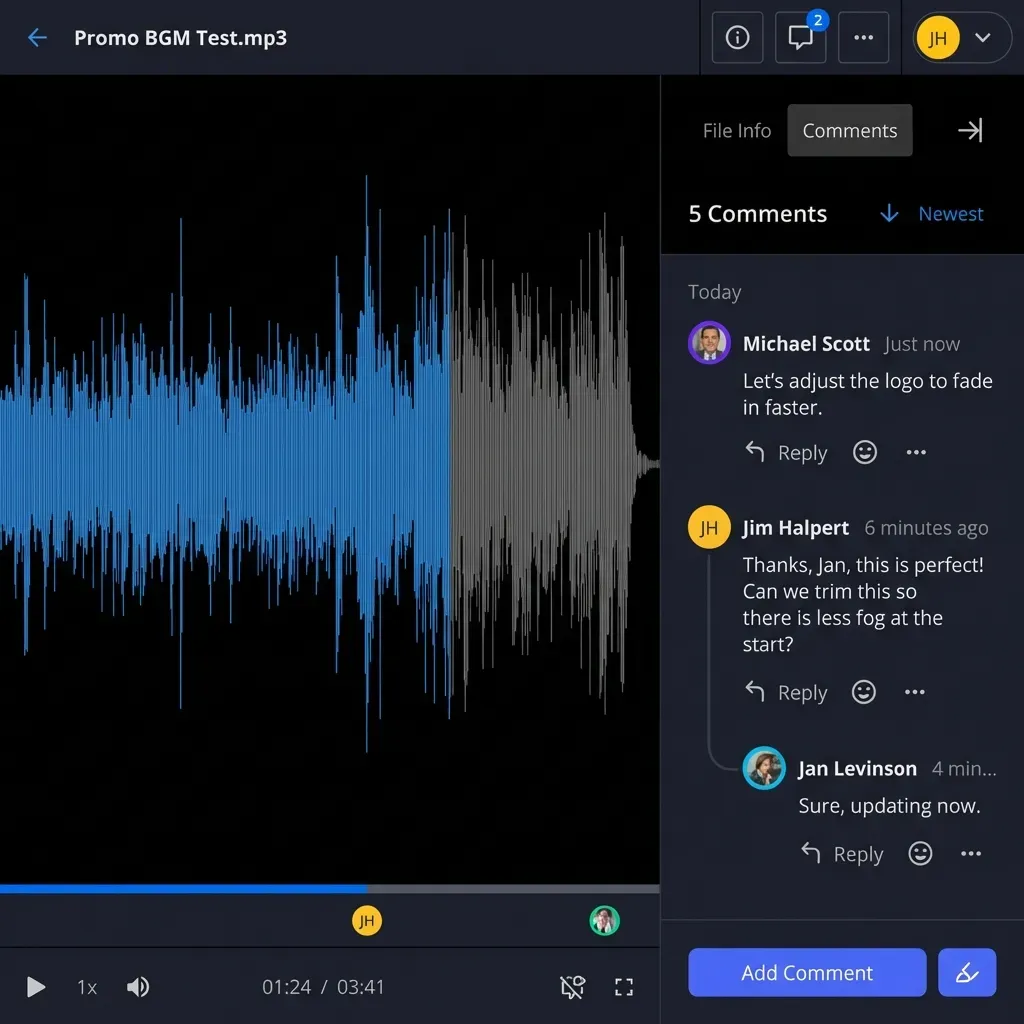
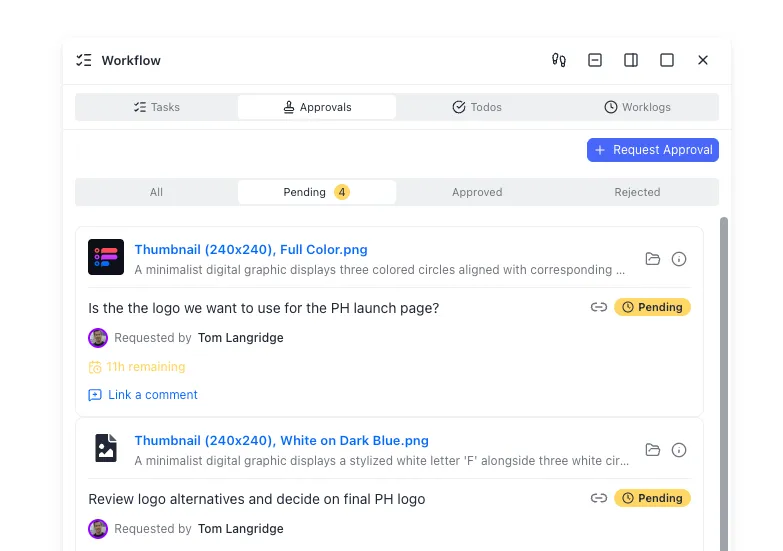
The final phase of a Manus file handoff workflow is transferring the workspace assets to the human client or organization administrator. Fast.io provides a native ownership transfer feature that simplifies this transition. During development, an agent can create an organization, build the workspace, configure the file hierarchies, and populate the Metadata Views. Once the work is ready, the agent generates a claim link to transfer the entire organization to a human client.
When the human takes ownership, they select a subscription that matches their storage needs on the Fast.io pricing page. Fast.io offers three tiers: the Starter plan at $9.99/mo, the Business plan at $49.99/mo, and the Enterprise plan at $199.99/mo. Monthly plans start with a Business Trial of up to 14 days (credit card required); annual plans have no trial. Once the trial starts, the agent remains in the workspace as an active collaborator using a scoped API key or the Model Context Protocol, which is documented in the Fast.io MCP documentation, while the human client takes full administrative ownership. The handoff is recorded in Fast.io's activity log, providing a record of both human and agent actions.
Sources
References used to verify factual claims in this guide.
-
According to the 2026 Gartner CIO and Technology Executive Survey, only 17% of organizations have successfully deployed AI agents in production, despite surging developer interest. This 83% implementation gap highlights a primary hurdle in AI workflows: it is one thing to get an autonomous agent to execute a task, but quite another to safely retrieve and distribute its output.
-
For team environments, Manus Collab supports up to 50 active workspace collaborators.
-
Fast.io offers three tiers: the Starter plan at $9.99/mo, the Business plan at $49.99/mo, and the Enterprise plan at $199.99/mo. Monthly plans start with a Business Trial of up to 14 days (credit card required); annual plans have no trial.
Frequently Asked Questions
How do I share a Manus task with my team?
To share a Manus task, log into the Manus dashboard, navigate to the active project, and select the task. You can then perform a manus collab setup to invite team members to the workspace or click the share button to generate a manus share task link. The task link provides view-only access to the agent's research history, execution logs, and output files.
How does agent-to-human file handoff work in Manus?
Agent-to-human file handoff in Manus works by using the tasks API and webhooks to automate retrieval. When the agent completes its run, the platform triggers a task completion event via a registered webhook. Your integration service receives this event, calls the tasks endpoint to get the file download URLs, and imports them into a permanent workspace like Fast.io.
What happens to files when a Manus task container terminates?
When a Manus task sandbox container terminates, all local files created during execution are deleted. To prevent data loss, you must configure a manus file handoff workflow that automatically copies files to a persistent cloud storage workspace before the task session expires.
Related Resources

Persist Manus agent deliverables in a shared workspace
Connect your Manus tasks to an intelligent workspace featuring auto-indexing for RAG, real-time activity feeds, and automated client portals. Start a 14-day Business Trial to hand off agent outputs to your team.