How to Build a Shared Workspace for AI-Powered Sales Development (SDR) Teams
A shared workspace for sales development brings prospect research, email history, and AI agents into one place. When everyone works from the same data, sales teams can handle much more outreach without getting burned out on manual research. This guide shows how to set up a shared environment where your team and AI agents work together to grow your sales pipeline.
What is a Shared Workspace for AI Sales Agents?
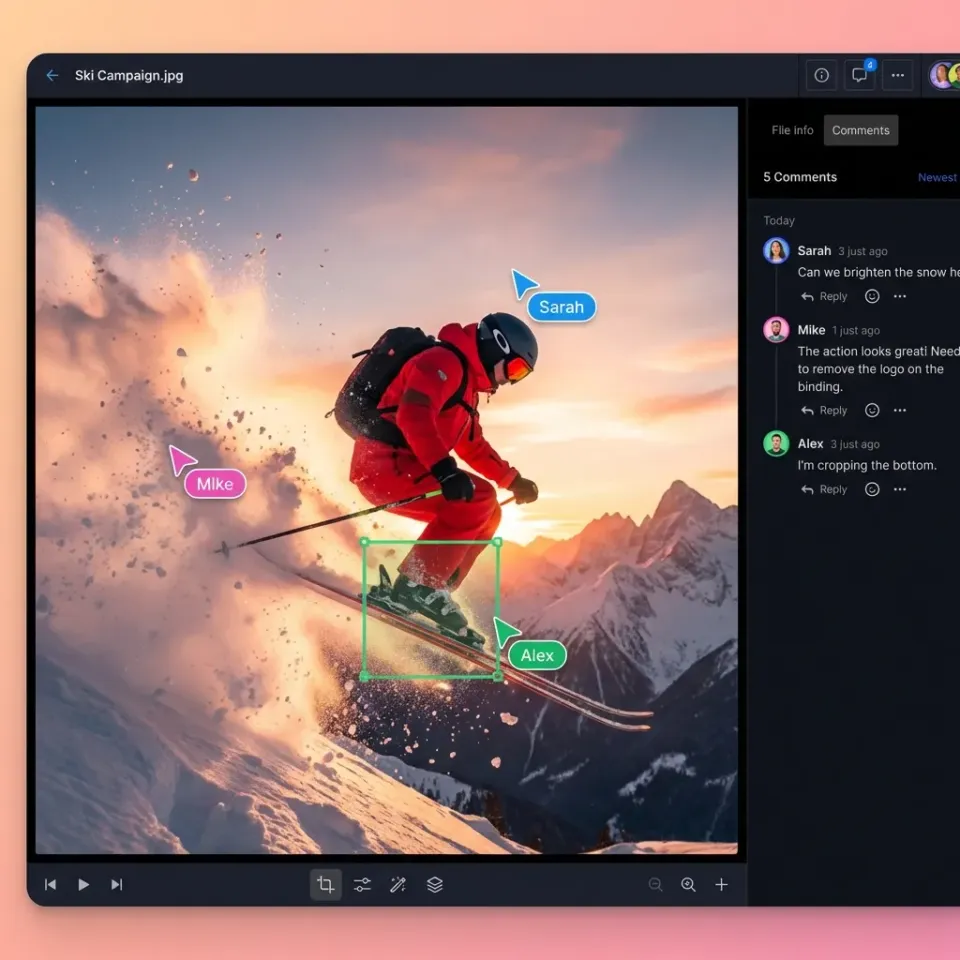
A shared workspace for AI sales agents is a central hub where your team and your agents share the same data, tools, and logs. Most CRMs just sit there and wait for you to enter data. A shared workspace is different because it actually coordinates the work. One agent might find leads, another might enrich them, and a third might write the first draft of an email, all while looking at the exact same information. For example, an enrichment agent can save a prospect profile to a folder, and a drafting agent can see it instantly to write an email. They don't need complicated API connections to "talk" to each other because they are already in the same room. It works like a real sales team in a physical office, just much faster. This setup stops your AI tools from working in silos. When every agent knows what the others are doing, you don't end up sending the same email twice or messaging someone who already replied.
Helpful references: Fast.io Workspaces, Fast.io Collaboration, and Fast.io AI.
The Problem: Why Individual AI Agents Fragment SDR Teams
Most sales teams start with AI by buying separate tools for different tasks. You might have one for finding emails and another for LinkedIn messages. These tools help, but they also create a mess. Sales reps end up spending all day moving data between windows just to keep things moving. This is why reps get burned out even when they have "help" from AI.
Research shows that while AI can boost productivity by 20-30%, those gains often get lost in what is called an "integration tax." If your AI tools don't talk to each other, your human reps have to act as the glue. They spend time checking if the AI found the right person or if another tool already sent a message.
A shared workspace fixes this by putting all the context in one place. When an agent finishes a task, the results are immediately available to everyone else. This cuts out the manual busywork and lets your sales reps focus on actually talking to prospects and closing deals.

5 Essential Components of an AI-Powered SDR Workspace
Building a workspace that actually works requires more than just a place to dump files. You need a setup that helps agents work on their own while staying on track.
- Shared Prospect Context: Every file and lead list you upload should be indexed automatically. This lets agents find facts about a prospect instantly without you having to dig through folders.
- Agent Coordination: A folder structure that lets agents "hand off" work. For instance, moving a file to a "Qualified" folder can automatically tell another agent to start an outreach sequence.
- Audit Logs: You need to see exactly what your agents are doing. Clear logs are important for checking agent behavior and making sure they follow your brand voice.
- Shared Tools (MCP): Agents should use the same tools for scraping, verifying emails, and connecting to your CRM. The Model Context Protocol (MCP) helps them do this consistently.
- Human Review: Give your team a way to check and approve what agents write before it goes out. This keeps the AI helpful without risking your reputation. When you have these pieces in place, you aren't just managing tools, you're running a complete sales engine.


Collaborate on Files with Your Team
Give your AI agents and human SDRs a shared environment to collaborate. Get 50GB of free storage and 251 MCP tools to build your sales engine today. Built for shared workspace agent sales development teams workflows.
How to Set Up Your Shared SDR Workspace in Fast.io
Setting up a workspace for your sales team in Fast.io is simple because the platform is built for this kind of work. Here is how to get started.
Step 1: Create Your Workspace
Start by making a workspace for a specific campaign or sales region. These are private areas where you control who has access. You can invite your human team and your AI agents to work together. You can give agents access to multiple different tools so they can manage files just like a person would.
Step 2: Turn on Intelligence Mode
This is an important step. When you turn on Intelligence Mode, Fast.io indexes everything you upload. If you drop in a PDF or a list of prospects, it becomes a searchable database. Your agents can ask questions about this data and use the answers to write better emails without you needing to set up anything else.
Step 3: Give Agents Their Tools
To let your agents actually work in the workspace, connect them to the Fast.io MCP server. You can use a command like clawhub install dbalve/fast-io to give them tools for managing files and collaborating. They can even "lock" files so two agents don't try to edit the same lead list at once.
Step 4: Automate with Webhooks
Use webhooks to connect your workspace to other apps. You can set it up so that when an agent saves a "Ready for Meeting" summary, you get a Slack alert immediately. This helps your team jump on leads the moment they are ready.

Evidence and Benchmarks: The Impact of AI SDR Orchestration
Moving to a shared workspace makes a huge difference in how fast you can sell. Teams using these workflows find they can handle multiple times more leads than they could manually. This isn't just because AI is fast, it's because the workspace removes the friction that usually slows people down. In a normal day, a sales rep might spend up to multiple% of their workweek on repetitive research tasks. In a shared workspace, an agent can do that research in seconds and save a summary where the rep can see it. Companies like Ema.co have seen this lead to 5x more meetings booked per rep. There is also a human benefit: your team doesn't get as tired. When agents handle the boring work of collecting data, your sales reps are happier and perform better on calls. They can walk into a meeting with all the research already summarized and ready to go, which makes for a much better conversation.
Frequently Asked Questions
How do AI agents and SDRs share context in a workspace?
In a shared workspace like Fast.io, agents and SDRs share context through a unified file system and built-in RAG. When an agent researches a prospect, it saves the findings as a file. Because the workspace has Intelligence Mode enabled, that file is automatically indexed. The human SDR can then ask the workspace questions about that prospect, and the AI will provide answers with direct citations to the agent's research files.
What are the 251 MCP tools available for sales agents?
Fast.io provides multiple tools via the Model Context Protocol (MCP) that allow agents to interact with the workspace programmatically. For sales teams, this includes tools for searching prospect data, managing lead folders, acquiring file locks for concurrent access, and setting up webhooks for reactive workflows. These tools work over Streamable HTTP or SSE, making them compatible with almost any LLM.
Can I use multiple different AI models in the same SDR workspace?
Yes. Because Fast.io acts as a neutral coordination layer, you can have a Claude-based agent doing research, a GPT-multiple agent drafting emails, and a human SDR using the UI, all within the same workspace. The agents use the same MCP tools and shared files, ensuring that the model you choose for a specific task doesn't create a data silo for the rest of the team.
How does a shared workspace help sales reps avoid burnout?
Burnout often comes from hunting for info across too many tabs. A shared workspace puts all your prospect data and agent research in one place. Instead of starting from scratch every time, your reps enter a workspace where the hard work is already done and ready for them to use.
Is there a free tier for testing AI SDR agents?
Yes, Fast.io offers a free agent tier that includes multiple of storage and multiple monthly credits. This plan requires no credit card and includes access to all multiple MCP tools, making it ideal for developers and sales teams looking to prototype their first AI-powered SDR workspace before scaling.
Related Resources

Collaborate on Files with Your Team
Give your AI agents and human SDRs a shared environment to collaborate. Get 50GB of free storage and 251 MCP tools to build your sales engine today. Built for shared workspace agent sales development teams workflows.