OpenClaw Community Guide: Discord, GitHub, Reddit, and Developer Resources
OpenClaw's 380,000+ GitHub stars make it the most-starred project on the platform, but that popularity has scattered community discussion across Discord, GitHub, Reddit, and ClawHub. This guide maps each channel to its purpose so you ask questions, report bugs, share skills, and contribute code in the right place.

Where the OpenClaw Community Actually Lives
OpenClaw crossed 380,000 GitHub stars in mid-2026, making it the most-starred repository on GitHub and surpassing React's long-held record of 243,000 stars. That growth brought over 900 contributors, thousands of Discord members, and an active Reddit presence, but it also fragmented where conversations happen.
Most community resource pages for developer tools are link dumps: a Discord invite, a GitHub URL, and a "join us!" line. That is not useful when you have a bug to report, a feature to propose, or a skill you want to share. The real question is always which channel handles which type of conversation.
Here is the short version:
- Bug reports and code issues: GitHub Issues on openclaw/openclaw
- Feature proposals and architecture discussions: GitHub Discussions on openclaw-hub
- Quick setup help and real-time chat: Discord
- Skill sharing and discovery: ClawHub
- Broader ecosystem discussion: r/openclaw and related subreddits
The sections below explain what each channel is best at, what the community norms are, and how to avoid posting in the wrong place.
Related guides
- Awesome Claude Code: Best Skills, Tools, and Community ResourcesThe awesome-claude-code ecosystem on GitHub has grown past 200,000 combined stars across 11 curated lists, but most...
- How to Get GitHub Copilot Free with the Student Developer PackVerified students can bypass the monthly subscription fee for AI-assisted coding by utilizing the GitHub Education...
- OpenClaw vs GitHub Copilot: Agent Platform vs Coding AssistantGitHub transitioned Copilot to usage-based AI Credits on June 1, 2026, turning every subscription into a metered model...
- How to Set Up OpenClaw with Google Gemini ModelsOpenClaw's Gemini integration connects your agent to Google's full model family, including Gemini 3.1 Pro for chat,...
- How to Set Up ClawHub for OpenClawClawHub is the public skill registry for OpenClaw, with over 13,000 community skills available. This guide walks...
- How to Set Up an RAG Knowledge Base in OpenClawConnect your agents to your proprietary data with automated indexing and semantic retrieval. Enable Intelligence Mode...
More on this subject: OpenClaw Setup and Guides (199 guides)
How to Report Bugs and Propose Features on GitHub
GitHub is the source of truth for OpenClaw development. The main repository at openclaw/openclaw hosts the code, releases, and issue tracker. A separate community repository at openclaw/community documents Discord policies, moderation guidelines, and onboarding procedures.
GitHub Issues is where you report bugs, submit crash logs, and track known problems. Before opening a new issue, search the 3,300+ open issues to check if someone has already reported your problem. Include your OS, the OpenClaw version you installed, and the exact error message. The maintainers triage issues regularly, so a well-written bug report with reproduction steps gets attention faster than a vague description.
GitHub Discussions on the openclaw-hub repository serves as the official forum for longer-form conversations. Use it for feature requests, architectural proposals, integration ideas, and questions that need more context than a Discord message allows. Discussions persist and are searchable, which makes them better than chat for decisions that other developers will reference later.
Contributing code starts with the CONTRIBUTING.md file in the main repository. OpenClaw is MIT-licensed and accepts pull requests through a standard fork-and-PR workflow. Check the contributing guide for the current branching conventions and release process before submitting a PR.


Give your OpenClaw agents persistent, searchable storage
A shared workspace with MCP access, semantic search, and ownership transfer. Starts with a 14-day Business Trial.
How to Get Help on the OpenClaw Discord
The OpenClaw Discord server at discord.gg/clawd is the primary real-time communication channel. It is where most newcomers land first and where quick troubleshooting happens.
The server is organized into channels by topic. You will find dedicated areas for setup help, platform-specific integrations, skill development, and a showcase where builders demo what they have built. Check the channel list when you join to find the right place for your question.
The openclaw/community repository on GitHub documents the server's moderation policies and onboarding guidelines. The moderation approach favors helping over punishing, and the volunteer staff team treats repeated beginner questions as teaching moments.
Practical tips for getting help on Discord:
- Post setup questions in the relevant topic channel, not in general chat
- Include your OS, OpenClaw version, and any relevant error output when asking for troubleshooting help
- Search the channel history before asking. Many common setup issues have been answered before
- The official documentation is the source of truth when Discord advice conflicts with docs
OpenClaw also supports voice-based agent interactions through Discord. If you are building a Discord bot powered by OpenClaw, the official docs cover the setup process and required permissions.

Reddit and Broader Community Forums
Reddit fills a different role than Discord or GitHub. It is where OpenClaw users share long-form experiences, compare setups, and discuss the project in the context of the broader AI agent ecosystem.
r/openclaw is the dedicated subreddit and the best place for project-specific discussions that do not fit neatly into a bug report or feature request. Users post their configurations, share automation workflows, and ask for advice on skill selection. The tone tends to be more candid than Discord, with honest assessments of what works and what does not.
Several adjacent subreddits also carry significant OpenClaw discussion:
- r/ClaudeAI: Covers the broader Claude ecosystem, including how OpenClaw works alongside Anthropic's models
- r/selfhosted: Focuses on installation, networking, and infrastructure questions. Useful if you are running OpenClaw on a home server or NAS
- r/LocalLLaMA: Discusses running OpenClaw with local models instead of cloud APIs
- r/homelab: Overlaps with r/selfhosted but leans toward hardware setup and network configuration
The practical distinction: ask on r/openclaw when your question is about OpenClaw itself. Ask on r/selfhosted when your question is about Docker, reverse proxies, or Tailscale configuration that happens to involve OpenClaw. The community is spread across these subreddits because OpenClaw sits at the intersection of AI, self-hosting, and messaging platforms.
ClawHub and the Skills Ecosystem
ClawHub is OpenClaw's public registry for skills and plugins. Skills are Markdown-based instruction files (a skill.md with YAML frontmatter) that teach an OpenClaw agent how to complete specific tasks. ClawHub hosts thousands of community-contributed skills covering everything from calendar management to DevOps automation.
The registry passed 13,000 publicly available skills in March 2026 and continues to grow. You can browse, install, and publish skills through the ClawHub web interface or CLI. Each skill listing includes version history, changelogs, and usage tags.
Publishing a skill involves creating your skill file, packaging it, and submitting it through ClawHub. The community reviews and rates published skills, which helps surface high-quality options. Check the ClawHub documentation for the current publishing workflow.
Security matters here. The OpenClaw ecosystem dealt with the "ClawHavoc" incident in early 2026, where researchers identified 341 malicious skills designed to steal environment variables. In response, ClawHub integrated automated scanning tools to screen published skills before they become available for download. Check the security advisories before installing skills from unknown authors, and review the skill.md source before running anything that requests broad system access.
For teams building agent workflows, ClawHub is where you find integrations for tools like GitHub, Linear, Kubernetes, and storage platforms. The Fast.io ClawHub integration, for example, gives agents persistent file storage that survives restarts and is visible to human team members through the Fast.io web interface.

Storing Agent Output Where Your Team Can Find It
One challenge with any agent community is managing the files your agents create. Agents running through OpenClaw generate logs, reports, configurations, and other artifacts that need to persist between sessions and be accessible to the rest of your team.
Local disk storage works for solo setups, but it breaks down when multiple people need to see what the agent produced. Cloud storage services like Google Drive or S3 solve the access problem but lack the indexing and search features that make agent output actually useful after it is created.
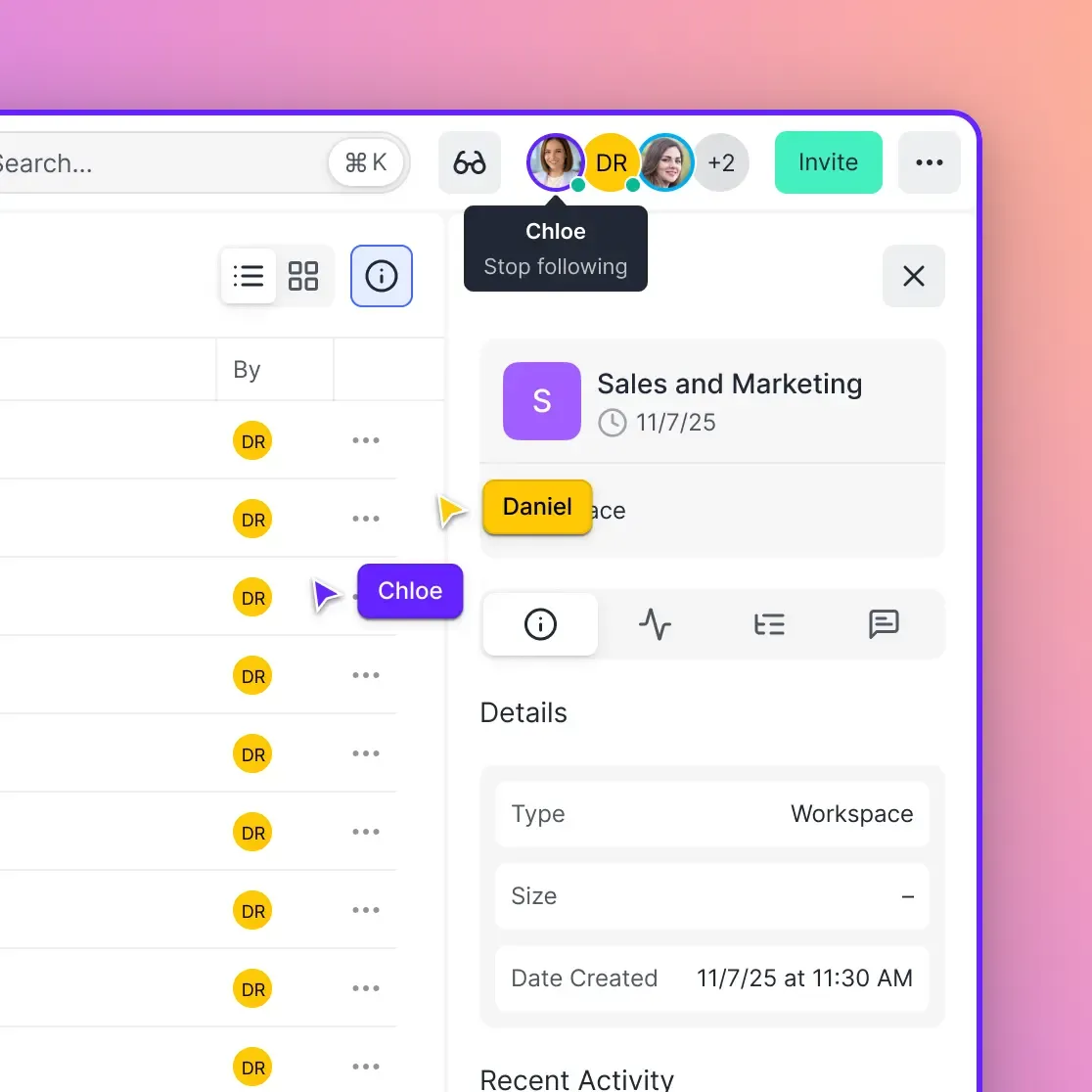
Fast.io fits this gap as an intelligent workspace where agents and humans share the same files. Upload a document and it is automatically indexed for semantic search through Intelligence Mode, no separate vector database required. Agents connect through the MCP server with a consolidated MCP toolset for reading, writing, searching, and managing files. Human team members access the same workspaces through the web UI.
The ownership transfer workflow is particularly relevant for agent communities: an OpenClaw agent creates a workspace, builds out the content, and then transfers ownership to a human who takes over from there. The agent can retain supporting access for ongoing maintenance while the human controls sharing and permissions.
Plans bundle storage, monthly credits, and workspaces scaled to each tier, and monthly plans start with a Business Trial of up to 14 days. For OpenClaw developers who want persistent agent memory, you can start at fast.io/storage-for-openclaw.
Sources
References used to verify factual claims in this guide.
-
OpenClaw surpassed 250,000 GitHub stars on March 3, 2026, overtaking React's 243,000 stars
-
ClawHub registry surpassed 13,000 publicly available skills in March 2026
-
341 malicious skills identified in the ClawHavoc campaign targeting environment variable exfiltration
Frequently Asked Questions
Where is the OpenClaw community?
The OpenClaw community is spread across several platforms. Discord (discord.gg/clawd) handles real-time chat and setup help. GitHub hosts bug reports (Issues) and feature discussions (Discussions). Reddit's r/openclaw covers longer-form experience sharing. ClawHub (clawhub.ai) is the marketplace for sharing and discovering skills.
How do I join the OpenClaw Discord?
Visit discord.gg/clawd to join the server. No special requirements or approval process. Once inside, check the channel list for the topic area that matches your question, whether that is setup help, a specific messaging platform, or skill development.
Where do I report OpenClaw bugs?
File bug reports as GitHub Issues on the main repository at github.com/openclaw/openclaw. Include your operating system, OpenClaw version, and exact error messages. Search the existing 3,300+ open issues first to avoid duplicates.
Is there an OpenClaw forum?
GitHub Discussions on the openclaw-hub repository (github.com/openclaw-community/openclaw-hub/discussions) serves as the official forum. It is better than Discord for feature requests and architectural proposals because discussions persist and are searchable.
How do I contribute to OpenClaw?
Start with the CONTRIBUTING.md file in the main GitHub repository. OpenClaw is MIT-licensed and accepts pull requests through a fork-and-PR workflow. For skill contributions, publish to ClawHub using the clawhub CLI. For community support, the Discord Community Staff team welcomes volunteers.
What is ClawHub?
ClawHub (clawhub.ai) is the public registry for OpenClaw skills and plugins. It hosts thousands of community-contributed skills that extend what OpenClaw agents can do. You can browse, install, rate, and publish skills through the web interface or the clawhub CLI.
Where can I store files that OpenClaw agents create?
For persistent, team-accessible storage, Fast.io provides intelligent workspaces where agents write files through the MCP server and humans access the same files through the web UI. Monthly plans start with a Business Trial of up to 14 days (credit card required); annual plans have no trial. Local disk works for solo setups but limits team visibility.
Related Resources

Give your OpenClaw agents persistent, searchable storage
A shared workspace with MCP access, semantic search, and ownership transfer. Starts with a 14-day Business Trial.