Creating a Shared Workspace for Hermes Agent
While the Nous Research Hermes Agent can execute workflows in local sandboxes, its output often needs to reach human teams. This guide explains how to connect Hermes to a Fast.io shared workspace, giving your agent persistent cloud storage, built-in semantic search, and an easy way to hand off files to human collaborators.

Why Autonomous Agents Need Persistent Cloud Storage
Only 36.0% of organizations have successfully connected AI agents to trusted, secure content across multiple use cases [Box 2026 Survey]. The 64-point gap represents the difference between a successful local pilot and a production deployment that actually helps a team.
The Nous Research Hermes Agent is an open-source, self-improving autonomous agent that can execute complex workflows, from writing code to researching market trends. By default, Hermes runs its operations inside a local directory or an isolated Docker container. This isolation protects your host system, but it also traps the output. When the terminal session ends, the generated files remain hidden on that specific machine.
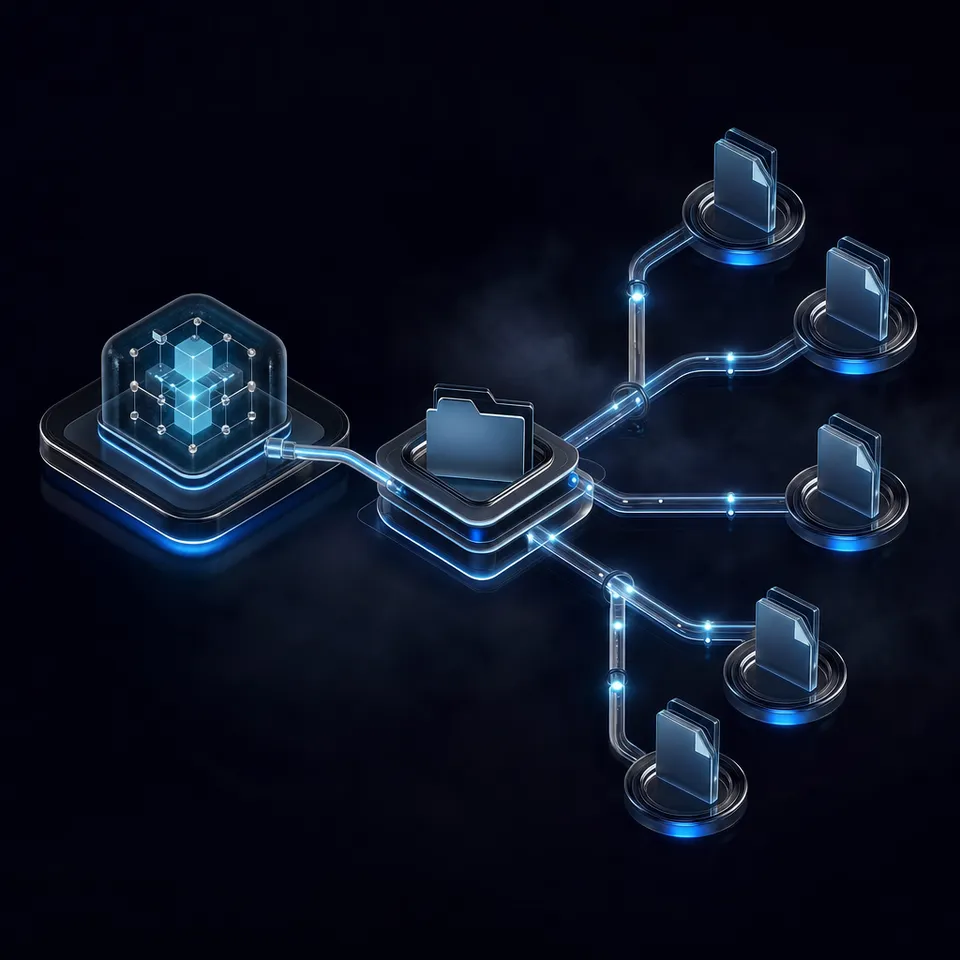
If a developer wants to share those results with a project manager, they have to manually extract the files, upload them to a generic storage drive, and send a link. This manual handoff breaks the automation chain. A shared workspace solves this by giving Hermes a persistent, synchronized directory where agents and teams can exchange files directly.
Without a central location for files, teams also lose the ability to track changes. If Hermes overwrites a configuration file during a task, a local sandbox offers no way to recover the previous state. The lack of version control makes auditing agent behavior difficult, which slows down trust and adoption in enterprise environments. Providing a cloud-based directory ensures that every action is logged and every file is versioned from the start. Connecting Hermes to a dedicated storage layer ensures that the agent's work is immediately visible, safe, and ready for human review.
Teams often try to solve the persistence problem by pointing Hermes at a synced Dropbox folder or a local Google Drive mount. These commodity storage options act as passive buckets. They hold files, but they do not understand them. If an agent needs to find a specific paragraph in a lengthy PDF, a basic cloud drive forces the agent to download the entire file, read it into memory, and parse it locally. This manual processing burns through API tokens and severely limits the agent's efficiency.
Related guides
- Setting Up a Cline Shared Workspace for TeamsUp to 40% of enterprise applications will include task-specific AI agents by the end of 2026, forcing engineering teams...
- How to Create a Claude Cowork Shared Workspace for TeamsA Claude Cowork Shared Workspace lets teams and AI agents manage files together in one place. The standard Claude app...
- Hermes Agent vs Google ADK: Turnkey Agent or Build-Your-Own FrameworkGoogle ADK crossed 19,000 GitHub stars as a build-your-own framework while Hermes Agent passed 100,000 as a...
- Is Any AI Detector 100% Accurate? Multi-Provider Hermes WorkflowsWhile independent benchmarks demonstrate that a single AI detector 100 accurate does not exist in isolation,...
- Hermes Agent Docs: The Complete Reference GuideWhile standard session-based AI chatbots are confined to a single browser tab, the official Nous Research Hermes Agent...
- Building a Hermes Agent Linky AI Multi-Agent WorkflowMulti-agent workflows combining Nous Research Hermes Agent and Linky AI require persistent shared workspace storage to...
More on this subject: Hermes Agent (100 guides)
How to Set Up the Workspace Handoff for Hermes Agent
To bridge the gap between your local Hermes deployment and your team, establish a workflow where the agent manages its own project storage. This requires setting up the appropriate authentication and connecting the storage endpoints. Fast.io takes a different approach by providing an intelligent workspace. When Intelligence is enabled on the workspace and Hermes writes a file to Fast.io, the platform indexes the content for search and built-in RAG.
First, the human or the agent creates a Fast.io organization. Every organization requires a paid subscription to operate; monthly plans start with a Business Trial of up to 14 days (credit card required), and annual plans have no trial. Once the organization exists, you can generate an API key from the developer settings. This key grants the agent specific permissions within a designated workspace.
Instead of hardcoding local paths in the Hermes configuration, instruct the agent to use the Fast.io MCP tools for file operations. As the agent completes tasks, it writes the final deliverables directly to the shared workspace. If you need to migrate existing data, you can use the URL Import feature to pull files from cloud providers via OAuth. This method avoids local input bottlenecks entirely.
Because Hermes Agent skills are compatible with the Model Context Protocol, you can connect the Fast.io MCP Server directly to your agent. Fast.io exposes Streamable HTTP at /mcp and legacy SSE at /sse. Once connected, Hermes can manage and search the workspace natively through the API, rather than relying on brittle local filesystem mounts. Read the MCP documentation for endpoint specifics.
When configuring the connection, ensure that the agent operates within a dedicated sub-folder for its specific project. Granular permissions allow you to restrict the agent's access to only the files it needs. Fast.io tracks every modification in a detailed activity log, ensuring you have a clear record of exactly what the agent changed and when.



Persist Hermes Agent files across sessions
A shared workspace with an MCP-ready endpoint for your agent's reads and writes, with versioning and search built in. Starts with a 14-day Business Trial.
Steps to Automate File Handoffs and Versioning
Agentic workflows require clear boundaries between machine execution and human review. Fast.io supports native ownership transfer, which is a recommended workflow pattern for Hermes Agent deployments.
The agent can build a complete directory structure, generate the necessary documents, and then transfer ownership of the workspace to a human manager who is already a member. The human user logs into the Fast.io UI, reviews the documents, and uses Collaborative Notes to add comments or corrections alongside the agent's output. Both parties operate on the exact same data source. This real-time co-editing feature means the human never has to download a file to fix a typo before publishing.
If you need to share the output with an external client, the agent can generate a branded share link via API. Fast.io supports both durable links for long-term access and expiring links for sensitive data. This completely removes the need to download agent-generated files and attach them to emails. You can configure these shares to require specific recipient verification, adding an extra layer of security when distributing automated reports.
Version control happens automatically. Every file modification by Hermes creates a new version in the history. If a prompt update causes the agent to generate incorrect data and overwrite a crucial report, you can easily restore the previous version. If you deploy a swarm of Hermes instances, they can all work in the same workspace: advisory file locks let them coordinate writes to a shared file, and version history keeps every version if two writes land at once.
How to Query Past Sessions Using Intelligence Mode
Long-running agents lose context over time. A shared workspace acts as long-term memory. When Intelligence Mode is enabled on a Fast.io workspace, every uploaded document, code file, and PDF is indexed.
If you start a new Hermes session a week later, the agent does not need to start from scratch. It can query the Fast.io workspace using semantic search to recall decisions made in the previous session. The hybrid search capability combines full-text keyword matching with semantic meaning and metadata filtering, ensuring the agent retrieves exactly the right context. Instead of executing blind shell commands to list directory contents, Hermes uses structured tools to search for semantic concepts across the entire organization.
This persistent memory allows teams to build complex workflows. A research agent can run on Monday, gathering market data and saving it to the workspace. On Wednesday, a separate drafting agent can query that exact data to write a summary report. The shared workspace handles the state management between these isolated sessions. The storage layer handles the heavy lifting of indexing and retrieval, freeing up the agent's context window for actual reasoning and problem-solving.
Using Fast.io's WebSocket events feed or activity feed, you can coordinate reactive workflows. When the research agent finishes uploading a new batch of files, the event feed updates to inform the drafting agent. This event-driven architecture is far more efficient than manual file coordination. The entire pipeline becomes a reliable, asynchronous process where files securely coordinate work.
What to Do When Hermes Generates Complex Structured Data
For structured documents like invoices or legal contracts, you can configure Metadata Views. This feature turns documents into a live database. You describe the fields you want extracted in natural language, and Fast.io designs a typed schema automatically.
When Hermes uploads a batch of PDF invoices to the workspace, Fast.io matches the files and populates a filterable spreadsheet. There are no rigid templates or OCR rules to maintain. Hermes can then query these extracted results via MCP, avoiding the need to download and re-parse the raw files.
This extraction layer separates the storage logic from the agent logic. If a human project manager wants to see the total value of all invoices processed by Hermes today, they can open the Metadata View in the browser. The data is instantly available, formatted, and sortable. If the team needs to track a new field, they can add a new column without forcing the agent to reprocess the entire dataset.
By treating structured extraction as a built-in workspace capability, Hermes avoids building custom data pipelines. The agent simply drops the files into the designated folder, and the workspace handles the data typing, extraction, and schema management. This approach reduces the technical debt associated with maintaining custom parsers for every new document type.
Best Practices for Troubleshooting Common Connection Issues
Setting up a shared workspace for Hermes Agent is straightforward, but teams often encounter a few common architectural issues when deploying agents at scale.
A frequent mistake is attempting to mount a network drive directly to the agent's Docker container. Network latency and unstable connections often cause file locks or partial writes, which crash the agent's session. Using the Fast.io MCP Server completely bypasses these local filesystem issues by handling reads and writes through reliable HTTP requests. Ensure that your Hermes instance connects via the /mcp or /sse endpoints as described in the official Fast.io docs.
Another common issue is permission scoping. If you grant an agent organization-wide access, a hallucination could cause it to delete or modify unrelated project files. Always create a dedicated workspace for each Hermes instance and apply granular permissions at the folder level. If the agent needs to reference broader company data, provide read-only access to those specific directories. Fast.io's granular permission controls ensure that a compromised or erratic agent cannot destroy critical business data.
Finally, pay attention to context window limits. While Fast.io's Intelligence Mode helps agents find relevant files, returning too many search results can overwhelm the agent. Configure your Hermes search skills to request a limited number of top results, and rely on Fast.io's hybrid search to ensure those top results are highly accurate. Proper scoping of queries keeps the agent's context clean and prevents token overflow during large data retrieval tasks. Managing these configurations early ensures a stable, reliable deployment that your team can trust.
Sources
References used to verify factual claims in this guide.
-
Only 36.0% of organizations have successfully connected AI agents to trusted, secure content across multiple use cases.
Frequently Asked Questions
How do I share files with Hermes agent?
You can share files by uploading them to a Fast.io workspace and giving the agent access via an API key and the Fast.io MCP server. The agent can then read the files directly from the cloud without needing local copies.
Can multiple Hermes agents use the same workspace?
Yes. Fast.io provides per-file version history and a detailed activity log. Multiple agents can read and write to the same workspace concurrently, and every change is tracked and auditable.
What does Fast.io cost for open-source agents?
Fast.io requires a paid organizational subscription for all deployments. You can test the platform using the 14-day Business Trial, which requires a credit card. Plans are Starter at $9.99/mo, Business at $49.99/mo, and Enterprise at $199.99/mo.
Related Resources

Persist Hermes Agent files across sessions
A shared workspace with an MCP-ready endpoint for your agent's reads and writes, with versioning and search built in. Starts with a 14-day Business Trial.