How to Configure Hermes Agent Persistent Storage for Subagent Workflows
Language models experience up to a 20% degradation in reasoning accuracy when their context window is saturated with redundant filesystem logs. Decomposing operations into specialized subagents prevents this decay, but requires a persistent storage layer to coordinate output files. This guide details how to implement isolated workspaces, avoid database conflicts, and use Fast.io shared workspaces for concurrent multi-agent workflows.

Why Monolithic Context Windows Degrade Agent Reasoning
Large context windows are highly unreliable when parsing long, noisy prompts containing redundant files and logs. Research commonly cites accuracy drops of 20 to 30 percentage points when critical information is moved from the edges of a language model's context window to the middle [Stanford University / arXiv (Lost in the Middle)]. This performance cliff is where this guide lives: as developers transition from monolithic agent chats to complex multi-agent pipelines, context window management becomes a software engineering bottleneck rather than an algorithmic luxury. When a single LLM session is forced to handle directory structures, raw source files, linting reports, and chat logs, its attention maps become noisy. Key instructions placed in the middle of the context are frequently overlooked, leading to execution failures or infinite loops.
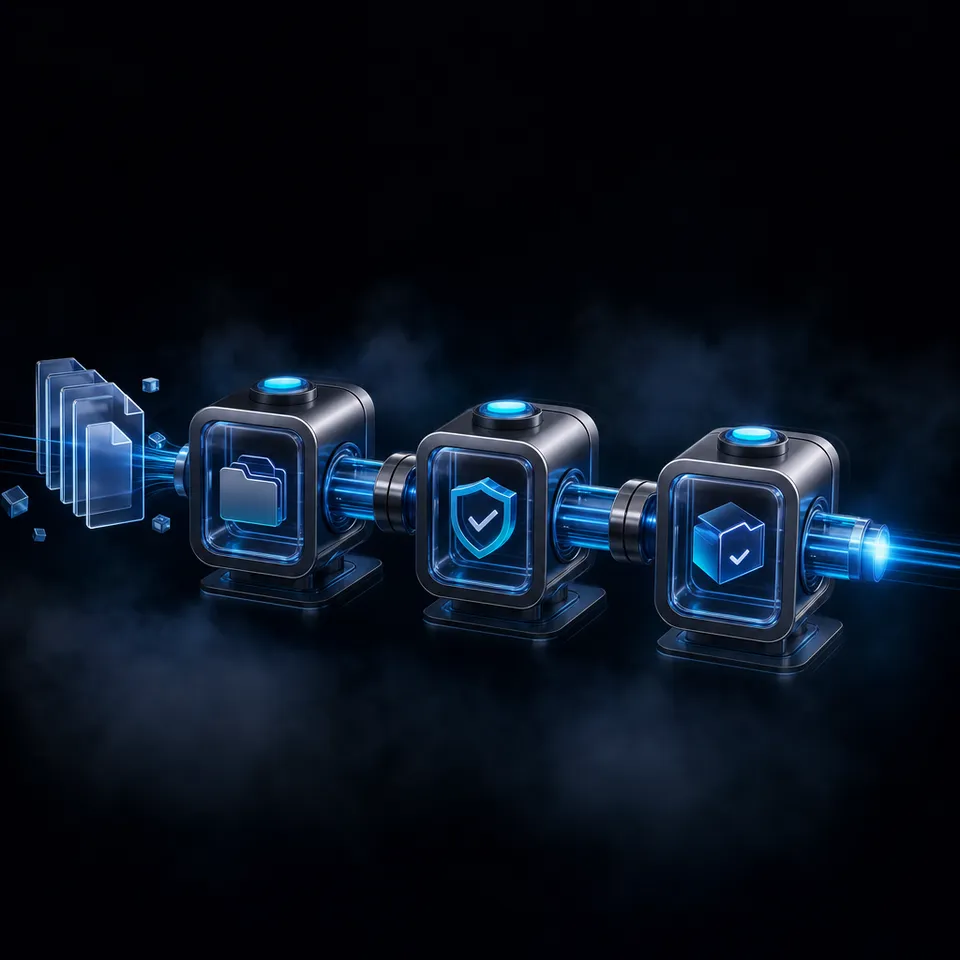
To mitigate this attention decay, modern agent frameworks enforce strict context isolation. Instead of processing a single, massive conversation history, developers break down operations into specialized subtasks. The primary orchestrator agent manages the user interaction and delegates specific technical tasks to dedicated child processes. This modular architecture keeps the primary agent's context window clean and focused, preventing the performance degradation associated with bloated token histories.
While context isolation protects the orchestrator's reasoning capability, it introduces a physical communication gap. When a child agent compiles a list of code edits or writes a structured database report, those assets reside in its own temporary environment. Subagents running in separate Docker containers, serverless execution sandboxes, or local workspace folders cannot access each other's local disks. To build a cohesive project, the orchestrator and its subagents require a shared, persistent workspace that acts as a secure, concurrent file system. Persistent storage for subagent workflows provides a shared, concurrent file system that allows a primary Hermes Agent and its spawned subagents to exchange files, update codebases, and maintain a unified project history.
Related guides
- Best Storage Solutions for Base44 WorkflowsAccording to the Flexera 2025 State of the Cloud Report, 84% of organizations identify managing cloud spend and...
- How to Set Up Persistent Storage in OpenClawOpenClaw agents forget their state between sessions. Persistent storage lets them save memory, files, and data to...
- How to Use Subagent Delegation in Hermes AgentHermes Agent's delegate_task tool spawns child AI agents with isolated contexts and restricted toolsets. This guide...
- How to Build a Hermes Agent Subagent File Handoff WorkflowCoordinating multi-agent systems requires structured file boundaries and task delegation. By combining Nous Research...
- How to Set Up Hermes Agent File StorageOnly 57% of organizations report having AI agents in production environments, largely due to challenges with state...
- Building a Hermes Agent Linky AI Multi-Agent WorkflowMulti-agent workflows combining Nous Research Hermes Agent and Linky AI require persistent shared workspace storage to...
More on this subject: Hermes Agent (100 guides)
How Hermes Agent Orchestrates Subagent Tasks
In the Nous Research Hermes Agent framework, the primary mechanism for orchestration is the delegate_task tool. When the primary agent encounters a task that requires isolated execution or specialized utilities, it invokes delegate_task, passing a goal string, context variables, and a list of permitted tools. The runtime then initializes a child agent to execute the task. System configuration is managed through files in the user's home directory. The main settings are defined in a central config.yaml file, and API keys are stored in a separate environment file. The command-line interface provides commands like hermes config to inspect options, hermes config set to adjust parameters, and hermes setup to configure portals and environments.
When delegate_task executes, the framework enforces several automated boundaries to protect project integrity and control costs. The first is credential pool inheritance. Rather than requiring developers to inject API keys into every child container, subagents inherit the parent credential pool automatically. This allows them to call remote LLMs, execute web search queries, and access cloud storage APIs without exposing raw keys. The second boundary is an iteration limit. Subagents have a default iteration limit of 50 steps [Nous Research Hermes Agent Repository]. If a subagent gets stuck in an infinite loop, fails to compile a script, or runs into a recurring error, the run terminates automatically after 50 steps, preventing runaway API costs.
In addition to iteration limits, the orchestration layer controls concurrency. By default, the number of concurrent children is limited to a maximum of 3 by the delegation settings. This prevents the host system from being overwhelmed by parallel processes. Workspace access is controlled via visibility parameters, including inherit, full_rw, full_ro, temp_rw, and mapped. These settings dictate whether a subagent inherits the primary directory or is restricted to a temporary sandbox. Subagents run in isolated workspace subfolders under the primary agent's project workspace. This isolation prevents concurrent write conflicts, but they require a network-accessible storage system to share outputs with the parent.
Why Multi-Agent Workflows Require Shared Storage
When choosing a storage layer for multi-agent workflows, developers must balance isolation, synchronization speed, and integration complexity. Storing files on local mounts works well for single-host development but fails when agents run across distributed nodes or serverless containers. Networked filesystems like AWS Elastic File System (EFS) allow multi-instance access but require complex infrastructure setup and lack the collaborative features needed for real-time human-agent co-editing. Cloud object stores like Amazon S3 are durable but require writing custom API integrations and do not support real-time change notifications.
To illustrate these trade-offs, the following comparison highlights how different storage options handle the requirements of multi-agent collaboration:
Fast.io shared workspaces address the gaps left by traditional storage solutions. Instead of treating storage as a dumb bucket of bytes, Fast.io provides an intelligent workspace where humans and agents collaborate. Fast.io shared workspaces allow concurrent API access with version history, ensuring that if two subagents attempt to modify the same codebase, every change is tracked and auditable. If a subagent makes an invalid edit, developers can inspect the differences and restore the working version, eliminating the risk of destructive file overwrites. When writing about metadata extraction, document processing, or structured data from files, developers can configure Metadata Views on their workspaces to extract key fields automatically, making them queryable for other agents.
Configuring Hermes Agent Persistent Storage for Subagent Workflows
Integrating Fast.io with Nous Research Hermes Agent is managed through the Model Context Protocol (MCP). The platform exposes its tool surface via a streamable HTTP endpoint at /mcp and legacy Server-Sent Events (SSE) at /sse. The MCP server documentation at mcp.fast.io/skill.md defines the tool schema, which includes operations to read, write, and search files. By adding this MCP configuration to the agent's environment, both the parent agent and its subagents can interact with the cloud workspace as if it were a local directory. This eliminates custom download and upload scripts, allowing agents to read reference materials and write outputs directly to shared folders.
The following Python script demonstrates how a parent agent delegates a task and coordinates the file handoff using a shared Fast.io directory:
"""Example Hermes Agent task delegation and Fast.io workspace coordination"""
import os
import json
from hermes_agent import HermesAgent, AgentConfig

"""Load configuration from the default home directory configuration path"""
config = AgentConfig.load_from_path("~/.hermes/config.yaml")
agent = HermesAgent(config)

"""Define task goal and context for the subagent"""
subagent_goal = "Process the raw log files, generate a clean summary report, and write it to the exports folder."
subagent_context = {
    "log_source_path": "/workspace/logs/raw_event_log.json",
    "output_destination_path": "/workspace/exports/event_summary.csv"
}

"""Delegate task execution to a child agent with access to Fast.io MCP tools"""
delegation_result = agent.delegate_task(
    goal=subagent_goal,
    context=subagent_context,
    tools=["fastio_mcp_server", "terminal"]
)

print(f"Delegation completed. Subagent summary: {delegation_result['summary']}")
During execution, the subagent uses the Fast.io toolset to write the summary file directly to the cloud workspace. Once the subagent finishes and returns its summary, the parent agent can access the file or pass its path to another subagent. If the workflow requires files from external platforms, the agent can use Fast.io's URL Import feature to pull files from Google Drive, OneDrive, Box, or Dropbox via OAuth without executing local download commands. For unstructured files like PDFs or invoices, the agent can call Metadata Views (configured via the document data extraction tool) to extract fields like dates and totals into structured tables, which are then queryable via MCP.


Coordinate Hermes Agent tasks in one persistent workspace
Connect to the Fast.io MCP server to link parent and subagent processes to a shared workspace with version history and semantic search. Starts with a 14-day Business Trial.
Resolving Database Write Conflicts and Human Handoffs
Running stateful agents in concurrent environments like Modal or Docker container clusters introduces specific operational failures. The most common is a database conflict when multiple active agent containers attempt to write to the same SQLite state database. To avoid this, developers should configure separate profiles for concurrent workflows. Each profile resides in a separate subdirectory under /root/.hermes/profiles/ and maintains its own configuration file and database. Developers can switch profiles programmatically by setting the environment variable os.environ["HERMES_PROFILE"] before starting the agent session, isolating the run's memory and state.
To coordinate these workflows, developers can use Fast.io's realtime activity feed or WebSocket events feed. Fast.io emits events whenever a file is created or updated. This feed alerts the parent agent or an orchestrator service to execute the next step in the pipeline, building a reactive system. Every file modification is recorded in Fast.io's activity log, providing developers with a clean trail of which agent wrote or updated a file. This audit trail is critical for security and debugging, letting developers verify that subagents adhered to their assigned scopes.
Once the agent completes the project build, the workflow supports a clean handoff to human teams through ownership transfer. An agent can set up the organization, configure the workspaces, and upload the finished files, then invite the client. The agent then transfers ownership of the organization to the human user while retaining developer or admin permissions to perform ongoing tasks. Managing these workflows requires a paid organization account. Fast.io offers plans on our pricing page starting with the Starter plan at $9.99/mo, the Business plan at $49.99/mo, and the Enterprise plan at $199.99/mo. Monthly plans start with a Business Trial of up to 14 days (credit card required); annual plans have no trial. An agent can create an organization, build the initial workspace, and then transfer ownership to a human through a claim link so they can add billing details for the 14-day Business Trial, ensuring a smooth transition to human administration.
Sources
References used to verify factual claims in this guide.
-
Research commonly cites accuracy drops of 20 to 30 percentage points when critical information is moved from the edges of a language model's context window to the middle [Stanford University / arXiv (Lost in the Middle)].
-
Subagents have a default iteration limit of 50 steps [Nous Research Hermes Agent Repository]. If a subagent gets stuck in an infinite loop, fails to compile a script, or runs into a recurring error, the run terminates automatically after 50 steps, preventing runaway API costs. By default, the number of concurrent children is limited to a maximum of 3 by the delegation settings.
-
Fast.io offers plans on our pricing page starting with the Starter plan at $9.99/mo, the Business plan at $49.99/mo, and the Enterprise plan at $199.99/mo. Monthly plans start with a Business Trial of up to 14 days (credit card required); annual plans have no trial.
Frequently Asked Questions
How do subagents share files in Hermes Agent workflows?
Subagents share files by writing their outputs to a network-accessible cloud workspace rather than relying on local container drives. Because subagents operate in isolated runtime environments and only return final text summaries, they use Fast.io shared workspaces to store documents, scripts, and datasets that the parent agent or other child agents can read.
What is the best storage solution for multi-agent workflows?
The best storage solution for multi-agent workflows is an intelligent cloud workspace like Fast.io. Unlike raw object storage or network-attached disks, Fast.io provides per-file version history, built-in search indexing, and realtime activity feeds, ensuring concurrent agents can share files without conflicts.
How does task delegation work in Hermes Agent?
Task delegation is handled using the delegate_task tool. The primary agent defines a goal and sets context variables, then spawns a child agent to run the task in isolation. This isolation prevents the primary agent's context window from becoming cluttered with intermediate steps, keeping the orchestrator's reasoning clear and fast.
Related Resources

Coordinate Hermes Agent tasks in one persistent workspace
Connect to the Fast.io MCP server to link parent and subagent processes to a shared workspace with version history and semantic search. Starts with a 14-day Business Trial.