E2B Sandbox Limits: Disk Space, Timeouts, and Large File Workflows
E2B sandbox limits define operational boundaries for cloud microVMs, capping disk space between 1GB and 10GB on the Hobby plan and 20GB on Pro, with execution lifetimes between 60 minutes and 24 hours. Because microVM filesystems are ephemeral, agent workloads processing large files require external persistent storage architectures. Decoupling ephemeral sandbox compute from persistent cloud workspaces prevents storage exhaustion and keeps agent outputs accessible after sandbox termination.


What Are the Default Resource Limits on E2B Sandboxes?
E2B sandboxes provide 1GB to 10GB of root disk space on the Hobby plan and 20GB or more on the Pro plan, with continuous execution timeouts capped at 60 minutes and 24 hours respectively. As of November 2026, default concurrency allows 20 active sandboxes on the Hobby plan and starts at 100 concurrent sandboxes on the Pro plan.
E2B sandbox limits are operational ceilings, including 1GB to 10GB of disk space, 20 to 100 concurrent instances, and 1 to 24-hour execution lifetimes, imposed on cloud microVM sandboxes used by AI agents. When an autonomous agent spins up a sandbox to inspect code, parse tabular data, or execute Python scripts, it operates inside an isolated Firecracker microVM running a minimal Linux environment. These microVMs boot within fractions of a second, but their underlying virtualization architecture enforces strict hardware boundaries.
Many developers run into resource ceilings because they treat sandboxes as general-purpose virtual private servers. Sandboxes are ephemeral execution units designed for brief, isolated compute tasks. When an agent attempts to clone a massive repository, download multiple large language model weights, or process raw video footage, the microVM exhausts its allocated hardware.
The table below outlines documented E2B sandbox limits across account plans as of November 2026:
Every resource ceiling in this matrix serves a concrete operational purpose. Memory caps prevent runaway agent scripts from starving host hypervisors. Concurrency limits protect shared cluster capacity. Continuous runtime boundaries ensure orphaned sessions terminate before accumulating runaway compute fees.
Related guides
- Gemini API Rate Limits: Tier Quotas, 429 Handling, and Large-Payload WorkflowsGemini API rate limits govern requests per minute (RPM), tokens per minute (TPM), and requests per day (RPD) across...
- How to Fix AutoGen Rate Limits: Handling 429 Errors in Multi-Agent WorkflowsAn AutoGen rate limit occurs when multiple autonomous agents in a group chat collectively exceed host model request or...
- GitHub Models Rate Limits: Free Tier Quotas, Token Limits, and MCP File RetrievalGitHub Models rate limits restrict free prototyping API requests to fixed per-minute and per-day caps to ensure...
- Hugging Face Rate Limits: Serverless Inference, Hub APIs, and Large Asset WorkspacesHugging Face rate limits regulate the frequency of calls to the Serverless Inference API and Git LFS repository...
- DeepSeek R1 Rate Limits: API Quotas, Concurrency & Server Busy FixesDeepSeek R1 rate limits govern the concurrent requests and tokens per minute enforced on the deepseek-reasoner...
- LiteLLM Rate Limits: RPM, TPM, and Upstream Gateway WorkaroundsLiteLLM rate limits define the maximum requests per minute (RPM) and tokens per minute (TPM) enforced on individual...
More on this subject: Agent Security and Governance (84 guides)
What Are the E2B Disk Space Limits and Storage Ceilings?
The e2b disk space limit defines the maximum writable storage available within the sandbox root filesystem. Standard template sandboxes provide between 1GB and 10GB of free disk space depending on template configuration and account tier. When custom templates include pre-installed language runtimes, browser binaries, or scientific computing libraries, the remaining free disk space drops accordingly.
Developers building custom templates can set the minFreeDiskMb flag during template construction to guarantee a specific volume of unallocated disk space. However, this parameter cannot expand the physical block storage assigned to the underlying microVM. If your agent downloads large datasets during execution, the sandbox rapidly approaches its storage boundary.
When an agent hits the e2b sandbox storage limit, the Linux kernel throws an ENOSPC (Error: No space left on device) exception. The practical consequences ripple across the entire agent workflow:
- Write Failures: Any command attempting to append to a log file, generate an output artifact, or install an uncached dependency fails immediately.
- Memory Swapping Halts: When microVM memory reaches capacity and disk space is exhausted, the operating system cannot allocate swap space, causing the kernel Out-of-Memory (OOM) killer to terminate active processes.
- Corrupted Checkpoints: Scripts writing SQLite tables, DuckDB files, or serializing Pandas data frames suffer partial writes, corrupting intermediate state.
- Sandbox Freezes: If core operating system processes cannot write temporary files to
/tmpor/var/run, the microVM enters an unresponsive state, failing subsequent health checks.
The e2b file limit also encompasses file upload mechanics. When using the E2B filesystem API to push files into a running sandbox, files upload over HTTP into the microVM memory and disk. Pushing a multi-gigabyte archive through the API strains network buffers and consumes a substantial portion of the sandbox disk allowance in a single operation.
How Do E2B Execution Timeouts, Pause States, and Rate Limits Work?
Understanding the e2b rate limits and timeout lifecycle is important for running multi-step agent workflows. An E2B sandbox enforces a strict continuous runtime limit: 60 minutes on the Hobby tier and 24 hours on the Pro tier.
The continuous runtime limit measures active execution time rather than the absolute lifespan of the environment. You configure sandbox lifecycle behavior using the onTimeout parameter:
onTimeout: 'kill'(Default): The sandbox terminates automatically when the timer expires. The microVM is deprovisioned, and all unexported files vanish permanently.onTimeout: 'pause': The sandbox freezes its active memory state and saves its filesystem snapshot. The compute resources disconnect, but the state remains intact.
Paused sandboxes have no time-to-live expiration. E2B preserves paused environments indefinitely until you explicitly issue a kill command. Paused sandboxes also do not count against your concurrent sandbox limit, nor do they consume compute fees while idle. Setting autoResume: true allows the sandbox to wake up automatically within seconds when your application sends its next SDK command or HTTP request.
API throughput is governed by project-level request limits. E2B applies default rate limits to API requests per project, per endpoint, measured in requests per second. The Hobby plan allows 10 requests per second per endpoint, while the Pro plan doubles this allowance to 20 requests per second.
As documented in the official E2B documentation, API rate limits are scoped to project boundaries: "You share each endpoint's limit across all API keys and clients in your project." If multiple autonomous agents share a single project API key and simultaneously query /sandboxes or check /sandboxes/metrics, they draw from the same shared pool.
Exceeding these thresholds causes E2B to return an HTTP 429 Too Many Requests status code with a Retry-After header. Modern E2B SDK versions (version 2.49.1 and newer) automatically intercept HTTP 429 responses and pause execution for the duration specified in the Retry-After header. However, high-frequency polling loops can still stall agent pipelines if multiple concurrent threads trigger cascaded backoffs.
Upgrading from the Hobby plan to the Pro plan expands concurrency from 20 to 100 instances and extends runtime from 1 hour to 24 hours. However, as noted in an infrastructure cost analysis by Beam Cloud, "The Pro tier costs $150/month" as a fixed subscription floor before compute usage is billed. For teams running occasional batch jobs, paying a $150 monthly subscription simply to access larger disk space or longer timeouts represents substantial overhead.
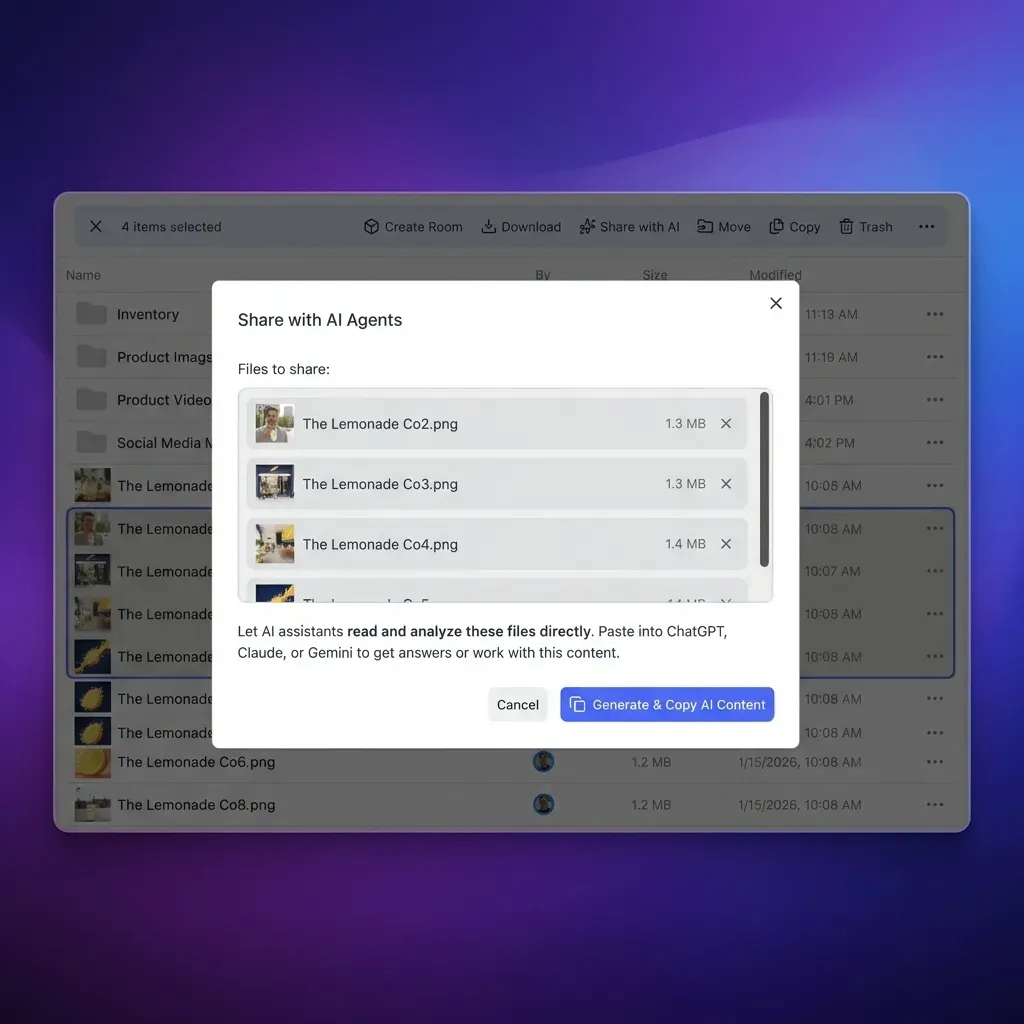


Move Beyond Sandbox Ceilings with Persistent Workspaces
Connect your autonomous agents to persistent, versioned workspaces through the Fast.io MCP server. Handle large datasets without hitting microVM disk limits. Monthly plans include a 14-day free trial.
How Can You Handle Multi-Gigabyte Files Outside the E2B Sandbox?
When agent tasks involve processing massive video files, database dumps, or extensive PDF libraries, forcing those assets directly into an E2B sandbox root disk is an architectural anti-pattern. Ephemeral microVMs are compute engines, not file repositories.
Engineering teams typically evaluate three strategies for managing large files in agent workflows:
- Local Ephemeral Slicing: The agent downloads a small segment of the target file, processes the slice, writes intermediate output, deletes the original chunk, and fetches the next segment. While this avoids the e2b sandbox storage limit, it requires complex range-request logic and fails when operations require random access across the entire file.
- Object Storage Buckets (Amazon S3 or Google Cloud Storage): Raw object stores provide scalable binary storage. However, standard object storage lacks native agent integration. An agent cannot query documents semantically or extract structured records without downloading files into local compute or orchestrating external indexing pipelines.
- Intelligent Cloud Workspaces (Fast.io): A shared cloud workspace decouples storage capacity from sandbox compute limits. Files remain persistently accessible in an environment that auto-indexes content for hybrid semantic search and exposes direct MCP toolsets for autonomous agents.
Connecting E2B sandboxes to external workspaces eliminates disk constraints entirely. Instead of copying large document archives into a microVM with constrained local storage, the corpus resides in a persistent Fast.io workspace.
Monthly plans start with a 14-day free trial, which requires a credit card. As detailed on the Fast.io pricing page, organization workspaces scale capacity across Starter, Business, and Enterprise tiers:
Once files reside in an external workspace, an agent running inside an E2B sandbox interacts with the corpus through the remote Model Context Protocol (MCP) server at https://mcp.fast.io/mcp/code. Setup steps and protocol details are documented at https://mcp.fast.io/docs. The agent uses Streamable HTTP to query files, inspect schemas, and retrieve specific passages on demand without loading raw files into the sandbox filesystem. To explore connecting agents to shared storage, see Fast.io storage for agents.
For structured document extraction, Fast.io provides Metadata Views. Rather than writing fragile custom extraction scripts inside the sandbox that parse PDFs, spreadsheets, and scanned forms, Metadata Views uses AI to extract typed attributes (dates, counterparties, line items, monetary values) into a queryable tabular format. The agent simply retrieves structured JSON records through the MCP server, preserving sandbox CPU cycles and disk space.
How Do You Build a Production Architecture for Persistent Agent Workflows?
Building reliable agent architectures requires establishing clear boundaries between transient compute and durable state. By treating the E2B sandbox as an ephemeral calculation worker and Fast.io as the persistent workspace, you eliminate disk exhaustion, survive execution timeouts, and maintain complete auditability.
The following architecture separates execution from storage across four key stages:
Ingestion and Indexing: Large files arrive in the persistent workspace through direct uploads or scheduled synchronization. Cloud Sync connects Google Drive, Dropbox, Box and OneDrive folders to a workspace, one-way or two-way, on a schedule or on demand. The workspace automatically indexes files for hybrid search (combining full-text keyword matching and semantic retrieval).
Sandboxed Computation: When an agent task begins, the orchestrator initializes an E2B sandbox with the standard Python environment. The agent receives task instructions along with authenticated MCP access credentials.
On-Demand Retrieval: Rather than pulling entire multi-gigabyte datasets over the network, the agent issues semantic search queries or structured metadata requests to the MCP server. It retrieves only the specific passages, metrics, or table rows required for the current calculation.
Output Archival and Handoff: When the agent completes its computation, it writes the resulting report, chart, or processed dataset directly back to the workspace. Once the files are stored externally, the E2B sandbox can terminate or pause safely without risking data loss.
The Python script below illustrates how an agent running inside an isolated sandbox retrieves structured data from an external workspace via standard HTTP requests, performs computation, and streams the finished artifact back:
import json
import os
import urllib.request

FASTIO_API_KEY = os.environ.get("FASTIO_API_KEY")
WORKSPACE_ID = os.environ.get("WORKSPACE_ID")
MCP_ENDPOINT = "https://mcp.fast.io/mcp/code"

def query_workspace_context(query_text):
    """Search persistent workspace via Fast.io Streamable HTTP MCP."""
    payload = {
        "jsonrpc": "2.0",
        "id": 1,
        "method": "tools/call",
        "params": {
            "name": "search",
            "arguments": {
                "query": query_text
            }
        }
    }
    req = urllib.request.Request(
        MCP_ENDPOINT,
        data=json.dumps(payload).encode("utf-8"),
        headers={
            "Authorization": f"Bearer {FASTIO_API_KEY}",
            "Content-Type": "application/json",
            "Accept": "application/json, text/event-stream"
        }
    )
    with urllib.request.urlopen(req) as response:
        result = json.loads(response.read().decode("utf-8"))
        return result.get("result", {})

def save_output_artifact(filename, content):
    """Save completed calculation back to the persistent workspace."""
    payload = {
        "jsonrpc": "2.0",
        "id": 2,
        "method": "tools/call",
        "params": {
            "name": "execute_manage",
            "arguments": {
                "action": "create_file",
                "workspace_id": WORKSPACE_ID,
                "path": f"/outputs/{filename}",
                "content": content
            }
        }
    }
    req = urllib.request.Request(
        MCP_ENDPOINT,
        data=json.dumps(payload).encode("utf-8"),
        headers={
            "Authorization": f"Bearer {FASTIO_API_KEY}",
            "Content-Type": "application/json",
            "Accept": "application/json, text/event-stream"
        }
    )
    with urllib.request.urlopen(req) as response:
        return response.status == 200

### Query required context slice without local disk footprint
context = query_workspace_context("Q3 financial summary reconciliation records")

### Perform compute and data transformation inside sandbox
processed_data = "Analysis completed successfully based on indexed context."

### Stream finished artifact directly to persistent workspace
success = save_output_artifact("reconciliation_summary.md", processed_data)
print(f"Artifact persisted to workspace: {success}")
When multiple autonomous agents operate in parallel, coordinate access through advisory file locks. An agent acquires an advisory lease via the lock-acquire action on the storage_manage tool before updating a shared document, checks lock-status on the storage tool, and releases it with lock-release upon completion. Because advisory locks do not block concurrent writes, the workspace per-file version history preserves every version, ensuring complete traceability.
Team members track modifications through the detailed activity log, which records what changed and who changed it, whether the action was taken by an engineer or an autonomous agent. When an agent creates new workspaces, it can initiate an ownership transfer to hand administration over to human colleagues while retaining scoped access for future automated tasks.
Sources
References used to verify factual claims in this guide.
-
E2B sandboxes provide 10 GiB of root disk space on the Hobby plan and 20 GiB on Pro, with continuous runtime execution timeouts between 1 hour and 24 hours and concurrency between 20 and 100 sandboxes.
-
The E2B Pro tier costs $150/month as a base subscription fee before per-second compute usage is billed.
Frequently Asked Questions
What is the disk space limit on an E2B sandbox?
Default E2B sandboxes provide 10 GiB of root disk space on the Hobby plan and 20 GiB or more on the Pro plan. When building custom templates, developers can configure the minimum free disk parameter, but total block storage remains constrained by the underlying Firecracker microVM instance tier.
How long can an E2B sandbox run before timing out?
Continuous execution is capped at 60 minutes on the Hobby tier and 24 hours on the Pro tier. When the continuous runtime limit expires, sandboxes configured with the pause setting freeze memory and filesystem state indefinitely with zero time-to-live expiration, resuming automatically when a new command arrives.
How do you store persistent files with E2B?
Because E2B sandbox root disks are ephemeral and deprovisioned when killed, persistent workflows decouple compute from storage. Agents store source datasets and completed deliverables in an external persistent workspace, querying context on demand through remote MCP connections rather than storing multi-gigabyte files locally.
What happens when an agent exceeds E2B rate limits?
When an application exceeds the 10 requests per second limit on Hobby or 20 requests per second on Pro, the E2B API returns an HTTP 429 Too Many Requests response with a Retry-After header. E2B SDK versions 2.49.1 and newer automatically intercept this status code and back off execution until the designated retry window elapses.
Do paused sandboxes count toward E2B concurrency limits?
Paused sandboxes do not count against your concurrent sandbox limit, which caps active running instances at 20 on Hobby and starts at 100 on Pro. Paused sandboxes also do not incur active compute charges while idle, allowing teams to keep dormant environments ready for instant resumption.
How can an agent process large datasets without hitting the E2B sandbox storage limit?
Rather than downloading large files into the microVM root disk, store the files in an external workspace with semantic indexing enabled. The agent queries relevant passages or structured metadata views over Streamable HTTP via the Fast.io MCP server, eliminating local disk pressure. For integration patterns, see Fast.io storage for agents at /storage-for-agents/.
Related Resources

Move Beyond Sandbox Ceilings with Persistent Workspaces
Connect your autonomous agents to persistent, versioned workspaces through the Fast.io MCP server. Handle large datasets without hitting microVM disk limits. Monthly plans include a 14-day free trial.