Comparing AI Orchestration Tools for Multi-Agent Workflows
Choosing the right AI orchestration tool is critical for building reliable multi-agent systems. While frameworks like LangGraph, CrewAI, and AutoGen manage reasoning and execution, developers must plan how agents share files, persist state, and coordinate. This guide compares the top orchestration tools and explains how a shared intelligent workspace completes the architecture.

The Shared Substrate: Why Orchestration Requires a Workspace Layer
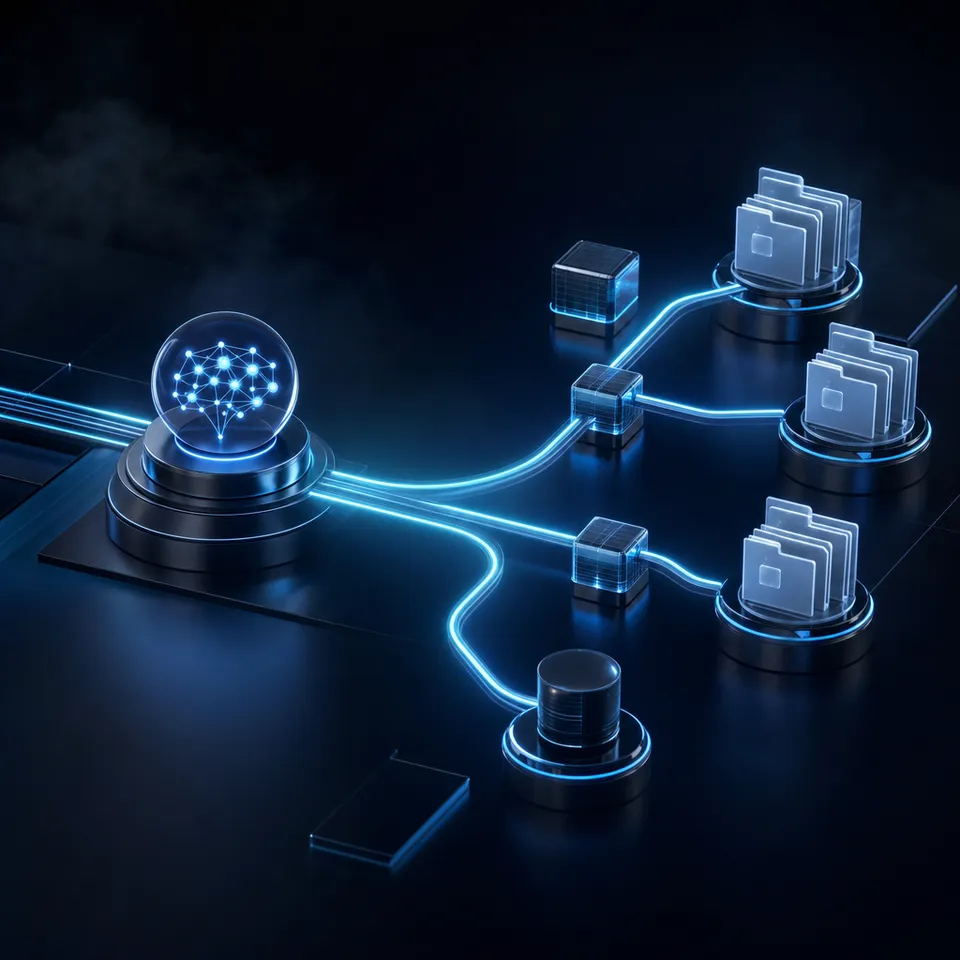
Two coding agents pointed at the same repository will happily overwrite each other's work, and neither will notice. The fix is not a smarter agent, it is a shared place to put work where the second one can see what the first one did. In multi-agent systems, the runtime execution engine is only half the battle. The other half is the workspace layer: the shared file system where agents retrieve inputs, write intermediate outputs, and hand off final assets to other agents or human supervisors.
While standard developer discussions surrounding agent systems focus on prompt engineering, reasoning loops, and selecting the right language model, production deployments routinely stall due to a simpler problem: state persistence. When multiple autonomous agents collaborate on a complex project (such as generating code, compiling market reports, or auditing financial documents), they must read and write files. If their shared storage is restricted to a local disk or isolated containers, they cannot easily pass documents to each other. If they rely on standard cloud storage services built for human file synchronization, they encounter file conflicts, API rate limits, and a lack of built-in semantic retrieval.
To build a reliable system, developers must separate the execution state (the active variables, execution paths, and dialogue logs) from the persistent business state (the documents, code files, and final assets). This division allows agents to run on serverless functions or containerized hosts, while utilizing shared workspaces as their coordination layer. Exposing files, metadata, and folders through standardized interfaces like the Model Context Protocol (MCP) ensures that agents can retrieve and modify files safely, maintaining a clean audit trail without losing context between steps.
Related guides
- LangGraph vs CrewAI: Which Multi-Agent Framework to Choose in 2026LangGraph and CrewAI are the two most-searched multi-agent frameworks heading into 2026. This comparison goes beyond...
- How to Connect CrewAI to OneDrive: Multi-Agent Integration GuideConnecting CrewAI to Microsoft OneDrive enables autonomous multi-agent crews to search, read, and cross-reference...
- CrewAI S3 Connector: Managing Shared Cloud Storage for Multi-Agent CrewsA CrewAI S3 connector is a tool integration that allows CrewAI multi-agent crews to access, search, and write files to...
- Google Agent Development Kit (ADK) vs. LangGraph: Framework ComparisonSelecting an AI agent orchestration framework involves weighing code-first modular software design against stateful...
- How to Connect CrewAI to Google Drive FilesConnecting CrewAI agents directly to Google Drive often floods prompt context windows and triggers API rate limits...
- Building LangGraph Multi-Agent Systems with Shared FilesPassing unstructured text in memory between agents in a LangGraph workflow fails when those agents must collaborate on...
More on this subject: Multi-Agent Systems (62 guides)
How the Leading AI Orchestration Tools Compare
When evaluating the ecosystem of language model middleware, developers face three dominant open-source frameworks: LangGraph, CrewAI, and AutoGen (also known as AG2). Each framework approaches the coordination problem with a different philosophy, moving beyond basic linear chains to support complex, non-linear logic. Graph-based orchestration tools have emerged as the fastest growing category in LLM middleware, primarily because they allow developers to define explicit, predictable states for production systems.
To make an informed decision, developers must evaluate how these tools handle state persistence, agent communication, and human-in-the-loop interventions. The table below details these parameters, including how a dedicated workspace layer like Fast.io MCP fits into the multi-agent stack:
Selecting the right framework requires aligning your project's control requirements with the tool's programming model. While LangGraph provides low-level control over nodes and transitions, CrewAI simplifies team dynamics, and AutoGen excels at emergent conversational problem-solving. This choice is key for teams implementing best AI orchestration tools in production systems.
LangGraph: Stateful Graph-Based Execution
LangGraph models multi-agent workflows as directed graphs where nodes represent agents or tool-calling steps, and edges define conditional routing paths. Developed by the LangChain team, LangGraph treats state as a first-class citizen. Every step in the graph receives and updates a shared state schema, allowing agents to access past context and make routing decisions based on previous outputs.
The primary advantage of LangGraph is its native checkpointer system. By persisting graph state at every step to an in-memory database, SQLite, or PostgreSQL database, developers can pause execution, invite human reviews, and resume the graph from the exact same state. To date, LangGraph has accumulated over 38700 GitHub stars, reflecting its rapid adoption as the standard for stateful AI agent development (refer to the LangGraph GitHub repository for the latest code and releases). This makes it highly effective for complex, cyclic processes (such as automated testing or multi-step code generation) where agents must loop back to fix errors based on compiler feedback.
CrewAI: Intuitive Role-Based Teams
CrewAI simplifies agent coordination by adopting a "team" metaphor. Developers define agents with specific roles, goals, and backstories (e.g., a "Senior Research Analyst" and a "Lead Technical Writer"). Coordination is driven by a series of tasks, where output from one task is passed as context to the next.
CrewAI manages communication using sequential, hierarchical, or consensual structures. While it supports checkpointer state persistence, its primary strength lies in its developer experience and fast setup. It provides high-level abstractions that allow teams to model collaboration without manually wiring execution graphs. This role-based approach is ideal for content creation pipelines, email newsletters, and market research synthesis where specialized agents naturally collaborate.
AutoGen: Conversational Agent Dialogue
Originally developed by Microsoft Research, AutoGen (AG2) focuses on conversational coordination. Agents are designed as conversational partners that solve tasks through multi-party dialogue. A manager agent coordinates which agent speaks next, allowing agents to debate, peer-review, and refine code or data analysis iteratively.
Communication in AutoGen is highly flexible, supporting dynamic, peer-to-peer discussions. State is maintained through conversational histories, which logs the chat transcript across all participating agents. This framework excels at tasks requiring autonomous code execution: one agent writes Python code, another runs it in a sandboxed environment, and a third audits the runtime output, looping conversationally until the task is complete.
Why Orchestration Tools Need a Shared Workspace for Files
While LangGraph, CrewAI, and AutoGen excel at managing agent execution paths, they do not provide a storage layer. In a multi-agent system, the output of one agent is frequently a file (a markdown draft, a CSV dataset, or a PDF summary). The orchestrator handles the notification that a file is ready, but it leaves the file management, indexing, and persistent access control to the developer.
If agents write directly to local disk storage, they become tightly coupled to the host machine, preventing horizontal scaling. Conversely, if they write to raw object storage like AWS S3 or Cloudflare R2, they lose the ability to easily collaborate with humans, who cannot browse or edit these files without custom interfaces. This is where a shared intelligent workspace layer becomes essential, acting as a neutral ground where both agents and humans can access, edit, and organize files.
Using Fastio workspaces provides version history, meaning-based retrieval, and granular permissions out of the box. Instead of writing custom document parser pipelines or managing vector databases, developers can point their agents to a workspace where files are automatically parsed, indexed, and made queryable. This ensures that when a research agent uploads a PDF, the writer agent can immediately run semantic queries against it without additional code.


Coordinate your AI orchestration tools in one workspace
Connect LangGraph, CrewAI, or AutoGen via the Fastio MCP server to manage shared files and persistent state. Start your 14-day free trial today.
Connecting LangGraph, CrewAI, and AutoGen to a Shared Workspace
Exposing files and folder contexts to orchestration tools is simplified using the Model Context Protocol (MCP). Exposing a Fastio MCP server allows frameworks like LangGraph, CrewAI, and AutoGen to access files, read and write collaborative notes, and query structured data through a consolidated MCP toolset.
By integrating Fastio MCP, developers gain access to three critical capabilities that enhance multi-agent workflows:
- Automatic RAG and Semantic Ingestion: When an agent writes a document to an intelligent Fastio workspace, the system's Intelligence Mode automatically indexes it for hybrid search (combining exact full-text matching with semantic retrieval). Other agents can query this file context using natural language, returning page-level citations without the developer maintaining a separate vector database.
- Real-Time Multiplayer Notes: Fastio Collaborative Notes allow human team members and AI agents to co-edit the same files in real time. Rather than passing raw text strings back and forth, agents can write drafts, document outlines, and status updates directly to a shared note where humans can review and edit in real time.
- Structured Data Extraction via Metadata Views: Turn unstructured documents into organized databases using Metadata Views. An agent can programmatically define a typed schema (such as Text, Integer, Decimal, Boolean, URL, JSON, and Date & Time), match files within the workspace, and extract clean columns of data. This allows agents to process batch documents (such as invoices or legal agreements) and query the results via MCP.
Fastio offers Starter ($9.99/month), Business ($49.99/month), and Enterprise ($199.99/month) plans. The 14-day Business Trial requires a credit card. You can configure agent environments by referencing the onboarding instructions in the Fastio API documentation.

Steps to Build a Multi-Agent Document Pipeline
To implement this architecture in production, developers must establish clean boundaries between agent tasks. A common design pattern is a research-to-write pipeline where a LangGraph agent searches the web and gathers PDFs, a secondary writer agent synthesizes the files, and a human reviews the final output. Exposing a shared Fastio workspace to these agents ensures they coordinate seamlessly.
When building a multi-agent file pipeline, implement the following best practices:
- Define Clear Folder Hierarchies: Create dedicated directories within the workspace to isolate inputs and outputs. For example, instruct the research agent to write raw PDFs to
/incoming, the writer agent to read from/incomingand write drafts to/drafts, and the human editor to review files in/draftsbefore transferring them to/published. - Expose Workspace Context as Tools: Define the Fastio MCP tools in your LangGraph state or CrewAI task definitions. This allows the agents to list, read and search files through the
storagetool and write them through theuploadtool. - Maintain Concurrent Auditability: Multi-agent setups frequently encounter race conditions where two agents attempt to write to the same file. Fastio preserves a per-file version history, enabling developers to audit changes and restore previous versions if an agent writes incorrect data.
- Monitor Activity: Use activity polling or the WebSocket events feed when a human has updated a shared workspace or a client has accessed a share. This keeps the agent loop dormant until action is required.
- Transition Work via Ownership Transfer: When building agent systems for clients, the developer agent can create the organization and set up the workspaces. Once complete, the agent initiates an ownership transfer, sending a claim link to the client. The client starts a plan (monthly plans include a trial of up to 14 days; credit card required), while the developer can retain administrator access to monitor and maintain the system.
Here is a simplified Python example demonstrating how to define a LangGraph node that extracts contract details using the Fastio MCP server:
from typing import TypedDict, List
from langgraph.graph import StateGraph
from mcp_client import FastioMcpClient

class AgentState(TypedDict):
    raw_document_path: str
    extracted_data: dict
    summary_notes: str

fastio = FastioMcpClient(api_key="your_api_key")

def extract_metadata_node(state: AgentState) -> dict:
    result = fastio.run_tool(
        "extract_metadata",
        view_id="legal_contracts_view",
        file_path=state["raw_document_path"]
    )
    return {"extracted_data": result}
This structure moves agent coordination from ephemeral console logs to a structured, auditable file system. By treating the workspace as the state substrate, developers ensure that AI agents and human teams can collaborate on equal footing.

Sources
References used to verify factual claims in this guide.
-
To date, LangGraph has accumulated over 38700 GitHub stars, reflecting its rapid adoption as the standard for stateful AI agent development (refer to the [LangGraph GitHub repository](https://github.com/langchain-ai/langgraph) for the latest code and releases).
-
Fastio offers Starter ($9.99/month), Business ($49.99/month), and Enterprise ($199.99/month) plans, each with seats, storage and monthly AI credits included. Monthly plans start with a trial of up to 14 days that requires a credit card, ensuring you can test the MCP integration in production before committing. The client starts a plan (monthly plans include a trial of up to 14 days; credit card required), while the developer can retain administrator access to monitor and maintain the system.
Frequently Asked Questions
What are the best AI orchestration tools?
The best AI orchestration tools for complex agent systems are LangGraph, CrewAI, and AutoGen (AG2). LangGraph is optimal for stateful, cyclic graphs requiring precise control. CrewAI excels at role-based agent coordination and rapid prototyping. AutoGen is suited for multi-party conversational loops and interactive code execution.
How do you coordinate multiple AI agents?
You coordinate multiple AI agents using orchestration frameworks to define execution paths, state variables, and tool access, combined with a shared workspace layer like Fast.io. The frameworks manage the active logic (DAGs, agent reasoning loops), while the workspace persists the actual files, version histories, and documents that agents read and write.
What is the difference between an agent framework and an orchestrator?
An agent framework provides the basic building blocks for a single agent, including LLM integration, prompt templates, and tool-calling wrappers. An orchestrator coordinates multiple agents, managing their execution order, conditional routing paths, state transitions, and state persistence across a multi-step workflow.
Related Resources

Coordinate your AI orchestration tools in one workspace
Connect LangGraph, CrewAI, or AutoGen via the Fastio MCP server to manage shared files and persistent state. Start your 14-day free trial today.