OpenClaw Architecture Explained: Gateway, Plugins, and Skills
OpenClaw runs a single TypeScript Gateway process that owns every messaging connection, routes sessions, dispatches tools, and loads skills on demand. This guide walks through each architectural layer, from the WebSocket protocol and channel adapters to the plugin capability system and ClawHub skill registry, then explains where local file storage falls short and how to add cloud persistence.

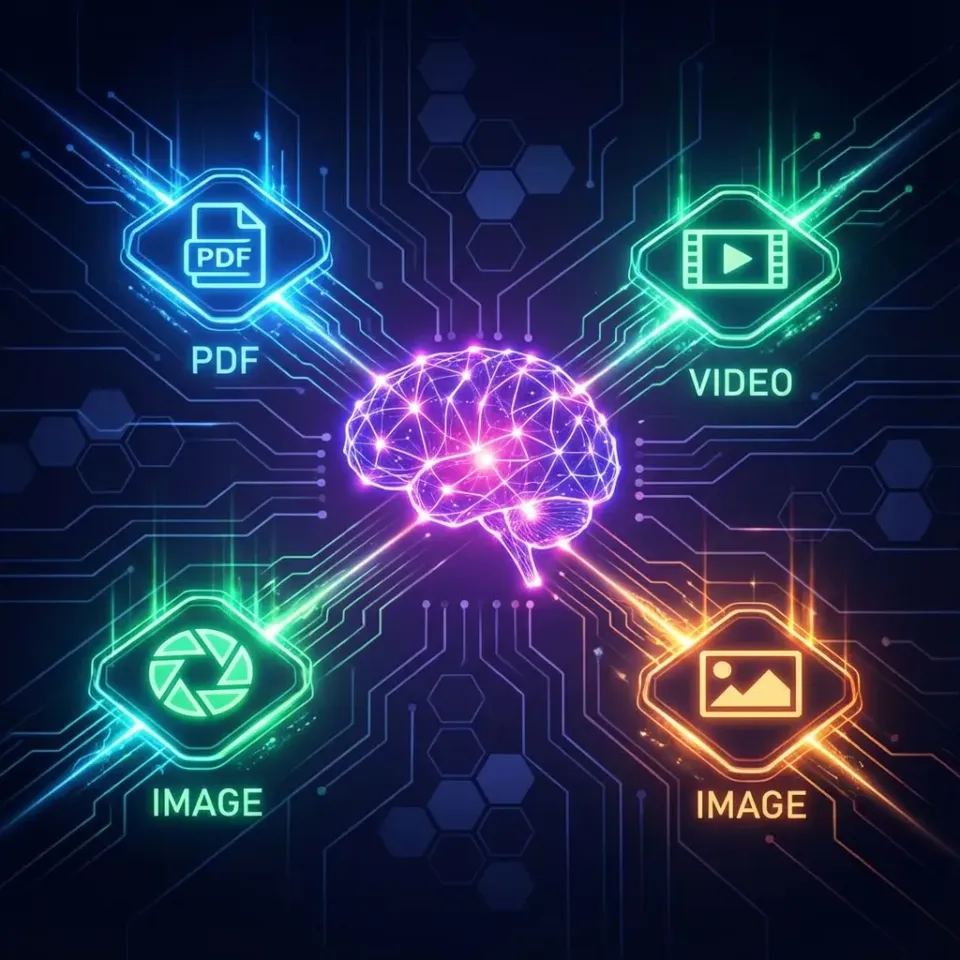
How OpenClaw's Hub-and-Spoke Architecture Works
OpenClaw separates the interface layer (where messages arrive) from the assistant runtime (where reasoning and tool execution happen). The result is a hub-and-spoke design: one central Gateway connects to every messaging platform, every device, and every AI provider through standardized adapters.
The practical benefit is that you get a single persistent assistant accessible through WhatsApp, Telegram, Discord, Slack, iMessage, Signal, or a web interface. Conversation state, tool access, and security policies are managed in one place on your own hardware. Switch from Telegram to Slack mid-conversation and the context follows you.
This architecture contrasts with chatbot frameworks that couple the bot to a single channel. OpenClaw treats channels as interchangeable transports. The intelligence layer doesn't know or care whether a message originated from WhatsApp or a WebSocket client.
At a high level, the layers stack like this:
- Channels receive inbound messages from messaging platforms and devices
- Gateway handles session routing, authentication, and event coordination
- Agent Runtime assembles context, calls the LLM, and parses tool requests
- Skills and Tools execute actions (file operations, browser automation, API calls)
- Storage persists session history, memory embeddings, and configuration files
Each layer has a clean boundary. Channels normalize platform differences. The Gateway enforces security. The runtime manages prompt assembly. Skills provide capabilities without bloating the base install. Storage handles state across restarts.

Related guides
- Claude Plugins: How to Find, Install, and Use Plugins, Connectors, and SkillsClaude ships three distinct extension types: plugins, connectors, and skills. Each has its own installation method,...
- How to Use Claude Code Skills in ClineAccording to GitHub's Octoverse 2024 report, the number of developers building with generative AI on the platform...
- Best OpenClaw MCP Integrations: Top Skills for Claude CodeOpenClaw MCP integrations are skills that wrap Model Context Protocol servers into installable, zero-config packages...
- MCP Skills: How Agent Skills Extend the Model Context Protocol in OpenClawSix major coding tools now implement the SKILL.md format because giving an agent access to MCP tools is not the same as...
- How to Set Up OpenClaw MCP ServerConnect OpenClaw to Fastio's hosted MCP server for consolidated tools covering files, sharing, and AI. Connect directly...
- How to Set Up OpenClaw WhatsApp IntegrationOpenClaw WhatsApp integration lets AI agents reply on WhatsApp while handling files through MCP skills. OpenClaw...
More on this subject: OpenClaw Setup and Guides (199 guides)
The Gateway: A Single Process Control Plane
The Gateway is a single long-lived Node.js process written in TypeScript. It listens on localhost by default and serves as the only process that holds messaging sessions. One WhatsApp session per host, one Telegram bot connection, one Discord client. This constraint prevents session conflicts and simplifies deployment.
Clients connect over WebSocket using JSON payloads. Each message carries an ID for idempotency, so retried requests don't produce duplicate side effects. The protocol supports both request/response pairs and server-pushed events, covering everything from tool calls to presence updates and health checks.
The Gateway also serves HTTP endpoints for web-based agent interfaces, scheduled tasks, and automation hooks. This makes it more than a message router: it coordinates all agent activity on the host.
The single-process design keeps operational complexity low. You don't need to coordinate multiple services or manage inter-process communication. The tradeoff is vertical scaling: one Gateway handles one host's workload. For most personal and small-team deployments, that's plenty. If you need horizontal scaling, you run separate Gateway instances on separate hosts, each owning its own messaging sessions.
How Channel Adapters Connect 50+ Messaging Platforms
OpenClaw supports over 50 messaging platform integrations through channel adapters. Each adapter normalizes a platform's authentication, message format, access rules, and outbound delivery into a common interface. The rest of OpenClaw never sees platform-specific details: a message from WhatsApp looks identical to one from Discord by the time it reaches the Agent Runtime.
The major messaging surfaces include WhatsApp (via the Baileys library), Telegram (via grammY), Slack, Discord, Signal, iMessage, and a built-in WebChat interface. Community-contributed adapters can extend reach further through the plugin system, so adding new channels doesn't require changes to the core.
Access control operates per-channel and per-session. Allowlists filter who can reach the agent, and group sessions can require an explicit mention before the agent responds. These controls keep the assistant from replying to unintended audiences or becoming a spam vector.
The channel abstraction is what makes OpenClaw's multi-platform presence practical. You configure each adapter's credentials and access rules, and the Gateway handles the rest. Switching from Telegram to Slack mid-conversation preserves context because sessions live at the Gateway level, not tied to any single platform.



Persist OpenClaw agent outputs in a shared workspace
Persistent team workspace with built-in RAG, MCP server access, and ownership transfer. Start your 14-day Business Trial.
The Plugin System and Capability Classification
OpenClaw's architecture is plugin-first. Model providers, including OpenAI, Anthropic, Google Gemini, Groq, Mistral, Ollama, and others, load as independent packages rather than being compiled into the core. This keeps the base install small and lets you swap providers without touching application code.
Plugins extend the Gateway in four directions: channel plugins add new messaging platforms, memory plugins provide alternative storage backends, tool plugins expose new agent capabilities, and provider plugins integrate additional LLMs. The Gateway discovers and loads plugins at startup based on your configuration.
The capability classification system categorizes every tool and plugin into one of four types:
- Plain-capability: Direct execution tools like file operations and HTTP requests. The agent calls them, they run, they return results.
- Hybrid-capability: Tools with multiple operating modes. Browser automation is a good example: it can navigate pages, extract content, or run automated sequences depending on the invocation.
- Hook-only: Plugins that respond to lifecycle events but aren't directly invocable by the agent. Scheduled automations and event listeners fall here.
- Non-capability: Configuration modules that shape how other plugins behave without exposing their own tools.
Plugins hook into the Gateway's lifecycle at well-defined points, from startup through message processing to shutdown. This lets them observe and modify behavior at each stage without touching core code.
Tool execution follows a layered policy chain that narrows from broad defaults to session-specific rules. You can set permissive defaults for trusted local sessions while restricting what remote or group sessions can access, giving you granular control over the agent's capabilities based on context.
Skills: On-Demand Agent Capabilities
Skills solve a token economics problem. Injecting every available tool's instructions into every prompt would burn through context windows fast. Instead, OpenClaw lists skills as compact metadata in the system prompt and lets the model read full instructions on demand, similar to a developer browsing documentation rather than memorizing every API.
A skill is a directory containing a SKILL.md file with YAML frontmatter:
---
name: skill-name
description: Brief explanation of skill purpose
user-invocable: true
---

Detailed instructions for the agent...
OpenClaw discovers skills from six sources in priority order: workspace skills (<workspace>/skills), project agent skills (<workspace>/.agents/skills), personal agent skills (~/.agents/skills), managed skills (~/.openclaw/skills), bundled skills (shipped with the install), and extra skill folders specified in configuration. When naming conflicts occur, the highest-priority source wins, letting you override bundled behavior with workspace-specific versions.
Skills filter at load time through gating rules in the metadata field. A skill can require specific binaries on PATH, environment variables, configuration values, or operating system. If the requirements aren't met, the skill stays dormant. This prevents broken tool calls when dependencies are missing.
ClawHub is the public skills registry. Install a skill with openclaw skills install <skill-slug>, update with openclaw skills update --all. ClawHub skill pages show security scan results (VirusTotal, ClawScan, static analysis) before installation, which helps evaluate third-party skills. The documentation warns to treat third-party skills as untrusted code and read them before enabling.
The injection strategy is selective rather than blanket. OpenClaw injects a compact XML list of available skills into the system prompt, costing roughly 195 base characters plus 97 per skill. Only skills relevant to the current turn get their full instructions loaded. This keeps prompt overhead predictable while still giving the agent access to a large capability surface.
Agent-level allowlists control which skills are visible. A writer agent might inherit the default skill set, while a locked-down agent might have access to none. This makes it straightforward to create purpose-specific agents from the same Gateway installation.
Why Local Storage Falls Short and How to Add Cloud Persistence
OpenClaw implements a layered memory system to work around the statelessness of LLMs:
- Session context: The current conversation in the model's context window. This is the most immediate layer but limited by token budgets.
- Structured memory: Curated facts in
MEMORY.mdand daily notes inmemory/YYYY-MM-DD.mdfiles. The agent reads and writes these as Markdown. - Semantic memory: Vector embeddings plus BM25 keyword indexing stored in SQLite (
~/.openclaw/memory/<agentId>.sqlite). Hybrid search combines semantic matching with exact token relevance. - Session history: Append-only JSON event logs in
~/.openclaw/sessions/*.jsonwith branching support.
Configuration lives in openclaw.json (JSON5 with comments), workspace instruction files (AGENTS.md, SOUL.md, TOOLS.md), and skill directories. Everything is local files: Markdown, SQLite, and JSON on the host filesystem.
This works well for single-machine deployments. Configuration is version-controllable. Memory files are human-readable and editable. SQLite is fast for local queries. But local storage creates friction when you need agent outputs to survive beyond one machine or reach other people.
If you reinstall, switch hardware, or want a colleague to review what the agent produced, those local files need to go somewhere. You could sync them manually with rsync, push to S3, or commit to a Git repository. Each option adds operational overhead and lacks features like semantic search, access control, and handoff workflows.
This is where a cloud workspace layer fits. Fastio provides persistent workspaces where agents store files, enable Intelligence Mode for built-in RAG with citations, and transfer ownership to humans when a project is ready for review. The MCP server exposes workspace operations, file management, and AI queries through a standardized tool interface that OpenClaw skills can call directly.
Alternatives like Google Drive or Dropbox handle basic cloud sync, but they lack agent-native features: no MCP interface, no built-in RAG indexing, no ownership transfer workflow. S3 gives you durability but nothing for collaboration or search. Fastio bridges that gap with an official 14-day Business Trial (credit card required, see /pricing/) purpose-built for agentic workflows. The storage guide for OpenClaw covers the specific setup.
For teams running OpenClaw agents that produce reports, research artifacts, or client deliverables, the pattern is: agent writes locally, syncs to a Fastio workspace, Intelligence Mode indexes the content, and humans access it through branded shares or workspace search. The agent keeps admin access even after ownership transfer, so it can continue updating files as new information arrives.
Sources
References used to verify factual claims in this guide.
-
The Gateway runs as a single long-lived daemon listening on localhost
-
Plugin capability classification includes plain-capability, hybrid-capability, hook-only, and non-capability types
-
Skill injection costs approximately 195 base characters plus 97 per skill in the system prompt
Frequently Asked Questions
How does OpenClaw work internally?
OpenClaw runs a single TypeScript Gateway process that manages all messaging connections, session routing, and tool dispatch from one localhost endpoint. When a message arrives from any channel (WhatsApp, Telegram, Slack, Discord, or others), the Gateway resolves the session, assembles context from memory layers and skill metadata, calls the configured LLM provider, and executes any tool calls the model requests. The result streams back through the originating channel adapter. Everything from authentication to cron scheduling runs through this one process.
What is the OpenClaw Gateway?
The Gateway is OpenClaw's control plane. It is a WebSocket server written in TypeScript that handles client connections, messaging platform sessions, tool execution policy, event broadcasting, and the Canvas web interface. It is the only process that holds messaging sessions, which prevents conflicts when multiple channels are active simultaneously.
Is OpenClaw a single process or distributed?
OpenClaw runs as a single process per host. One Gateway owns all messaging sessions, tool execution, and session state for that machine. This simplifies deployment and eliminates inter-process coordination overhead. For horizontal scaling, you run separate Gateway instances on separate hosts, each managing its own set of messaging connections and sessions.
How does OpenClaw connect to messaging apps?
OpenClaw uses channel adapters that normalize each messaging platform into a common interface. WhatsApp connects through the Baileys library, Telegram uses grammY, and Discord, Slack, Signal, and iMessage each have dedicated adapters. Additional platforms can be added through the plugin system. The Gateway handles authentication (QR codes, bot tokens, or OS-level APIs), message parsing, access control, and outbound formatting for each channel.
What are OpenClaw skills and how do they differ from plugins?
Skills are on-demand instruction sets defined in SKILL.md files that tell the agent how to use specific tools or complete specific tasks. They are selectively injected into prompts only when relevant, keeping token costs low. Plugins are code packages that extend the Gateway itself, adding new channels, providers, memory backends, or tools. Skills teach the agent what to do; plugins give the Gateway new capabilities to offer.
Where does OpenClaw store data?
OpenClaw stores everything locally by default. Session history goes into append-only JSON files, semantic memory uses SQLite with vector embeddings, structured memory lives in Markdown files, and configuration uses JSON5. For cloud persistence, teams add a workspace layer like Fastio, Google Drive, or S3 to sync agent outputs beyond the local filesystem.
Can OpenClaw work with multiple AI models?
Yes. OpenClaw is model-agnostic. Providers are loaded as independent npm packages implementing a standard interface. Supported providers include OpenAI, Anthropic, Google Gemini, Groq, Mistral, xAI, Cerebras, Amazon Bedrock, Ollama for local models, and more. You can switch providers per agent or per session without changing the rest of the configuration.
Related Resources

Persist OpenClaw agent outputs in a shared workspace
Persistent team workspace with built-in RAG, MCP server access, and ownership transfer. Start your 14-day Business Trial.