MCP Server Architecture: How Model Context Protocol Servers Work
The Model Context Protocol defines a three-layer architecture where hosts, clients, and servers communicate over JSON-RPC 2.0. This guide breaks down each component, explains how transports like stdio and Streamable HTTP connect them, and covers the session lifecycle, capability negotiation, and design patterns you need for production deployments.

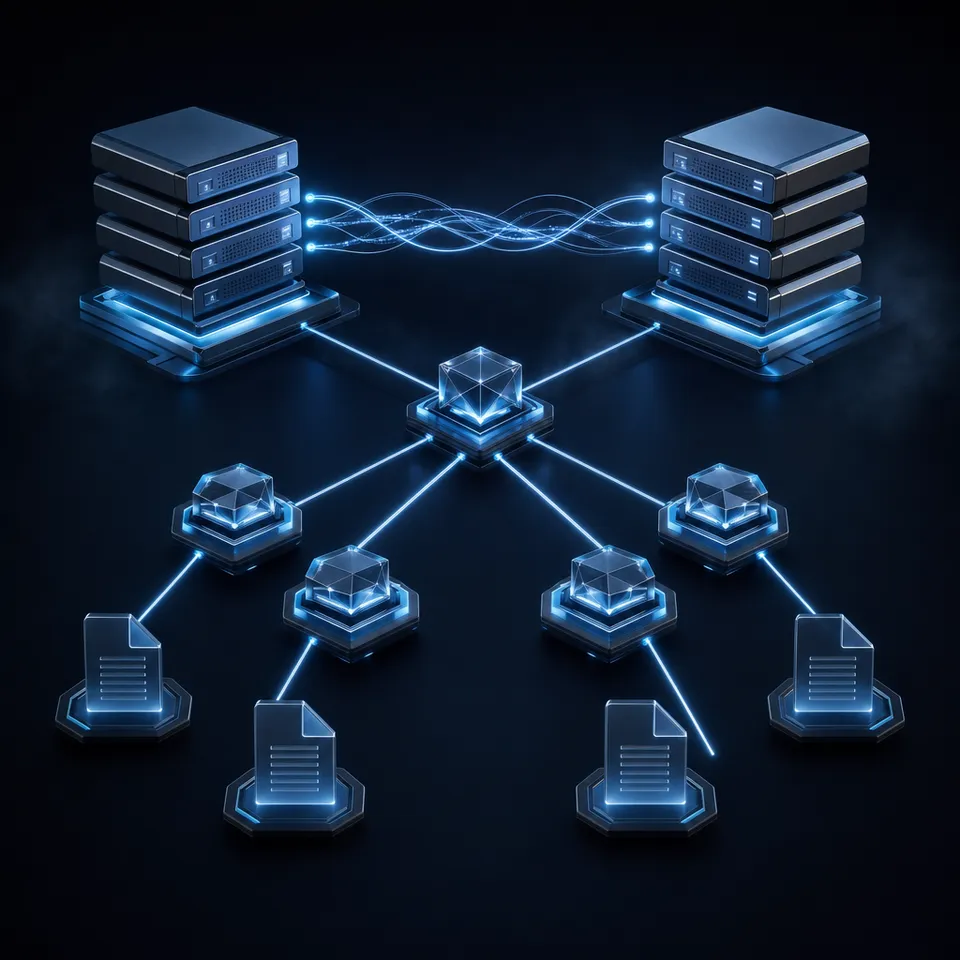
The Three Layers of MCP Architecture
MCP uses a client-host-server model inspired by the Language Server Protocol (LSP) that standardized IDE tooling. The design separates concerns into three distinct roles that communicate over JSON-RPC 2.0.
Host is the AI application the user interacts with, such as Claude Desktop, Cursor, or a custom chat interface. The host process creates and manages multiple MCP clients, controls their lifecycle, enforces security policies, and aggregates context from all connected servers before passing it to the LLM. A single host might connect to a filesystem server, a database server, and a cloud API server simultaneously.
Client is an internal connector that the host creates for each server connection. Every client maintains exactly one stateful session with one server. It handles protocol negotiation, routes messages in both directions, and enforces isolation between servers. This 1:1 mapping is intentional: servers cannot see each other's data, and the host controls what context flows where.
Server is an external process that exposes capabilities through MCP's standardized primitives. Servers can run locally as subprocesses or remotely as HTTP services. Each server focuses on a specific domain, whether that is file access, database queries, or API integrations, and declares exactly what it can do during initialization.
This separation means adding a new capability to your AI system is just connecting another server. The host already knows how to aggregate context from multiple sources, and each server stays simple because it only needs to implement its own domain logic.

Related guides
- Neovim MCP Setup: Integrating Model Context Protocol in NeovimNeovim MCP integrates the Model Context Protocol into Neovim using client plugins like mcphub.nvim, letting in-editor...
- Top 5 Best MCP Servers for Architecture FirmsBest MCP servers for architecture let AI agents access massive BIM and Revit models without full downloads....
- FastAPI MCP: Exposing APIs as MCP Servers for AI Agent TeamsBuilding a FastAPI MCP server enables engineering teams to turn Python endpoints into Model Context Protocol tools for...
- How to Master MCP Server Composition PatternsMCP server composition patterns help developers combine multiple Model Context Protocol servers into connected toolsets...
- MCP Server Examples: Practical Implementations for AI AgentsThe Model Context Protocol ecosystem has grown past 1,000 public servers, but finding the right implementation for your...
- How to Connect AI Agents to Google Docs with MCPAn MCP server for Google Docs exposes document read, write, and search capabilities to AI agents through the Model...
More on this subject: MCP and Model Context Protocol (238 guides)
Server Primitives and Capability Negotiation
Every MCP server exposes its functionality through three primitives, and the client discovers what is available through a structured initialization handshake.
Tools
Tools are functions that the AI model can call. A tool has a name, a JSON Schema describing its inputs, and optional annotations that hint at its behavior (read-only vs. destructive, for example). When the model decides it needs to call a tool, the host sends the request through the client to the appropriate server. Common examples include running a database query, creating a file, or calling an external API.
Resources
Resources are read-only data that the server makes available. Unlike tools, resources are not invoked by the model. Instead, they represent context that the host can attach to a conversation: file contents, configuration values, live metrics, or any structured data the server wants to surface. Resources can be listed, read by URI, and optionally subscribed to for change notifications.
Prompts
Prompts are pre-built templates that guide specific workflows. A server might expose a "summarize-document" prompt that structures the right context and instructions for a particular task. Prompts are user-facing: the host presents them as actions the user can trigger, and they can include embedded resource references and tool calls.
The Initialization Handshake
When a client connects to a server, both sides exchange capabilities. The client sends an InitializeRequest declaring what it supports (sampling, notification handling, root directories). The server responds with its own capabilities: which primitives it offers, whether it supports subscriptions, and what protocol extensions it understands. Only after this handshake completes does the session become active. Both sides must respect the declared capabilities for the duration of the session.
This negotiation means servers and clients can evolve independently. A server can add tool support without breaking clients that only use resources, and a client can add sampling support without requiring all servers to understand it.
Transport Selection and How Connections Work
MCP defines two standard transports, and the choice between them depends on where your server runs relative to the client.
stdio for Local Servers
The stdio transport is the simplest option. The client launches the server as a child process and communicates by writing JSON-RPC messages to the server's stdin and reading responses from stdout. Messages are newline-delimited, one per line. The server can write logs to stderr without interfering with the protocol.
stdio is the right choice when the server runs on the same machine as the host. It has zero network overhead, needs no authentication (the OS provides process-level isolation), and starts instantly. Most development tool integrations, filesystem servers, and local database connectors use stdio. The downside is that it cannot scale beyond a single client connection, and the server lifecycle is tied to the host process.
Streamable HTTP for Remote Servers
Streamable HTTP is the current recommended transport for remote servers, replacing the deprecated SSE transport from the 2024-11-05 spec. The server exposes a single HTTP endpoint (like https://example.com/mcp) that accepts both POST and GET requests.
The client sends every JSON-RPC message as an HTTP POST to this endpoint. The server can respond in two ways: a plain JSON response for simple request/reply patterns, or an SSE stream for operations that need to send multiple messages back (progress updates, intermediate results, or server-initiated notifications). This dual-mode response is what makes the transport "streamable" rather than purely request-response.
For server-initiated communication, the client can open a persistent GET connection to the same endpoint, which the server uses to push notifications and requests without waiting for a client POST first.
Key headers:
Accept: application/json, text/event-streamon every POSTMCP-Session-Idon all requests after initializationMCP-Protocol-Versionto declare the negotiated spec version
When to use which:
If the person running the AI client also controls the machine the server runs on, use stdio. If the server needs to be accessed over a network, whether by multiple clients, from different machines, or as a shared service, use Streamable HTTP.
The Deprecated SSE Transport
The original MCP spec used a dual-endpoint SSE model where the client maintained a long-running GET for events and sent commands via POST to a separate endpoint. This created infrastructure headaches: corporate firewalls blocked SSE connections, load balancers struggled with sticky sessions, and connection drops killed entire sessions. Streamable HTTP solved these problems by consolidating everything into one endpoint with optional streaming. Legacy SSE servers still work, but new implementations should use Streamable HTTP.



Give your agents a production-ready MCP workspace
Fastio exposes Streamable HTTP at /mcp with a consolidated MCP toolset for storage, AI, and collaboration. Start your 14-day trial, ready for your next integration.
Session Lifecycle and State Management
An MCP session has three phases: initialization, operation, and shutdown. Understanding this lifecycle is critical for building servers that behave correctly under real-world conditions.
Initialization
The client sends an InitializeRequest with its protocol version, capabilities, and client metadata. The server responds with its own capabilities and a negotiated protocol version. If the server uses Streamable HTTP, it can include an MCP-Session-Id header in this response to establish a stateful session. The client then sends an InitializedNotification to confirm the handshake, and the session enters the operational phase.
Operation
During operation, both sides exchange messages according to their declared capabilities. The client sends tool calls, resource reads, and prompt requests. The server responds and can also initiate its own requests, like asking the client to perform LLM sampling or requesting user input through elicitation.
Sessions are stateful. The server may maintain context between requests: an open database connection, a cached file index, or accumulated conversation state. This statefulness is a deliberate design choice. It enables servers to provide richer context without re-processing on every request, but it also means you need to think about session affinity and cleanup.
Shutdown
The client terminates the session by closing the connection (stdin close for stdio, HTTP DELETE for Streamable HTTP). Servers should handle abrupt disconnections gracefully, cleaning up resources without requiring an explicit shutdown message. For Streamable HTTP, the server can also expire sessions unilaterally, responding with HTTP 404 to force the client to reinitialize.
Resumability
Streamable HTTP supports connection resumption through SSE event IDs. The server assigns an ID to each SSE event, and if the connection drops, the client can reconnect with a Last-Event-ID header. The server then replays missed messages from that point. This is optional but important for long-running operations where network interruptions are likely. Event IDs are per-stream, so the server only replays messages from the specific stream that was interrupted.
Production Architecture Patterns
Moving an MCP server from local development to production introduces challenges around concurrency, state management, and operational visibility.
Stateless vs. Stateful Server Design
The simplest production pattern is a stateless server where each HTTP request is self-contained. This works well for tool-only servers that execute discrete operations (API calls, database queries, file transformations). Stateless servers scale horizontally behind any HTTP load balancer without session affinity concerns.
Stateful servers, which maintain session context between requests, need more infrastructure planning. You can either pin sessions to specific instances (using sticky sessions in your load balancer) or externalize state into a shared store like Redis or a database. The 2026 MCP roadmap explicitly targets making stateless operation easier, recognizing that most production deployments benefit from horizontal scaling over session stickiness.
Horizontal Scaling
Running multiple server instances behind a load balancer is the standard approach for handling concurrent agents. For Streamable HTTP servers, each tool call arrives as an independent HTTP POST, making load distribution straightforward. Round-robin or least-connections routing works for stateless servers. Stateful servers need session affinity based on the MCP-Session-Id header.
Container orchestration platforms (Kubernetes, AWS ECS, Google Cloud Run) handle the mechanics of scaling: health checks, auto-scaling based on CPU or request rate, rolling deployments, and fault isolation. The key consideration for MCP is matching your auto-scaling metric to your workload. CPU-bound servers (parsing, image processing) should scale on CPU utilization. I/O-bound servers (API calls, database queries) should scale on request concurrency.
Security for Remote Servers
Local stdio servers inherit OS-level process isolation. Remote servers need explicit authentication and authorization. The MCP specification recommends OAuth 2.1 with PKCE for browser-based flows, and the spec requires servers to validate the Origin header on all incoming connections to prevent DNS rebinding attacks. Locally-bound servers should listen on 127.0.0.1, not 0.0.0.0.
Beyond authentication, production servers need input validation on tool parameters, rate limiting per client or session, and audit logging of all tool invocations. Treat every tool call as untrusted input, because the LLM is choosing what to call based on potentially manipulated context.
Observability
MCP servers in production need the same observability as any microservice: request latency, error rates, and throughput. But agent workloads have additional metrics worth tracking: tool call frequency by type, session duration, capability negotiation failures, and SSE stream reconnection rates. OpenTelemetry tracing across the host-client-server boundary gives you end-to-end visibility into how long a tool call takes from the user's perspective, not just server-side processing time.
Gateway Pattern
For organizations running many MCP servers, a gateway layer provides centralized authentication, rate limiting, and routing. The gateway terminates TLS, validates tokens, and forwards requests to the appropriate backend server based on the tool or resource being requested. This mirrors the API gateway pattern common in microservice architectures and keeps individual server implementations simple.

How Fastio Implements MCP Server Architecture
Fastio runs a production MCP server that demonstrates these architectural patterns in practice. The server exposes Streamable HTTP at /mcp and maintains legacy SSE at /sse for backward compatibility. It uses a consolidated tool design covering workspace operations, file storage, AI features, and collaboration, rather than splitting each operation into a separate server. See this guide to the Fastio MCP server for the full toolset and how to connect to it.
The server handles authentication through API keys and PKCE-based OAuth for browser flows. Sessions maintain state for workspace context and Intelligence Mode queries, where the server indexes files for semantic search and citation-backed RAG chat. This means an agent can upload documents, enable Intelligence on a workspace, and then ask questions across the entire file set within the same session.
For teams building agent systems, Fastio's architecture solves the "where do agent outputs go?" problem. Agents write files into shared workspaces that humans access through the same UI. When the agent's work is done, ownership transfer lets it hand the entire workspace to a human, keeping admin access for future updates. This bridges the gap between agent execution and human review without requiring a separate storage layer.
Every organization can activate a 14-day Business Trial with a credit card. It runs with Business-plan capabilities for those 14 days; see the pricing page for current plan details. Afterward, Starter costs $9.99 per month and includes 3 seats, 250 GB of storage, and 100,000 credits per month.
Other production MCP servers take different approaches. Filesystem servers typically use stdio for direct local access. Database connectors often run as sidecar containers alongside the database. API integration servers frequently deploy as serverless functions on platforms like Cloud Run or Lambda, where each invocation is stateless and scales automatically. The right architecture depends on your server's domain, your scaling requirements, and whether your clients are local or remote.
Sources
References used to verify factual claims in this guide.
-
MCP specification defines stdio and Streamable HTTP as the two standard transport mechanisms
-
MCP follows a client-host-server architecture where each host can run multiple client instances
-
Over 500 public MCP servers available and protocol supported by Anthropic, OpenAI, and Google DeepMind
-
2026 MCP roadmap targets stateless server operation for horizontal scaling
Frequently Asked Questions
What is the architecture of an MCP server?
MCP uses a three-layer architecture: hosts (AI applications like Claude Desktop), clients (internal connectors that the host creates), and servers (external processes exposing tools, resources, and prompts). Communication happens over JSON-RPC 2.0 through either stdio for local servers or Streamable HTTP for remote ones. Each client maintains exactly one stateful session with one server, and the host aggregates context from all connected servers before passing it to the LLM.
How does MCP transport work?
MCP supports two standard transports. stdio works by launching the server as a subprocess and exchanging newline-delimited JSON-RPC messages through stdin/stdout. Streamable HTTP exposes a single endpoint that accepts POST requests for client messages and optionally streams responses via SSE. The client includes session and protocol version headers on every request. Streamable HTTP replaced the older dual-endpoint SSE transport, which was deprecated because it caused issues with firewalls and load balancers.
What is the difference between MCP stdio and Streamable HTTP?
stdio runs the server as a local child process with zero network overhead and OS-level isolation, but it only supports a single client connection tied to the host's lifecycle. Streamable HTTP runs the server as an independent HTTP service that multiple clients can connect to over the network, supports horizontal scaling, and uses OAuth 2.1 for authentication. Use stdio when the server runs on the same machine as the client. Use Streamable HTTP when the server needs to be accessed remotely or shared across multiple clients.
How do you scale MCP servers?
Start by designing your server to be stateless where possible, so each HTTP request is self-contained. Deploy multiple instances behind an HTTP load balancer and use container orchestration (Kubernetes, ECS, Cloud Run) for auto-scaling. If your server must maintain session state, either pin sessions to instances with sticky routing on the MCP-Session-Id header, or externalize state to a shared store like Redis. Scale on CPU for compute-heavy tools or on request concurrency for I/O-bound operations.
What are MCP server primitives?
MCP servers expose three primitives. Tools are functions the AI model can invoke, like running queries or calling APIs. Resources are read-only data the server surfaces for context, such as file contents or configuration values. Prompts are pre-built templates that structure specific workflows. During initialization, the server declares which primitives it supports, and the client only requests what the server has advertised.
Is MCP the same as function calling?
No. Function calling is a feature of individual LLM APIs where you define functions the model can choose to call. MCP is a protocol that standardizes how AI applications connect to external servers, regardless of which LLM is being used. MCP servers expose tools (which are similar to functions), but also resources and prompts. The protocol handles session management, capability negotiation, and transport, which function calling does not address.
Related Resources

Give your agents a production-ready MCP workspace
Fastio exposes Streamable HTTP at /mcp with a consolidated MCP toolset for storage, AI, and collaboration. Start your 14-day trial, ready for your next integration.