

Your agent's files
deserve a permanent home
Persistent workspace storage lets your agent upload files, query documents, and create shareable portals. No copy-paste. No context loss.
Your files. Your rules.
Your agents' sandbox.
Don't give your AI agent access to your entire Google Workspace. Import what you need into an isolated Fastio workspace, and let your agent work in a workspace-scoped sandbox.
Import Isolation
Pull files from Google Drive, OneDrive, or Dropbox via Cloud Import. Your agent never touches the source.
Workspace Scoped
Agents only see files in their assigned workspace. Nothing else in your organization is visible or accessible.
Full Audit Trail
See every file your agent reads, writes, and shares. Complete activity history at every level.
Ownership Transfer
Agents build the workspace, humans take over. Transfer ownership to your team when the project is ready.
Connect once. Give every agent the same tools.
Use MCP or the CLI to connect Claude, ChatGPT, Cursor, and custom agents to Fastio tools for files, search, collaboration, and AI.
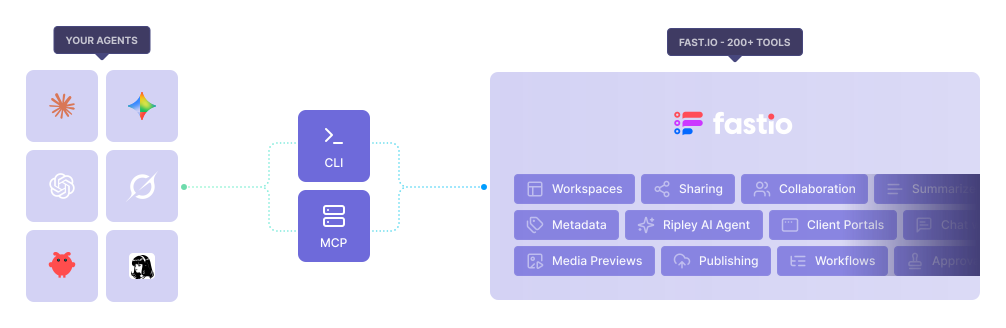
Give your agent superpowers with intelligent storage.
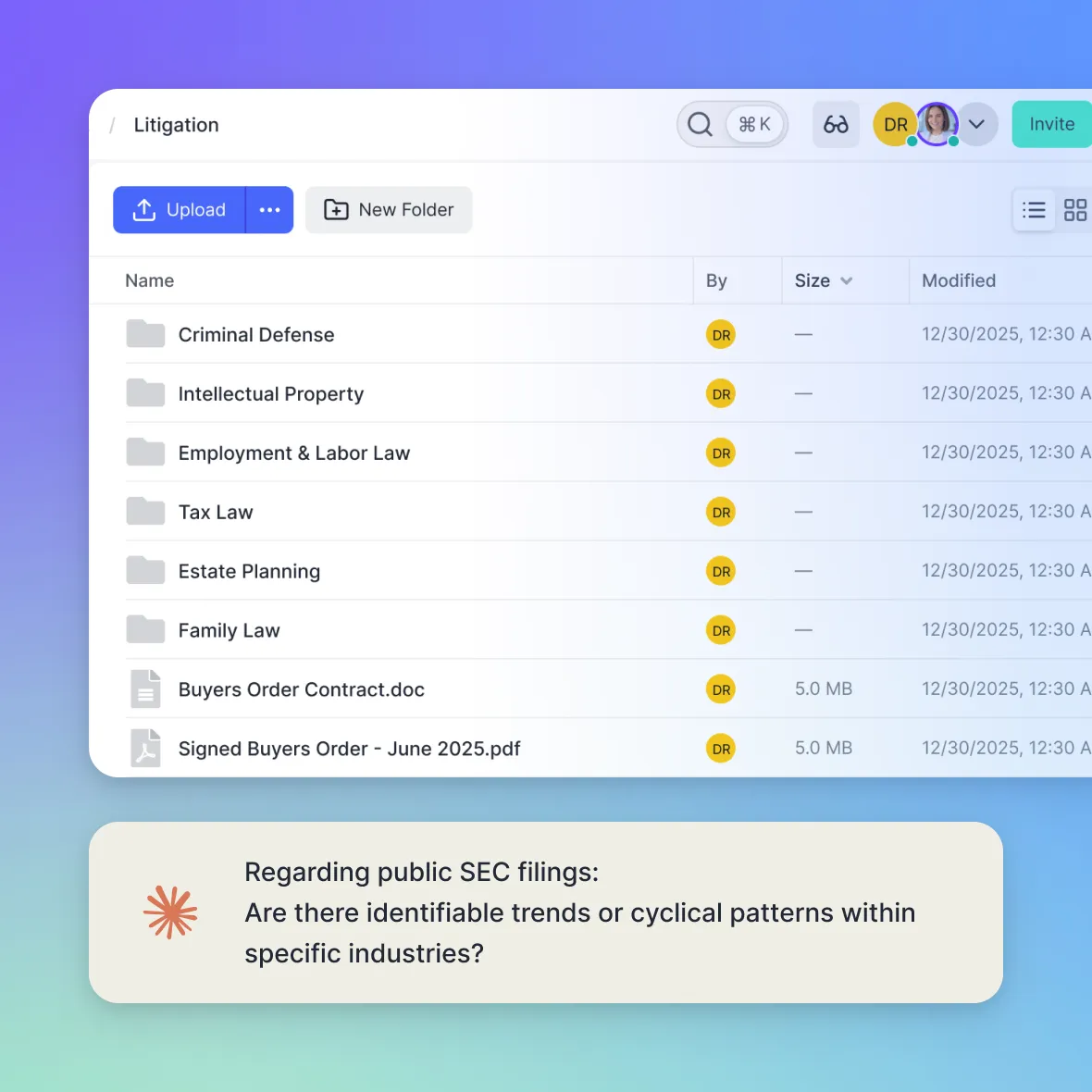
With intelligence-enabled storage, every document is automatically indexed, summarized, and made queryable. Your storage becomes a secure knowledge base for your agent.
- Secure access to your business knowledge base
- Semantic search across all documents
- AI-generated summaries and metadata extraction
- Bypasses agent file limits
Your files become a live knowledge graph your agent can query.
Give your agent a place to build knowledge.
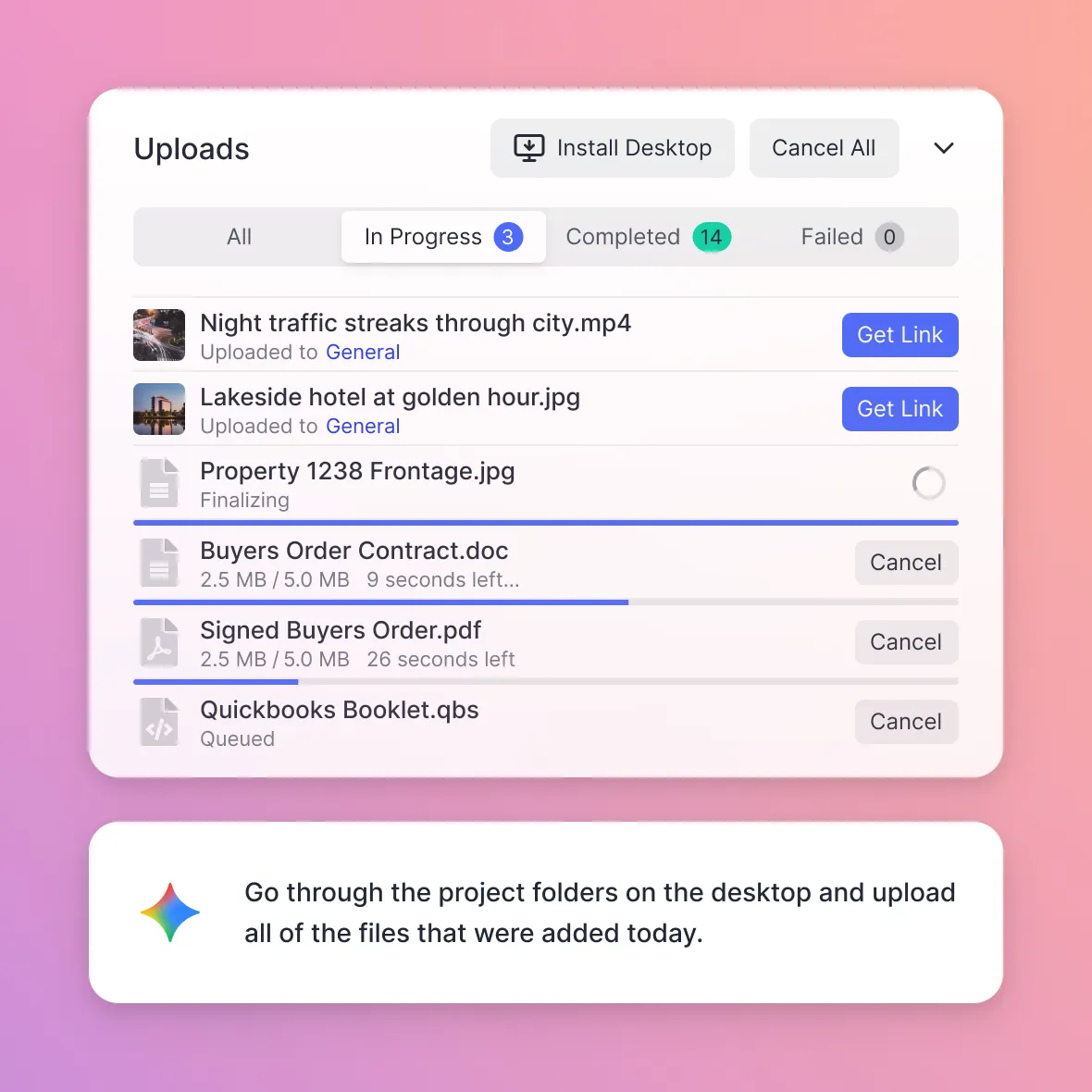
Build agent knowledge with uploads at any scale. Whether it's a small document or a large batch of data, your agents can upload files directly into Fastio quickly and reliably.
- Collect and organize data from any source
- Handle large files with chunked, parallel uploads
- Stream data directly into your workspace
- Files are ready for search and questions on arrival
Uploads large or small, Fastio adapts to your agent.
Instantly search and chat with 1000s of documents.
Your agents can do more than read files. They can open any documents and start a conversation. They can summarize, highlight key risks, and answer detailed questions with context.
- Keyword + semantic search across all documents
- Summarize long PDFs instantly
- Highlight key risks and insights
- Answer detailed questions with citations
Your documents become conversations, not just files.
Use a whole workspace as your agent's company brain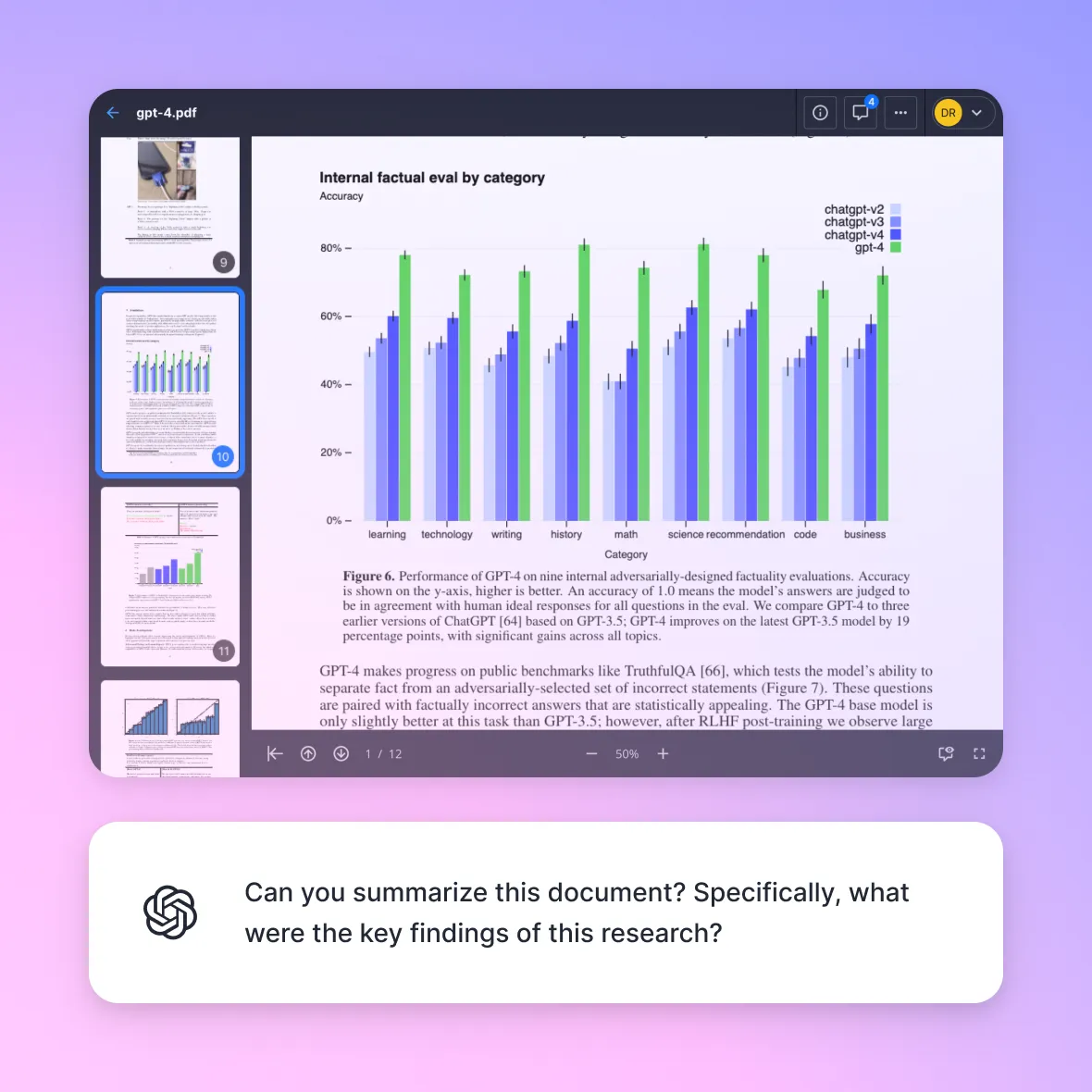
Share files with humans seamlessly and securely.
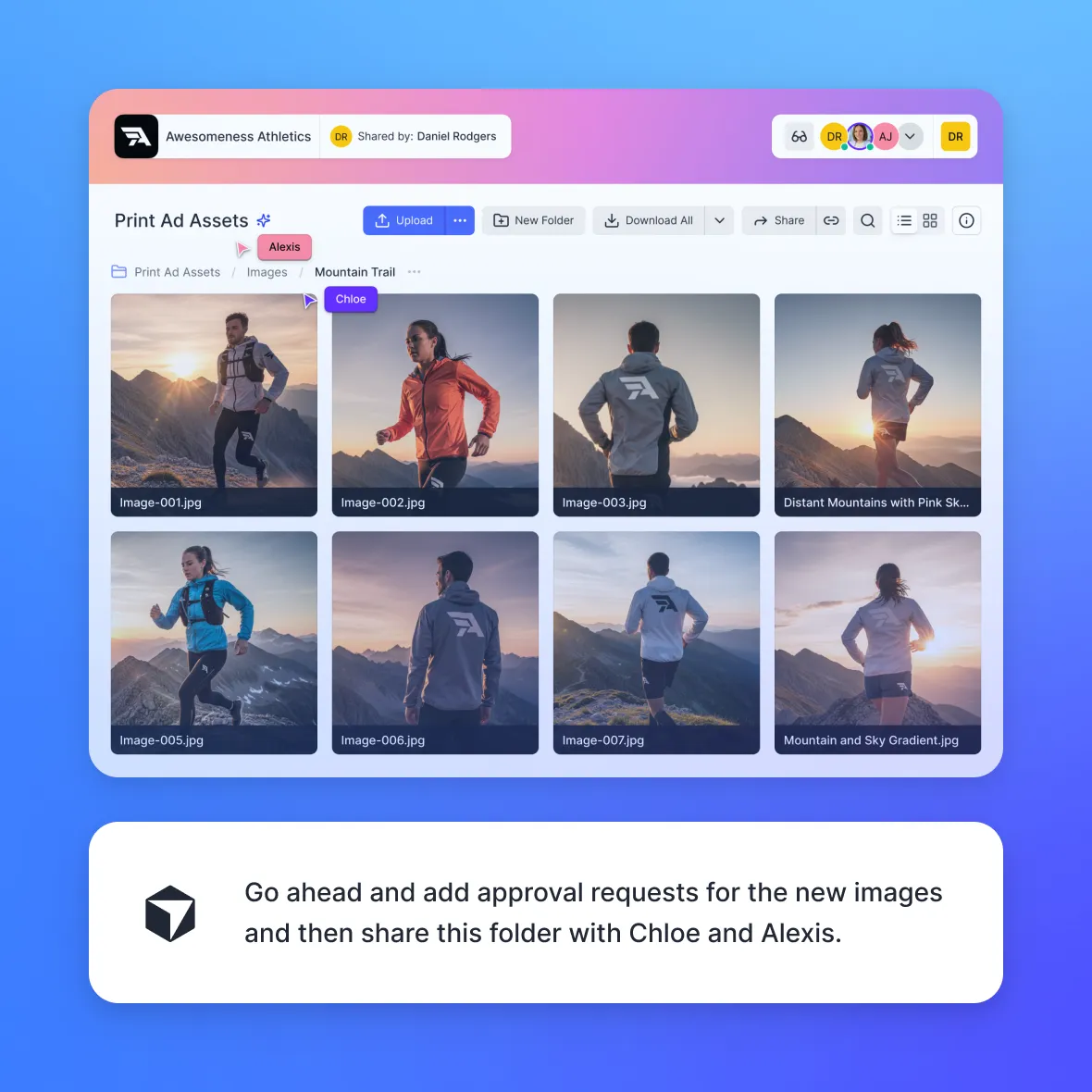
Your agents don't just work with data, they can also share it with your team or clients. With Fastio, agents can create secure shared folders and portals that bridge the gap between agent work and the people who need it.
- Send files to clients or teammates
- Receive uploads directly into your workspace
- Create two-way exchange portals
- Choose between portal or shared folder modes
From agent, to human, back to agent, all in one flow.
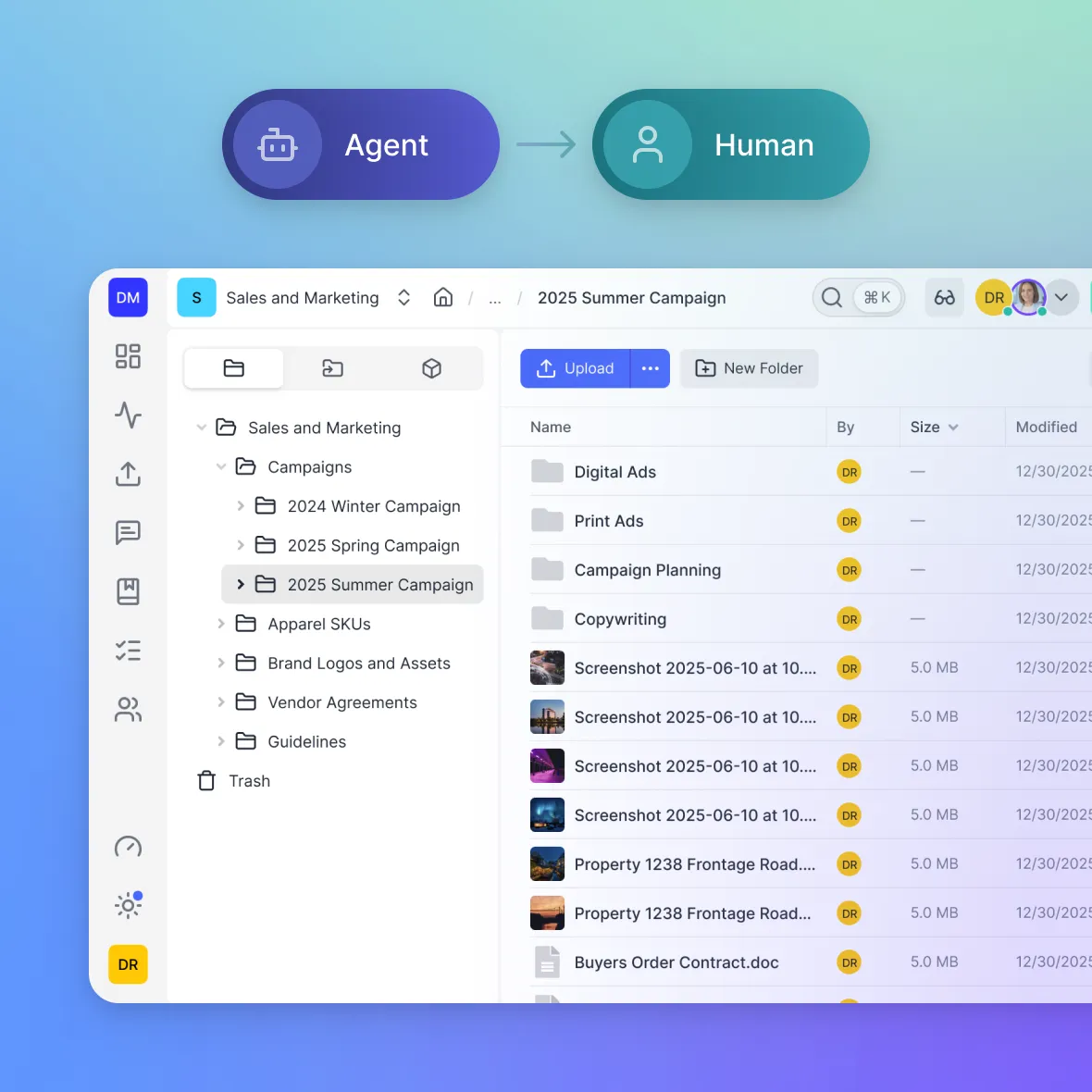
Frictionless ownership transfer to humans.
Agents can create and manage workspaces and files, but sometimes ownership needs to pass to a real person. Fastio makes that transition simple, secure, and instant.
- Generate a secure transfer token
- Share a claim link with a human
- Instantly transfer ownership of the organization
From autonomous creation to human control.
What you can get done with agents and Fastio.
Fastio gives your agents the tools they need to do meaningful work.
Knowledge Assistant
Turn your files and documents into a searchable knowledge layer. Get instant answers from real documents, reduce manual searching, and make better decisions with full workspace context.
Client Portals + AI
Embed an AI assistant directly inside client portals. Clients get instant answers about shared files and deliverables with fewer support requests, faster responses, and smarter portal experiences.
Hand-offs
Agents extract key details from documents, organize the results, and hand finished work to the right person, all without manual coordination or operational overhead.
Document Intelligence
Summarize, compare, and analyze files at scale. Turn static documents into something your team can query with instant summaries, version comparison, and highlighted risks.
Business Intelligence
Aggregate information across files and workspaces to surface patterns, detect trends, and generate reports automatically, giving you cross-workspace visibility without manual analysis.
Secure Agent Workspaces
Connect Claude, Codex, Cursor, or any MCP-compatible agent to Fastio's APIs. Access real workspace data with scoped permissions and build agent-native tools for your team.
Works with the agents you already use.
One MCP server with consolidated tools. Connect your favorite AI assistant and give it the power to read, write, search, and act on your workspace.


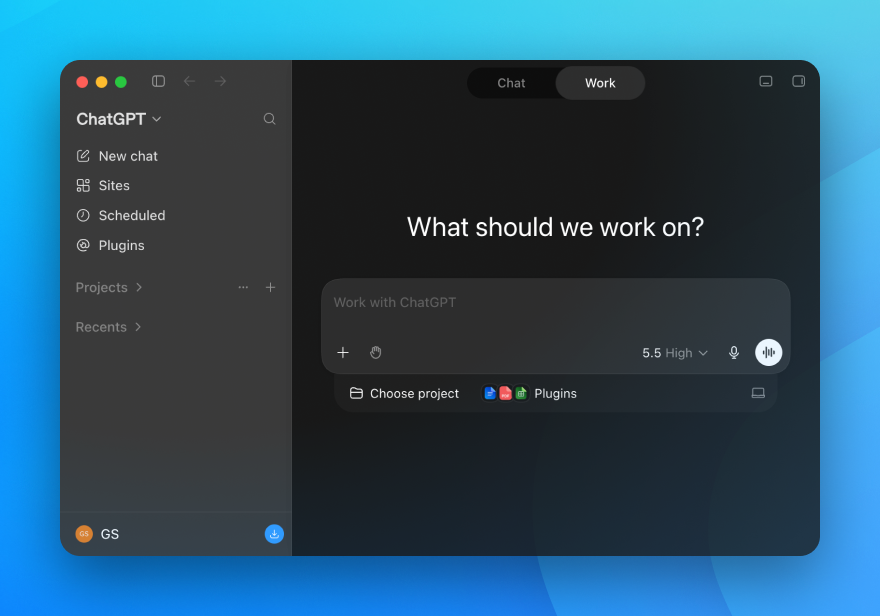
Give ChatGPT and Codex a shared content workspace with persistent memory, search, and file sharing.
Setup guide →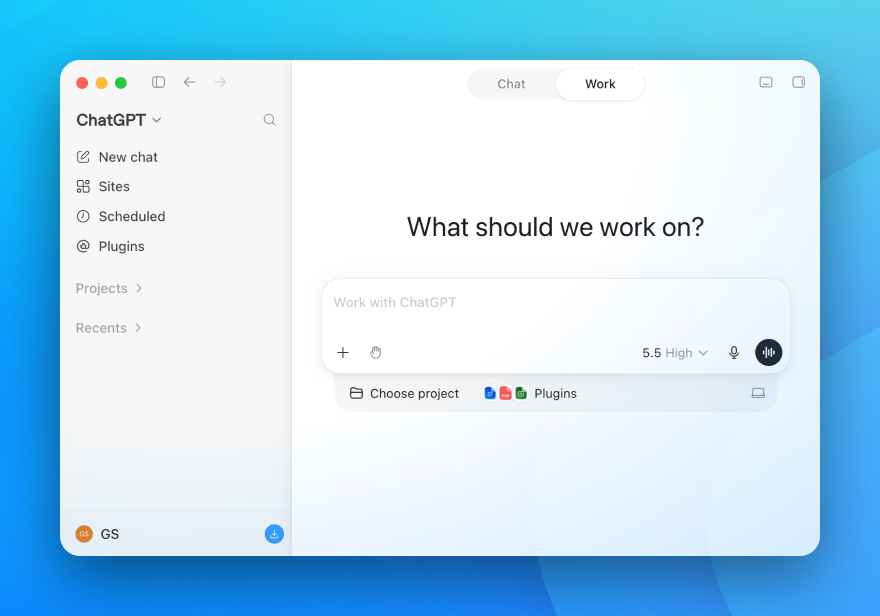

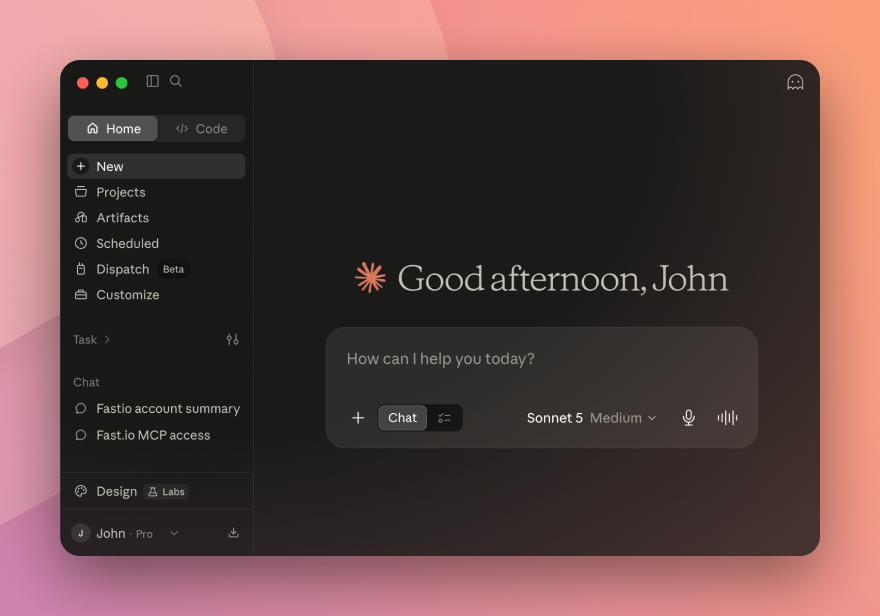
Add cloud storage to Claude Desktop and Claude Code, with RAG search and shareable links built in.
Setup guide →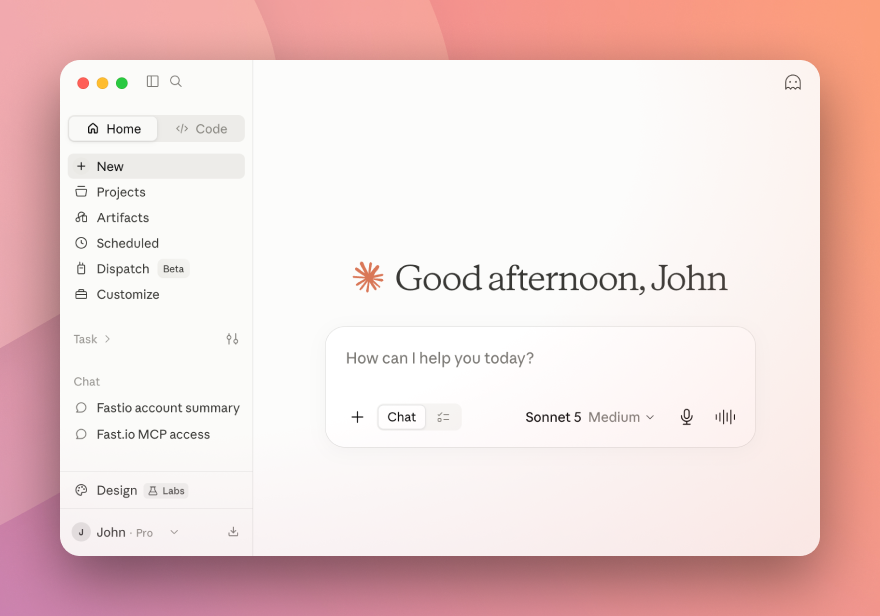
More Agents


Grok connects to Fastio workspaces for persistent storage, semantic search, and shareable results.
Setup guide →Install the Fastio skill from ClawHub and give any OpenClaw assistant cloud storage in one command.
Setup guide →
Hermes Agent connects via MCP for persistent workspaces, semantic search, and file sharing.
Setup guide →


Gemini and Cursor connect via MCP for workspace-aware file access and document search.
Learn more →Don't see your agent? Fastio works with any MCP-compatible client. View API docs →

Give your agent a workspace.
Start on Starter with 250 GB of storage and scale to 25 TB on Enterprise. Your agent gets cloud storage, semantic search, document chat, and a consolidated MCP toolset.