Devin AI Team Client Portal Integration: Delivering Agent Outputs
Agency teams deploying Devin AI for automated software engineering face a critical handoff barrier when delivering code and technical artifacts to non-technical clients. Implementing self-service client portals reduces routine client status inquiries by up to 60% and slashes client communication email volume by 60% to 80%. Connecting Devin webhook events directly to branded Fast.io client portals establishes an automated, secure pipeline for agent output delivery.

Why Devin AI Deliverables Need Automated Client Portals
Integrating self-service client portals reduces routine client status inquiries by up to 60% and slashes client communication email volume by 60% to 80%. As software engineering agencies increasingly rely on Devin AI to handle full-stack coding, infrastructure provisioning, and automated testing, the primary operational bottleneck shifts from technical execution to stakeholder delivery. Devin operates inside isolated execution sandboxes, generating pull requests, compiled binaries, architectural documentation, and preview builds. However, non-technical clients, executive project sponsors, and external business managers rarely have access to internal GitHub repositories, terminal logs, or sandboxed developer environments.
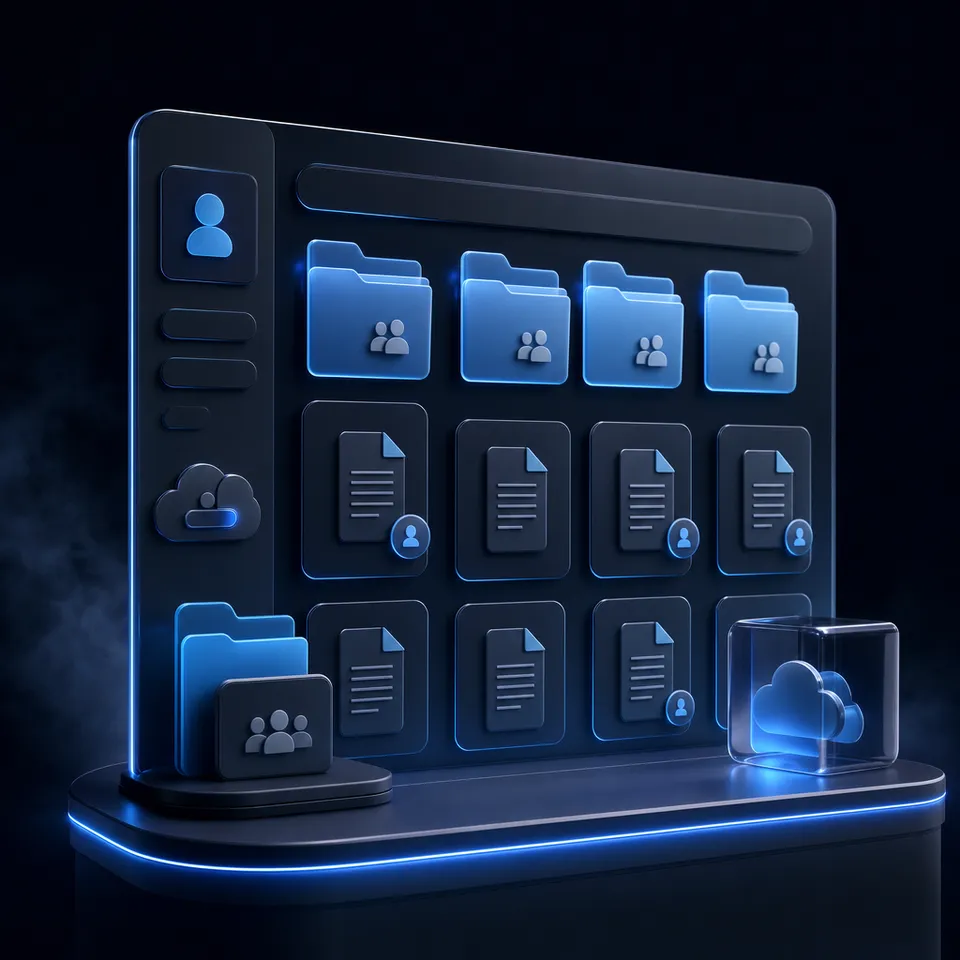
A Devin AI team client portal integration connects agent automation pipelines directly to branded client file sharing spaces. Without an automated handoff layer, agency project managers waste hours manually extracting build artifacts, downloading report PDFs, re-uploading files to cloud storage folders, and emailing share links. This manual relay creates security risks, version confusion, and client friction.
By establishing an automated delivery pipeline between Devin webhooks and Fast.io client portals, agencies turn raw agent output into organized, client-ready deliverables. Clients receive immediate access to branded, permission-controlled portals where they can review project assets, inspect extracted metadata, and track progress without needing developer credentials or technical command-line tools. Agency teams using Fast.io for agents pair autonomous code generation with secure, self-service client handoffs.
Related guides
- How to Integrate Hermes Agent With Slack for Team AI AutomationHermes Agent's messaging gateway connects to Slack through Socket Mode, giving your team access to a self-improving AI...
- How to Build a Clay Client Asset Delivery Portal with Fast.ioTransitioning lead generation delivery from raw email attachments to an automated portal reduces routine agency emails...
- How to Connect Devin AI to JiraOfficial Devin docs define four ways to turn a Jira issue into a Devin session, not one. This guide walks through...
- How to Use the Devin API to Create Sessions and Automate WorkflowsA study of more than 700,000 pull requests found that PRs wait about 4 days for review on average. The Devin API is the...
- Devin AI Project File Versioning: Tracking Persistent Agent DeliverablesCognition reports Devin AI achieves a 67% pull request merge rate in production, but Git PRs only capture source code...
- Devin AI Webhook File Triggers: Automated Storage & File WorkflowsDevin AI webhook file triggers enable automated execution of coding agent sessions whenever new files or asset payloads...
More on this subject: Devin (103 guides)
How to Set Up a Devin AI Team Client Portal Integration
Setting up an automated delivery pipeline requires routing completion events from Devin sessions into Fast.io workspaces and client portals. Fast.io exposes action-based Model Context Protocol tooling and REST API endpoints, allowing developers to automate file creation, folder organization, and portal sharing. Detailed API capabilities are documented in the Fast.io API documentation and Devin automations documentation.
Follow these four steps to connect Devin webhooks to a Fast.io client portal:
- Create a dedicated workspace and branded share: Set up an organization-owned Fast.io workspace for the client engagement, then create a branded Send, Receive, or Exchange share with
POST /current/workspace/{workspace_id}/create/share/. Apply customized logos, custom domain routing, and access permissions on that share. - Configure an Express or Node.js webhook receiver: Deploy a lightweight webhook endpoint that listens for Devin session completion and playbook execution events sent by Cognition AI infrastructure.
- Stream agent deliverables via Fast.io MCP: Parse the event payload inside your webhook handler to retrieve build outputs, generated PDFs, or code artifacts, then import each artifact URL into the client workspace with an MCP
upload_managetools/call (actionweb-import). - Set access controls and share settings: Assign folder-level or file-level permissions and configure expiration dates for sensitive shares so non-technical clients get clean, secure access.
Below is an example of an Express.js webhook receiver that authenticates incoming Devin session payloads and imports generated deliverables into a target Fast.io workspace through the Fast.io MCP server. Point the handler at Streamable HTTP on https://mcp.fast.io/mcp/tools and send the API key as a Bearer token:
import express from 'express';
import fetch from 'node-fetch';

const app = express();
app.use(express.json());

const FASTIO_API_TOKEN = process.env.FASTIO_API_TOKEN;
const TARGET_WORKSPACE_ID = process.env.FASTIO_WORKSPACE_ID;
const MCP_URL = 'https://mcp.fast.io/mcp/tools';

app.post('/webhooks/devin-deliverables', async (req, res) => {
  const { event_type, artifacts } = req.body;
  if (event_type !== 'session.completed' || !artifacts || artifacts.length === 0) {
    return res.status(200).send('Event ignored or no artifacts present.');
  }
  try {
    for (const artifact of artifacts) {
      const uploadResponse = await fetch(MCP_URL, {
        method: 'POST',
        headers: {
          'Authorization': `Bearer ${FASTIO_API_TOKEN}`,
          'Content-Type': 'application/json',
        },
        body: JSON.stringify({
          jsonrpc: '2.0',
          id: 1,
          method: 'tools/call',
          params: {
            name: 'upload_manage',
            arguments: {
              action: 'web-import',
              url: artifact.download_url,
              profile_type: 'workspace',
              profile_id: TARGET_WORKSPACE_ID,
            },
          },
        }),
      });
      if (!uploadResponse.ok) {
        console.error(`Failed uploading ${artifact.name}:`, await uploadResponse.text());
      }
    }
    return res.status(200).json({ status: 'success', uploaded: artifacts.length });
  } catch (error) {
    console.error('Error processing Devin webhook:', error);
    return res.status(500).json({ error: 'Internal server error' });
  }
});

app.listen(3000, () => console.log('Devin webhook listener running on port 3000'));
This integration ensures that whenever Devin finishes an assigned playbook or coding session, all resulting deliverables are instantly transferred into the shared client environment without human intervention. Refer to the Devin integrations overview for additional details on payload formats.
How to Extract Metadata and Manage Revisions for Devin AI Outputs
Autonomous AI agents iterate rapidly, frequently generating multiple revisions of code, design files, and documentation during a single sprint. When agents push updates directly into traditional file stores, overwriting existing files often leads to lost context or broken links. Fast.io resolves concurrent multi-agent access by maintaining complete per-file version history, ensuring every iteration created by Devin remains auditable and recoverable.
In addition to version tracking, agency teams must organize AI deliverables so non-technical stakeholders can understand build context without reading source code. Fast.io handles structured extraction through Metadata Views, turning unstructured file uploads into sortable, filterable spreadsheets.
By defining a natural language prompt inside a Metadata View, team leads can automatically extract key fields from Devin deliverables across PDFs, Word documents, build logs, and spreadsheets:
- Delivery date and timestamp: Records when Devin published the artifact.
- Session ID and commit hash: Identifies the exact Devin session and git commit that generated the output.
- Component scope: Identifies whether the deliverable belongs to frontend UI, backend API, or database migration modules.
- Review notes: Pulls reviewer comments recorded in the deliverable cover sheet.
Unlike standard search indexing or optical character recognition rules, Metadata Views populate typed schema columns (Text, Integer, Decimal, Boolean, URL, JSON, Date & Time) without requiring pre-configured extraction templates. Furthermore, when Intelligence Mode is enabled on the workspace, Fast.io automatically indexes all incoming files for hybrid semantic and full-text search. Clients can query the portal using natural language chat to find specific project milestones, release notes, or technical specifications instantly.
How to Automate Human-in-the-Loop Reviews for Devin Deliverables
While Devin AI excels at autonomous task execution, agency best practices dictate that AI-generated deliverables pass human review before appearing in client-facing portals. Releasing unverified code or raw agent notes directly to clients risks exposing internal debugging conversations or unfinished features.
Fast.io keeps review and delivery in the same workspace: a staging folder for new Devin artifacts, Collaborative Notes for reviewer context, and a branded Send, Receive, or Exchange share for the client. When Devin writes a file into staging, the account team inspects it, then moves it into the client-facing directory:
- Ingestion: Devin pushes completed artifacts to a staging folder via MCP
upload_manage(actionweb-import) orPOST /current/upload/. - Visibility: Project leads watch incoming files with
GET /current/events/search/orGET /current/activity/poll/{entityId}?wait=95&lastactivity={timestamp}. - Human review: The reviewer inspects the files, verifies code quality, and reviews generated notes inside Collaborative Notes.
- Publish: Move the file into the client portal directory with
POST /current/workspace/{workspace_id}/storage/{node_id}/move/, then open the branded share created withPOST /current/workspace/{workspace_id}/create/share/.
Fast.io also supports clear agent-to-human handoff through ownership transfer mechanics. A developer or autonomous agent can initialize a new organization workspace, build the necessary directory structure and branded share links, and then transfer organization ownership to a human executive. The agent retains administrative API access while the human team assumes primary governance over client permissions.
Organizations running high-volume development streams can scale this pattern across multiple client accounts. Subscriptions start with a 14-day Business Trial requiring a credit card, with paid tiers available for Starter ($9.99/mo), Business ($49.99/mo), and Enterprise ($199.99/mo) deployment levels.
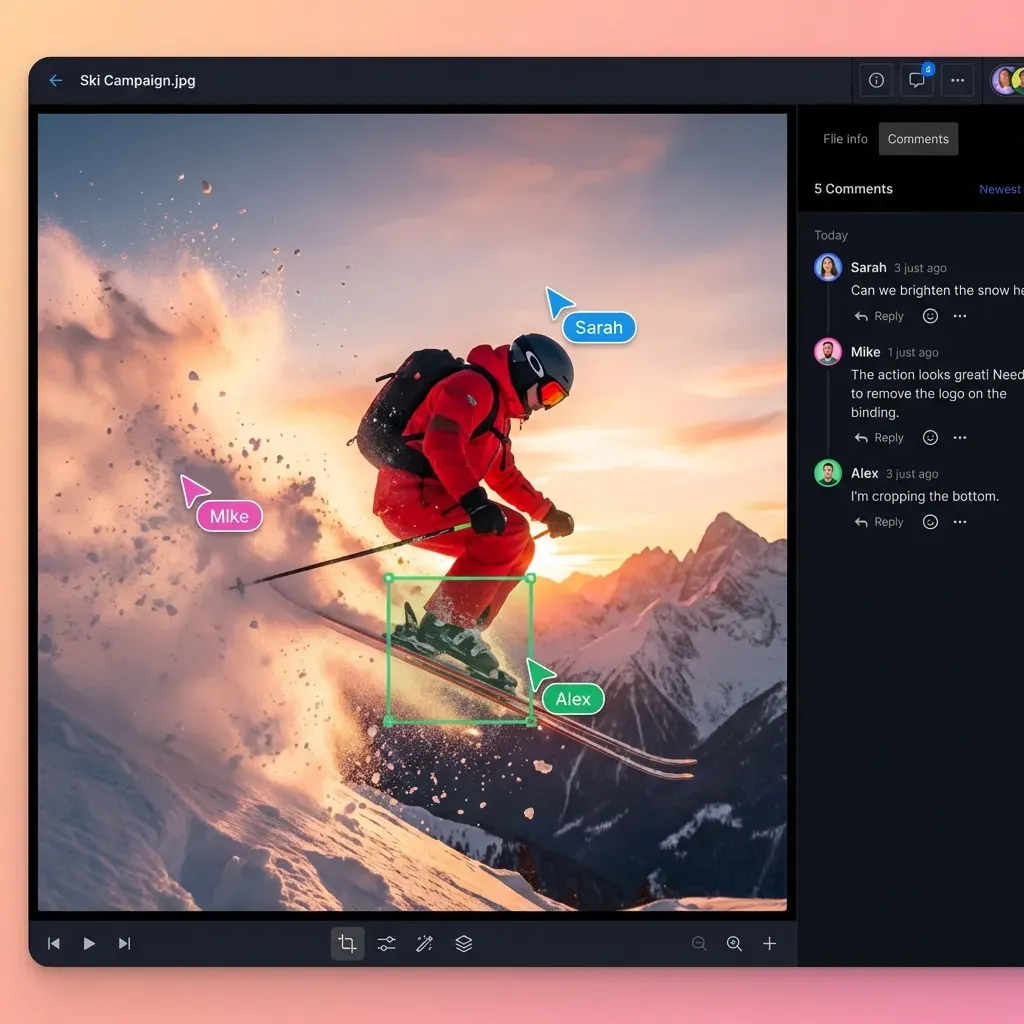


Deliver Devin AI outputs directly to client portals
Set up shared, branded workspaces with MCP uploads, granular permissions, and full version history for your agency's AI agents. Starts with a 14-day Business Trial.
What Security and Audit Controls Protect Client Handoffs?
Delivering engineering assets to external parties demands strict access controls, data security, and clear accountability. Traditional cloud storage providers rely on static folder permissions or broad share links that are difficult to track once distributed. Fast.io addresses these security challenges through branded Send, Receive, and Exchange shares paired with a detailed activity log.
Agencies can configure shares to match specific client access needs:
- Durable client portals: Persistent, branded portals where clients access ongoing project deliverables, weekly status reports, and architecture documents over multi-month retainer agreements.
- Expiring deliverable shares: Short-lived links designed for single milestone handoffs, automatically revoking access after a set number of days or downloads.
- Receive shares: Secure upload links where clients submit feedback, credentials, or asset requests directly into Devin's input workspace.
Every action taken within a Fast.io client portal is recorded in the activity log. Project leads can verify precisely when a client viewed, downloaded, or shared a Devin output. This detailed event tracking provides complete legal and operational clarity during project sign-off.
By combining Devin's autonomous execution with Fast.io's intelligent workspace infrastructure, agencies deliver high-velocity AI engineering services while providing clients with a professional, secure, and transparent portal experience.
Sources
References used to verify factual claims in this guide.
-
Integrating self-service client portals reduces routine client status inquiries by up to 60% and slashes client communication email volume by 60% to 80%.
-
Subscriptions start with a [14-day Business Trial](/pricing/) requiring a credit card, with paid tiers available for Starter ($9.99/mo), Business ($49.99/mo), and Enterprise ($199.99/mo) deployment levels.
Frequently Asked Questions
How do agency teams deliver Devin AI work to clients?
Agency teams deliver Devin AI work by routing session outputs into branded Fast.io client portals using webhooks or MCP API integrations. Devin pushes completed build artifacts, PDFs, and documentation into a shared workspace where project leads review outputs before publishing them to client-facing share links.
Can Devin AI automatically send deliverables to client portals?
Yes, Devin AI can automatically send deliverables to client portals by triggering webhooks upon session completion. Developers set up a webhook listener that authenticates Devin payloads and uses Fast.io API endpoints or MCP tools to transfer generated files directly into target client portals.
How does Fast.io handle multi-agent concurrent writes to client deliverables?
Fast.io maintains complete per-file version history for all uploaded assets. When Devin or team members update existing project files, Fast.io preserves previous versions automatically, preventing data loss and providing a full revision trail.
What is the difference between Intelligence Mode and Metadata Views in Fast.io?
Once Intelligence is enabled for the workspace, it provides indexing for semantic search and AI chat capabilities across documents. Metadata Views turn unstructured documents into structured, queryable spreadsheet views by extracting natural language schema fields like commit hashes, delivery dates, and build statuses.
Related Resources

Deliver Devin AI outputs directly to client portals
Set up shared, branded workspaces with MCP uploads, granular permissions, and full version history for your agency's AI agents. Starts with a 14-day Business Trial.