Best OpenClaw Workflows for AI Text-to-Speech Production
OpenClaw TTS workflows chain text-to-speech skills with content preparation and audio post-processing to produce narrated audio from written documents at scale. This guide covers five production workflows, from single-document narration to multi-chapter audiobook pipelines, with setup details for ElevenLabs, local engines, and Lobster orchestration.

How to Narrate a Single Document with OpenClaw and ElevenLabs
Most OpenClaw voice guides stop at provider configuration. They walk through connecting a TTS provider and generating a short phrase, then leave you to figure out the rest. Real production narration involves four stages: text preparation, voice selection, synthesis, and output management. This workflow covers all four for blog posts, reports, and short-form content under 10,000 words.
Text preparation is the step most guides skip entirely. Raw documents contain formatting artifacts that cause problems in spoken output. Markdown headers, bullet markers, and inline links create awkward pauses or mispronunciations. OpenClaw's text normalization handles common formatting, but domain-specific terms need manual attention. Spell out acronyms on first use (write "application programming interface" before shortening to "API") and add pronunciation hints for unusual vocabulary.
The awesome-openclaw-skills repository lists several TTS skills in its Speech and Transcription category, including elevenlabs-tts for ElevenLabs integration and mac-tts for local Apple voice synthesis. ElevenLabs offers the broadest feature set among the supported providers: a large voice library, multilingual support, and fine-grained control over how voices sound. Install the skill from ClawHub, configure your provider credentials, and you can generate speech from within OpenClaw.
Voice personas keep narration consistent across production runs. Instead of specifying voice settings on every generation call, you bind them to a named persona once. Your "narrator" persona maps to a specific voice with fixed parameters. Every subsequent TTS request uses that persona, which prevents the drift that happens when settings get tweaked between sessions.
Output format depends on the delivery channel. OpenClaw adapts the audio format to match the target platform, choosing compressed formats for messaging, standard MP3 for file delivery, and lossless output when editing fidelity matters. This channel awareness means you don't manage format conversion yourself.
For teams producing narrated content regularly, storing finished audio in a shared workspace on Fastio keeps everything organized alongside source documents. Agents write generated audio to the workspace, and human reviewers access the same files through the web interface or the Fastio MCP server. Workspace plans provide generous storage (starting at 250 GB on Starter) covering substantial audio libraries without cost pressure.

Related guides
- How to Build an Image to Text OCR Pipeline in ClayGoogle Cloud Vision achieves 80% to 95% handwriting accuracy, while open-source Tesseract drops to 20% to 40% [Eklavvya...
- PDF to Text: How to Extract Document Data in ClayRepetitive manual data entry costs U.S. businesses an average of $28,500 per employee each year in lost productivity....
- Top OpenClaw Workflows for AI Text-to-Video GenerationOpenClaw agents can generate video directly from text prompts, but the right workflow depends on what you are building....
- Top 7 OpenClaw Workflows for AI YouTube Video ProductionAI video generation volume grew 840% between January 2024 and January 2026, but most YouTube creators still stitch...
- Best OpenClaw Workflows for AI Image Generation PipelinesOpenClaw 2026.4.5 turned agents into image producers. The native image_generate tool supports 10 providers out of the...
- Best OpenClaw Workflows for Nonprofit OrganizationsOpenClaw workflows help nonprofit organizations scale their impact by automating donor outreach, grant research, and...
More on this subject: OpenClaw Workflows and Integrations (69 guides)
2. Multi-Chapter Audiobook Pipeline with Lobster
Long-form content, anything over 10,000 words, breaks the single-call approach. TTS providers have character limits per request, and a 16-hour audiobook in five languages would cost roughly $16,000 with traditional voice talent versus around $240 with TTS, according to production cost estimates from Voice.ai. Lobster, OpenClaw's built-in workflow orchestration engine, turns this into a repeatable pipeline.
Lobster workflows are directed acyclic graphs where each task is a skill invocation. Dependencies between tasks determine execution order, and independent tasks run in parallel. For audiobook production, the pipeline follows five stages:
Step 1: Chapter splitting. Parse the manuscript into chapters. Each chapter becomes a separate task input.
Step 2: Text normalization. Run each chapter through preprocessing: expand abbreviations, add pause markers for scene transitions, and flag pronunciation overrides for unusual terms.
Step 3: Parallel synthesis. Each chapter runs as an independent TTS task. Providers like ElevenLabs support reproducible output, so you can regenerate a single chapter without re-recording the entire book.
Step 4: Quality checkpoint. Lobster supports approval gates that pause the workflow, letting a human reviewer listen to sample sections before the pipeline continues. This avoids burning API credits on a full audiobook if the voice settings need adjustment.
Step 5: Assembly and metadata. Concatenate chapter files, embed metadata (title, chapter markers, narrator credits), and export the final package.
The entire pipeline definition is data, not code, which makes it easy to version, diff, and replay. Store the Lobster workflow definition alongside your manuscripts in a Fastio workspace so your production team can trigger re-runs without touching the orchestration layer directly.


Store and distribute your narrated audio from one workspace
generous storage with audit trails and granular permissions. Upload source documents, generate audio with OpenClaw, and share finished files through branded links.
3. Multilingual Voice Delivery Across Messaging Channels
OpenClaw's channel-aware TTS delivery is where workflows get interesting for teams serving international audiences. Rather than generating audio files and manually distributing them, you build a workflow where the same content reaches different channels in the right format and language automatically.
The TTS subsystem detects the target channel and picks a suitable audio format. Messaging platforms like Telegram and WhatsApp get compressed voice notes optimized for mobile playback. Standard file channels receive MP3. Telephony connections get streaming audio. OpenClaw handles the format conversion so you don't manage transcoding yourself.
For multilingual production, OpenClaw supports automatic language detection that routes content through language-appropriate TTS models. ElevenLabs, Google Gemini, and Azure Speech all offer multilingual voices, each with different language coverage and pricing. Choose the provider that matches your target languages and budget.
A practical multilingual workflow chains three steps: translate the source content (using a translation skill or API call), normalize the translated text for spoken delivery in the target language, and synthesize with a language-matched voice persona. The persona system lets you assign different voices per language, so your Spanish narrator uses one provider voice while your German narrator uses another, all managed from the same configuration.
The voice-ai-tts skill on ClawHub adds additional language routing logic on top of OpenClaw's native multilingual support, handling edge cases like mixed-language content where a primarily English document contains Spanish proper nouns.
4. Local TTS for Privacy-Sensitive Content
Not everything belongs on a cloud API. Legal documents, medical records, and internal communications often can't leave the local network. OpenClaw's Local CLI provider and skills like kokoro-tts run synthesis entirely on your hardware with no external API calls.
The kokoro-tts skill, listed in the awesome-openclaw-skills Speech and Transcription category, uses a local Kokoro engine for generation. DeepInfra also offers Kokoro models through an OpenAI-compatible interface for teams that want cloud hosting without switching providers. Microsoft's Edge neural TTS provides another no-API-key option, though with a best-effort SLA rather than guaranteed availability.
For Mac-based production, VoxClaw is a menu bar application that gives OpenClaw spoken output through Apple's built-in voices, with optional fallback to OpenAI or ElevenLabs when cloud quality is needed. It includes a floating overlay with word-by-word highlighting synced to speech, useful for proofreading narrated content against the source text.
The privacy workflow combines local synthesis with secure file storage. Generate audio on your machine using kokoro-tts or the Local CLI provider. Upload finished files to a Fastio workspace with granular permissions set at the folder or file level. Reviewers access the audio through branded shares without the raw text ever leaving your controlled environment. Fastio's audit trail logs who accessed each file and when, which matters for compliance-sensitive content.
Local engines sacrifice some quality compared to cloud providers. Kokoro produces intelligible output suitable for internal review, but falls short of ElevenLabs for public-facing audiobooks or podcasts. The tradeoff is worth it when the content sensitivity outweighs the quality gap.

5. Reactive Audio Generation with Realtime Events
The workflows above are all initiated manually or on a schedule. Reactive workflows trigger audio generation automatically when source content changes.
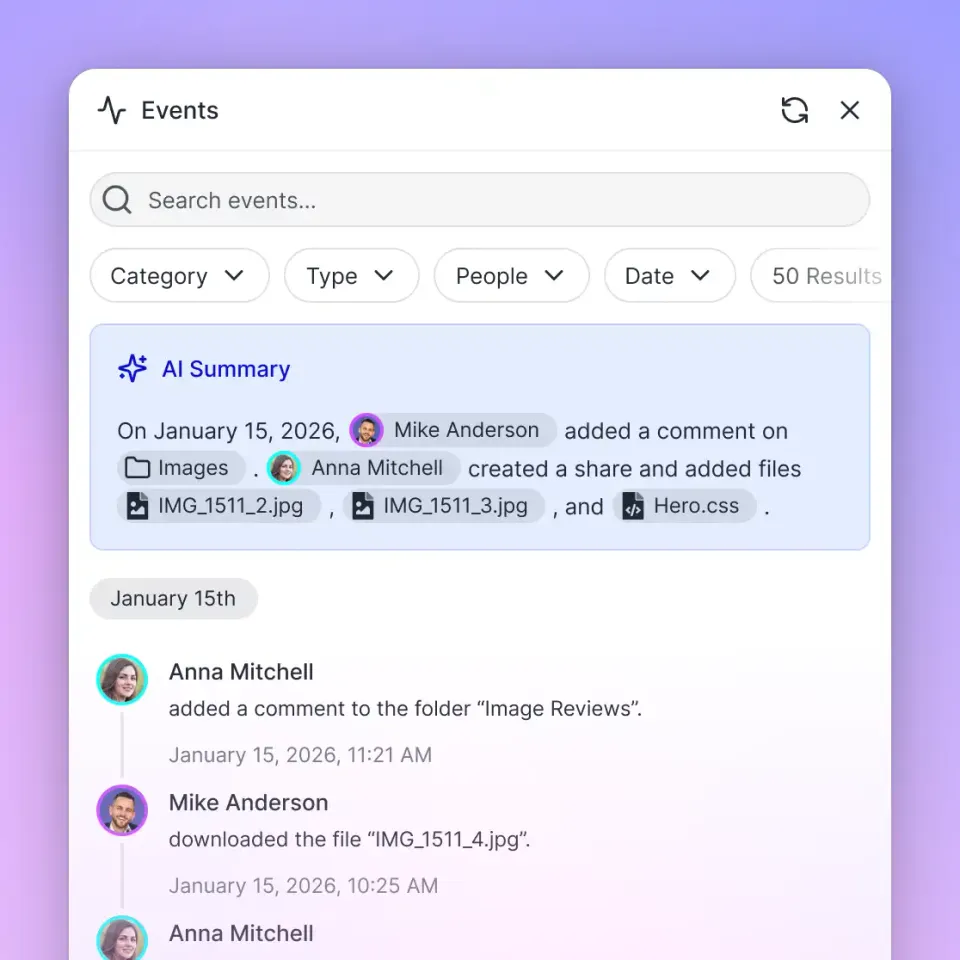
Fastio's WebSocket events feed and realtime activity polling stream events when files are uploaded, updated, or moved within a workspace. An OpenClaw agent listening to the events feed can pick up new documents, run them through TTS, and deposit the audio back into the same workspace, all without manual intervention.
A practical setup works like this: a content team uploads a finalized blog post to a "ready-for-narration" folder in their workspace. The event feed fires, the agent reads the document, preprocesses the text, generates audio using the project's configured persona, and saves the output to an adjacent "narrated" folder. The team gets the audio version without filing a request or waiting in a queue.
This pattern scales well for content operations producing 10 or more articles per week. The agent handles the repetitive synthesis work while humans focus on reviewing output quality. If a generated file sounds wrong, the reviewer flags it, the writer adjusts the source, re-uploads, and the event feed triggers a fresh generation automatically.
Once Intelligence Mode is enabled on the workspace, it indexes text documents alongside audio counterparts. Team members can search across the entire content library by meaning, finding the blog post about API rate limiting and its corresponding narrated version in the same query.
How to Choose the Right Workflow for Your Production Volume
Single-document narration works for teams producing a few audio pieces per month. Setup takes 15 minutes, and the overhead is low enough that running it manually makes sense.
Lobster audiobook pipelines pay off when you're producing long-form content regularly. The upfront investment in defining the DAG and approval gates saves hours on each subsequent production run, especially when regenerating individual chapters or producing multiple language editions.
Multilingual channel delivery suits teams with international audiences across messaging platforms. The channel-aware format selection alone eliminates a class of "why does this audio sound terrible on WhatsApp" debugging sessions.
Local TTS is the right choice when content sensitivity restricts cloud API usage. Accept the quality tradeoff for the privacy guarantee, and use cloud providers for public-facing content where quality matters more.
Reactive automation hooks generation fits high-volume content operations where manual triggering becomes a bottleneck. It pairs well with any of the other workflows as the trigger mechanism.
Regardless of which workflow you pick, the generated audio needs a home. Storing output in a shared workspace alongside source documents keeps your production pipeline traceable. When a reviewer questions why a narration sounds off, they can pull up the source text, the persona configuration, and the audio file from the same location rather than hunting across local drives and cloud APIs.
Sources
References used to verify factual claims in this guide.
-
OpenClaw supports 14 TTS providers including ElevenLabs, OpenAI, Azure Speech, and Google Gemini
-
elevenlabs-tts and elevenlabs-voices are listed in the Speech and Transcription category of the awesome-openclaw-skills repository
-
A 16-hour audiobook in five languages costs approximately $16,000 with voice talent versus $240 with TTS
-
Lobster is OpenClaw's built-in workflow orchestration engine supporting DAG-based multi-step automations
-
The Eleven Labs Agent skill integrates with the 11Labs CLI for voiced summaries and voice-based operations
-
VoxClaw is a macOS menu bar application supporting Apple, OpenAI, and ElevenLabs voices for OpenClaw
Frequently Asked Questions
How do I convert text to speech with OpenClaw?
Configure your preferred TTS provider in OpenClaw's settings. OpenClaw supports 14 providers including ElevenLabs, OpenAI, Azure Speech, and Google Gemini. Once configured, you can generate speech from text directly within conversations or as part of automated workflows. For production use, install a dedicated ClawHub skill like elevenlabs-tts, which gives you deeper control over voice selection and output tuning beyond the built-in TTS integration.
What OpenClaw skills work with ElevenLabs?
The elevenlabs-tts skill provides the primary TTS integration with support for voice selection and output controls. The elevenlabs-voices skill offers high-quality synthesis with multiple voice personas and broad language support. The elevenlabs-stt skill handles speech-to-text for transcription workflows. The SAG skill wraps ElevenLabs in a macOS-style CLI interface for scripting and local playback. All four are listed in the awesome-openclaw-skills repository under Speech and Transcription.
Can OpenClaw produce audiobooks?
Yes, though it requires a workflow beyond basic TTS configuration. Long-form content needs chapter splitting, text normalization, parallel synthesis across chapters, and quality review checkpoints. OpenClaw's Lobster workflow engine handles this as a directed acyclic graph where each chapter is an independent task. Providers like ElevenLabs support reproducible output, so you can regenerate individual chapters without re-recording the entire book.
Which TTS provider gives the best quality in OpenClaw?
ElevenLabs produces the most natural-sounding output for English content and offers voice cloning and multilingual support. OpenAI is a strong second choice with consistent quality and reliable uptime. For local-only production with no API costs, Kokoro through the kokoro-tts skill provides reasonable quality without sending content to external servers. Azure Speech covers the widest language range. The right choice depends on your budget, language requirements, and whether content can leave your network.
How much does AI text-to-speech cost compared to human narration?
Production cost comparisons vary by scale, but one producer estimated that a 16-hour audiobook in five languages would cost around $16,000 with traditional voice talent versus roughly $240 with TTS. ElevenLabs' free tier caps at 10,000 characters monthly, while paid plans offer higher limits. For teams producing content regularly, subscription-based pricing replaces variable per-project invoicing.
Related Resources

Store and distribute your narrated audio from one workspace
generous storage with audit trails and granular permissions. Upload source documents, generate audio with OpenClaw, and share finished files through branded links.