How to Build an AI Agent Meeting Summarization Pipeline
AI agent meeting summarization is an automated workflow where an AI agent ingests meeting transcripts, extracts key decisions and action items, and delivers structured summaries to stakeholders. This guide walks through building a custom five-stage pipeline that goes beyond off-the-shelf tools like Otter and Fireflies.


What AI Agent Meeting Summarization Actually Is
Most teams already know tools like Otter.ai, Fireflies.ai, and Read.ai. These products join your meetings, record audio, and spit out transcripts with highlighted action items. They work fine for basic note-taking.
But "meeting summarization" and "AI agent meeting summarization" are different things. An AI agent meeting summarization pipeline is a system you build and control. It ingests raw transcripts (from any source), runs them through a chain of processing steps, extracts structured data like decisions, owners, and deadlines, and delivers the output wherever your team actually works. You own the prompts, the storage, and the delivery logic.
The distinction matters because off-the-shelf tools hit a wall fast. They summarize one meeting at a time. They cannot cross-reference yesterday's standup with today's design review. They do not push action items into your project tracker with the right assignee. And they definitely do not let you customize extraction logic for your team's specific vocabulary or meeting formats.
A custom agent pipeline handles all of that. It treats each meeting transcript as structured input, processes it through purpose-built stages, and stores the results in a persistent workspace where both agents and humans can access them.

Related guides
- How to Build AI Agents for Batch ProcessingBatch processing lets AI agents handle repetitive work across thousands of files without you having to watch over them....
- How to Manage AI Agent State: Patterns for PersistenceState management is how agents save, retrieve, and sync their work, memory, and files across sessions. Without it,...
- How to Set Up AI Agent Concurrent Editing WorkspacesAI agent concurrent editing lets multiple AI agents modify the same files at the same time without destructive...
- How to Use AI Agent HR Recruiting to Automate HiringAI agent HR recruiting automates the most time-consuming parts of the hiring process, from sourcing candidates to...
- How to Build AI Agents for Energy ManagementGuide to agent energy management: AI agents manage energy by controlling consumption, predicting demand, and balancing...
- How to Build an AI Agent Data FlywheelAn AI agent data flywheel is a self-reinforcing cycle where agent interactions generate data that improves future agent...
More on this subject: AI Agents: General Guides (190 guides)
Why the Default Tools Fall Short
Professionals spend up to 31 hours per month in unproductive meetings, according to Forbes. That is nearly four full workdays lost every month. The problem is not just the meetings themselves. It is the follow-up: hunting for what was decided, who owns what, and which commitments conflict with last week's priorities.
Tools like Otter and Fireflies solve the transcription half of this problem. They give you a searchable record of what was said. But the real productivity drain happens after the transcript exists. Someone still has to read it, extract the relevant bits, reconcile conflicts, and update downstream systems.
Organizations that implement structured meeting automation report spending 50% less time searching for meeting information. The gap between "having a transcript" and "having actionable meeting intelligence" is where a custom AI agent earns its value.
Off-the-shelf meeting assistants also create data silos. Your meeting notes live in Otter's cloud, your tasks live in Jira, your decisions live in Confluence, and your files live in Google Drive. A custom agent pipeline can write structured output to a single workspace where everything, from the raw transcript to the final action items, lives together and stays searchable.
The Five-Stage Pipeline
A well-designed meeting summarization agent follows five stages. Each stage has a clear input and output, which makes the pipeline testable and debuggable.
1. Ingest
Pull the raw transcript into your pipeline. Sources include Zoom's meeting summary API, Google Meet recordings processed through Whisper, Microsoft Teams exports, or any audio file run through a speech-to-text model. The output is a timestamped text transcript with speaker labels when available.
For audio-first ingestion, OpenAI's Whisper model remains the standard starting point. It handles multiple languages, noisy audio, and speaker overlap reasonably well. For teams already using a meeting platform with built-in transcription (Zoom AI Companion, Google Meet, Teams Copilot), skip the ASR step and pull the platform's transcript directly via API.
2. Diarize
Speaker diarization assigns each segment of text to the person who said it. If your transcript source already includes speaker labels, you can skip or validate this step. If you are working from raw audio, tools like pyannote.audio or AWS Transcribe handle diarization as part of the transcription pipeline.
Accurate diarization is critical for action item extraction. "I will send the contract by Friday" means nothing without knowing who "I" is.
3. Extract
This is where the LLM does its core work. Feed the diarized transcript to your model with a structured extraction prompt. Ask it to pull out:
- Decisions made (with who made them)
- Action items (with owner, deadline, and context)
- Open questions (unresolved topics that need follow-up)
- Key discussion points (the substance, not the small talk)
Use a structured output format. JSON works well here because downstream stages can parse it programmatically. Here is a minimal extraction prompt pattern:
You are a meeting analyst. Extract the following from this transcript:
1. DECISIONS: What was decided? Who decided it?
2. ACTION_ITEMS: What needs to happen? Who owns it? By when?
3. OPEN_QUESTIONS: What was raised but not resolved?
4. KEY_POINTS: What were the 3-5 most important discussion topics?

Return JSON with these four keys.
Transcript: {transcript}
4. Summarize
Take the extracted JSON and generate a human-readable summary. This is a separate step from extraction because the summary serves a different audience. Extraction is for machines and automation. The summary is for the person who missed the meeting and needs to catch up in two minutes.
A good summary leads with decisions, follows with action items and their owners, and closes with open questions. Keep it under 500 words for a one-hour meeting. People do not read long summaries, which defeats the entire purpose.
5. Deliver
Push the structured output and summary to the systems where your team works. This might mean:
- Writing the summary to a shared workspace as a markdown file
- Creating tasks in your project tracker via API
- Posting a digest to a Slack channel
- Updating a running decisions log that spans multiple meetings
Delivery is where most DIY pipelines break down. Teams build the extraction logic but skip the "last mile" of getting results into the right hands. Automating delivery is what turns a meeting summarization script into a meeting summarization agent.



Store and Search Your Meeting Intelligence
Upload meeting summaries to a Fastio workspace and search across months of decisions with Intelligence Mode. Start your 14-day Business Trial today.
Architecture for Persistent Meeting Intelligence
A single meeting summary is useful. A searchable archive of every meeting your team has had, with cross-referenced decisions and action items, changes how your organization makes decisions. That requires persistent storage with semantic search.
The Storage Problem
Most meeting summarization scripts write output to a local directory or a temporary cloud bucket. That works for demos. In production, you need versioned storage that both agents and humans can access, with permissions that control who sees what.
Consider the requirements: your agent needs programmatic write access to store summaries. Your team needs a web interface to browse and search them. Your compliance team might need audit trails showing when summaries were created and by whom. And six months from now, someone will want to search across all Q1 meetings for every mention of "budget reallocation."
Local Storage and S3
The simplest approach is writing JSON and markdown files to a local directory or S3 bucket. This works for single-developer projects. The downsides show up quickly: no built-in search, no web UI for non-technical team members, and no audit trail.
Google Drive and Notion
Both offer APIs that agents can write to. Google Drive gives you folder-based organization and sharing. Notion gives you a database-like structure for meeting records. The trade-off is that neither was designed for agent workflows. API rate limits, OAuth complexity, and limited semantic search make them workable but clunky for high-volume meeting processing.
Fastio Workspaces
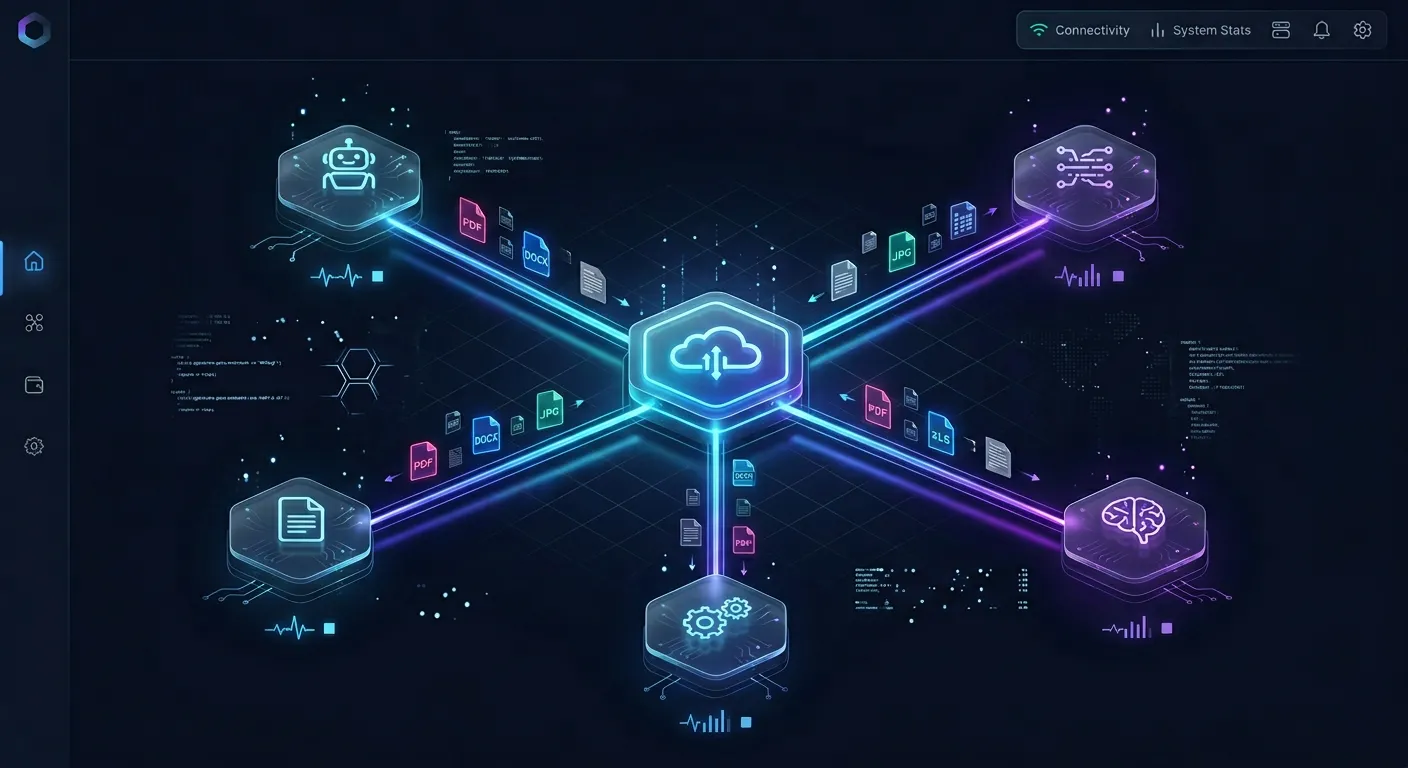
Fastio is built for exactly this pattern. Agents connect through the MCP server or REST API to upload summaries, create folder structures, and organize meeting intelligence by team, project, or date range. Intelligence Mode auto-indexes every uploaded file, so your team can search across months of meeting summaries by meaning, not just keywords.
The practical workflow: your agent writes the structured summary as a markdown file to a Fastio workspace. Intelligence Mode indexes it immediately. Any team member can then ask questions like "What did we decide about the Q3 launch timeline?" and get answers with citations pointing to the specific meeting summary. The agent uses a 14-day Business Trial (requires credit card) and your team accesses the same workspace through the web UI.
For teams running multiple summarization agents (one per department, for example), Fastio's advisory file locks coordinate updates when two agents modify the same running decisions log, while automatic version history preserves every revision. The WebSocket events feed can notify downstream services whenever a new summary lands in the workspace.
Cross-Meeting Intelligence and Context Continuity
The real power of a custom pipeline shows up when you connect meetings to each other. Off-the-shelf tools treat every meeting as an island. A well-built agent maintains context across sessions.
Decision Tracking Across Meetings
Your extraction stage produces structured decision records. Store these in a running log (a JSON file or database table) that accumulates over time. Before generating each new summary, feed the agent the last 5-10 relevant decision records as context. This lets the agent flag contradictions: "In the March 12 product review, the team decided to delay the API launch to Q4. Today's discussion assumes a Q3 launch. These conflict."
This is the "contradiction detection" capability that Microsoft's Q&A community has flagged as a gap in current tooling. No mainstream meeting assistant does this today.
Action Item Follow-Up
Store action items with their status (open, completed, overdue). At the start of each meeting summary, have your agent check for overdue items assigned to the meeting's participants. Include a "carry-forward" section in the summary: "These action items from previous meetings are still open."
Searchable Meeting Memory
When your summaries live in an intelligent workspace, every past meeting becomes queryable. Instead of scrolling through a calendar trying to remember when a topic was discussed, your team asks the workspace directly. Fastio's Intelligence Mode supports this with built-in RAG, returning cited answers from your meeting archive. No separate vector database setup required.
This kind of longitudinal meeting intelligence is the primary reason to build a custom pipeline instead of subscribing to a SaaS tool. Otter and Fireflies give you per-meeting summaries. A custom agent with persistent storage gives you organizational memory.

Choosing Your Stack
Your technology choices depend on meeting volume, team size, and how much customization you need.
Transcription Layer
For teams processing fewer than 20 meetings per week, Whisper (via OpenAI's API or the open-source model) handles transcription well. For higher volumes, consider dedicated services like Deepgram or AssemblyAI, which offer real-time transcription, better diarization, and webhook-based delivery of completed transcripts.
If your organization already uses Zoom, Google Meet, or Teams, their built-in transcription is the path of least resistance. Pull transcripts via the platform API and skip the ASR stage entirely.
LLM for Extraction and Summarization
Claude, GPT-4, and Gemini all handle meeting extraction reliably. The key is prompt design, not model selection. Write extraction prompts that specify the exact JSON schema you expect. Use separate prompts for extraction and summarization so you can iterate on each independently.
For cost optimization on high-volume pipelines, consider using a smaller model (Claude Haiku, GPT-4o mini) for initial extraction and a larger model only for the final summary and contradiction detection pass.
Orchestration
A simple Python script with sequential API calls works for small teams. As you scale, consider a task queue (Celery, Bull) or a workflow engine (Temporal, Inngest) that handles retries, parallel processing, and state management.
Delivery and Storage
The delivery layer should match how your team works. For Slack-heavy teams, post digests to channels. For teams that live in project trackers, create tickets via API. For teams that need searchable archives with semantic search, use Fastio workspaces where the agent writes files and Intelligence Mode makes them instantly searchable.
The 14-day Business Trial on Fastio allows teams to test workspaces and intelligence features with a credit card before choosing a paid plan (see /pricing/).
Sources
References used to verify factual claims in this guide.
-
Professionals spend up to 31 hours per month in unproductive meetings
-
Organizations implementing meeting automation report 50% less time searching for meeting information
-
71% of all meetings are considered unproductive
-
Transcribing one hour of audio with Whisper costs roughly $0.36 via OpenAI API
Frequently Asked Questions
How do you build an AI meeting summarizer?
Start with a transcript source (Zoom API, Whisper, or your meeting platform's built-in transcription). Feed the transcript to an LLM with a structured extraction prompt that pulls out decisions, action items, and key points as JSON. Then generate a human-readable summary from the extracted data. Store both the structured output and the summary in a persistent workspace. The whole pipeline can run as a scheduled agent that processes recordings automatically after each meeting.
Can AI agents take meeting notes automatically?
Yes. Modern meeting platforms expose APIs that let agents access transcripts after (or during) a meeting. Your agent polls for new transcripts, processes them through the extraction pipeline, and delivers summaries without anyone clicking a button. The agent can also join meetings directly via bot integrations on Zoom and Google Meet, though most teams find it simpler to process transcripts after the fact.
What is the best way to automate meeting summaries?
For most teams, the best approach is pulling transcripts from your existing meeting platform (Zoom, Meet, Teams) via API and processing them with an LLM extraction prompt. Store the results in a shared workspace like Fastio where both the agent and your team can access them. This avoids the lock-in and data silos of all-in-one meeting assistants while giving you full control over the summary format and delivery.
How do meeting summarization agents handle action items?
The agent extracts action items during the structured extraction stage, capturing the task description, assigned owner, and deadline when mentioned. Well-designed agents store action items in a running log with status tracking (open, completed, overdue). Before processing each new meeting, the agent checks for overdue items and includes a carry-forward section in the summary so nothing falls through the cracks.
How accurate are AI meeting summaries compared to human notes?
LLMs extract decisions and action items with high accuracy when the transcript quality is good and the extraction prompt is well-designed. The main failure mode is poor audio quality or heavy crosstalk, which produces a bad transcript before the LLM ever sees it. For critical meetings, a quick human review of the extracted action items (two minutes of work) catches the occasional misattribution. Most teams find that agent-generated summaries are more consistent and complete than notes taken by a distracted participant.
What does a meeting summarization agent cost to run?
The per-meeting cost is low. Transcribing a one-hour meeting with Whisper costs roughly $0.36 via OpenAI's API. The LLM extraction and summarization step costs $0.05-0.15 depending on the model and transcript length. Storage on Fastio's Business Trial covers most teams. Total cost per meeting is typically under $0.50, compared to $8-30 per user per month for commercial meeting assistants.
Related Resources

Store and Search Your Meeting Intelligence
Upload meeting summaries to a Fastio workspace and search across months of decisions with Intelligence Mode. Start your 14-day Business Trial today.