Fixes: Download Tokens, Search Shapes, and Agent Attachments
A maintenance release for the API, MCP server, and CLI: download tokens that work in the browser, one search response shape, and better attachments.
This is a cleanup release. Almost everything in it sits at the seams where agents, the API, and the clients meet: a response shape that did not match its sibling, a token a browser would not accept, a wait that never waited. None of it is interesting on its own. Together it removes a handful of places where you had to write a workaround.
Download Tokens in the Browser
Fastio mints download tokens on the server so a client can fetch a file without carrying full credentials around. In a browser, some of those requests were coming back as a 406 even though the token itself was fine.
That is fixed. A server minted download token now resolves in a browser the same way it does in any other client.
Search Returns One Shape
Storage search has a hybrid mode and a keyword only mode. They were returning slightly different response shapes, which meant anything parsing results had to know which mode produced them. That is a bad deal for agent code, where the mode is often chosen at runtime.
Keyword only search now matches hybrid mode’s response shape. One parser handles both.
The Upload Details Wait Actually Waits
The wait option on upload details was supposed to hold the request open until there was something new to report. It was returning right away instead, which quietly turned every long poll into a tight poll. It now waits.
Invoice Periods
Invoice period dates now come from the line items on the invoice rather than from the billing provider’s own period fields. The dates you see on an invoice describe what is actually on it.
MCP Server
Three fixes for agents connecting over the MCP server:
- Storage list defaults to the root folder. Call it without a folder and you get the root folder. Agents exploring a workspace for the first time do not need to know a folder ID before they can look around.
- Search hits without a snippet show a placeholder. Some matches come back with no snippet to display. Those results now carry a helpful placeholder instead of an empty field that reads like a failure.
- API response shape fixes. A round of corrections so what the tools return lines up with the rest of the API.
CLI
Two fixes in the fastio command:
- Ripley follow up messages parse correctly. Follow ups were failing on the response shape, which broke multi turn conversations from the terminal. Fixed.
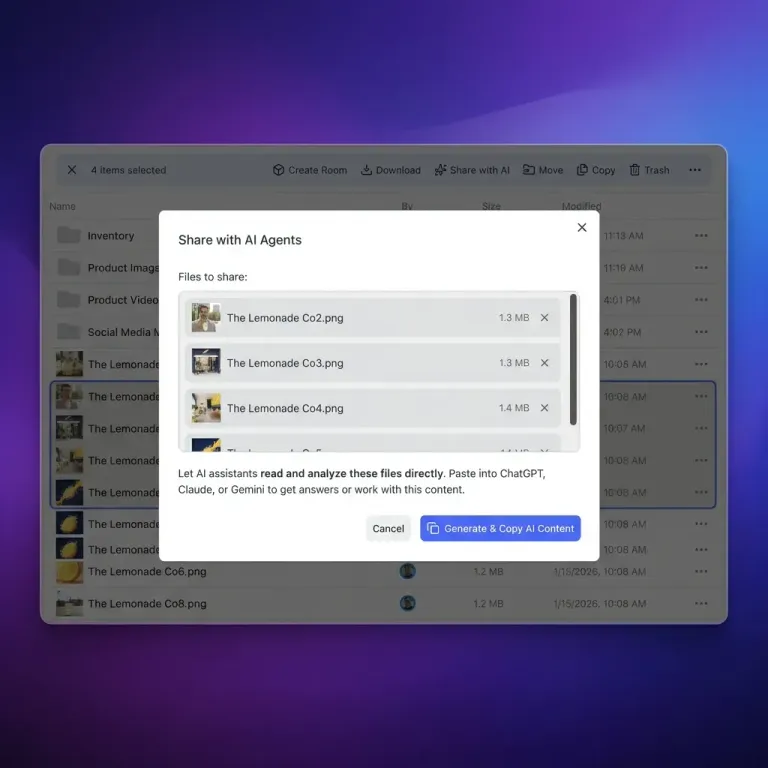
- AI file attachments go to the subjects channel. They were being routed as references. Now they land where the rest of the product expects them, so an attached file is treated as something the conversation is about rather than a footnote to it.
Attachments in Ripley Chat
The same routing problem existed in the web app. Files you attach to a Ripley chat now become focus subjects rather than inline pills in the message. Practically, that means the file you attach is the thing the conversation is grounded in.
Aligning the web app and the CLI here matters more than it sounds. If a person attaches a document in the browser and an agent picks up the same conversation over the CLI, both sides now see that file in the same role.
Why These Ship Together
Most of this release is one theme with three faces: two clients disagreeing about the shape of a thing. Keyword search versus hybrid search. The MCP server versus the rest of the API. The CLI versus the web app.
A disagreement like that is cheap to absorb by hand and expensive to parse around. So when a shape is wrong in one mode and right in another, we treat it as a bug rather than a quirk to document.
Related Posts
Passkey Sign-In, Cloud Imports With Live Progress, and New MCP Tools
Sign in to Fastio with a passkey, import a cloud folder once and watch it run, and give agents new MCP tools for notes, file versions, comments and invites.
An MCP Setup Guide and Cloud Sync Folder Checks
A public guide walks you through connecting each MCP client to Fastio, and Cloud Sync now sizes and checks a folder before you connect it to a workspace.
One Tool per Operation and Read-Only MCP Sessions
A new MCP endpoint gives agents one tool per operation, and every Fastio tool now comes as a read tool and a separate write tool, each labeled with hints.