What Is Model Context Protocol (MCP)?
Model Context Protocol (MCP) is an open standard that lets AI agents connect to external data sources and tools through a unified interface. Released by Anthropic in late 2024, it eliminates the need for custom integrations by providing a universal connection layer for databases, file systems, and business software.

What Is Model Context Protocol (MCP)?
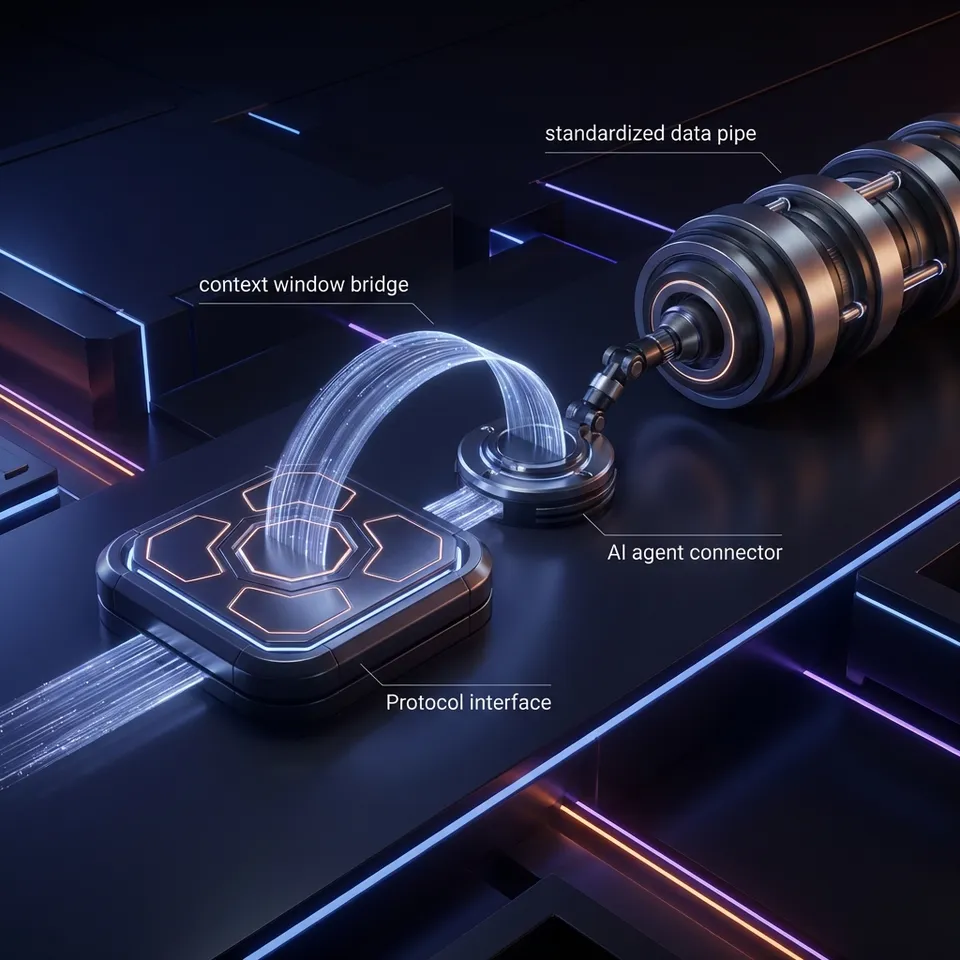
Model Context Protocol (MCP) is an open standard that lets AI models connect with external data and tools. Before MCP, connecting an AI assistant like Claude or ChatGPT to a company's internal database required building a custom integration specific to that AI model. If you wanted to switch models or add a new data source, you had to build the connection again from scratch. MCP solves this by providing a universal standard. It separates the AI model (the "client") from the data source (the "server"). Any AI application that speaks MCP can connect to any data source that speaks MCP. Anthropic released the protocol in November 2024 to address the "siloed intelligence" problem, where powerful AI models are cut off from the real-world data they need to be useful. Docker, Replit, and Codeium adopted the standard within weeks to let their tools communicate with AI agents.
Helpful references: Fastio Workspaces, Fastio Collaboration, and Fastio AI.

Related guides
- Best MCP Servers for Search: Connecting AI Agents to Real-Time DataSearch MCP servers connect AI agents to real-time web data, which cuts down on hallucinations and helps agents retrieve...
- Top 7 MCP Servers for Databases: Connecting Agents to Data (2026)MCP servers for databases connect AI agents to structured data storage. This guide ranks the top 7 servers for...
- Fastio MCP Server Integration Guide for DevelopersThe Fastio MCP server is a remote server. Your client connects to it over a URL, which means there is no package to...
- GPT Actions vs MCP: Which Integration Approach to Use?Choosing between GPT Actions and the Model Context Protocol (MCP) comes down to one question: do you want to build for...
- Fastio MCP Server Docker Compose Setup GuideUsing Docker Compose to set up agent environments that connect to the remote Fastio MCP server provides a stable...
- How to Implement Fastio SSE Streaming for MCP ToolsSSE (Server-Sent Events) streaming over MCP allows Fastio to push real-time file updates, extraction progress, and tool...
More on this subject: MCP and Model Context Protocol (238 guides)
How MCP Works: The 3 Core Components
The protocol uses a client-host-server architecture that standardizes how data is requested and delivered.
1. The MCP Host (The AI Application)
The Host is the application where the AI runs, such as the Claude Desktop app or an IDE like Cursor. The Host manages the connection and permission settings. It decides which tools the AI can access.
2. The MCP Client
The Client is the protocol layer inside the Host that speaks the MCP language. It translates the AI's natural language requests into standardized commands (like "read_file" or "query_database") that the Server can understand.
3. The MCP Server (The Data Source)
The Server is a lightweight program that sits on top of a data source. It exposes specific resources (data) and tools (functions) to the Client. For example, the Fastio MCP Server exposes your cloud storage as a set of file management tools that any agent can use.
Why This Architecture Matters
This separation means developers only need to build an MCP Server once. That single server can then connect to Claude, ChatGPT, Gemini, or any other MCP-compliant client. It moves the ecosystem away from fragmented, proprietary plugins toward a unified standard.
Key Capabilities of MCP
MCP goes beyond reading text. It supports full agentic workflows. The protocol defines three primary primitives:
- Resources: Data that the AI can read. This could be files, database rows, or API logs. Resources are like "files" that the AI can open and inspect.
- Prompts: Pre-written templates that help the AI use the server effectively. A server might provide a "Debug Error" prompt that automatically gathers relevant logs and code snippets.
- Tools: Executable functions that the AI can run. This is where agents become active. Tools let the AI write files, send emails, query databases, or trigger deployment pipelines. According to Anthropic's documentation, these primitives let agents move beyond simple chat and perform complex, multi-step tasks within your environment.


Give Your AI Agents Persistent Storage
Connect your AI to persistent cloud storage with Fastio's official MCP server. Start your 14-day Business Trial today.
Real-World Use Cases for MCP
Developers and companies are using MCP to bridge the gap between general-purpose LLMs and proprietary business data.
Automated File Management
Instead of manually uploading files to a chat window, agents use MCP to connect directly to cloud storage. An agent can search through thousands of PDFs, extract specific clauses, and save a summary report back to a shared folder without human intervention.
Database Interaction
Engineers use MCP servers to let AI assistants query PostgreSQL or SQLite databases safely. The server defines read-only tools, ensuring the AI can answer questions about customer data ("Show me users who signed up last week") without risking data corruption.
DevOps Automation
Teams are building MCP servers for their infrastructure. An AI agent can use these tools to check server status, read deployment logs, and even restart services if it detects a crash, all through a standardized interface.

Fastio's MCP Implementation
Fastio provides a full-featured MCP server built to give AI agents persistent memory and file access. While many MCP servers run locally on your machine, the Fastio MCP server connects your agent to cloud storage. This matters for agents that need to share work with humans or other agents.
Key features of the Fastio MCP Server:
- Standardized File Tools: A complete toolset for file manipulation, including reading, writing, searching, and organizing.
- Streamable HTTP: Supports a reliable transport protocol for stable connections.
- Persistent Context: Unlike local files that are trapped on one laptop, files stored in Fastio are accessible to the agent from anywhere.
- Built-in RAG: Once Intelligence is enabled for the workspace, files are indexed and searchable, allowing your agent to perform semantic searches across your workspace. Agents connect remotely to https://mcp.fast.io/mcp/tools with simple URL configuration.
The Future of Agentic AI
Model Context Protocol represents a shift from "chatbots" to "connected agents." By standardizing how AI interacts with the world, MCP lowers the barrier for building helpful, autonomous systems. As the standard grows, we expect to see a library of "plug-and-play" MCP servers for every major software platform. Just as you expect a new printer to work with your computer automatically, you'll soon expect every software tool to work with your AI agent via MCP. Consider how this fits into your broader workflow and what matters most for your team. The right choice depends on your specific requirements: file types, team size, security needs, and how you collaborate with external partners. Testing with a 14-day Business Trial is the fast way to know if a tool works for you.
Sources
References used to verify factual claims in this guide.
-
Anthropic released the Model Context Protocol (MCP) in November 2024 as an open standard.
-
Model Context Protocol (MCP) uses a client-host-server architecture that standardizes how data is requested and delivered with 3 core components.
Frequently Asked Questions
What is the Model Context Protocol (MCP)?
MCP is an open standard that lets AI models connect to external data sources and tools. It works like a universal driver, letting AI assistants interact with your files, databases, and software without custom integrations.
Is MCP open source?
Yes, Anthropic released MCP as an open standard in 2024. It is designed to be model-agnostic, meaning it works with AI models from different providers, not just Anthropic's Claude.
How do I use MCP with Claude?
To use MCP with Claude, you need the Claude Desktop app. You can then configure it to connect to any MCP server (like the Fastio MCP server) by adding the server's details to your configuration file.
Does Fastio support MCP?
Yes, Fastio offers a native MCP server for file management. It lets AI agents read, write, and organize files in cloud storage, providing them with persistent long-term memory.
What is the difference between an MCP Client and Server?
An MCP Client is the AI application (like Claude Desktop) that wants to access data. An MCP Server is the bridge that sits on top of your data (like a database or file system) and translates the AI's requests into actions.
Related Resources

Give Your AI Agents Persistent Storage
Connect your AI to persistent cloud storage with Fastio's official MCP server. Start your 14-day Business Trial today.