Top MCP Workspaces for Agents
MCP workspaces enable agents to access shared tools and files via the Model Context Protocol. This guide reviews the top environments where agents can live, work, and collaborate with humans, highlighting key features like persistent storage and tool integration.


What is an MCP Workspace?
An MCP workspace is a digital environment where AI agents can access tools, read files, and execute commands using the Model Context Protocol. Unlike traditional chat interfaces, these workspaces give agents persistent memory and the ability to interact with the real world through standardized connections. Recent industry data shows dramatic growth in available MCP servers, reflecting a massive shift toward agentic workflows.
For developers, an MCP workspace is the difference between a chatbot that talks and an agent that does. It provides the "body" for the AI "brain," allowing it to manipulate files, query databases, and deploy code within a secure, managed context.

Related guides
- How to Implement Collaborative MCP Server Management for DevOps TeamsCollaborative MCP management brings DevOps principles to AI agent infrastructure. As teams move from local scripts to...
- How to Integrate Fastio MCP With MetaGPTIntegrating Fastio MCP with MetaGPT gives your multi-agent teams persistent, shared file workspaces. They can store and...
- How to Use an MCP Server for Figma Design-to-Code WorkflowsAn MCP server for Figma gives AI coding agents direct access to design files, component metadata, and layout context....
- How to Connect AI Agents to Salesforce via MCP ServerExposing Salesforce CRM data to AI agents requires bridging proprietary endpoints with agentic tool calls. Building a...
- Google Drive MCP Server in Python: Building Custom Tools vs Remote WorkspacesA Google Drive Python MCP server exposes Google Drive files and directory search to AI agents as standardized Model...
- Remote MCP vs Local MCP: Architecture Patterns for Agent WorkspacesLocal MCP runs tool servers as child processes on a developer's workstation using stdio streams, while remote MCP hosts...
More on this subject: MCP and Model Context Protocol (238 guides)
Top MCP Workspaces for Agents
We evaluated the leading workspaces based on tool support, persistence, and collaboration features.
Choosing the right workspace depends on your agent's primary task. Coding agents thrive in IDEs, while autonomous agents needing long-term memory require a persistent cloud filesystem.
Fastio: The Intelligent Workspace
Fastio provides a cloud-native home for AI agents, offering persistent storage that both humans and machines can access. It distinguishes itself by treating agent memory as a first-class citizen, files uploaded by an agent are indexed and searchable once Intelligence is enabled for the workspace.
Key Strengths:
- Consolidated Toolset: Agents get instant access to a consolidated MCP toolset via Streamable HTTP and SSE, covering file operations and workspace management.
- Built-in RAG: Intelligence Mode automatically indexes documents, allowing agents to answer questions with citations without setting up a vector database.
- Business Trial: 14-day trial with usage-based credits (requires credit card).
Limitations:
- Focuses on file and data operations rather than code execution (though it works with coding agents via MCP).
- Requires an internet connection for cloud-based MCP features.
Best For: Developers building long-running agents that need to share state, files, or memory with human teams.



Give Your AI Agents Persistent Storage
Stop letting your agents forget everything when the session ends. Fastio gives agents persistent workspaces and a consolidated MCP toolset.
Cursor: The Coding Workspace
Cursor has redefined the developer experience by embedding AI directly into a VS Code fork. Its native MCP support allows developers to connect local tools like database clients or localhost servers directly to the editor's AI chat.
Key Strengths:
- Local Tool Access: Easily connect local MCP servers to give the AI control over your development environment.
- Codebase Awareness: Excellent context management for large repositories.
- Familiar Interface: If you know VS Code, you already know how to use Cursor.
Limitations:
- Primarily designed for interactive coding, not autonomous background tasks.
- Context is ephemeral to the session; it doesn't serve as long-term memory.
Best For: Software engineers who want an AI pair programmer that can run terminal commands and access local tools.
Windsurf: The Flow Workspace
Devin Desktop (formerly Windsurf, originally created by Codeium and acquired by Cognition) focuses on "flow state" by deeply integrating AI into the IDE's runtime. Its "Cascade" system can predictively load context and tools, making it one of the most fluid MCP experiences for developers.
Key Strengths:
- Deep Context: "Cascade" understands the semantic relationships between your code files better than most standard context windows.
- Proactive Suggestions: The workspace often suggests the right tool or file before you ask.
- Multi-Model Support: Switch between top models like Claude Sonnet and GPT-4o.
Limitations:
- Like Cursor, it is a desktop IDE, not a cloud environment for always-on agents.
- Tool ecosystem is slightly more curated than the open MCP standard allows in some configurations.
Best For: Developers who want a frictionless, "magical" coding experience where the tool usage feels invisible.
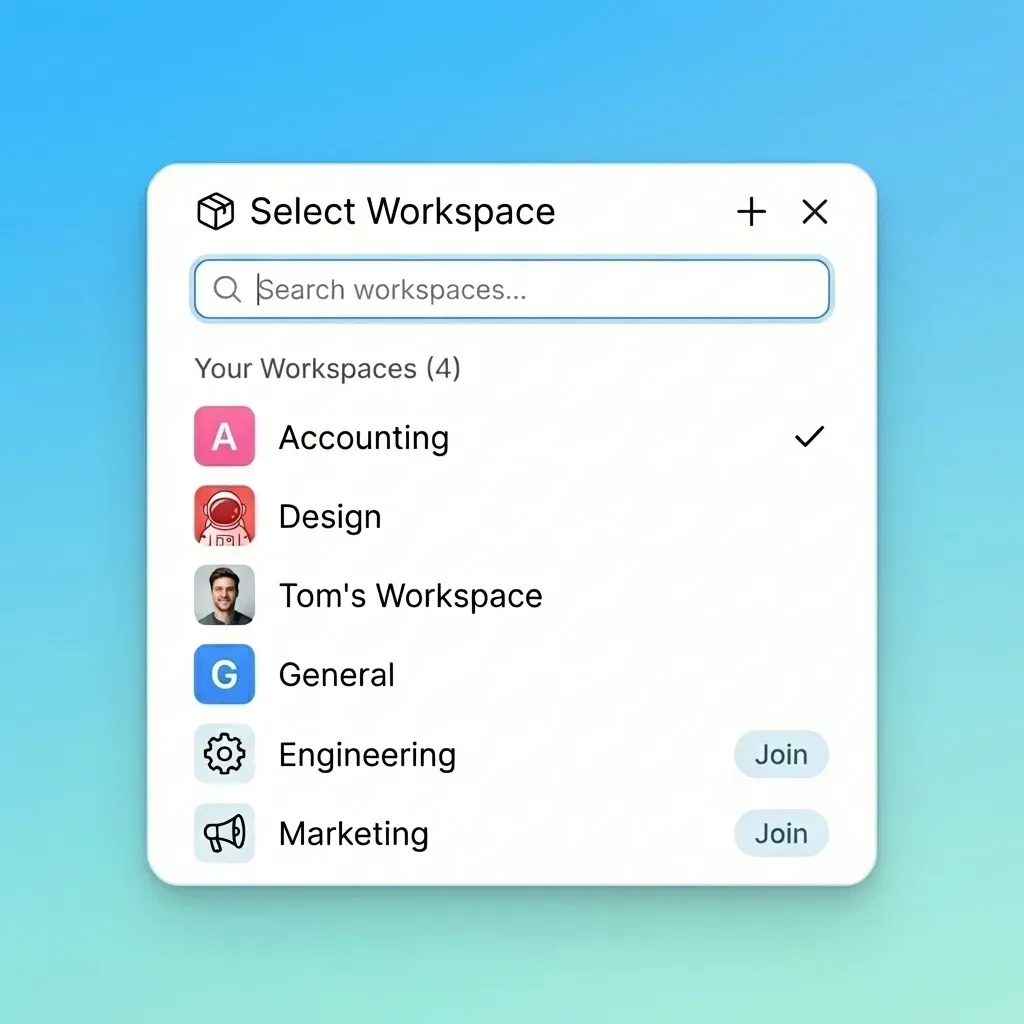
Claude Desktop: The Reference Workspace
Claude Desktop is Anthropic's official client and the reference implementation for MCP. It is the purest way to experience the protocol, allowing you to manually configure any MCP server via a simple JSON config file.
Key Strengths:
- Universal Compatibility: If it's a valid MCP server, it works here.
- Zero Cost: The client itself is free (you pay for the model API or subscription).
- Privacy Focused: Runs locally on your machine, keeping tool interactions private.
Limitations:
- Requires manual configuration (editing JSON files) to add new tools.
- No shared state or collaboration features for teams.
Best For: Power users and developers who want to experiment with bleeding-edge MCP servers locally.
Smithery: The Tool Registry
While not a workspace in itself, Smithery is the essential "app store" for equipping your MCP workspace. It allows you to discover, install, and manage MCP servers for any supported client with a single command.
Key Strengths:
- Discovery: Easily find tools for services like Spotify, Google Drive, or Postgres.
- Ease of Use: Simplifies the complex JSON configuration required by clients like Claude Desktop.
- Vibrant Ecosystem: The fastest-growing registry for new agent capabilities.
Limitations:
- It's a CLI/registry, so you still need a host workspace (like Claude or Cursor) to use the tools.
Best For: Anyone using MCP who wants to quickly expand their agent's capabilities without manual config.
How to Choose Your Agent Workspace
Selecting the right workspace depends on whether you are building a coding assistant or a digital coworker.
If your agent needs to write code, choose Cursor or Devin Desktop. These IDEs are optimized for syntax, debugging, and project structure.
If your agent needs to remember files, share work, and run autonomously, choose Fastio. Agent teams share substantial file volumes monthly on the platform, proving its value as a collaboration layer. Fastio bridges the gap, allowing an agent to do work and a human to review it later in the same shared folder.
For local experimentation, Claude Desktop combined with Smithery offers the most flexibility for testing new tools.
Sources
References used to verify factual claims in this guide.
-
Fastio agents have access to a consolidated MCP toolset
-
Business Trial: 14-day trial with usage-based credits.
Frequently Asked Questions
What is the best MCP workspace for coding?
Cursor and Devin Desktop are currently the top choices for coding. Cursor offers granular control over local tools and a familiar VS Code interface, while Devin Desktop provides a more fluid, context-aware 'flow' state for complex development tasks.
Can I use multiple MCP workspaces together?
Yes, many developers use a combination. For example, you might use Fastio as the persistent memory and file storage layer for your agents, while using Cursor as the interface to write the code that powers them.
Is Fastio an MCP server or a workspace?
Fastio is both. It provides a hosted MCP server that gives agents access to a consolidated MCP toolset, and it also acts as a workspace where those agents can store files, maintain memory, and collaborate with human users.
How do I add tools to my MCP workspace?
In clients like Claude Desktop, you edit a configuration file to add tool definitions. In Fastio, tools are available instantly via the API without manual installation. Platforms like Smithery simplify this by providing a command-line installer for popular tools.
Are MCP workspaces free?
Most have free tiers. Claude Desktop is free, Cursor and Devin Desktop have generous free tiers for individuals, and Fastio offers a 14-day Business Trial with usage-based credits.
Related Resources

Give Your AI Agents Persistent Storage
Stop letting your agents forget everything when the session ends. Fastio gives agents persistent workspaces and a consolidated MCP toolset.