How to Share GLTF 3D Models with Clients
When sharing GLTF 3D models with clients, reliable previews and secure access matter. GLTF is an open standard for efficient 3D model transmission and rendering. It works well for web-based and interactive reviews. Email attachments have size limits, temporary services expire, and public platforms risk exposing your work. Fastio offers GLTF previews in the browser via view-only shares and branded portals. Clients review models without downloads or accounts.

What Is GLTF and Why Share with Clients
GLTF, or GL Transmission Format, is an open standard for efficient 3D model transmission and rendering, developed by the Khronos Group. glTF 2.0 was released as the ISO/IEC 12113:2022 international standard.
The format uses a JSON structure for scene description combined with binary data in .glb files. This approach keeps files compact while supporting complex elements like meshes, PBR materials, textures, lights, cameras, skeletons, and animations. Typical GLTF files for detailed models range from 10MB to 100MB after compression.
In creative workflows, designers share GLTF files for client reviews on prototypes, product designs, architectural visualizations, or VFX shots. Clients need to interact with the model. They can rotate, zoom, and use section views to check details like scale, lighting, and material realism without heavy software.
Consider an architect exporting a building model from Blender or Rhino to .glb. The client opens the share link, spins the model to inspect facade textures, verifies room proportions, all in a web browser. Feedback comes back pinpointed to specific parts, cutting revision time.
Product designers use it for client approval on renders. Animation studios send character rigs for pose checks.
Fastio's universal media engine provides native GLTF previews, eliminating download barriers. Related features include workspaces for organization, collaboration for team reviews, and AI tools.

Related guides
- How to Share Figma Prototypes with ClientsSharing a Figma prototype should be simple, but permission settings, feedback collection, and version tracking add...
- How to Share Large AI Illustrator Files with ClientsSharing large Adobe Illustrator (.ai) files with clients creates problems. Complex designs with layers, embedded...
- How to Share Procreate Files with ClientsSharing Procreate files with clients can be tricky. The files are large and use a layered format only available on...
- 7 Best Logo Design Client Feedback Tools for 2026A logo design client feedback tool helps designers share drafts and collect specific client input to cut down revision...
- How to Set Up Remote InDesign Collaboration for TeamsInDesign collaboration remote lets design teams review layouts from anywhere without chasing file versions through...
- How to Build Marketing Automation AI WorkspacesMarketing automation AI workspaces let teams orchestrate AI agents for personalized campaigns using persistent storage....
More on this subject: Creative and Marketing Teams (27 guides)
Problems with Traditional GLTF Sharing Methods
Traditional GLTF sharing methods create friction for creative teams.
Email attachments typically cap at 25MB. Larger models bounce or get compressed, losing detail in textures and geometry. Clients face inbox clutter and mobile download issues.
Consumer cloud drives like Dropbox or Google Drive demand logins for access. Previews show static images, not interactive 3D. Multiple versions lead to confusion over which file is current.
One-off transfer tools like WeTransfer provide no previews, just download prompts. Links expire after 7 days or a few downloads, requiring resends during long reviews.
3D hosting platforms like Sketchfab offer excellent viewers but are public by default. Private shares exist, but viewers can still export models. Embeds require iframe code and hosting.
Custom web viewers with three.js GLTFLoader work but need development time for hosting, styling, and security. Maintenance adds overhead.
These gaps delay approvals, risk IP exposure, and frustrate clients. Here's how they stack up:
Fastio closes every gap with secure, instant previews.



Try it yourself
See how Fastio handles your files.
Complete Guide to Sharing on Fastio
Follow these steps to share GLTF models on Fastio.
Step 1: Create workspace. Click New Workspace, name it "Client-Project-GLTF". Add team with granular roles.
Step 2: Upload and organize. Drag .glb files into folders like "v1", "v2". Single files up to 100 GB on the Enterprise plan; resumable uploads for large assets.
Step 3: Generate share. Right-click folder > Share > Link. Gets a dedicated URL with auto-preview.
Step 4: Secure it. Enable view-only to prevent downloads. Add password, expiration (e.g., project end date), domain restrict (e.g., @client.com).
Step 5: Brand the portal. Upload logo, choose colors. Clients see your studio's page, not generic.
Step 6: Distribute and track. Email/Slack the link. Audit logs show opens, view time, downloads attempted (blocked), comments.
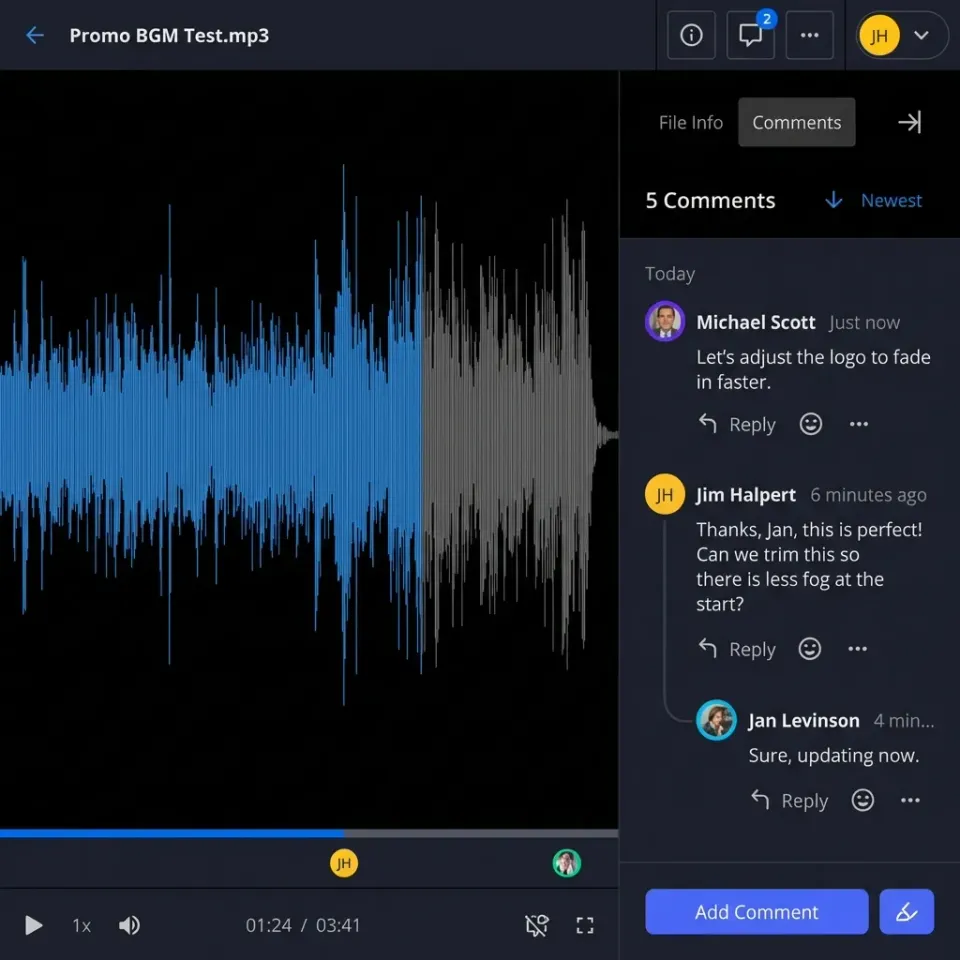
Clients arrive at a branded page. The GLTF loads instantly via WebGL with no plugins needed. They can orbit, zoom, and animate it. Comments are threaded to specific model parts.
It supports real-time collaboration if clients are invited. The preview uses streaming for quick access.
This workflow makes sharing professional and speeds up client sign-off.

Native GLTF Previews Fill the Key Gap
Other services require downloads or logins for 3D reviews. Fastio renders GLTF natively in the browser. This fixes the main problem.
Powered by WebGL, it supports full GLTF features: PBR materials for realistic metals/glass, skinned meshes for characters, morph targets, animations up to 60fps.
Interaction: mouse orbit/pan/zoom, keyboard shortcuts, section planes for cutaways. Full fidelity—no LOD approximations.
Mobile: touch gestures, AR-ready via WebXR.
Vs alternatives:
- three.js embed: Code-heavy, self-host.
- Sketchfab: Signup for private, export risk.
- Drive: Image only.
Clients can start reviewing right away and give detailed feedback. Teams say approvals happen 2-3 times faster. No more "can't open on Mac" complaints.

Security Best Practices and Viewer Alternatives
Layered security protects your designs during reviews.
Client link controls: View-only blocks downloads/edits. Password-protect and expire links.
Team safeguards: MFA everywhere, SSO with Okta/Azure AD/Google. Granular permissions: org > workspace > folder > file.
Audit everything: Logs capture views, session duration, IP, device, even interaction heatmaps in data rooms.
Switch to download-enabled post-approval.
Viewer alts for testing: Khronos glTF Validator, Babylon.js Sandbox (quick online), self-host three.js.
Fastio balances security and usability for agencies handling NDAs and IP.

Tips for Optimal GLTF Client Reviews
Maximize review efficiency with these tips.
Compress smartly: Enable Draco (KHR_draco_mesh_compression) in Blender or export tools. This reduces size by 50-90%. Then validate with glTF Validator.
Enhance interactivity: Add camera keyframes for guided tours, multiple LODs for perf, animations for motion tests.
Multi-device test: Preview on Chrome desktop, Safari iPad, Android Chrome. Check 4G load times.
Structured feedback: Use Fastio comments pinned to model regions. Thread replies for clarifications.
Version discipline: Folder "2026-03-03-v2", changelog PDF.
Troubleshoot common issues: Model invisible? Flip normals. Slow? Bake lights, cull polys. Textures missing? Embed or absolute paths.
Pro tip: Pair with AR viewers like model-viewer.dev for phone AR reviews.
These practices ensure smooth, professional exchanges.
Sources
References used to verify factual claims in this guide.
-
glTF 2.0 was released as the ISO/IEC 12113:2022 international standard
Frequently Asked Questions
Can I share GLTF files securely with clients?
Yes. Fastio links support passwords, expiration dates, view-only access, and domain restrictions. Audit logs track who accesses them.
What GLTF viewer tools exist?
Fastio offers native previews. Free options: three.js, Babylon.js sandbox. Hosted: Sketchfab (public or private).
Do clients need software to view GLTF?
No, with Fastio's browser previews. Otherwise, try Blender, Windows 3D Viewer, or web loaders.
How large GLTF files can I share?
Fastio accepts files up to 25 GB on the Starter plan, 50 GB on Business and 100 GB on Enterprise, far more than email allows.
Is GLTF suitable for client delivery?
Yes. It's compact, web-ready, and supports PBR materials unlike OBJ.
How to collaborate on GLTF feedback?
Share the workspace for real-time collaboration and threaded comments on models.

Ready to get started?
See how Fastio can help your team collaborate more efficiently.