How to Share Context Between MCP Servers: A Developer's Guide
Context sharing allows Model Context Protocol (MCP) servers to exchange state, resources, and data. This gives AI agents coordinated capabilities. Without effective sharing, agents act as manual data bridges, which increases latency and token costs.


What is Context Sharing in MCP?
Context sharing is how separate MCP servers exchange state, configuration, and runtime data. In the standard Model Context Protocol architecture, servers act as isolated units. An MCP client (the AI agent) connects to a server, lists its tools, and interacts with it via a standardized JSON-RPC connection. By default, Server A does not know Server B exists.
The Context Fragmentation Problem This isolation helps security and modularity, but it splits context. Consider an ecosystem with two servers: a GitHub MCP Server that reads code and a Jira MCP Server that manages tickets.
If an agent wants to "Create a Jira ticket based on the bug in auth.ts," it faces a problem:
- It asks the GitHub server to read
auth.ts(pulling the file content into the agent's context). - It processes that content to summarize the bug.
- It sends that summary to the Jira server to create the ticket.
This architecture forces the agent to handle every byte of data. It wastes tokens on intermediate data that the agent doesn't need to "understand," only to move. Real context sharing solves this. It allows servers to reference each other's resources or access a shared state layer directly. This bypasses the bottleneck of the LLM's context window.
Helpful references: Fastio Workspaces, Fastio Collaboration, and Fastio AI.
Related guides
- How to Build MCP Servers with .NET: A C# Developer's GuideBuilding MCP servers in .NET allows enterprise developers to expose existing business logic and data layers to AI...
- How to Build MCP Servers with TypeScript: A Developer's GuideThe MCP TypeScript SDK lets web and Node.js developers build servers that follow the Model Context Protocol, connecting...
- MCP Server Architecture: How Model Context Protocol Servers WorkThe Model Context Protocol defines a three-layer architecture where hosts, clients, and servers communicate over...
- Top 7 Open Source MCP Servers for AI Agents in 2026Open source MCP servers give AI agents direct access to files, databases, and APIs without black-box proprietary...
- Best MCP Servers for LLM Workflows in 2026Model Context Protocol servers give LLMs standardized access to tools, data, and services. With over 10,000 public...
- Best MCP Servers for Education and EdTech: Top 7 Tools for 2026MCP servers in education enable AI tutors and admin agents to access learning management systems securely. By...
More on this subject: MCP and Model Context Protocol (244 guides)
Why You Need Cross-Server Communication
Complex agent workflows need servers that work together. Recent industry surveys show that many multi-server MCP deployments need some form of context sharing to work well.
Efficiency drives this demand. A shared context strategy can reduce redundant API calls in complex reasoning loops. Instead of an agent querying a database, parsing the result, and feeding it to an analysis tool, the agent tells the analysis tool to "analyze the dataset at this reference."
Technical Benefits:
- Lower Latency: Data travels directly between backend systems or via reference pointers. This removes the HTTP overhead of sending megabytes of text to and from the LLM.
- Token Savings: Large datasets (logs, CSVs, codebases) never pass through the agent's expensive context window.
- State Consistency: Multiple agents or tools view the exact same version of the truth. If one agent updates a "user profile" in shared storage, all other agents see the change immediately.
- Modular Architecture: You can build specialized micro-agents (e.g., a "Researcher" and a "Writer") that collaborate on shared artifacts. You don't need to merge them into a monolithic prompt.

First Method: Using Shared Resources and Prompts
The most native way to share context in MCP is through Resources. The protocol allows a server to expose data (files, database rows, system logs, or application state) as URI-addressable resources.
How It Works In this pattern, servers don't talk to each other directly. Instead, they expose their internal state as a resource. The host application (the MCP Client) reads this and injects it into the prompt context of other tools.
For example, a Customer Context Server might expose a resource customer://current/metadata.
{
  "uri": "customer://current/metadata",
  "name": "Active Customer Metadata",
  "mimeType": "application/json",
  "text": "{\"id\": \"123\", \"plan\": \"enterprise\", \"region\": \"us-east\"}"
}
When the agent talks to a separate Billing Server, the host application automatically fetches customer://current/metadata and includes it in the prompt. The Billing Server's tools now "know" the customer's plan and region without the agent explicitly asking for it.
Pros:
- Protocol Compliant: Uses standard
resources/listandresources/readmethods. - Transparent: The agent sees exactly what context is being used.
Cons:
- Limited Scale: It still loads data into the context window. It doesn't solve the "large file" problem.
- Read-Only: Resources are typically read-only views of state, not mutable shared memory.
Second Method: Tool Chaining and Orchestration
Tool chaining moves integration logic from the data layer to the execution layer. In this pattern, the output of one tool becomes the input for another tool. A framework like LangChain or a custom Python script usually orchestrates this.
The Blackboard Pattern While the MCP specification focuses on client-server communication, the host application can maintain a "blackboard," a shared state object visible to the orchestration logic.
• First Step: The agent calls search_logs on the Log Server.
• Second Step: The orchestration layer captures the JSON output. Instead of showing the raw logs to the LLM, it extracts a session_id.
• Third Step: The orchestration layer automatically injects that session_id into the arguments for the trace_request tool on the Tracing Server.
Implementation Example (Conceptual)
### The "Host" acts as the bridge
user_id = auth_server.call_tool("get_current_user", {})

### The Host passes the result to the next server
### The Agent (LLM) might not even see the intermediate 'user_id'
db_results = db_server.call_tool("query_records", {"uid": user_id})
This approach is flexible but needs client-side logic. The servers remain simple and stateless, while the logic lives in the orchestration layer. This works well for deterministic workflows but can break during open-ended agent exploration.
Third Method: Shared Persistent Storage (The Reference Pattern)
For high-performance agents handling files, media, or large datasets, Shared Persistent Storage is the scalable architecture. Instead of passing data values (the actual bytes), you pass references (file paths or URLs) to a shared storage layer that all servers can access.
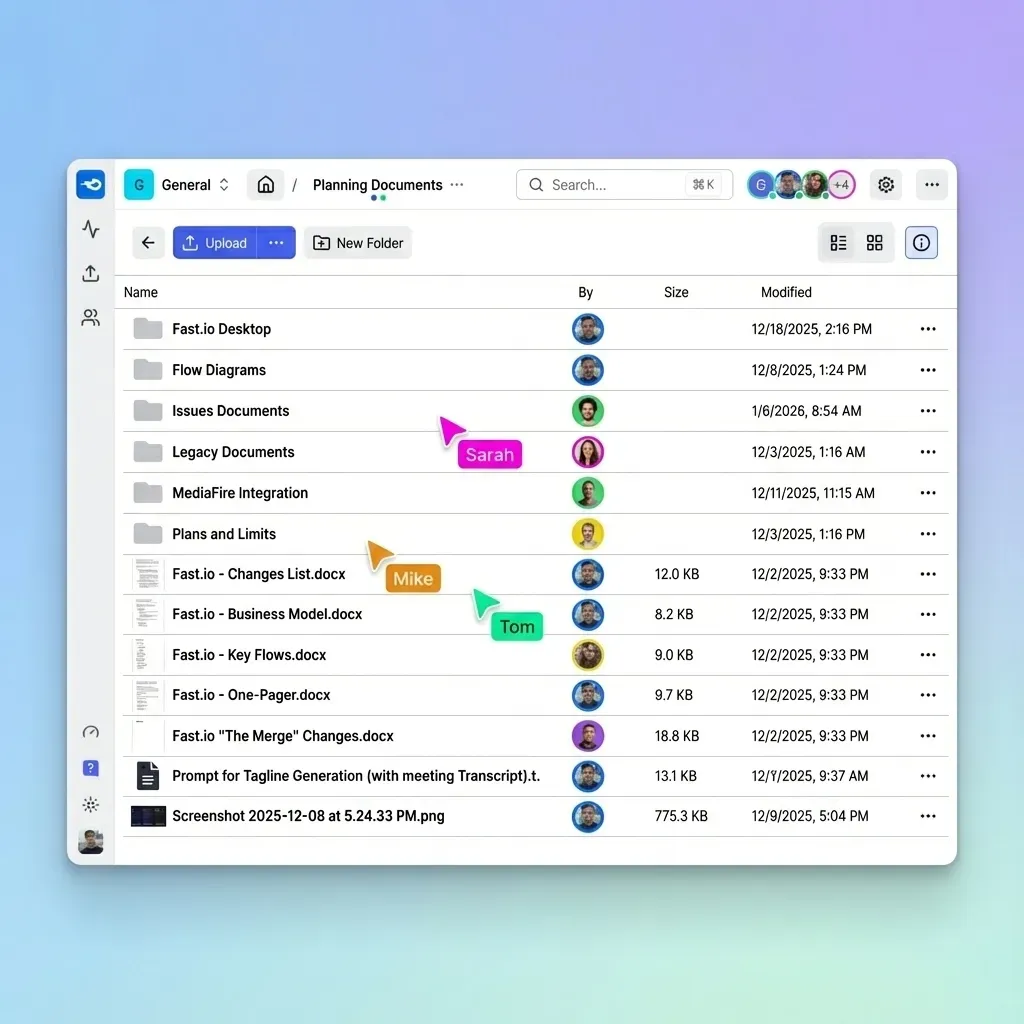
The Architecture In this model, Fastio acts as the shared memory layer. By mounting a Fastio workspace, multiple MCP servers can read and write to the same file namespace.
- Server A (Ingestion Agent): Downloads a large video file and writes it to
uploads/video_raw.mp4in the shared workspace. - Server B (Transcoding Agent): Receives the path
uploads/video_raw.mp4, reads it directly from the mount, processes it, and writes the result toprocessed/video_final.mp4.
Referential Passing vs. Value Passing
- Value Passing (Bad): Server A returns the base64-encoded video to the agent. The agent tries to pass it to Server B.
Result: Crash (Context limit exceeded).
- Referential Passing (Good): Server A returns a string:
"/mnt/fastio/uploads/video_raw.mp4". The agent passes this short string to Server B.
Result: Instant, zero-latency handoff.
This enables the "Hot Potato" workflow: agents pass the "hot potato" (the file reference) around the circle, but no one has to hold the heavy object (the file content) in their memory.



Give Your AI Agents Persistent Storage
Stop paying for redundant tokens and slow round-trips. Use Fastio as the high-speed shared persistent storage layer for your multi-server MCP architecture.
Security Architecture for Shared Context
Sharing context introduces security risks. If Server A and Server B share a storage backend, you must ensure that Server B cannot access data it isn't authorized to see. This is especially important in multi-tenant environments where agents serve different users.
Isolation Strategies
Namespaced Storage: Use structured paths to enforce isolation. Assign each "session" or "user" a unique UUID and restrict file operations to that directory.
data/{tenant_id}/{session_id}/in the workspace- Configure the MCP server to jail its file access to this root.
The Principle of Least Privilege: Not every server needs write access. Configure your "Reader" agents (e.g., Analysis or RAG agents) with read-only credentials for the shared storage. Only "Writer" agents (e.g., Downloaders or Generators) should have write permissions.
Ephemeral Credentials: Avoid hardcoding long-lived API keys. Use short-lived, scoped tokens for accessing shared resources. If a server is compromised, the damage is limited to that specific session's window.
Preventing Context Leakage Context leakage occurs when state from User A's session persists and is accidentally accessed by User B's session. To prevent this:
- Flush on Terminate: Ensure your orchestration layer sends a "cleanup" signal when a session ends, deleting temporary files in the shared storage.
- Session-Scoped IDs: Never use generic filenames like
temp.json. Always append a session hash:temp_8x92b.json.
Protocol-Level Implementation Guide
If your servers are going to share data, they need to agree on the format. "Context" is just data, and data needs a schema. Without a shared schema, Server B won't know how to parse the JSON file created by Server A.
Defining Shared Schemas We recommend defining shared data structures using JSON Schema or Pydantic models (if using Python) and publishing them as a shared library that both MCP servers import.
Example: The Shared 'Context Object'
Define a standard "Context Object" that contains standard fields for your domain.
{
  "version": "1.0",
  "timestamp": "2025-10-27T10:00:00Z",
  "trace_id": "req_123abc",
  "artifacts": [
    {
      "type": "file_ref",
      "path": "/data/report.pdf",
      "hash": "sha256:..."
    }
  ]
}
Standardizing Metadata
When using Fastio for shared storage, use extended attributes (xattrs) or sidecar .meta.json files to store context about the files.
- File:
report.pdf - Metadata:
report.pdf.meta.jsoncontaining{ "author": "Agent A", "source": "web_scrape" }.
This allows Server B to understand provenance (where the data came from and how trustworthy it is) before it begins processing.
Best Practices for State Management
Consistency is the hardest part of distributed state. If two servers try to update the shared "User Profile" JSON at the exact same millisecond, you will encounter race conditions and data corruption.
Rules for Reliable Context Sharing:
- Immutable References: Treat shared files as immutable. Once Server A writes
report_v1.json, it should never change it. If updates are needed, writereport_v2.json. This makes caching easier and prevents "read-after-write" inconsistencies. - Single Writer, Multiple Readers: Designate a specific server as the "Owner" of a data domain. Only the Profile Server should write to
profile.json. All other servers (Email Server, Billing Server) should only read it. - Time-to-Live (TTL): Old context is dangerous context. It leads to hallucinations where the agent acts on outdated facts. Implement strict TTL policies on shared resources to auto-delete stale data.
- Audit Logging: Log every read and write to the shared context. If an agent takes an unexpected action, you need to know exactly what state it was looking at when it made that decision.
Frequently Asked Questions
How do MCP servers share data?
MCP servers share data primarily through the host application acting as a bridge. For more advanced use cases, they use shared persistent storage (like Fastio) or shared databases to access the same state without passing data through the LLM.
Can MCP servers communicate directly?
No, the Model Context Protocol currently does not support direct server-to-server (p2p) communication. All interaction happens through the client (the AI agent or host) or via shared external storage mediums.
How to pass context between MCP servers?
You pass context by using the output of a tool on one server as the input argument for a tool on another server. For large data, use the 'Pass by Reference' pattern where you exchange file paths instead of file content.
What is the best way to handle large datasets in MCP?
Never pass large datasets through the LLM's context window. Store the data in a shared persistent layer (like Fastio or S3) and pass a URI or file path reference to the MCP tool.
Does MCP support pub/sub for context updates?
The core MCP specification supports subscriptions for resource updates. An agent can subscribe to a resource on Server A and receive notifications when it changes, allowing it to reactively trigger tools on Server B.
How does Fastio handle concurrent writes from multiple agents?
Fastio provides advisory per-file locks that expire unless renewed by heartbeat, and it keeps every version of a file. However, we recommend an 'append-only' or 'immutable versioning' strategy for agent workflows to avoid complex locking issues entirely.
What is the difference between MCP Context and RAG?
RAG (Retrieval-Augmented Generation) is about finding relevant historical information. MCP Context is about the current, active state of the application and the tools available to manipulate it. They complement each other.
Related Resources

Give Your AI Agents Persistent Storage
Stop paying for redundant tokens and slow round-trips. Use Fastio as the high-speed shared persistent storage layer for your multi-server MCP architecture.