How to Build an AI Code Review Agent with Fastio API
Building an AI code review agent with the Fastio API lets developers pull repository diffs into an agentic workspace for secure, persistent LLM analysis. While many tutorials rely on fragile, in-memory scripts, a dedicated workspace gives the AI enough context to review code accurately. This guide shows you how to architect and deploy a reliable AI code reviewer that works with your existing continuous integration pipeline.


What is an AI Code Review Agent?
An AI code review agent is an autonomous system that uses Large Language Models (LLMs) to analyze source code modifications. It spots potential bugs and enforces styling guidelines. It also suggests architectural improvements before changes merge into production.
Modern development pipelines depend on code reviews to maintain quality. However, human reviewers often become a bottleneck. By delegating mechanical checks, such as variable naming conventions and basic security flaws, to an AI agent, developers can spend their review time on complex business logic. Adding an automated review agent directly to your development workflow means you get fast, context-aware feedback on every pull request.
Helpful references: Fastio Workspaces, Fastio Collaboration, and Fastio AI.

Related guides
- Best AI Code Checkers: Tools for Automated Code Review and QualityEighty-four percent of developers now use AI tools in their workflow, but fewer than a third trust the output. This...
- Best AI Code Review Tools in 2026: 9 Options ComparedAI code review tools analyze pull requests before a human reviewer sees the code, catching bugs, flagging security...
- How to Implement Fastio API Cursor-Based PaginationRetrieving data from a growing workspace requires a scalable approach. Cursor-based pagination in the Fastio API...
- Best AI Code Editors for Agent Development in 2026AI-native code editors integrate LLMs directly into the IDE to assist with code generation, debugging, and refactoring....
- How to Set Up MCP Servers in VS CodeGuide to vscode mcp server setup: Model Context Protocol (MCP) servers in VS Code connect GitHub Copilot Chat to...
- OpenAI Codex Usage Limits: API Tiers, Rate Caps, and Token BudgetsOpenAI Codex usage limits are tier-based rate caps (requests per minute and tokens per minute) and monthly spending...
More on this subject: AI Coding Assistants (82 guides)
The Context Problem: Why In-Memory Scripts Fail
Most tutorials for building AI code review agents follow a flawed method. They fetch a pull request diff, hold it in local memory, feed it to a language model, and print the output. This approach breaks down quickly in real-world scenarios.
In-memory architectures struggle with anything larger than a trivial update. LLMs need surrounding context, such as local dependency relationships and type definitions, to make accurate suggestions. If you only provide the modified lines of code, the AI frequently hallucinates undefined variables or misinterprets how the change affects the rest of the codebase. Passing large codebases repeatedly through stateless API calls also burns through tokens and increases latency. To build an agent that gives useful feedback, you need a persistent environment where the code and its history live together.
How Fastio Workspaces Solve the Context Problem
Fastio workspaces provide a practical scratchpad for agentic code analysis. Instead of juggling file states in volatile memory, your agent operates within a dedicated, persistent environment.
When you create a Fastio workspace for your review agent, it gains access to the full repository context. Using the Fastio API, the agent can pull the latest branch updates and maintain a historical record of previous reviews. Because the workspace natively supports Intelligence Mode, the uploaded code is automatically indexed. Your agent can query the entire codebase using various MCP tools via Streamable HTTP and SSE. It can execute complex static analysis without relying on separate vector databases. This persistent architecture gives the LLM deep contextual awareness, which reduces false positives and generates highly actionable feedback.


Give Your AI Agents Persistent Storage
Create a persistent agent workspace with generous storage, a consolidated MCP toolset, and built-in intelligence once enabled.
High-Level Architecture for a Review Agent
To build a successful AI code review agent, follow these high-level architecture steps:
- Initial Phase: Ingest PR diff to Fastio: When a developer opens a pull request, your continuous integration system sends the modified files to a dedicated Fastio workspace via the API.
- Next Phase: Trigger LLM via event notification: Your orchestrator receives the pull request event and prompts the LLM to begin its review using the full workspace context.
- Final Phase: Write review summary back to workspace: The agent processes the code and writes an actionable summary back to the workspace as a markdown document. This document then syncs to your version control system.
This event-driven model completely removes local file I/O constraints. The agent orchestrates the logic, while Fastio handles the persistent storage and state management.
Setting up the Fastio Workspace
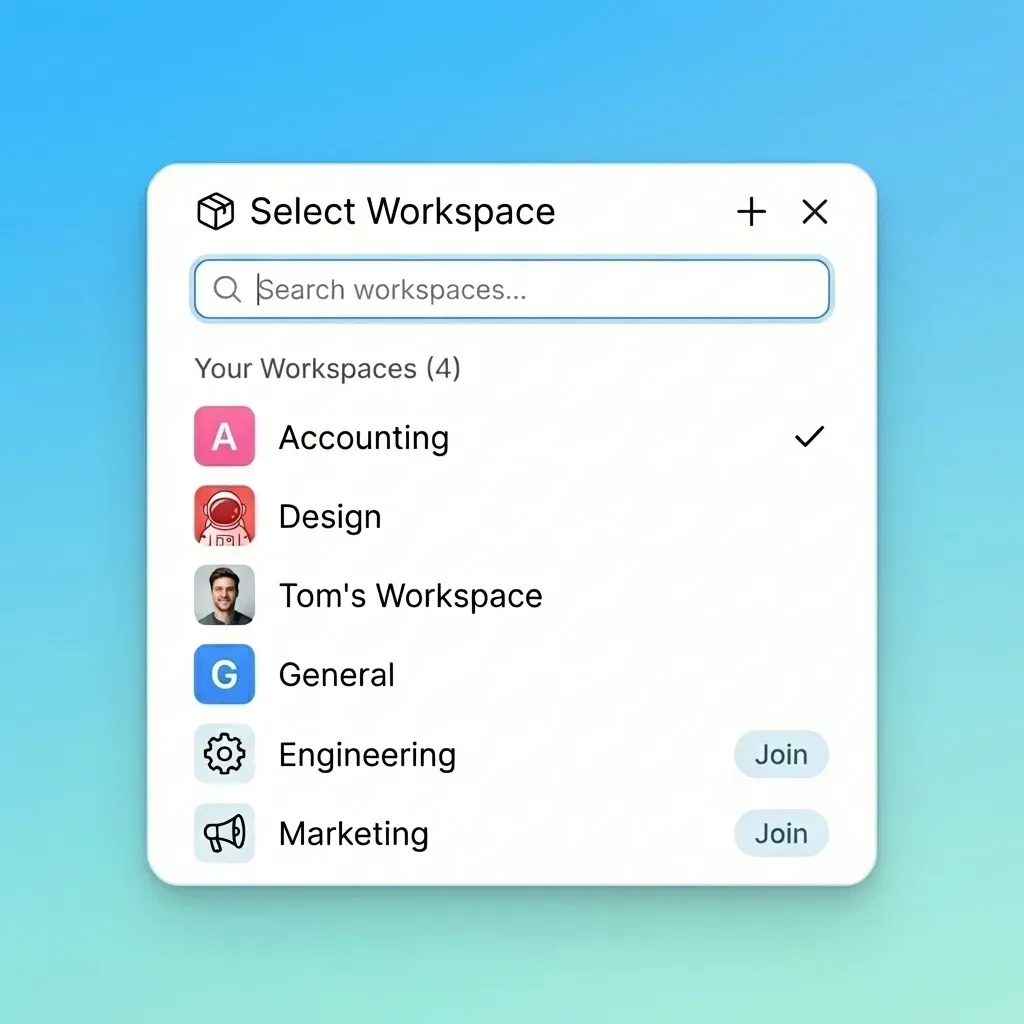
The initial step is provisioning the environment. Your agent needs an isolated workspace to analyze code securely. Fastio makes this easy with a 14-day Business Trial, giving your automated reviewer ample persistent storage for evaluating complex repos.
To automate workspace creation, your orchestrator script should call the Fastio API. By using the workspace provisioning endpoint, you establish a secure sandbox tailored for a specific pull request. You can also define granular permissions. This ensures the AI agent has read-and-write access while restricting external exposure. This setup guarantees that concurrent code reviews do not corrupt each other's state, enabling agents to acquire advisory file locks while updating shared review artifacts alongside complete version history.
Triggering Workflows with Webhooks
Reactive systems work better than polling. Instead of having your agent constantly check the repository for new pull requests, you should configure webhooks.
When you set up a webhook in a version control system like GitHub or GitLab, it pushes an event payload the moment a pull request opens or updates. Your intermediate service receives this payload and dynamically provisions a Fastio workspace. Once the workspace is ready, the service triggers the Fastio URL Import feature to pull the changed files directly into the environment. This architecture means your agent only consumes compute resources when there is actual work to perform, keeping operational costs low.
Ingesting the PR Diff via API
Once the workspace exists, you must populate it with the code diffs and their surrounding context. Using the Fastio API, your pipeline will securely transfer the relevant files into the designated sandbox.
You have multiple main approaches for ingestion. You can directly stream the unified diff file to the workspace, which works well for small bug fixes. Alternatively, for complex architectural changes, you can use the URL Import feature to ingest the entire branch context. Once the files arrive, Fastio's Intelligence Mode immediately indexes them. This built-in Retrieval-Augmented Generation (RAG) capability means your agent does not need to parse raw text manually. It can issue semantic queries against the workspace to understand how the new code interacts with existing modules.
Connecting the LLM with MCP Tools
The core intelligence of your review agent comes from connecting a powerful LLM (like Claude, OpenAI models, or OpenClaw) to the Fastio environment. You achieve this using the Model Context Protocol (MCP).
Fastio exposes a consolidated MCP toolset that lets the agent navigate the workspace. When the LLM receives the task notification, it uses these tools to read the specific diff files and query the RAG index to analyze the architectural impact. For example, if a developer changes a database schema, the agent can use a search tool to find all downstream queries that might break. By interacting with the workspace through structured MCP calls, the LLM moves beyond basic text completion and acts as an autonomous software engineer investigating the codebase.
Writing the Review Summary Back
After the agent completes its analysis, it must deliver the findings to the human developers. The standard practice is writing a detailed review summary directly back into the Fastio workspace.
Using the Fastio API, the agent generates a markdown file detailing the bugs found and suggested code fixes. Storing the review in the workspace keeps a versioned record for compliance and future reference. Your CI/CD pipeline can then read this summary file and automatically post it as a comment on the original pull request. This smooth round-trip means developers receive the agent's insights directly within their native GitHub or GitLab environment, which speeds up the merge process.
Evidence and Benchmarks
Implementing an autonomous review agent yields measurable improvements in engineering velocity and code quality. By offloading deterministic checks and basic architectural reviews to the LLM, human reviewers can focus on high-impact strategic decisions.
According to Legit Security, AI code review agents reduce PR review time significantly. When developers no longer spend hours hunting for missing semicolons or insecure parameter handling, overall cycle times drop dramatically. By eliminating these common bottlenecks, engineering teams can ship features faster and with greater confidence in their codebase's security. Using Fastio's persistent workspaces ensures that the agent provides accurate, context-aware suggestions rather than generic hallucinations. This approach helps teams get the most out of AI integration in the software development lifecycle.
Frequently Asked Questions
How do I build an AI code reviewer?
You build an AI code reviewer by setting up a continuous integration webhook that triggers an LLM whenever a pull request is opened. The LLM then uses the Fastio API to ingest the code diff into a persistent workspace. It analyzes the changes using MCP tools and writes an actionable review summary back to the repository.
Can Fastio API handle large code repositories?
Yes, the Fastio API is designed to handle massive file architectures. Workspaces on the Business Trial provide generous storage with a high maximum file limit. This is more than enough space for storing complex repository contexts and ensuring your agent has the data it needs to perform accurate reviews.
Why should I use persistent workspaces instead of in-memory scripts?
Persistent workspaces provide the context needed for accurate AI analysis. In-memory scripts lose their state between API calls and often lack the broader dependency context, causing LLMs to hallucinate. Fastio workspaces maintain historical data and built-in RAG indexing for superior performance.
What is the Model Context Protocol (MCP) in Fastio?
The Model Context Protocol (MCP) is a standardized interface that allows LLMs to interact with external environments. Fastio provides numerous MCP tools that let your code review agent read files and manage workspace state autonomously.
Does Fastio require a separate vector database for the agent?
No. Once Intelligence is enabled for the workspace, uploaded files are indexed and your agent can query the codebase semantically without a standalone vector database or a separate ingestion pipeline.
Related Resources

Give Your AI Agents Persistent Storage
Create a persistent agent workspace with generous storage, a consolidated MCP toolset, and built-in intelligence once enabled.