How to Connect AI Agents to Web Analytics (Best MCP Servers)
Web analytics MCP servers let AI agents query traffic data and find insights on their own. Instead of manually checking dashboards, you can connect tools like Google Analytics 4 and Plausible directly to your agent. This automates reporting and SEO audits. This guide covers key MCP servers for web analytics and shows you how to automate your reporting.


Why Connect AI Agents to Analytics?
The Model Context Protocol (MCP) is the standard for connecting AI agents to data. Agents can't see your real-time website performance without an MCP server. They can give general advice about SEO, but they can't tell you that traffic dropped yesterday.
A web analytics MCP server turns your agent into an always-on data analyst. It queries actual data, finds trends, and triggers alerts when key metrics shift.
What an Analytics Agent Can Do:
- Monitor traffic spikes and alert you immediately via Slack or email.
- Audit SEO performance by crawling pages and checking tags against best practices.
- Create weekly reports so you don't have to log into a dashboard.
- Answer plain questions like "Which blog post had the best conversion rate last week?" or "Compare mobile vs. desktop bounce rates for the pricing page."
There is too much data for people to review manually. AI agents with MCP servers solve this.
Helpful references: Fastio Workspaces, Fastio Collaboration, and Fastio AI.

Related guides
- How to Connect AI Agents to Google Analytics with MCPThe Google Analytics MCP server connects AI agents to GA4 properties through the Model Context Protocol, giving them...
- How to Connect Legacy FTP Servers to AI Agents via MCPAn FTP MCP server translates Model Context Protocol tool calls into FTP and SFTP commands for AI agents. Direct socket...
- Top 7 Open Source MCP Servers for AI Agents in 2026Open source MCP servers give AI agents direct access to files, databases, and APIs without black-box proprietary...
- Best MCP Servers for LLM Workflows in 2026Model Context Protocol servers give LLMs standardized access to tools, data, and services. With over 10,000 public...
- Best MCP Servers for Education and EdTech: Top 7 Tools for 2026MCP servers in education enable AI tutors and admin agents to access learning management systems securely. By...
- Best MCP Servers for Search: Connecting AI Agents to Real-Time DataSearch MCP servers connect AI agents to real-time web data, which cuts down on hallucinations and helps agents retrieve...
More on this subject: MCP and Model Context Protocol (244 guides)
What to check before scaling best mcp servers for web analytics
Google Analytics 4 (GA4) is the industry standard. According to W3Techs, Google Analytics is used by 44.0% of all websites. It is the main data source for most marketing teams.
The community-maintained Google Analytics MCP Server lets agents (like Claude or custom ones) query the GA4 Data API directly. You can ask natural language questions about your data. You don't need to write SQL or learn the GA4 interface.
Best For: Marketing teams, e-commerce businesses, and anyone deep in the Google ecosystem.
Key Features:
- Natural Language Queries: Ask "How many visitors came from organic search yesterday?" and get a precise number.
- Automated Reporting: Schedule agents to pull weekly metrics and summarize them in a text digest.
- Complex Filtering: Filter data by device category, country, user behavior, or acquisition channel.
- Trend Detection: Ask the agent to "Find any anomalies in traffic from the last week."
Pros:
- Deep Data Access: Access to the full depth of GA4 event data.
- Integration: Connects with Google Ads data.
- Cost: Free to use with standard GA4 properties.
Cons:
- Setup Complexity: Requires creating a Google Cloud Platform (GCP) project and enabling the Data API.
- Data Sampling: Heavy queries on large properties may return sampled data.
- Quota Limits: The GA4 Data API has strict hourly quotas that high-frequency agents might hit.
Example Agent Prompt:
"Check my Google Analytics for the last multiple days. Identify the top landing pages by engagement rate, and compare their performance to the previous period. Summarize the findings in a bulleted list."
2. Plausible Analytics MCP
For privacy-focused teams, Plausible Analytics offers a lightweight, cookie-free alternative to Google. Plausible is known for efficiency. Its script is 75 times smaller than Google Analytics, according to Plausible's own benchmarks.
The Plausible MCP Server connects your agent to Plausible's simple API. Plausible's data model is simpler than GA4's, so it is often faster for agents to query.
Best For: Privacy-focused startups, developers, and EU-based companies handling privacy requirements.
Key Features:
- Simple Metrics: Instantly query pageviews, unique visitors, bounce rates, and visit duration.
- Privacy-First: No personal data is shared with the agent. This reduces compliance risk.
- Fast Response: API responses are fast. Agent interactions feel snappy.
- Goal Tracking: Query specific conversion goals (e.g., "Signups").
Pros:
- Open Source: Transparent code and data model.
- Easy Setup: Requires just an API key. No complex OAuth dance.
- Trusted: Used by over 16,000 paying customers who prioritize user privacy.
Cons:
- Less Detail: No user-level tracking or complex funnel visualization via API.
- Limited Events: Event tracking is less detailed than enterprise tools.
Security Note: When connecting Plausible to an agent, create a read-only API key to ensure the agent cannot accidentally modify site settings.
3. Firecrawl MCP (for SEO Audits)
While not a traffic analytics tool, Firecrawl is the main MCP server for technical SEO and content auditing. It allows agents to "see" the web as search engines do.
Traditional analytics tell you who visited. Firecrawl tells you what they saw. It renders JavaScript, handles dynamic content, and converts web pages into clean Markdown that LLMs can read easily.
Best For: Technical SEOs, content auditors, and developers building "audit my site" workflows.
Key Features:
- Full Site Crawling: Map every URL on your domain to find broken links or orphan pages.
- Markdown Conversion: Turn raw HTML into clean text for content analysis.
- Metadata Extraction: Automatically extract title tags, meta descriptions, and headers for review.
- Screenshot Capability: Agents can take visual snapshots of pages to check rendering.
Pros:
- JS Rendering: Handles React/Vue/Angular sites that simple scrapers miss.
- LLM Optimized: Output is formatted specifically for context windows.
- Scalable: Can crawl large volumes of pages in a single run.
Cons:
- Cost: Paid service for higher crawl volumes (though a free tier exists).
- Not Traffic Data: Does not tell you how many people visited the page.
Workflow Idea: Chain Firecrawl with your GA4 agent. First, ask GA4 for your "pages with high bounce rates." Then, use Firecrawl to visit those specific pages and ask the agent to "analyze the content layout for potential UX issues."



Give Your AI Agents Persistent Storage
Store, search, and share your AI-generated SEO reports in a secure workspace with a 14-day Business Trial. Built for analytics workflows.
4. PostHog MCP
PostHog combines product analytics with session replay and feature flags. The PostHog MCP server is designed for product engineering agents.
Instead of just asking "how many visits," you can ask "how did users interact with the new checkout feature?" This level of detail matters for SaaS teams.
Best For: SaaS product teams, engineers, and growth hackers.
Key Features:
- Feature Flag Analysis: Check how feature rollouts are affecting usage metrics.
- Funnel Analysis: Ask agents to identify drop-off points in multi-step signup flows.
- Session Metadata: Retrieve session details to help debug user issues.
- Trend Correlation: Correlate specific events (like errors) with drop-offs.
Pros:
- All-in-One: Analytics, feature flags, and session replay in one API.
- Open Source: Self-hostable for complete data control.
- Engineering Focus: Data model aligns with how developers think about products.
Cons:
- Learning Curve: Querying PostHog data is more complex than simple web analytics.
- Maintenance: Self-hosting requires DevOps resources.
Define clear tool contracts and fallback behavior so agents fail safely when dependencies are unavailable. This improves reliability in production workflows.
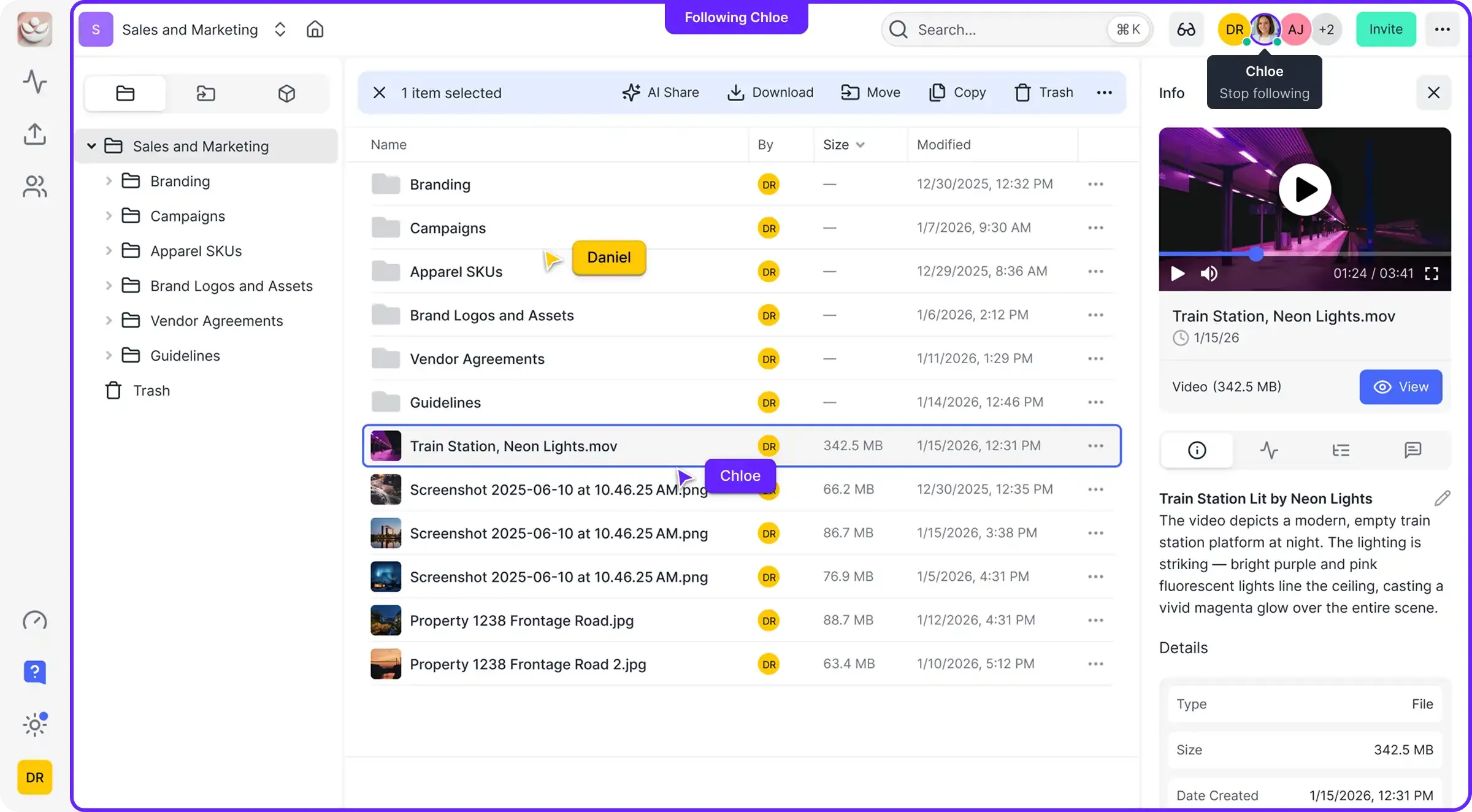
5. Fastio (The Workspace for Analytics Agents)
Fastio is the workspace where your agents live and work.
When your GA4 or Firecrawl agent creates a full SEO audit or a weekly traffic report, that output needs a home. It shouldn't just vanish in a chat window. Fastio provides persistent storage for your agents.
Best For: Storing, searching, and collaborating on agent-generated reports and audits.
Key Features:
- Persistent Storage: Save agent outputs (PDFs, CSVs, Markdown) to a secure workspace.
- Intelligence Mode: Automatically index every report. You can ask "Show me the traffic report from last November" and get it instantly.
- Multi-Agent Collaboration: Let a "Writer Agent" read the "Analyst Agent's" reports to draft blog posts automatically.
- Business Trial: Fastio offers a 14-day Business Trial requiring a credit card, providing access to its remote MCP server and workspaces. It is a solid starting point for your analytics agents.
Pros:
- Universal Search: Find insights across all your stored reports and datasets.
- Secure Sharing: Share agent outputs with your team via branded, password-protected links.
- Zero Config: Works with any LLM via the OpenClaw integration.
Cons:
- Dependency: Requires an external analytics provider (like GA4) to generate the raw data.
Combine a raw data provider (GA4/Plausible) with a persistent workspace (Fastio) to build a complete "Analytics Operating System". Insights are not just generated, but saved and acted upon.

Comparison Summary
Choosing the right MCP server depends on your specific goals. Here is a quick comparison:
For most businesses, we recommend a hybrid approach: run a GA4 agent for quantitative traffic data and a Firecrawl agent for qualitative site auditing. Store the outputs of both in Fastio to build a searchable knowledge base of your site's performance over time.
Security Best Practices for Analytics Agents
Connecting an autonomous agent to your business's core analytics data requires security planning. While MCP servers act as a safe interface, you should still follow these best practices to prevent data leaks or unauthorized access.
1. Use Read-Only API Keys Never give an analytics agent an API key with "Write" or "Admin" permissions unless necessary.
- Google Analytics: Create a service account with "Viewer" role only.
- Plausible/PostHog: Generate a scoped API key that can only query stats, not change site settings.
2. Limit the Context Window Agents can hallucinate if given too much raw data. Instead of feeding an entire year's worth of CSV data into the context window, use the MCP server to pre-filter the data. Ask for "summary stats for last week" rather than "all events." This reduces token costs and improves accuracy.
3. Audit Agent Logs Regularly review what your agent is asking. If you see queries for sensitive user data (PII) that aren't relevant to the task, adjust the agent's instructions. Fastio workspaces automatically log every file the agent creates, providing a clear audit trail of its output.
4. Don't Hardcode Credentials
When configuring your MCP server, use environment variables (like GA4_API_SECRET) rather than hardcoding keys into the agent's configuration file. This ensures that if you share the agent definition, you don't accidentally share your access keys.
Sources
References used to verify factual claims in this guide.
-
Google Analytics is used by 44.0% of all websites.
-
Plausible Analytics is used by over 16,000 paying customers.
-
Plausible's script is 75 times smaller than Google Analytics.
Frequently Asked Questions
Can AI agents read Google Analytics data directly?
Yes, using the Google Analytics MCP server. This server connects your AI agent (like Claude) to the GA4 Data API. You can ask questions in plain English and get accurate data summaries without logging into the Google Analytics dashboard.
Is there a free MCP server for web analytics?
Yes, the Plausible Analytics MCP server is open source and free to use if you self-host Plausible. For Google Analytics, the community MCP servers are free, but you need a standard free GA4 property. For persistent report storage, Fastio offers a 14-day Business Trial with paid plans starting at $9.99/month.
How do I install these MCP servers?
Most MCP servers are installed via command line using tools like `npm` or Docker. For example, you can often run `npx -y @modelcontextprotocol/server-google-analytics` (depending on the package). Always check the official GitHub repository for the exact installation command.
What is the difference between an API and an MCP server?
An API is a raw data pipe, while an MCP server is a translator. APIs return raw JSON that can confuse LLMs. MCP servers wrap that API and present it to the AI as a set of defined "tools" (like `get_traffic_stats`) with documentation, making it much easier for the AI to use correctly.
Related Resources

Give Your AI Agents Persistent Storage
Store, search, and share your AI-generated SEO reports in a secure workspace with a 14-day Business Trial. Built for analytics workflows.