Best Document Storage for AI Processing: Top Solutions for 2026
AI agents need somewhere to store and retrieve documents. Not every cloud storage platform is up to the task. This guide compares seven options, from raw object stores like S3 to agent-native platforms like Fastio with built-in RAG, so you can pick the right fit for your workload.


What Makes Storage 'AI-Ready'?
Most cloud storage was designed for humans: upload a file, download it later. AI workloads are different. Agents need high-throughput APIs, fine-grained access controls, and the ability to process unstructured data without manual intervention. The intelligent document processing market is expected to reach $5.2 billion by 2027, which explains why storage vendors are racing to add AI features. When evaluating storage for AI, consider:
- API Performance: Can agents read/write without hitting rate limits?
- Metadata capabilities: Does the storage layer support custom tags for RAG filtering?
- Integration: Does it connect via MCP (Model Context Protocol) or standard SDKs?
- Cost: Are you paying for egress fees every time your model reads a file?
Helpful references: Fastio Workspaces, Fastio Collaboration, and Fastio AI.

Related guides
- How to Connect LangGraph to Cloud StorageA LangGraph storage connector bridges cyclical agent graphs with external cloud storage drives, allowing graph nodes to...
- Best Cloud Storage for AI Agents: Top 7 Platforms ComparedCloud storage for AI agents provides persistent file access, version control, and API-driven operations that let...
- Top 10 Cloud Storage APIs for AI ApplicationsA cloud storage API for AI is a programmatic interface that lets AI applications store, retrieve, and manage files and...
- Local vs Cloud Storage for AI Agents: A Complete ComparisonLocal storage gives AI agents lower latency and full data control, but cloud storage cuts DevOps time and scales...
- How to Give AI Agents Secure Cloud File StorageAutonomous agents need more than vector memory. They need actual file storage to read documents, generate reports, and...
- Connecting Azure AI Search to Blob Storage: Indexer Setup & ArchitectureConnecting Azure AI Search to Azure Blob Storage uses automated indexers to extract, chunk, and index unstructured...
More on this subject: Agent Memory and Storage (261 guides)
What to check before scaling best document storage for AI processing
Best for: AI Agents, RAG pipelines, and MCP-native workflows.
Fastio is a cloud-native storage platform designed for AI agents. Instead of forcing you to wire up object storage, vector databases, and retrieval logic yourself, Fastio gives agents a ready-to-use filesystem accessible via the Model Context Protocol (MCP). Its "Intelligence Mode" automatically indexes documents for RAG (Retrieval-Augmented Generation), so agents can query file contents without a separate vector database.
Pros:
- Native MCP Server: Ships with a consolidated MCP toolset for file operations out of the box.
- Built-in RAG: Intelligence Mode auto-indexes files for semantic search and citations.
- Business Trial: 14-day evaluation period (credit card required).
- Persistent Storage: Unlike ephemeral OpenAI file stores, files persist and can be organized in long-term workspaces.
Cons:
- Newer entrant compared to legacy giants like AWS. * Focus is on active agent use, not cold archival storage.
Pricing:
- Plans start at $9.99/month with a 14-day Business Trial, card required; see pricing.


Give Your AI Agents Persistent Storage
Stop building custom infrastructure for your agents. Get persistent, RAG-ready workspace storage with a consolidated MCP toolset.
2. AWS Amazon S3
Best for: Massive scale training data and raw infrastructure.
Amazon Simple Storage Service (S3) is the default choice for object storage. It scales to petabytes without breaking a sweat and sits behind most major AI model training pipelines. If your engineering team is building RAG infrastructure from scratch, S3 gives you the raw storage layer to hold the data.
Pros:
- Unmatched Scalability: Can handle exabytes of data without issue.
- Ecosystem: works alongside every major AI tool and service, including AWS Bedrock.
- Durability: Industry-leading 99.999999999% (11 9s) data durability.
Cons:
- Complexity: Requires significant DevOps work to configure securely.
- Cost: Egress fees and API request costs can scale unexpectedly.
- No Native RAG: It's just storage; you must build the indexing and retrieval logic yourself.
Pricing: Pay-per-GB storage plus request and data transfer fees.
3. Google Cloud Storage
Best for: Teams deeply integrated with Vertex AI and Google Cloud.
Google Cloud Storage (GCS) is a strong contender for teams already using Google's AI ecosystem. It offers tight integration with Vertex AI, making it simple to mount buckets for model training or use documents as grounding data for Gemini models. Its consistent performance and global edge caching make it a solid choice for distributed AI applications.
Pros:
- Vertex AI Integration: Native path to use documents for model tuning and grounding.
- Performance: Excellent throughput for high-performance computing workloads.
- Multi-Regional: Easy to replicate data across regions for lower latency.
Cons:
- Egress Costs: Like AWS, moving data out to other clouds or on-premise models can be pricey.
- UI/UX: Geared entirely towards developers and infrastructure engineers.
Pricing: Complex tier-based pricing (Standard, Nearline, Coldline, Archive).
4. Box
Best for: Enterprise content management with built-in AI features.
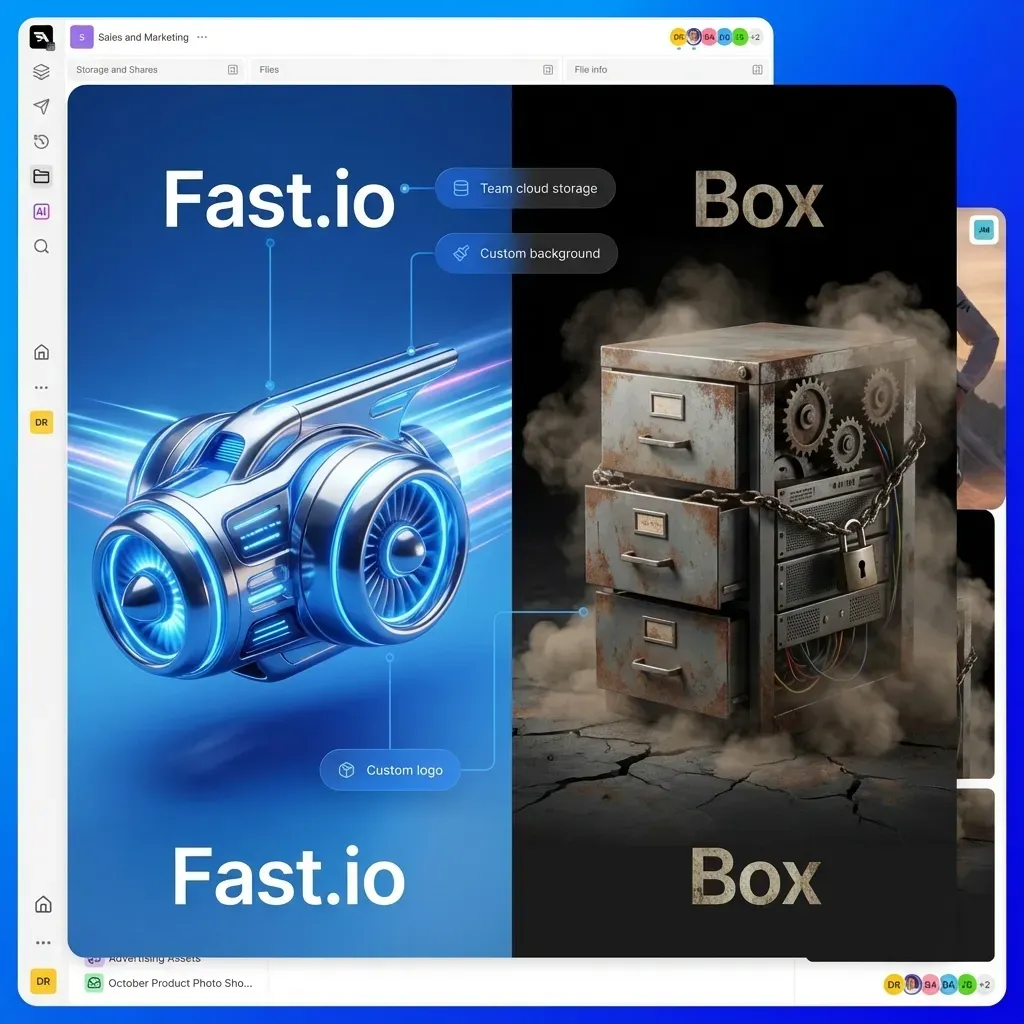
Box has pivoted aggressively to include AI capabilities directly in its content cloud. Box AI allows users to ask questions of their documents directly within the interface. For enterprises that need strict governance and compliance (like retention policies) alongside AI processing, Box offers a managed path, though it is less flexible for custom agent development than developer-centric platforms.
Pros:
- Enterprise Security: Strong focus on governance, retention, and compliance.
- Box AI: Out-of-the-box summarization and Q&A features for documents.
- User Interface: Friendly for human teams, not just developers.
Cons:
- Cost: Per-seat pricing model is expensive for programmatic/agent access.
- Rate Limits: API limits can be restrictive for high-volume AI processing.
Pricing: Per-user monthly fees.
5. Egnyte
Best for: Regulated industries needing hybrid storage.
Egnyte shines in scenarios where data sovereignty and hybrid access (on-premise + cloud) are critical. For AI processing in healthcare or finance, where documents might need to stay within specific boundaries, Egnyte provides detailed governance controls. It offers features to classify sensitive data automatically, which is important before feeding documents into LLMs.
Pros:
- Governance: Excellent tools for identifying and protecting sensitive data (PII).
- Hybrid Sync: Syncs large files to local servers for fast on-prem access.
Cons:
- Legacy Architecture: Heavier and more complex than modern cloud-native solutions.
- Cost: Geared towards enterprise budgets.
Pricing: Enterprise quote-based pricing.

6. Azure Blob Storage
Best for: Microsoft shops and OpenAI on Azure users.
For organizations committed to the Microsoft stack, Azure Blob Storage is the logical choice. It serves as the data lake foundation for Azure AI Search and Azure OpenAI Service. It supports hierarchical namespaces (Data Lake Storage Gen2), which improves performance for analytics and AI workloads compared to flat object storage.
Pros:
- OpenAI on Azure: The native storage backend for enterprise OpenAI deployments.
- Data Lake Features: Hierarchical namespace improves directory operation performance.
- Security: Deep integration with Entra ID (formerly Azure AD).
Cons:
- Vendor Lock-in: deeply tied to the Microsoft ecosystem.
- Complexity: Configuration options can be overwhelming.
Pricing: Pay-as-you-go based on redundancy (LRS, GRS) and tier.
7. Dropbox
Best for: Simple API access and human-centric file sharing.
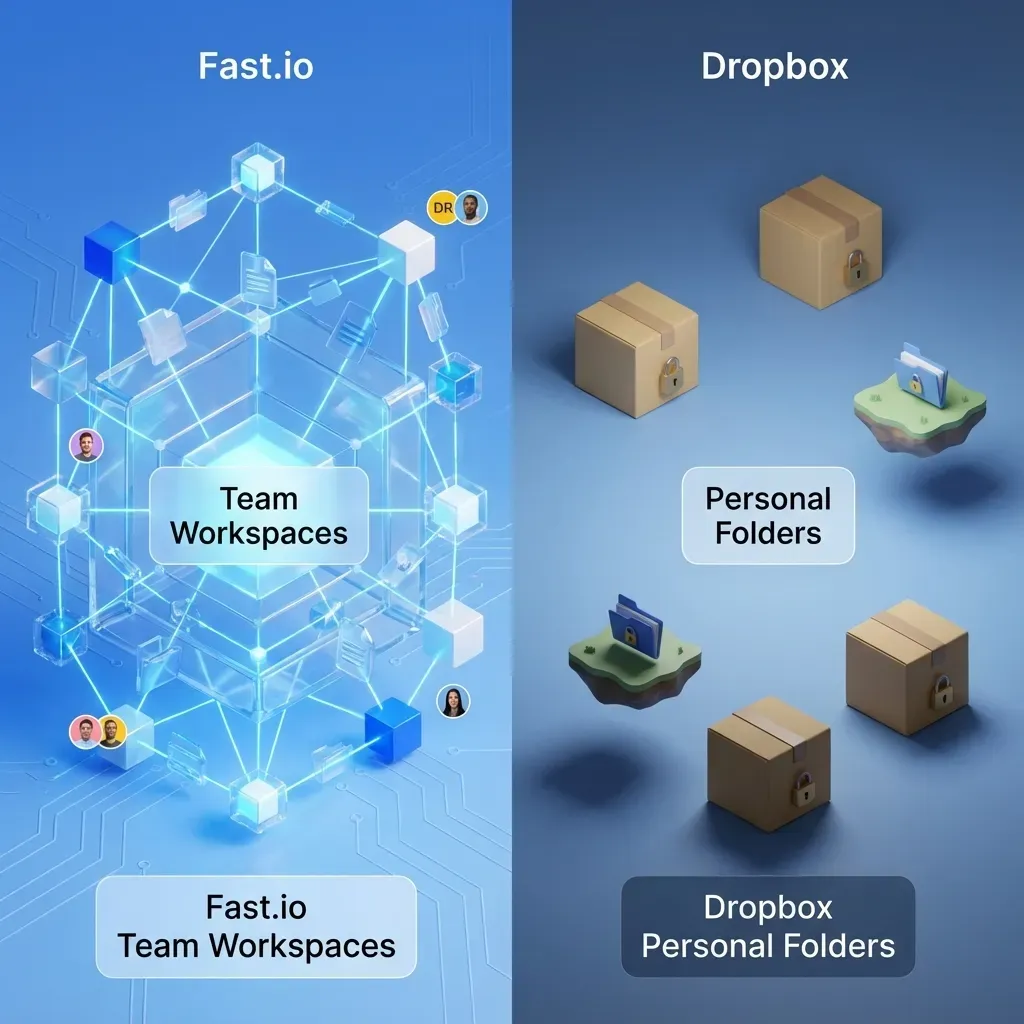
While primarily known for consumer sync, Dropbox offers a strong API that many developers use for lightweight AI applications. If your AI workflow involves humans dropping files into a folder for an agent to process, Dropbox's ubiquity and sync client make it a practical, low-friction entry point.
Pros:
- Simplicity: Ubiquitous sync client that everyone knows how to use.
- API: Well-documented API for file retrieval.
- Integrations: Connects with thousands of other tools (Zapier, etc.).
Cons:
- Not Optimized for AI: No vector search or native embedding capabilities.
- Sync Limits: Can struggle with millions of files or massive datasets.
Pricing: Per-user pricing, with limits on API calls for standard plans.
Comparison Summary
| Platform | Best For | Native RAG?
| Business Trial? | | :--- | :--- | :--- | :--- | | Fastio | AI Agents & RAG | Yes | Yes (14-day) | | AWS S3 | Raw Scale | No | No | | Google Cloud | Vertex AI Integration | No | No | | Box | Enterprise SaaS | Yes (Box AI) | No | | Egnyte | Compliance/Hybrid | No | No | | Azure Blob | Microsoft Stack | No | No | | Dropbox | Simple Access | No | No |
Verdict: For raw infrastructure at massive scale, AWS S3 remains the king. However, for modern AI development involving agents and RAG, Fastio offers a uniquely optimized experience with its native MCP server and built-in intelligence, eliminating the need to glue together separate storage and vector database services.
Sources
References used to verify factual claims in this guide.
-
The intelligent document processing market is expected to reach 5.2 billion by 2027, storage vendors are racing to add AI features
-
Durability industry-leading 99.999999999 percent data durability for storage
-
Per-user pricing typically starting around $15-25/user/month
-
Fastio ships with a consolidated MCP toolset for file operations
-
Fastio offers a 14-day Business Trial requiring a credit card
-
S3 can handle exabytes of data
-
Dropbox connects with thousands of other tools
Frequently Asked Questions
What is document storage for AI processing?
Document storage for AI processing is specialized cloud infrastructure designed to hold unstructured data (PDFs, images, text) in a way that is easily accessible by machine learning models. Unlike standard backup storage, it prioritizes high-throughput API access, metadata management, and integration with AI toolchains.
How does RAG change storage requirements?
RAG (Retrieval-Augmented Generation) requires storage that can do more than just hold files; it needs to help find them by meaning. Systems like Fastio with built-in RAG capabilities automatically index document content, allowing AI agents to search for 'invoices from last May' and retrieve the correct files without external vector databases.
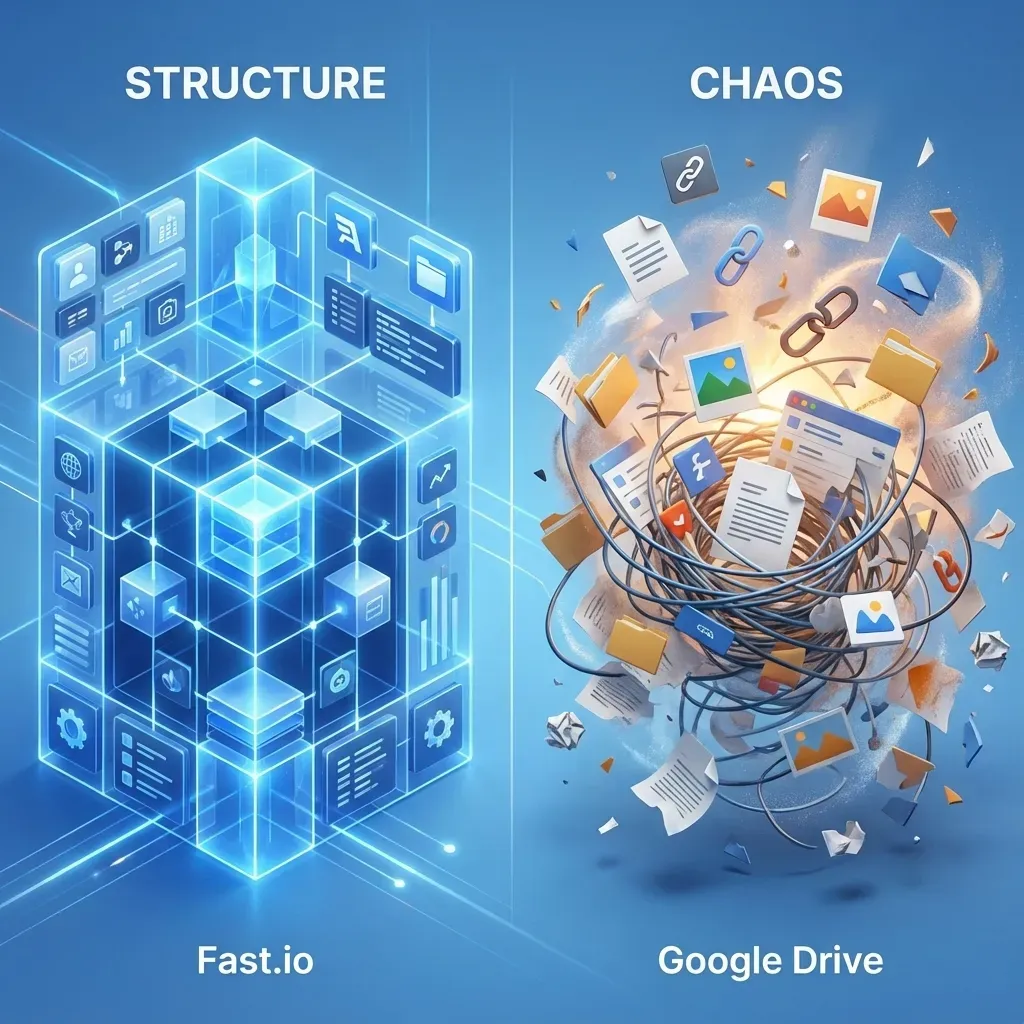
Can I use Google Drive for AI processing?
You can, but it's often not ideal for high-scale automation. Google Drive has strict API rate limits and is designed primarily for human interaction. For automated AI agents processing thousands of documents, dedicated cloud storage or agent-native platforms like Fastio offer better reliability and programmatic control.
Why is metadata important for AI document storage?
Metadata acts as the roadmap for your AI models. When storage supports rich custom tagging, your AI agents can filter documents before processing them (e.g., 'process only files tagged status=approved'), which reduces API costs and improves the accuracy of the results.
Related Resources

Give Your AI Agents Persistent Storage
Stop building custom infrastructure for your agents. Get persistent, RAG-ready workspace storage with a consolidated MCP toolset.