How to Use AI Agents with Jaeger Tracing
AI agent Jaeger tracing automates distributed trace analysis and alerting, providing deep visibility into complex agent workflows. By integrating OpenTelemetry with Jaeger, developers can visualize LLM chains, debug tool execution failures, and optimize performance. This guide covers the complete setup for instrumenting AI agents with Jaeger tracing, including Python and TypeScript examples, architectural best practices, and strategies for persistent log storage.

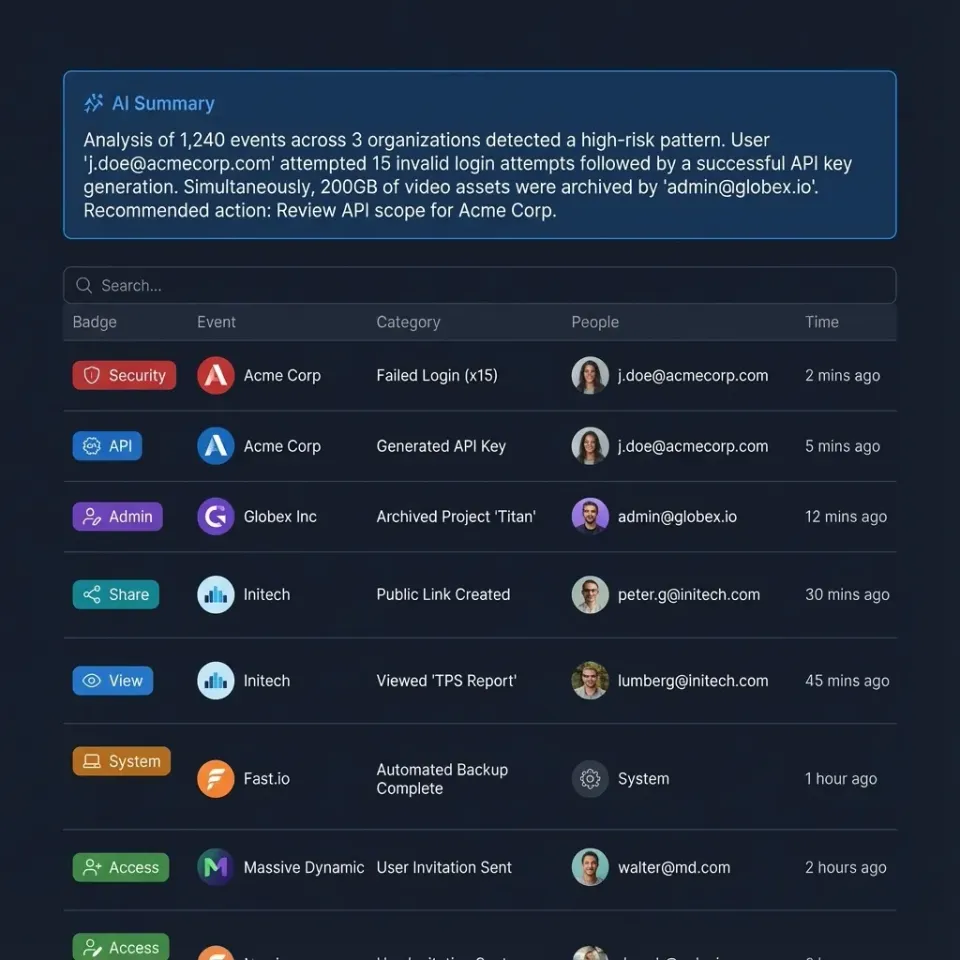
The Black Box Problem: Why Agents Need Tracing
Building autonomous AI agents is fundamentally different from building traditional deterministic software. When a standard API fails, the stack trace usually points directly to the line of code responsible. When an AI agent fails, the "error" is often semantic, a hallucination, a logic loop, or a subtle drift in context that accumulates over ten steps. Without distributed tracing, an agent is a black box. You see the user input and the (incorrect) final response, but the internal monologue, tool choices, and intermediate LLM calls are lost. You might rely on scattered log files, but piecing together a multi-step chain of thought from text logs is slow and error-prone.
The Complexity of Agentic Workflows Consider a "Support Agent" designed to refund a user. It must:
- Retrieve the user's order history (Database Tool).
- Analyze the refund policy (RAG Retrieval).
- Decide if the refund is valid (LLM Reasoning).
- Process the payment (Stripe API Tool).
- Email the user (Email Tool). If a later step fails because the RAG retrieval in an earlier step returned irrelevant policy documents, a standard error log won't catch it. The agent says "I cannot refund this." Distributed tracing solves this by visualizing the entire chain. You can see the specific documents retrieved, the exact prompt sent to the LLM, and the model's raw reasoning output. According to IBM, using advanced observability and tracing tools can speed up incident investigation by up to 80%, effectively delivering a 5x improvement in analysis speed. For developers building autonomous agents, this speed is the difference between a quick fix and days of manual log trawling.
Helpful references: Fastio Workspaces, Fastio Collaboration, and Fastio AI.

Related guides
- 7 Best AI Agent Monitoring Tools for ProductionAI agents introduce new failure modes that traditional APM tools can't catch, from infinite reasoning loops to...
- How to Handle AI Agent Errors: Best Practices for 2026Production AI agents frequently encounter errors during task executions. This guide covers essential error handling...
- How to Detect AI Agent Hallucinations in ProductionAI agents hallucinate in 3% to 27% of outputs depending on the task and domain. This guide walks through a five-stage...
- How to Implement Distributed Tracing for AI AgentsDistributed tracing for AI agents enables developers to track requests as they flow through complex multi-agent...
- Best AI Dashboard Builders for Agents: Top 9 Tools (2026)AI dashboard builders provide visual interfaces and no-code tools to design, deploy, and customize user-facing...
- How to Manage SLOs for AI AgentsAI agent SLO management defines reliability targets for production agents, like 95% task success and under 5-minute...
More on this subject: Agent Observability and Evaluation (24 guides)
Architecture of an Observable Agent System
To effectively trace AI agents, you need a strong observability pipeline. The industry standard involves three key components: OpenTelemetry (OTel), The OpenTelemetry Collector, and Jaeger.
1. The Application (Agent) Your agent code (Python, TypeScript, Go) is instrumented with the OTel SDK. This SDK listens for specific events, like an HTTP request or a function call, and generates "spans." A span represents a single operation, containing a start time, end time, and metadata (attributes).
2. The OpenTelemetry Collector While you can send traces directly to Jaeger, using a Collector is best practice. It acts as a middleware that receives telemetry data, processes it (e.g., redaction of PII, batching), and exports it to your backend. This decouples your agent from the specific tracing tool.
3. Jaeger (The Backend & UI) Jaeger receives the traces, stores them, and provides the UI to query and visualize them. It connects the dots, linking a parent span (the user's request) to all child spans (tool calls, LLM tokens) to show the full "Waterfall" view of execution.
The Importance of Context Propagation
For an agent that might call other microservices or spin up sub-agents, "Context Propagation" is important. This is the mechanism where a trace_id is passed via HTTP headers to downstream services. It ensures that if Agent A calls Agent B, both executions appear in the same Jaeger trace, allowing you to debug cross-agent interactions.
Setting Up Your Tracing Infrastructure
Let's set up a production-ready environment using Docker Compose. This configuration spins up Jaeger and the OpenTelemetry Collector, ready to receive data.
Create a docker-compose.yaml file:
version: '3'
services:
  jaeger:
    image: jaegertracing/all-in-one:latest
    environment:
      - COLLECTOR_OTLP_ENABLED=true
    ports:
      - "16686:16686" # UI
      - "4317:4317"   # OTLP gRPC
      - "4318:4318"   # OTLP HTTP
Run docker-compose up -d. You now have a tracing backend listening on its configured HTTP and gRPC ports. The UI is available at http://localhost:multiple.
Why OTLP? OTLP (OpenTelemetry Protocol) is the modern standard. Older tutorials might reference "Jaeger Agent" or "Thrift" ports (multiple/multiple). Avoid these for new setups. OTLP is more efficient and strictly typed, ensuring better data integrity for your agent's complex attributes.
Instrumenting AI Agents: A Deep Dive
Instrumentation is where the magic happens. You need to wrap your agent's logical blocks in spans. We will look at both Python and TypeScript, the two most common languages for agent development.
Python Instrumentation (using opentelemetry-sdk)
First, install the necessary packages:
pip install opentelemetry-api opentelemetry-sdk opentelemetry-exporter-otlp
Here is how to instrument a generic agent function:
from opentelemetry import trace
from opentelemetry.sdk.trace import TracerProvider
from opentelemetry.sdk.trace.export import BatchSpanProcessor
from opentelemetry.exporter.otlp.proto.http.trace_exporter import OTLPSpanExporter

### 1. Setup the Tracer
trace.set_tracer_provider(TracerProvider())
otlp_exporter = OTLPSpanExporter(endpoint="http://localhost:4318/v1/traces")
trace.get_tracer_provider().add_span_processor(BatchSpanProcessor(otlp_exporter))
tracer = trace.get_tracer("my-ai-agent")

def run_agent(user_prompt):
    ### Start the root span for the request
    with tracer.start_as_current_span("agent_session") as root_span:
        root_span.set_attribute("user.prompt", user_prompt)

        ### Simulate LLM Call
        with tracer.start_as_current_span("llm_reasoning") as llm_span:
            llm_span.set_attribute("model", "gpt-4-turbo")
            response = call_llm(user_prompt)
            llm_span.set_attribute("completion_tokens", 150)

        ### Simulate Tool Execution
        with tracer.start_as_current_span("tool_execution") as tool_span:
            tool_span.set_attribute("tool.name", "weather_api")
            result = get_weather("New York")
            tool_span.set_attribute("tool.result", result)
TypeScript Instrumentation (Node.js)
For TypeScript agents (like those built with LangChain.js), the setup is similar.
import * as opentelemetry from '@opentelemetry/api';
import { NodeTracerProvider } from '@opentelemetry/sdk-trace-node';
import { OTLPTraceExporter } from '@opentelemetry/exporter-trace-otlp-http';
import { SimpleSpanProcessor } from '@opentelemetry/sdk-trace-base';

const provider = new NodeTracerProvider();
const exporter = new OTLPTraceExporter({ url: 'http://localhost:4318/v1/traces' });
provider.addSpanProcessor(new SimpleSpanProcessor(exporter));
provider.register();

const tracer = opentelemetry.trace.getTracer('my-ts-agent');

async function runAgent(prompt: string) {
  return tracer.startActiveSpan('agent_session', async (span) => {
    span.setAttribute('user.prompt', prompt);

    // Your agent logic here
    await callLLM();

    span.end();
  });
}


Build Smarter Agents with Fastio
Give your agents a secure, intelligent workspace with generous storage and built-in RAG. Built for agent jaeger tracing workflows.
Advanced Patterns: What to Trace
tracing "function start" and "function end" isn't enough for AI. You need to capture the substance of the interaction.
1. RAG Retrievals
When your agent queries a vector database (like Pinecone or Weaviate), create a span named rag_retrieval.
- Attributes to capture:
query_embedding_id,top_k,retrieved_document_ids, andrelevance_scores. - Why: If the agent gives a wrong answer, check this span. Did it retrieve the wrong document? If yes, your embeddings or chunking strategy is the issue, not the LLM.
2. Tool Arguments and Outputs When an agent calls a tool, the specific arguments matter immensely.
- Attributes to capture:
tool.name,tool.arguments(JSON string),tool.status(success/error). - Why: If an agent fails to search the web, tracing the arguments might reveal it's passing malformed JSON or querying for an empty string.
3. Token Usage and Cost Every LLM call costs money.
- Attributes to capture:
llm.usage.prompt_tokens,llm.usage.completion_tokens,llm.usage.total_tokens. - Why: You can aggregate these spans in Jaeger to visualize which parts of your agent workflow are the most expensive. You might find that a specific "summarization" step is consuming multiple% of your budget.
Debugging Common Agent Failure Modes
With Jaeger populated, you can now diagnose the "Silent Killers" of AI agents.
The Infinite Loop of "I'm Sorry"
Sometimes an agent gets stuck in a loop, apologizing and retrying a failed tool call. In Jaeger, this looks like a "Sawtooth" pattern: a repeating sequence of identical llm_call -> tool_call -> error spans. Visualizing this allows you to set immediate circuit breakers in your code.
The "Context Window Explosion"
If your agent performance degrades over a long conversation, check the llm.usage.prompt_tokens attribute over time. In the trace view, you might see the prompt size growing exponentially. This indicates you aren't properly truncating history or summarizing past turns, leading to eventual context overflow errors.
The "Lazy" Agent
If an agent refuses to perform a task ("I can't do that"), trace the system_prompt span. Often, dynamic prompt injection (where you insert context at runtime) fails, leaving the agent with a generic, restrictive base prompt. Seeing the actual prompt sent to the model in the trace removes all guesswork.

Automating Analysis with Fastio and MCP
Jaeger is fantastic for manual debugging, but what if your agent could debug itself? By integrating Fastio's storage and MCP (Model Context Protocol) capabilities, you can build self-healing workflows.
The Fastio Workflow:
- Export Traces: Configure your OpenTelemetry Collector to write trace files (JSON) to a Fastio workspace bucket (
s3://agent-logs/). - Auto-Index: Fastio automatically indexes these trace files.
- Agent Self-Query: Using the Fastio MCP Server, your agent can query its own history.
Example Prompt: "Check my last multiple traces. Did I encounter any 'tool_error' events with the 'weather_api'?"
Because the traces are indexed in Fastio, the agent can retrieve the relevant JSON segments, analyze the error patterns, and even suggest code fixes to you. This moves observability from a passive dashboard to an active part of your development loop.
Fastio: The Persistent Memory for Agent Operations
While Jaeger handles the live "stream" of data, Fastio acts as the "hard drive" for your agent fleet. Agents running in Fastio workspaces benefit from an environment designed for intelligence, not just file hosting.
Why Agents Thrive in Fastio:
- Unified Storage: Store traces, application logs, and input datasets in one place.
- Secure Access: Use granular permissions to let developers see traces without giving them access to the raw production datasets the agent is processing.
By combining Jaeger's real-time visibility with Fastio's intelligent, queryable storage, you create a complete ecosystem where agents are not just black boxes, but transparent, analyzable, and improvable systems.
Sources
References used to verify factual claims in this guide.
-
Utilizing advanced observability and tracing tools can speed up incident investigation by up to 80%.
Frequently Asked Questions
Can I use Jaeger with any AI model?
Yes, Jaeger is model-agnostic. It traces the code that calls the model, not the model itself. Whether you use OpenAI, Anthropic, or local LLaMA models, you can wrap the inference calls in OpenTelemetry spans to visualize them in Jaeger.
Does instrumentation slow down my agent?
Minimal overhead is introduced. OpenTelemetry is designed to be lightweight. The tracing happens asynchronously via a batch processor, so it generally does not block the agent's core execution flow or noticeably impact user-perceived latency.
How does Fastio help with agent debugging?
Fastio stores the artifacts your agent generates, including log files and trace exports. Its Intelligence Mode allows you to search and query these files using natural language (e.g., 'Find traces with latency > 5s'), making it easier to find specific error patterns across thousands of files.
Is Jaeger free to use?
Yes, Jaeger is open-source software and free to use. You can host it yourself on your own infrastructure. However, managing high-volume trace storage at scale may incur infrastructure costs for storage and compute.
What is the difference between logs and traces?
Logs are discrete events (e.g., 'Error at line multiple'). Traces are continuous stories that link events together across time and services. Traces provide context, showing you the journey of a request, while logs provide specific point-in-time details. You need both.
Related Resources

Build Smarter Agents with Fastio
Give your agents a secure, intelligent workspace with generous storage and built-in RAG. Built for agent jaeger tracing workflows.