Top ClawHub Skills Every AI Researcher Needs
ClawHub skills connect AI researchers to web search, file storage, browser automation, and documentation tools via OpenClaw's MCP protocol. Studies show researchers read around 250 papers each year. These skills help handle that load. This list covers the top picks for literature search, paper analysis, data storage, and collaboration.

Why ClawHub Skills Matter for AI Research
Papers pour in from arXiv, PubMed, and journals. Searching and summarizing them by hand takes hours each week. ClawHub skills link search engines, browsers, and storage to OpenClaw agents via MCP. You can query in plain language, like "Find recent papers on transformer efficiency."
Researchers read about 250 papers a year. Tools for discovery and analysis give more time for experiments. These skills manage storage and RAG, making papers into searchable knowledge bases.
Helpful references: Fastio Workspaces, Fastio Collaboration, and Fastio AI.
Related guides
- Best OpenClaw MCP Integrations: Top Skills for Claude CodeOpenClaw MCP integrations are skills that wrap Model Context Protocol servers into installable, zero-config packages...
- MCP Skills: How Agent Skills Extend the Model Context Protocol in OpenClawSix major coding tools now implement the SKILL.md format because giving an agent access to MCP tools is not the same as...
- OpenClaw Architecture Explained: Gateway, Plugins, and SkillsOpenClaw runs a single TypeScript Gateway process that owns every messaging connection, routes sessions, dispatches...
- How to Set Up OpenClaw MCP ServerConnect OpenClaw to Fastio's hosted MCP server for consolidated tools covering files, sharing, and AI. Connect directly...
- How to Set Up OpenClaw WhatsApp IntegrationOpenClaw WhatsApp integration lets AI agents reply on WhatsApp while handling files through MCP skills. OpenClaw...
- How to Set Up File Storage in OpenClaw WorkspacesOpenClaw agents need files that stick around between sessions in shared workspaces. Developers set up persistent...
More on this subject: OpenClaw Setup and Guides (199 guides)
Top ClawHub Skills Comparison

How We Evaluated These Skills
We checked skills for research workflow fit: paper discovery via web search and browser automation, analysis like summarization and extraction, storage for RAG, MCP compatibility, setup ease, and community activity such as stars and updates. Only active skills with MCP support qualified. We focused on free tiers for solo researchers.


Boost Your AI Research Workflow
Generous storage, built-in RAG, and MCP tools. required for agents. Built for clawhub skills researchers workflows.
1. Brave Search by steipete
Web search and content extraction without a full browser. Uses the Brave Search API to retrieve documentation, facts, and any web content.
Strengths:
- Headless web searches without spinning up a browser
- Extracts readable markdown from pages
- Configurable result count, up to 10+ results
Limitations:
- No built-in summarization
- Requires reviewing the implementation before deploying against internal URLs
Good for quick literature discovery and fact-checking. Free.
Install Command: cd ~/Projects/agent-scripts/skills/brave-search && npm ci
ClawHub Page: clawhub.ai/steipete/brave-search
2. Agent Browser by TheSethRose
A fast Rust-based headless browser with Node.js fallback. Lets agents navigate, click, fill forms, and snapshot pages via structured commands, useful for full-text paper pages and paywalled abstracts.
Strengths:
- Real browser rendering for JavaScript-heavy pages
- Screenshot and PDF capture for archiving papers
- Video recording and network interception
Limitations:
- Broad capabilities require careful permission scoping
- Heavier resource footprint than simple HTTP fetching
Good for scraping full paper pages or research portals. Free.
Install Command: npm install -g agent-browser && agent-browser install
ClawHub Page: clawhub.ai/TheSethRose/agent-browser
3. fast-io by dbalve
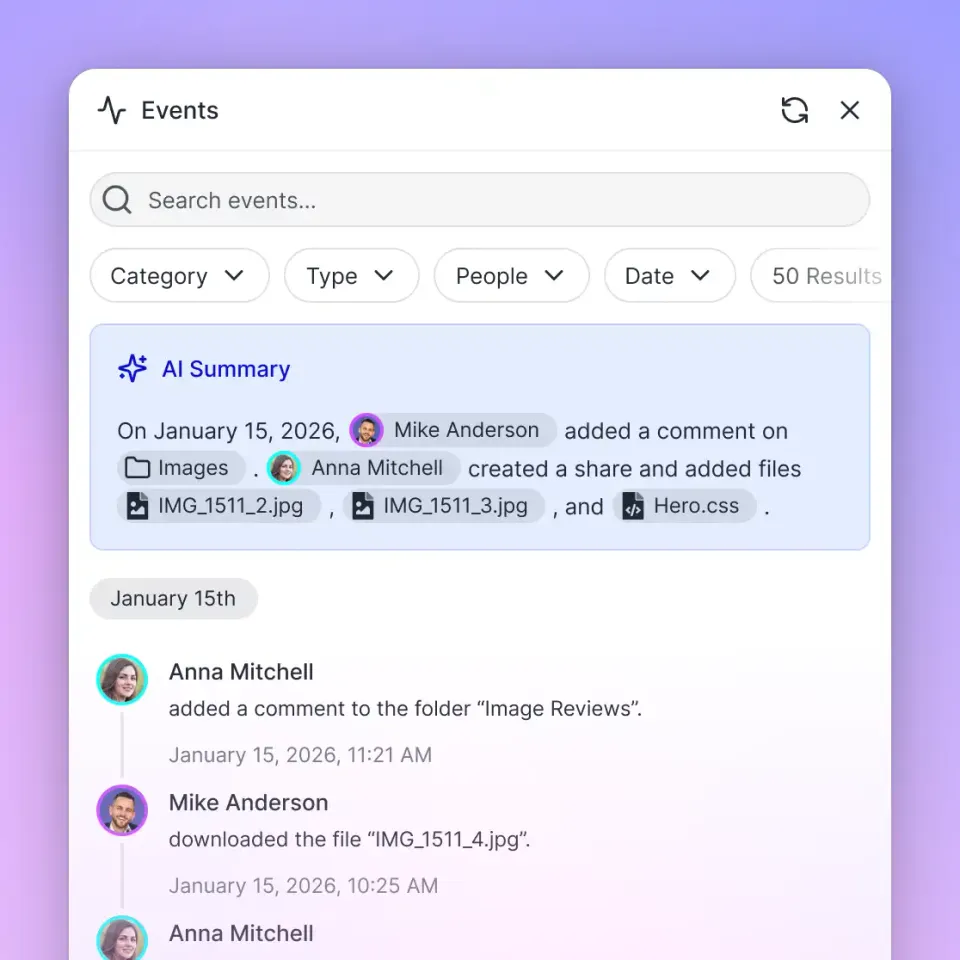
Intelligent workspaces for agentic teams with a consolidated MCP toolset for file storage, RAG, and collaboration. Researchers store papers, datasets, and notes; agents query them semantically once Intelligence is enabled for the workspace.
Strengths:
- generous storage, included credits
- RAG-powered AI chat with semantic search across indexed documents
- Share workspaces with human collaborators via secure URLs
- Collaboration features: anchored comments, version history, and audit logs
Limitations:
- Requires a Fastio account and API key
- Storage-focused; does not fetch papers directly
Good for storing and querying research data across a team. Business Trial.
Connection: Connect via Streamable HTTP at https://mcp.fast.io/mcp/tools

4. Code by ivangdavila
Structured coding workflow with planning, implementation, verification, and testing phases. Useful for researchers writing analysis scripts, data processors, or experiment runners.
Strengths:
- Guides agents through planning before writing code
- Never auto-executes, keeps humans in control
- Stores preferences in local memory file on request
Limitations:
- Instruction-only; does not run code autonomously
- Best paired with a code execution environment
Good for structuring research code tasks. Free.
Install Command: Download from ClawHub (instruction-only skill)
ClawHub Page: clawhub.ai/ivangdavila/code
5. SQL Toolkit by gitgoodordietrying
Query, design, migrate, and optimize SQL databases. Covers SQLite, PostgreSQL, and MySQL, schema design, query writing, migrations, indexing, backup/restore, and slow query debugging.
Strengths:
- Zero-setup SQLite prototyping with CSV import/export
- EXPLAIN-based query performance analysis
- Migration script building and version tracking
Limitations:
- Requires sqlite3, psql, or mysql binaries installed
- Instruction-only; does not execute queries autonomously
Good for managing research datasets in relational databases. Free.
Install Command: Download from ClawHub (instruction-only skill)
ClawHub Page: clawhub.ai/gitgoodordietrying/sql-toolkit
6. S3 by ivangdavila
Work with S3-compatible object storage covering security best practices, lifecycle policies, and access patterns. Supports AWS S3, Cloudflare R2, Backblaze B2, and MinIO.
Strengths:
- Presigned URL generation for sharing large datasets
- Lifecycle rules for cost optimization of archived papers
- Multipart upload handling for large files
- Provider-specific guidance for major platforms
Limitations:
- Instruction-only; requires an S3-compatible backend
- No built-in data indexing or search
Good for archiving large research datasets cheaply. Free.
Install Command: Download from ClawHub (instruction-only skill)
ClawHub Page: clawhub.ai/ivangdavila/s3
7. Filesystem Management by gtrusler
Advanced filesystem operations for Clawdbot, smart listing, searching, batch processing, and directory analysis.
Strengths:
- Pattern matching and full-text content search across local files
- Batch copy operations with dry-run preview
- Directory tree visualization and statistics
Limitations:
- Local filesystem only; no cloud storage
- Requires Node.js
Good for organizing local paper collections and datasets. Free.
Install Command: clawdhub install filesystem
ClawHub Page: clawhub.ai/gtrusler/clawdbot-filesystem
8. Clawdbot Documentation Expert by NicholasSpisak
Clawdbot documentation expert with decision-tree navigation, search scripts, doc fetching, version tracking, and config snippets for all Clawdbot features.
Strengths:
- Covers 11 documentation categories including Concepts, Providers, and Automation
- Multiple search methods: keyword, sitemap, and full-text indexing
- Ready-to-use configuration snippets
Limitations:
- Focused on Clawdbot/OpenClaw docs specifically
- Not useful for domain-specific research literature
Good for researchers learning to build their own OpenClaw workflows. Free.
Install Command: Download from ClawHub (instruction-only skill)
ClawHub Page: clawhub.ai/NicholasSpisak/clawddocs
Which ClawHub Skill Should You Choose?
Begin with brave-search and agent-browser for web-based paper discovery. Add fast-io for storage and RAG across your paper collection. Layer sql-toolkit or s3 for structured data and large dataset management. Test in a dev OpenClaw setup first. Stack skills for complete flows: search, store, analyze, and share.
Sources
References used to verify factual claims in this guide.
-
Researchers read an average of 250 papers per year
Frequently Asked Questions
How can AI agents help in research?
AI agents with ClawHub skills handle paper discovery, summarization, citation extraction, and RAG queries. They take over repetitive tasks, so researchers focus on analysis and experiments.
What is the best ClawHub skill for web search?
Brave Search offers lightweight headless web search without a full browser. For pages that require JavaScript rendering, pair it with Agent Browser.
What is ClawHub?
ClawHub is the skill directory for OpenClaw, OpenClaw's package manager for MCP-compatible tools like research APIs and storage.
Are ClawHub skills free?
Most are open source and free. Fastio offers a 14-day Business Trial and plans from $9.99/mo. Some third-party API keys (like for Brave Search) may have their own pricing.
How do I install a ClawHub skill?
Run `clawhub install user/skill-name` in your OpenClaw environment for supported skills. Instruction-only skills are downloaded as ZIP files from clawhub.ai.
Related Resources

Boost Your AI Research Workflow
Generous storage, built-in RAG, and MCP tools. required for agents. Built for clawhub skills researchers workflows.