How to Build a Paperless Law Office: Hardware, Scanning, and Cloud Filing
Building a paperless law office requires pairing dedicated document scanning hardware with standardized optical character recognition and matter-centric cloud workspaces. By replacing disorganized paper storage with structured digital intake, law firms reduce retrieval friction, protect matter records, and collaborate effectively with clients.

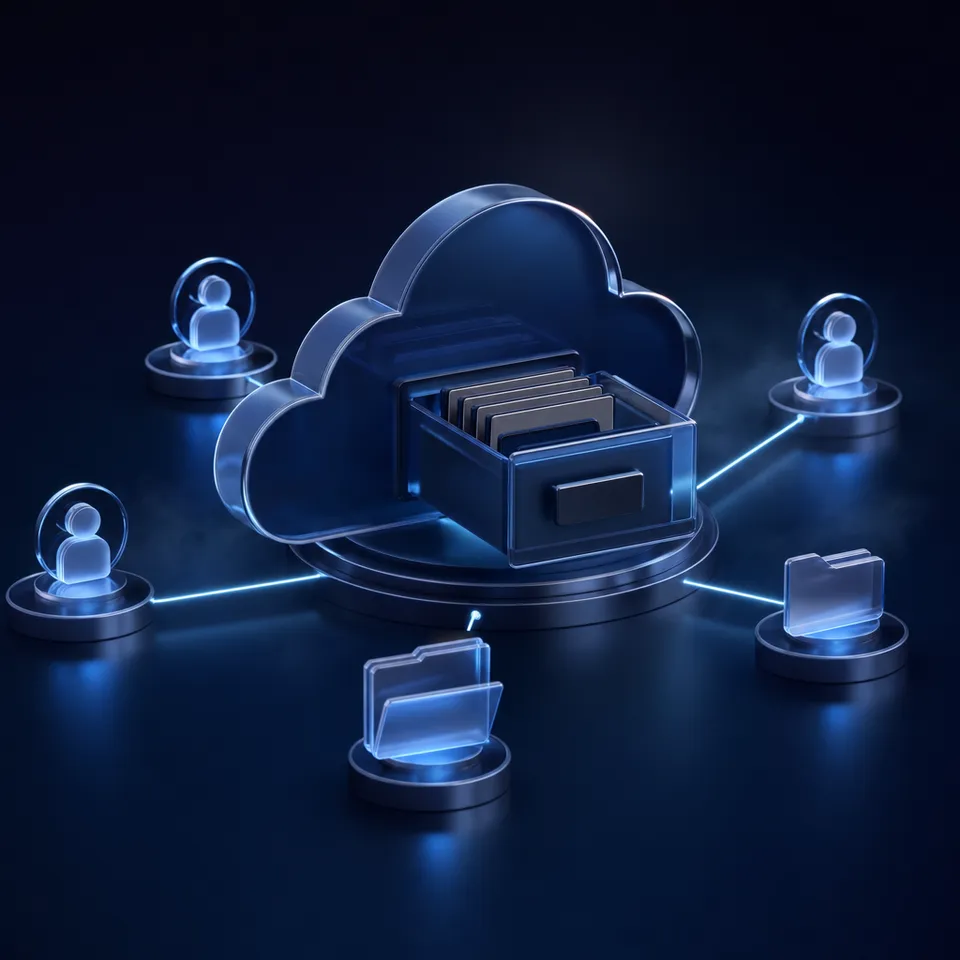
How to Build a Paperless Law Office: The Five-Phase Foundation
When a legal practice attempts to eliminate paper by scanning files directly to local desktop folders, it replicates the disorganization of physical filing cabinets without any structural safeguards. Documents scatter across personal hard drives, unorganized download directories, and unindexed email threads. A paperless law office is a legal practice that captures, stores, processes, and collaborates on all matter documents digitally from intake to archiving, eliminating physical paper dependencies. Achieving this operational shift requires treating document management not as an occasional filing chore, but as a disciplined operational pipeline.
Paper enters a law firm through three primary channels: physical postal mail, client handoffs during initial consultations, and court filings or formal productions from opposing counsel. When a firm lacks an immediate digital intake protocol, paper stacks accumulate on desks, mail stays in sorting trays, and critical case deadlines risk getting buried. Going paperless law firm wide succeeds only when every physical document is digitized, verified, and assigned to a matter workspace immediately upon arrival.
Firms establish a durable paperless law firm setup by moving through five operational phases:
- Intake and hardware deployment: Placing high-speed desktop scanners at primary entry points, including the reception desk, paralegal workstations, and mail processing areas.
- Capture standardization: Enforcing uniform scanning profiles, including 300 DPI resolution, bitonal optical capture, automated deskew, and optical character recognition (OCR) processing.
- Matter workspace structuring: Establishing matter-centric cloud directories with standardized folder structures, consistent file naming conventions, and role-based permissions in legal workspaces.
- Digital client exchange and execution: Replacing physical paper intake packets and wet-ink signatures with branded client upload portals and integrated e-signatures.
- Quality assurance and physical disposition: Auditing scanned files for completeness and legibility before executing shredded document disposition in accordance with firm retention policies.
Many legal practices stumble into the hybrid trap, where staff print digital filings to read them on paper, mark them with pen, and then rescan them. This cycle degrades image quality, creates conflicting versions, and wastes staff hours. A successful transition demands that once a file enters digital storage, it stays digital through every phase of the matter lifecycle.
Related guides
- Client Intake Software for Law Firms: Automating Onboarding & Case FilesClient intake software for law firms automates client screening, conflict verification, and case file creation. While...
- Document Management Software for Attorneys: Workspaces and Active Case FilesDocument management software for attorneys organizes privileged case files, discovery exhibits, and pleadings into...
- Law Firm Cloud Backup: Defensible Data Redundancy and Version ProtectionLaw firm cloud backup protects sensitive matter files, discovery archives, and client records against accidental...
- Lightweight eDiscovery for Small Law FirmsTraditional ediscovery software for small law firms is often too complex and expensive for boutique practices. This...
- How to Set Up Google Drive for Law FirmsEstablishing a structured folder hierarchy in Google Drive is essential for legal compliance and efficient retrieval....
- Top Bankruptcy Software for Lawyers: Form Prep and E-Filing ComparedChoosing the right bankruptcy software for lawyers requires balancing form-filling accuracy against deployment models....
More on this subject: Legal Teams (270 guides)
How to Evaluate Desktop Scanners Versus Production Workhorses
A successful legal document digitization initiative depends on eliminating physical friction at the point of capture. Requiring administrative staff or attorneys to walk down a hallway to a shared multifunction copy machine guarantees that paper will accumulate on desks. Desktop scanners placed within arm reach turn scanning into an immediate, single-step reflex.
When evaluating scanners for legal document digitization, law practices choose between two primary hardware categories: dedicated desktop scanners for daily desk intake and heavy-duty production scanners for centralized record processing.
Desktop Workstation Scanners
Desktop document scanners, such as the Ricoh ScanSnap iX1600, serve individual attorneys, legal assistants, and paralegals handling day-forward records. These units provide a small desktop footprint, optical speeds of 40 to 45 pages per minute (80 to 90 images per minute in duplex), and a 50-sheet automatic document feeder. Touchscreen interfaces allow staff to configure one-touch profiles that scan, run optical character recognition, and output directly into a local processing directory. ScanSnap hardware uses proprietary device drivers rather than traditional TWAIN or ISIS drivers, making them straightforward to deploy across workstations without complex technical configuration.
Production Batch Workhorses
Central mailrooms, high-volume litigation departments, and firms executing large backfile conversion projects require production-grade hardware, such as the Ricoh fi-8170. These machines operate at rated speeds of 70 pages per minute (140 images per minute in duplex) with a 100-sheet automatic document feeder engineered for demanding daily duty cycles. Production scanners include PaperStream IP drivers supporting industry-standard TWAIN and ISIS protocols, which connect directly into centralized document capture applications over wired gigabit Ethernet.
Essential Hardware Capabilities for Legal Scanning
Legal files present unique mechanical challenges, including mixed paper sizes, folded court forms, onion-skin exhibits, and sticky notes. When selecting scanning hardware, verify four mechanical capabilities:
- Ultrasonic Multi-Feed Detection: Acoustic sensors detect when two pages overlap or stick together due to staples, tape, or paper clips, immediately halting the scan to prevent unrecorded pages.
- Active Skew Reduction: Independent mechanical rollers physically align crooked documents before they reach the optical sensors, preventing skewed text that degrades OCR accuracy.
- Dual CIS Optical Sensors: Two contact image sensors capture both sides of a page in a single physical pass, eliminating paper flips and cutting duplex scanning time in half.
- Flatbed Accessory Support: A connected flatbed scanner unit is essential for capturing delicate historical instruments, bound books, passport booklets, or torn original records that cannot feed through an automatic feeder.
What Resolution and Capture Rules Ensure Legible Court Filings
Hardware capture is only the first step in an effective law office scanning workflow. If documents are captured at improper optical settings, the resulting files will either fail court e-filing file size ceilings or produce unreadable text that frustrates optical character recognition engines.
Optical Resolution and Color Depth Guidelines
Legal document scanning requires balancing visual fidelity against file storage overhead:
- 300 DPI Optical Resolution: This setting is the universal standard for legal records. Scanning at 200 DPI causes optical character recognition engines to drop commas, misinterpret periods, and confuse numbers in financial exhibits. Conversely, scanning text documents at 600 DPI increases file size dramatically without improving character recognition rates on standard printed legal filings.
- Bitonal (1-bit Black and White): Standard contracts, court pleadings, and formal correspondence should always be scanned in 1-bit bitonal mode. Bitonal capture keeps typical text pages compact, allowing a 100-page brief to remain well below court e-filing attachment caps. In reviewing courts like the Illinois Supreme Court and Illinois Appellate Courts, the file size limit for electronic filings is 150 MB.
- Grayscale (8-bit): Use grayscale for records containing subtle judicial ink stamps, notary seals, or pencil annotations where binary black-and-white thresholds might drop faint details.
- Full Color (24-bit): Restrict color capture to trial exhibits, property boundaries, accident scene photographs, and medical diagrams. Color files are substantial in size and should be used selectively.
Archival Formats and Batch Document Separation
All legal scans should output directly to PDF/A-1b or PDF/A-2b. The PDF/A format is an ISO-standardized version of PDF designed specifically for long-term document preservation. It guarantees that fonts, color profiles, and layout information remain embedded in the file, ensuring that court filings, agreements, and discovery records remain viewable and printable decades later, regardless of future operating system changes.
To process large stacks of paper efficiently, staff should use barcode separator sheets rather than feeding each document individually. Placing a Patch-T or Code 39 barcode sheet between distinct pleadings allows capture software to automatically split a 200-page feeder batch into separate, discrete PDF files. Configure the capture driver to remove blank pages automatically while applying a conservative file size threshold to avoid deleting pages that contain only a light signature or date stamp.
Optical Character Recognition and Metadata Extraction
Digitized legal documents are practically useless if their contents cannot be searched. Every scanned document must pass through an optical character recognition engine that generates an invisible text layer behind the original scanned image. This text layer enables staff to perform full-text keyword searches across thousands of matter pages in seconds.
Beyond basic keyword searching, modern legal workflows benefit from structured document extraction. Fastio Metadata Views convert unstructured PDF documents, scanned records, and filings into a structured, queryable data grid. Instead of manually reading and retyping docket numbers, contract counterparties, effective dates, and governing law clauses into spreadsheets, teams define typed fields in natural language. Metadata Views parse the matter files directly, populating a sortable spreadsheet view within the workspace. Attorneys and paralegals can instantly group filings by motion type, sort contracts by expiration date, and locate specific case records without manual data entry.


Modernize Your Practice with Paperless Law Office Workspaces
Organize matter files, extract structured metadata, and share documents with clients from a unified paperless law office workspace. Monthly plans start with a 14-day free trial, which requires a credit card.
How to Organize Matter Folders, File Taxonomy, and Access Controls
Even the most rigorous scanning workflow breaks down if staff save files into inconsistent local folders. A paperless law office requires a standardized matter-centric folder taxonomy applied uniformly across all practice groups.
Rather than maintaining a chaotic file server with dozens of top-level departmental directories, law firms organize records around client and matter workspaces using workspace collaboration. A structured hierarchy establishes predictable filing locations so any paralegal or attorney can locate an exhibit or pleading within seconds.
Standardized Matter Folder Structure
Every legal matter workspace should follow a consistent six-folder taxonomy:
- 01_Intake_Engagement: Retainer agreements, conflict check sheets, client identification records, fee agreements, and billing authorization forms.
- 02_Pleadings_Court_Filings: Filed complaints, answers, motions, briefs, judicial orders, hearing notices, and docket records.
- 03_Discovery_Evidentiary_Records: Requests for production, interrogatories, subpoena returns, deposition transcripts, and documentary exhibits.
- 04_Client_Correspondence: Formal letters, status updates, client emails, verified memorandums, and intake question forms.
- 05_Work_Product_Drafts: Internal research outlines, draft arguments, legal strategy memos, and unfiled work product.
- 06_Executed_Agreements: Final settlement releases, executed contracts, stamped court stipulations, and closing binders.
Strict File Naming Syntax
Standardized naming rules prevent files from being lost inside deep subdirectories. Every document must follow a predictable formula:
YYYY-MM-DD_MatterNumber_DocumentType_DescriptiveTitle_v01.pdf
For example:
2026-11-04_M1042_Pleading_Motion-Summary-Judgment_v01.pdf2026-11-04_M1042_Discovery_Plaintiff-Responses-RFP_v02.pdf2026-11-04_M1042_Engagement_Retainer-Agreement-Signed_v01.pdf
Using ISO 8601 date formatting (YYYY-MM-DD) is critical. Unlike dates written as MM-DD-YY or DD-MM-YYYY, ISO dates sort chronologically in alphanumeric file systems, keeping case records in exact chronological sequence.
Role-Based Access Controls and Workspace Governance
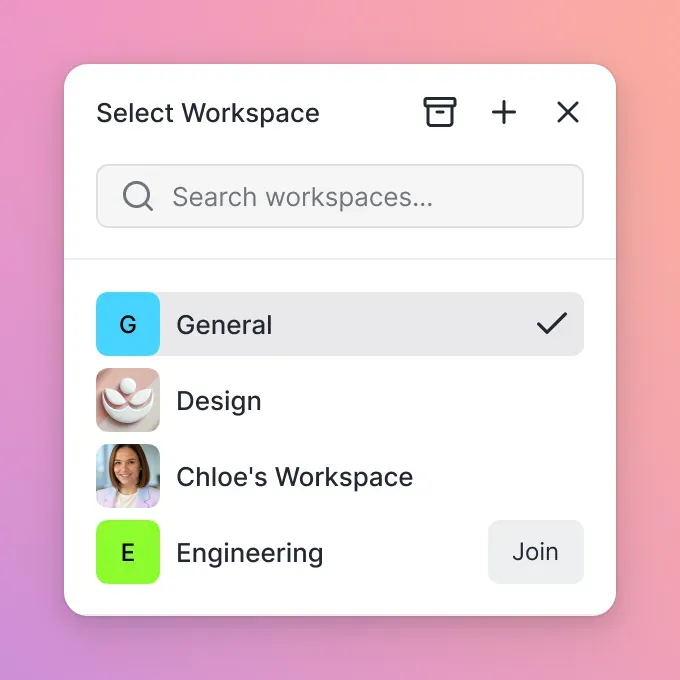
Confidentiality is fundamental to legal operations. In Fastio, permissions are configured per organization, workspace, and share through member roles. Every workspace member accesses the workspace contents according to their designated organizational role. When a firm needs to provide co-counsel, consulting experts, or litigation support vendors access to select case records without exposing the entire matter workspace, staff create a dedicated branded share containing only the relevant discovery documents or exhibits. A share can disable file downloads, allowing third parties to review confidential records in a secure browser viewer without saving local copies.
To coordinate writers when multiple team members work on filings, Fastio provides advisory per-file locks. Team members or automated scripts acquire a lease via MCP actions before editing a brief or motion draft, heartbeat the lock during active edits, and release it when complete. Per-file version history preserves every saved version, allowing teams to review earlier iterations and revert changes whenever necessary.
Law practices transitioning from legacy file storage can use Fastio Cloud Sync to connect Google Drive, Dropbox, Box, and OneDrive folders to a workspace. Sync operates one-way or two-way, on a schedule or on demand. Network scanners that deposit digitized records into local or cloud sync folders can automatically synchronize new files directly into the central matter workspace.
Steps for Secure Client Collection, Digital Signatures, and File Disposition
Eliminating paper inside the office is ineffective if external interactions remain bound to physical paper. If clients must print retainers, sign them with a pen, and mail them back, or bring boxes of paper receipts to the office, the firm remains tethered to physical paper workflows.
Digital Client Intake Portals
Collecting client documents via standard email attachments introduces substantial security risks and operational delays. Email services enforce attachment caps that block large discovery sets, transcripts, and medical records. Unencrypted email attachments leave sensitive client information vulnerable across transit relays.
Law practices eliminate these issues by deploying branded client shares. With Fastio Send, Receive, and Exchange shares, firms send clients a secure web link where they can drag and drop tax documents, financial statements, and medical records directly into the appropriate matter folder. The firm can assign expiring links and access passcodes for sensitive records, removing the need for clients to install software or create guest user accounts.
Integrated E-Signatures for Matter Workflows
Physical retainer agreements, declarations, and medical authorizations slow matter onboarding when processed on paper. Fastio e-signature allows legal practices to send documents for signature directly from the matter workspace.
Firms configure signers in sequential or parallel order, with optional one-time passcodes per signer to confirm identity. Once all parties complete execution, the system generates a tamper-evident audit certificate and files the executed PDF directly back into the matter workspace, eliminating the manual task of downloading signed documents from an external e-signature service and refiling them.
The Day-Forward Policy and Physical Document Disposition
One of the most frequent reasons law firm digitization initiatives stall is the perceived burden of scanning decades of archived paper files. Successful firms adopt a strict day-forward policy: from an established launch date, all incoming paper is digitized immediately, and no new physical matter folders are opened.
Backfile digitization should be approached selectively. Active matters are scanned first, while closed archival matters remain in secure physical storage until their scheduled retention period expires.
Before shredding any scanned physical paper, staff must follow a disciplined quality control verification protocol:
- Confirm the total page count of the digital PDF matches the physical document stack.
- Review pages for folded corners, sticky notes, or obscured lines of text.
- Verify that the OCR text layer is searchable and characters render cleanly.
- Confirm that the digital file is correctly classified and stored in the designated matter workspace.
Certain legal documents must never be destroyed. Original wills, codicils, negotiable instruments, deeds with original wet-ink signatures, and records bearing raised physical court seals or notarizations must remain in physical custody. Always check with your firm's own counsel, state bar ethics opinions, and records retention policy before destroying any physical documents. Retain original physical records in a secure, fireproof filing cabinet or return them directly to the client with a written acknowledgment of receipt.
Sources
References used to verify factual claims in this guide.
-
In reviewing courts like the Illinois Supreme Court and Illinois Appellate Courts, the file size limit for electronic filings is 150 MB.
Frequently Asked Questions
How do I start a paperless law office?
Start by adopting a strict day-forward policy rather than attempting to digitize decades of archived files at once. Deploy high-speed desktop scanners at primary intake points, establish standardized scanning profiles at 300 DPI bitonal, enforce a rigid six-folder matter taxonomy, and replace paper retainers with digital client intake shares and integrated e-signatures.
What scanner is best for a paperless law practice?
For individual attorney desks and paralegal intake, the Ricoh ScanSnap iX1600 provides fast 40 to 45 page-per-minute capture with user-friendly touchscreen profiles. For central records rooms, litigation discovery, and high-volume batch scanning, the Ricoh fi-8170 delivers production durability, 70 page-per-minute speeds, and TWAIN/ISIS driver compatibility.
How long must law firms keep physical documents after scanning?
Document retention rules vary by jurisdiction, practice area, and document classification. Routine court pleadings and correspondence can often be securely shredded once digitized and verified, but original wills, negotiable instruments, wet-ink deeds, and documents with physical court seals must be preserved physically. Check with your firm's own counsel, state bar ethics opinions, and records policy before destroying physical records.
How do you organize a paperless legal file?
Organize paperless files around client and matter workspaces using a standardized six-folder taxonomy: Intake and Engagement, Pleadings and Court Filings, Discovery and Evidentiary Records, Client Correspondence, Work Product Drafts, and Executed Agreements. Enforce ISO 8601 date formatting (YYYY-MM-DD) across all filenames to maintain automatic chronological sorting.
What scan resolution and color settings produce the best legal OCR results?
Use 300 DPI optical resolution in 1-bit bitonal (black and white) mode for standard legal briefs, contracts, and court filings. This combination produces optimal OCR character recognition while keeping file sizes compact. Reserve 8-bit grayscale for documents with faint stamps and 24-bit color for trial exhibits.
How should law firms handle physical documents that cannot be destroyed?
Documents requiring permanent physical retention, such as original wills, physical deeds, and contracts with unique evidentiary value, should be digitized for daily reference and indexed with a physical location barcode. Store the physical originals in a climate-controlled, fireproof vault or return them directly to the client with a formal written receipt.
Related Resources

Modernize Your Practice with Paperless Law Office Workspaces
Organize matter files, extract structured metadata, and share documents with clients from a unified paperless law office workspace. Monthly plans start with a 14-day free trial, which requires a credit card.