How to Set Up AI Agent Workspaces for Manufacturing
Manufacturing AI agent workspaces integrate production data, simulations, and collaboration into shared environments. AI agents and human teams access the same files, with automatic versioning and real-time sharing to prevent data silos. They address manufacturing challenges like supply chain tracking and quality documentation. Fastio plans start at $29/month with 5 seats and 1 TB of storage, and expose 19 MCP tools with built-in RAG for querying production files.
What Is a Manufacturing AI Agent Workspace?
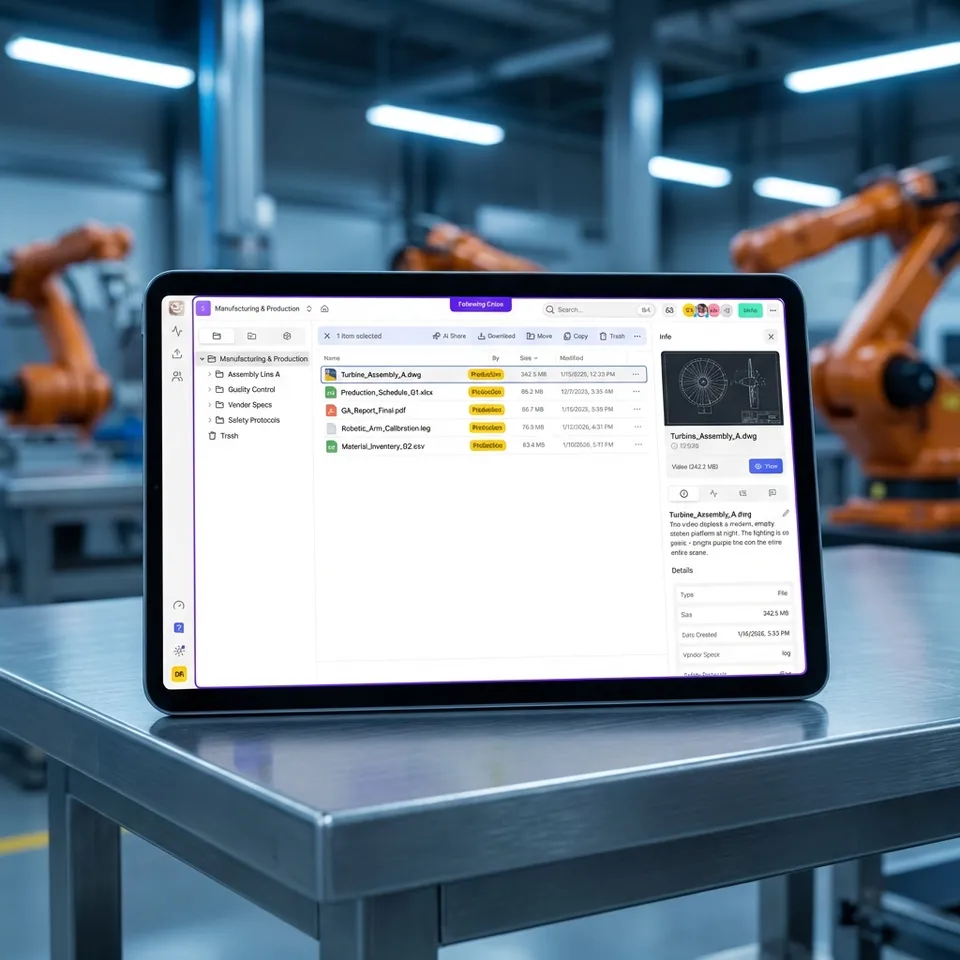
A manufacturing AI agent workspace is a shared digital environment where AI agents process production data, run simulations, and collaborate with human teams on files like CAD designs, quality reports, and supply chain documents.
Unlike traditional storage, these workspaces offer persistent versioning and file locks for multi-agent access. They include intelligence features like semantic search. Agents use MCP tools to upload analysis results, while humans review via web previews.
In practice, an AI agent pulls supplier specs via URL import, analyzes for compliance, and shares versioned outputs. This setup reduces manual data handling by centralizing everything in one place.
Helpful references: Fastio Workspaces, Fastio Collaboration, and Fastio AI.

Why Manufacturing Teams Use AI Agent Workspaces
Manufacturing faces data overload from IoT sensors, supplier updates, and design iterations. Traditional folders lead to version conflicts and lost history during audits. Engineers waste hours searching for the latest CAD revision or quality report, often resorting to email chains that create duplicate files and confusion.
AI agent workspaces solve this with automatic file versioning and sharing. For example, production teams track changes in quality control docs without email chains. Supply chain agents monitor inventory files and alert on discrepancies. Instead of checking multiple systems manually, teams query a single workspace using natural language.
Fastio workspaces support unlimited guests for vendors and audit logs for compliance. They show real-time presence so engineers see when agents update simulations. The platform handles large files per upload, with unlimited version history retention. This means every design iteration, supplier quote, and quality inspection gets preserved automatically.
The AI in manufacturing market could deliver $multiple.multiple trillion in value by multiple (McKinsey). Over three-quarters of factories are now adopting multi-agent systems (Deloitte). Fastio workspaces enable teams to use these gains with persistent storage and collaboration tools tailored for production environments.
Key pain points these workspaces address include disconnected systems across ERP, MES, and PLM software. When AI agents work in a unified workspace, they can bridge these gaps without expensive middleware. Production planners get a single source of truth. Quality teams stop chasing documents. Procurement makes decisions faster with versioned supplier quotes.

Key Features for Manufacturing AI Agents
Manufacturing AI agent workspaces come with features built for production workflows.
Persistent Storage and Versioning: Store CAD files (like STEP or IGES from SolidWorks), FEA simulations, and BOM spreadsheets with complete version history. Agents generate new versions automatically without overwriting originals. Rollback to prior versions during quality audits or design disputes, maintaining traceability for recognised compliance standards.
19 MCP Tools: Access every UI capability via Streamable HTTP or SSE, including chunked uploads, previews for CAD/STP files, and semantic search. No custom code needed - tools mirror human workflows for uploads, locks, shares, and RAG queries. Supports any LLM from Claude to local models.
Intelligence Mode: Toggle per workspace for automatic RAG indexing. Query natural language like "show supply chain delays from last quarter" or "flagged quality issues in batch multiple" to get cited answers from Excel, PDFs, and sensor logs. No separate vector DB required - files are indexed on upload.
File Locks and Webhooks: Acquire locks during agent writes to coordinate multi-agent access, preventing race conditions in shared BOMs. Webhooks notify on uploads/changes, triggering re-analysis or alerts without polling - ideal for just-in-time inventory agents.
Ownership Transfer: Agents create orgs, workspaces, and branded vendor portals, then transfer ownership to humans. Retain admin access for ongoing support, enabling smooth handoffs from AI prototyping to production teams.


Ready for Manufacturing AI Agent Workspaces?
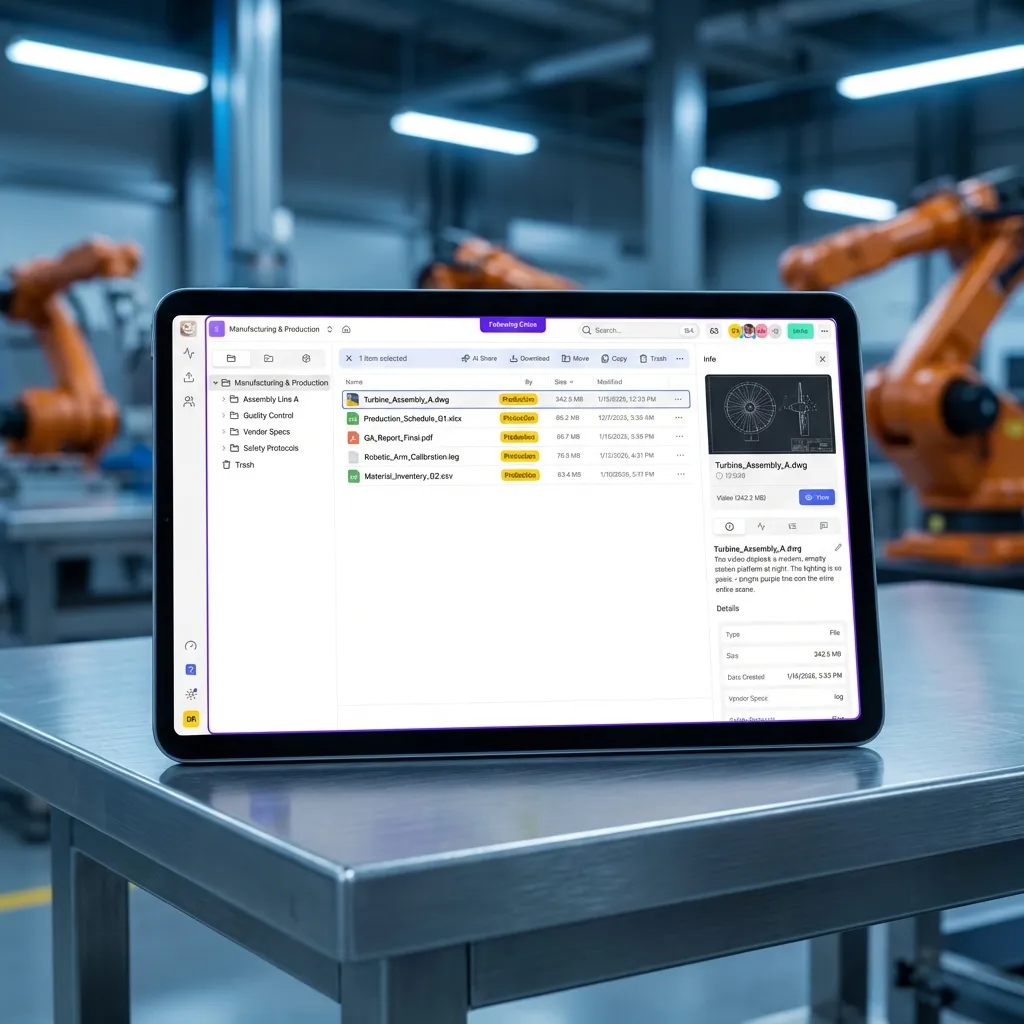
Plan-included storage, monthly credits, and 19 consolidated tools. Start with a 14-day trial. Agents and teams can collaborate.
Step-by-Step Setup for Manufacturing AI Agent Workspace
Setting up takes minutes.
Sign Up: Head to fast.io/pricing and create an account. Creating an account is free, but running work requires an organization on a 14-day trial or a paid subscription, and starting a trial requires a credit card. Starter is $29/month with 5 seats, 1 TB of storage, and 300,000 monthly credits. Agents register independently.
Create Workspace: Click 'New Workspace', name it descriptively like 'SupplyChain-Q1' or 'Production-LineA-QC'. Set visibility: org-wide for internal use or invite-only for vendors/suppliers.
Enable Intelligence Mode: Workspace settings, Toggle 'Intelligence Mode' on. New uploads auto-index for semantic search and RAG queries - no vector DB setup needed.
Import Data: Use 'URL Import' for supplier files from Google Drive, OneDrive, Box, or Dropbox via OAuth. Agents perform imports server-side without local downloads.
Connect Agents: For OpenClaw: clawhub install dbalve/fast-io (19 tools, zero-config). For full suite: connect to mcp.fast.io (19 tools via HTTP/SSE). Agents authenticate and join as collaborators.
Configure Permissions and Locks: Roles: agents 'Editor', vendors 'Viewer'. Enable file locks on shared BOMs/CAD to prevent concurrent edits.
Test by chatting: 'Summarize the Q1 supplier spec sheet' - receive cited insights instantly.
Supply Chain and Production Use Cases
Supply Chain AI Agent Files: Agents ingest Excel/CSV inventories via URL import, run forecasts to flag low stock/delays, generate PO drafts. Share versioned outputs via branded portals; humans comment on rows in real-time. Webhooks trigger alerts, cutting stockouts. Teams report multiple% less manual review, onboarding suppliers in hours not days.
A practical example: A procurement agent pulls vendor spreadsheets from Google Drive weekly, compares pricing across sheets, and generates a recommendation memo. When a supplier updates their quote, a webhook triggers re-analysis. The versioned history shows exactly when prices changed and why.
Construction AI Agent Storage (related): Store IFC/DWG blueprints with previews. Agents run clash detection, annotate, share diffs. Resolve RFIs collaboratively. Structural engineers upload revised drawings; agents automatically check against site photos and flag discrepancies. This accelerates review cycles from days to hours.
Quality Control: Process inspection images and videos, extracting defect information, dimensions, and timestamps. Archive with metadata for PLM integration, closing feedback loops between production and design teams. Agents can classify defects by type and severity, routing issues to appropriate engineers automatically.
Production Planning: AI agents analyze historical production data to identify bottlenecks. They pull shift schedules from Excel, cross-reference with equipment maintenance logs, and generate optimized production schedules. When machine downtime occurs, agents automatically notify affected teams and suggest alternative production sequences.
Inventory Management: Agents monitor inventory levels across multiple warehouses, predicting stockouts before they happen. They analyze seasonal demand patterns and supplier lead times to recommend reorder points. Integration with webhooks enables automatic purchase order generation when thresholds are crossed.
Best Practices and Common Pitfalls
Start Small: Begin with one folder (e.g., Q1 specs) to validate RAG accuracy on your data. Query sample questions to tune prompts.
use Webhooks: Set up notifications for uploads/changes. Trigger agent re-analysis or ERP syncs automatically - no polling.
Manage Indexing: Disable Intelligence for massive raw logs (sensor data). Re-enable for searchable docs/reports.
Multi-Agent Safety: Always acquire locks before writes on shared files like BOMs. Release post-analysis.
Credit Optimization: Track usage. Storage and seats come with the plan, while credits meter AI work such as ingestion, chat, and agent runs. AI tokens run about 1 credit per 100 tokens, and extra credits cost $10 per 100,000. Starter's monthly allowance covers pilot workflows, so scale the plan as your agent volume grows.
Runbook Creation: Document your setup in README.md - include agent prompts, webhook URLs, lock protocols. Version the runbook itself for consistency.
Troubleshooting Common Issues
RAG Returns Irrelevant Results: Check file quality (OCR PDFs). Scope queries to folders. Retest with exact phrases from docs. If results remain poor, try enabling Intelligence Mode again after ensuring files are in supported formats like PDF, DOCX, or XLSX. Avoid querying scanned images without text extraction.
Upload Failures on Large CAD: Use chunked MCP uploads and compress non-lossy where possible. For files above your plan's maximum size, split them into parts, upload separately, then tell the agents which parts to reassemble. Check network stability during upload.
Agent Permission Errors: Regenerate keys, verify 'Editor' role. Check workspace invites. Ensure the agent account has accepted the workspace invitation. Verify that the API key has not expired or been revoked.
Credit Depletion: Monitor dashboard. Batch operations, use local caching for previews. Set up budget alerts in workspace settings. Consider upgrading to a paid tier if your pilot scales beyond Trial limits.
Multi-Agent Conflicts: Mandate locks for writes. Use webhooks to sequence tasks. Designate a coordination agent that manages lock acquisition across worker agents. Document lock timeout periods to prevent deadlocks.
Frequently Asked Questions
What storage solutions do AI agents use in manufacturing?
AI agents in manufacturing use persistent workspaces like Fastio, which pair plan-included storage with versioning and RAG. This beats ephemeral APIs by keeping files organized and shareable.
How do you set up a manufacturing agent workspace?
Sign up at Fastio, start a trial, create a workspace, enable Intelligence Mode, import files, then connect via MCP or OpenClaw. Agents then manage supply chain docs natively.
Can AI agents handle supply chain files?
Yes, with URL import, webhooks, and file locks. Agents pull from external sources, analyze, and share versioned outputs with teams.
What makes Fastio suitable for manufacturing AI?
Its MCP tools mirror the UI, it has built-in RAG for querying production data, and ownership transfer makes agent-to-human handoffs clean.
How does versioning work in AI workspaces?
Every change creates a new version automatically. Audit logs track agent actions for compliance.
What CAD formats does Fastio preview for manufacturing agents?
Native browser previews for STEP, IGES, STL, OBJ, DWG excerpts. Agents process via MCP for analysis without downloads.
How to connect Fastio to ERP like SAP or Oracle?
Webhooks for events, MCP tools for pulls and pushes. Agents bridge gaps - no custom middleware.
Can multiple agents work on the same supply chain file?
Yes, with file locks for writes. Versioning captures all changes; RAG queries across versions.
What plan suits a manufacturing pilot?
Starter, at $29/month, includes 5 seats, 1 TB of storage, and 300,000 credits a month. That is usually enough for a small pilot fleet of agents before you move up to Business.
Related Resources

Ready for Manufacturing AI Agent Workspaces?
Plan-included storage, monthly credits, and 19 consolidated tools. Start with a 14-day trial. Agents and teams can collaborate.